Keep what's yours.
Plain-language guides to stopping password stealers, wallet drainers, fake downloads and remote access scams. Easy enough for anyone, with the details power users want.
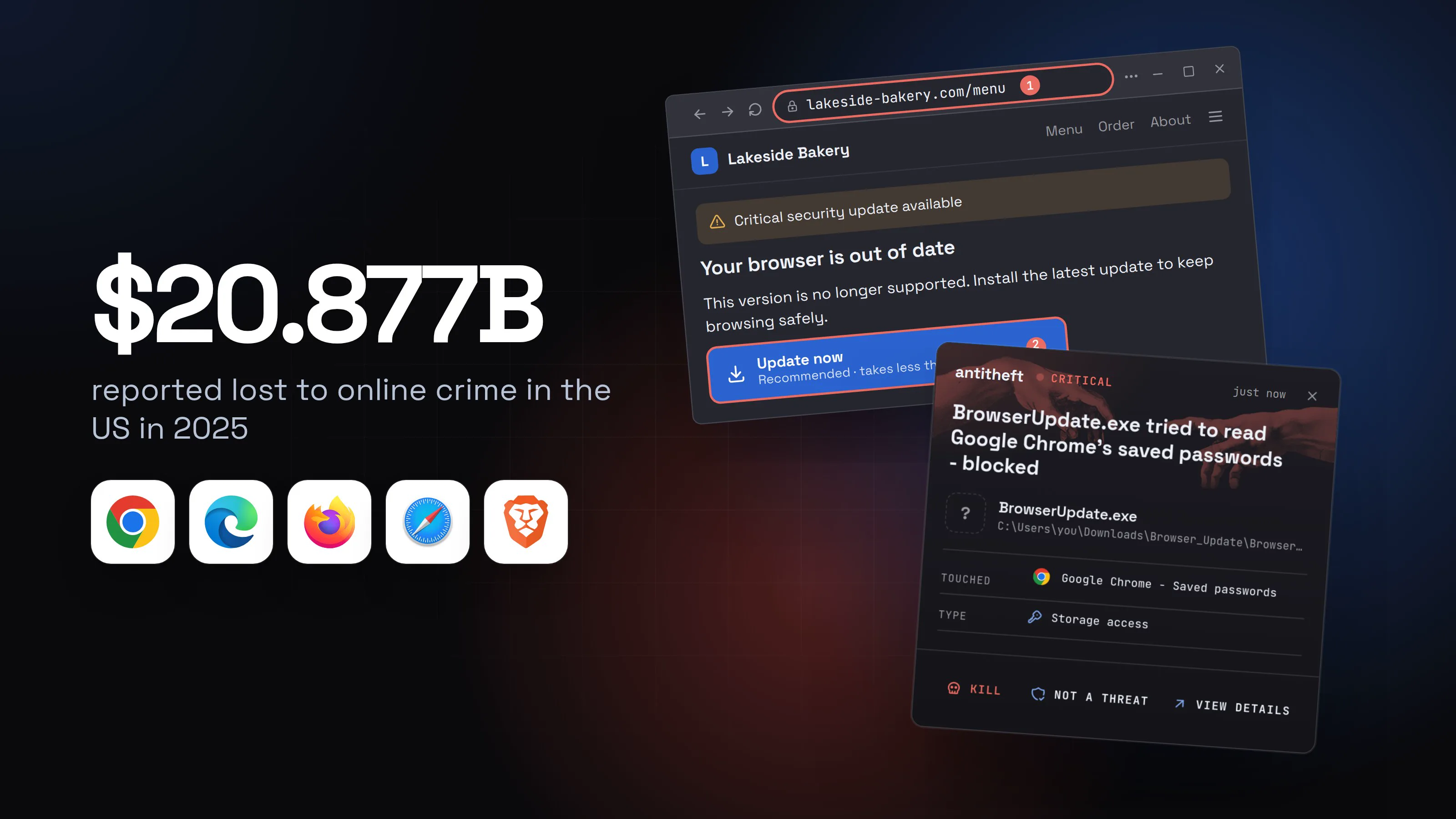
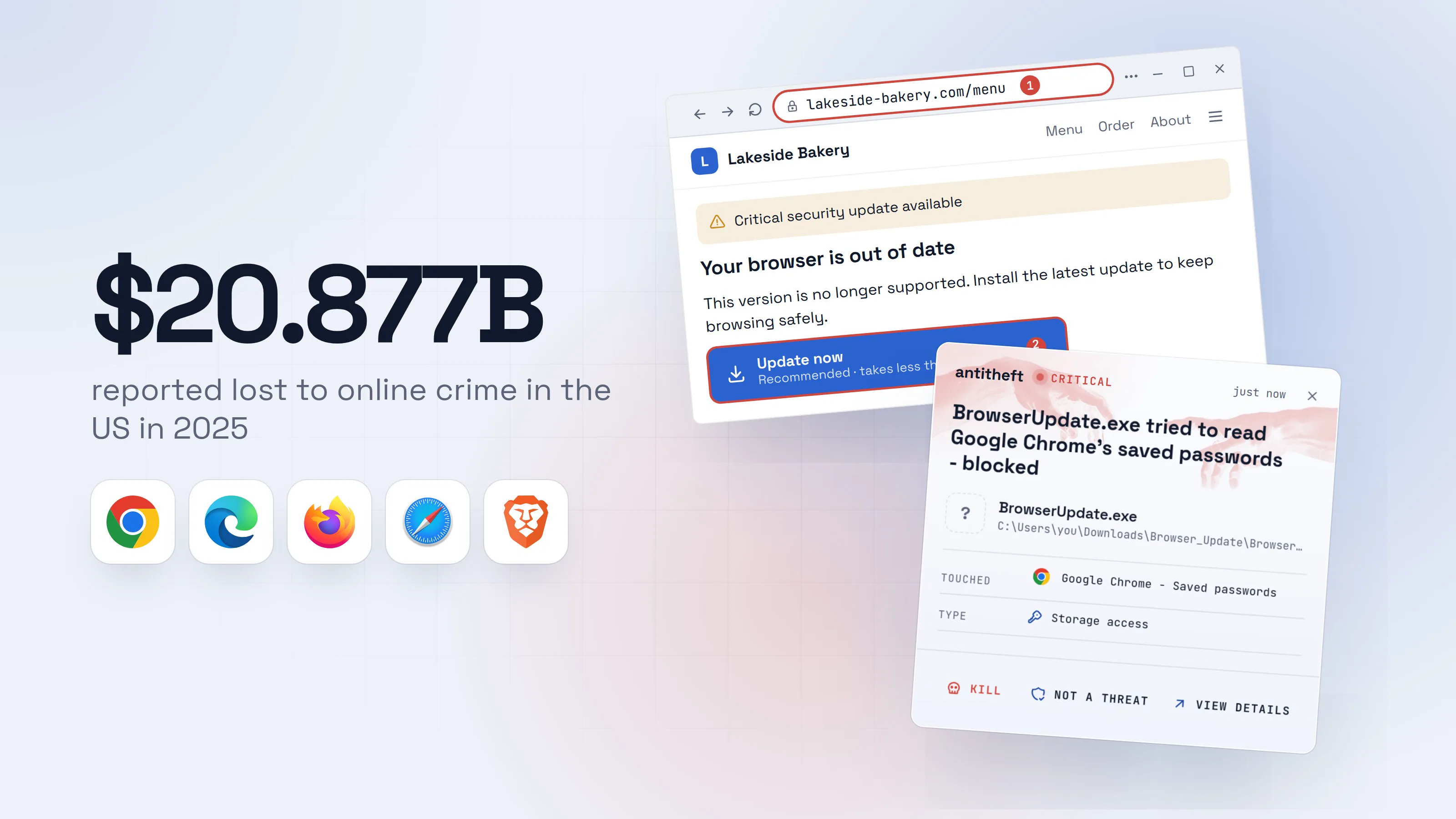
Fake browser update: how to spot it before it steals
A page says your browser is out of date and offers an update. That download is a stealer. Here is how to spot a fake browser update and update safely instead.
What to do if your passwords were stolen by malware
What to do if your passwords were stolen by malware: from a clean device, secure email, bank, sessions and 2FA, then freeze your credit and report it.
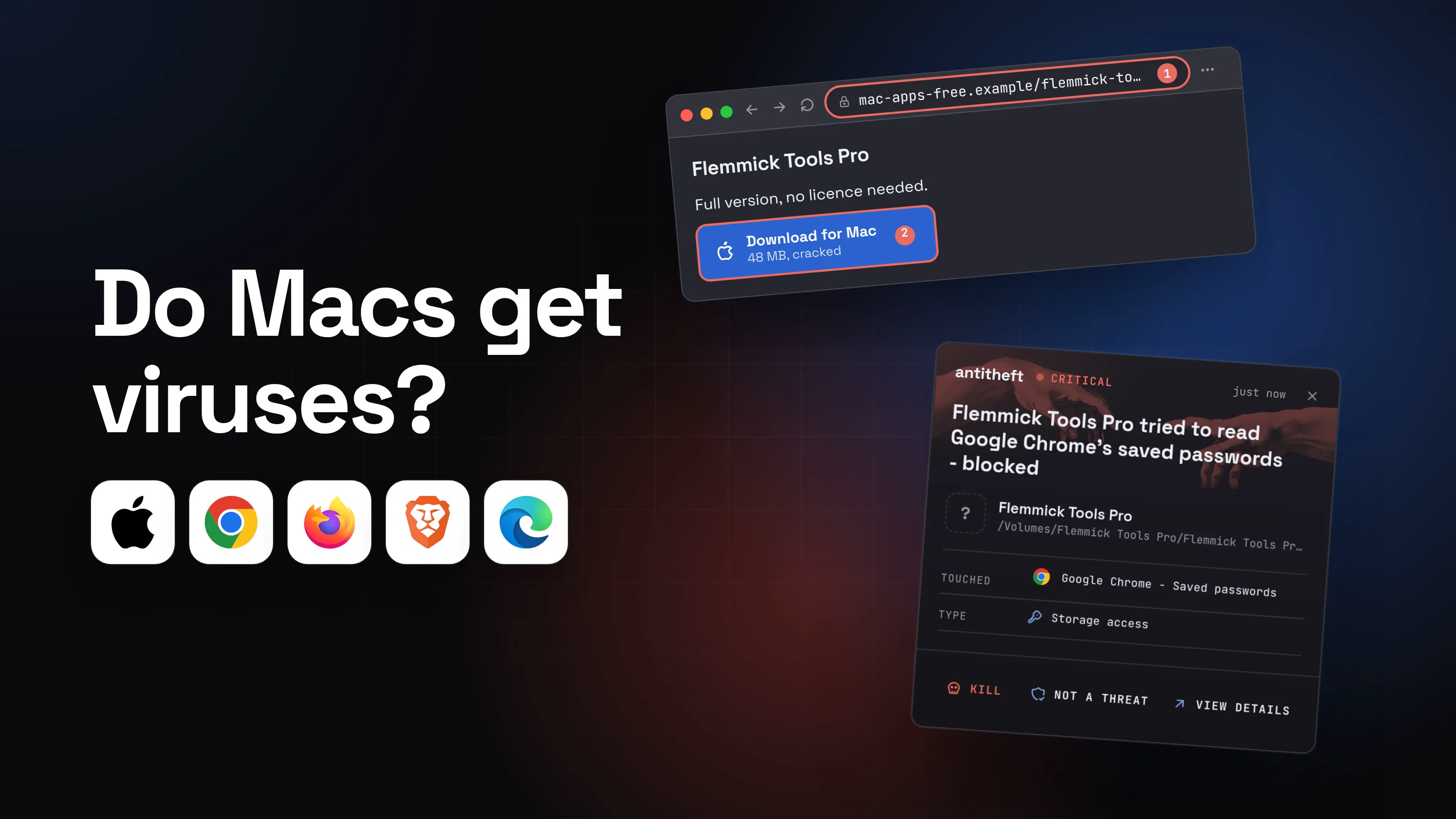
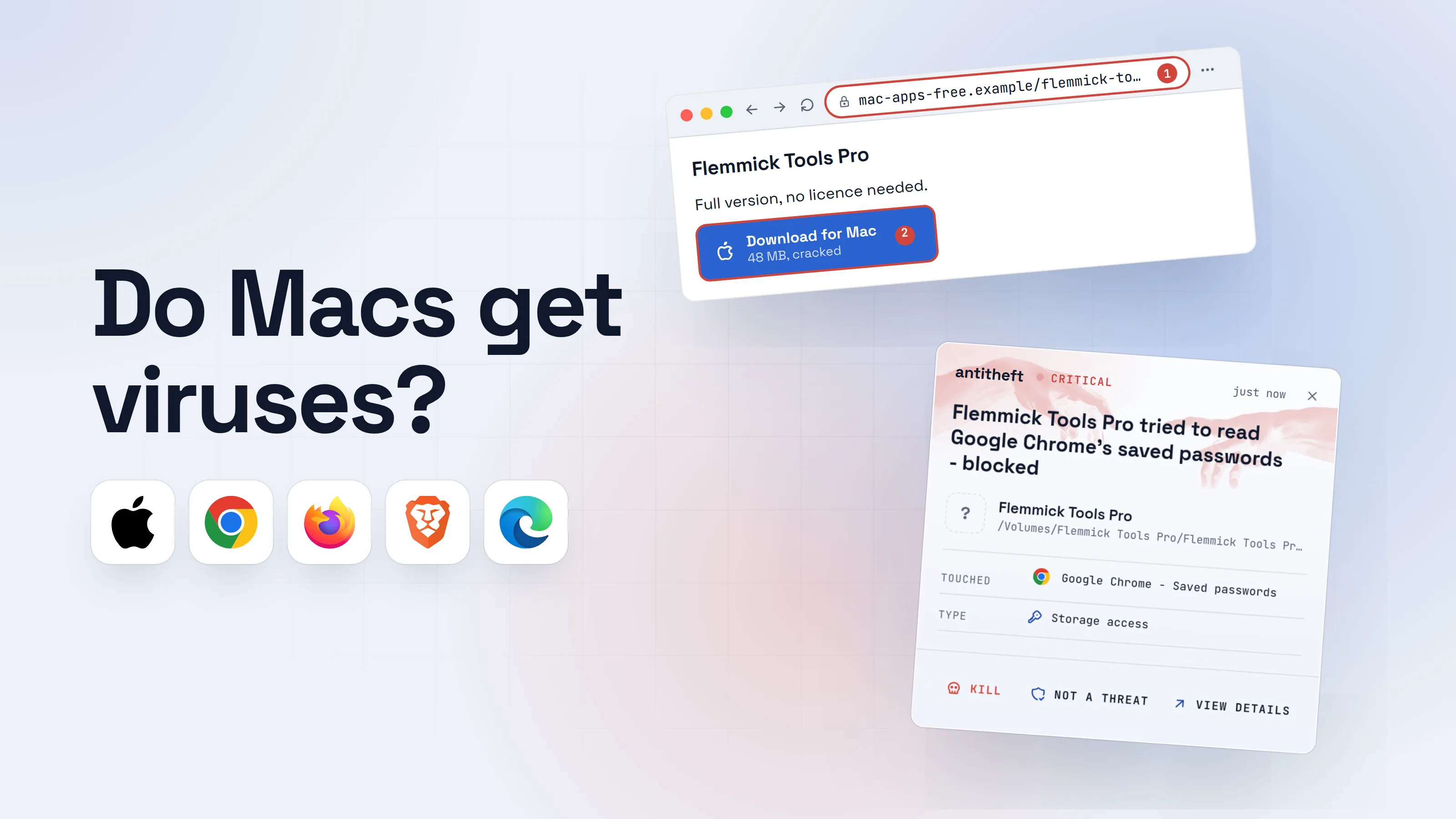
Do Macs get viruses? What Apple stops and what it misses
Do Macs get viruses? Yes. See what XProtect and Gatekeeper stop, how Mac stealers still get in, and whether you need antivirus on a Mac.
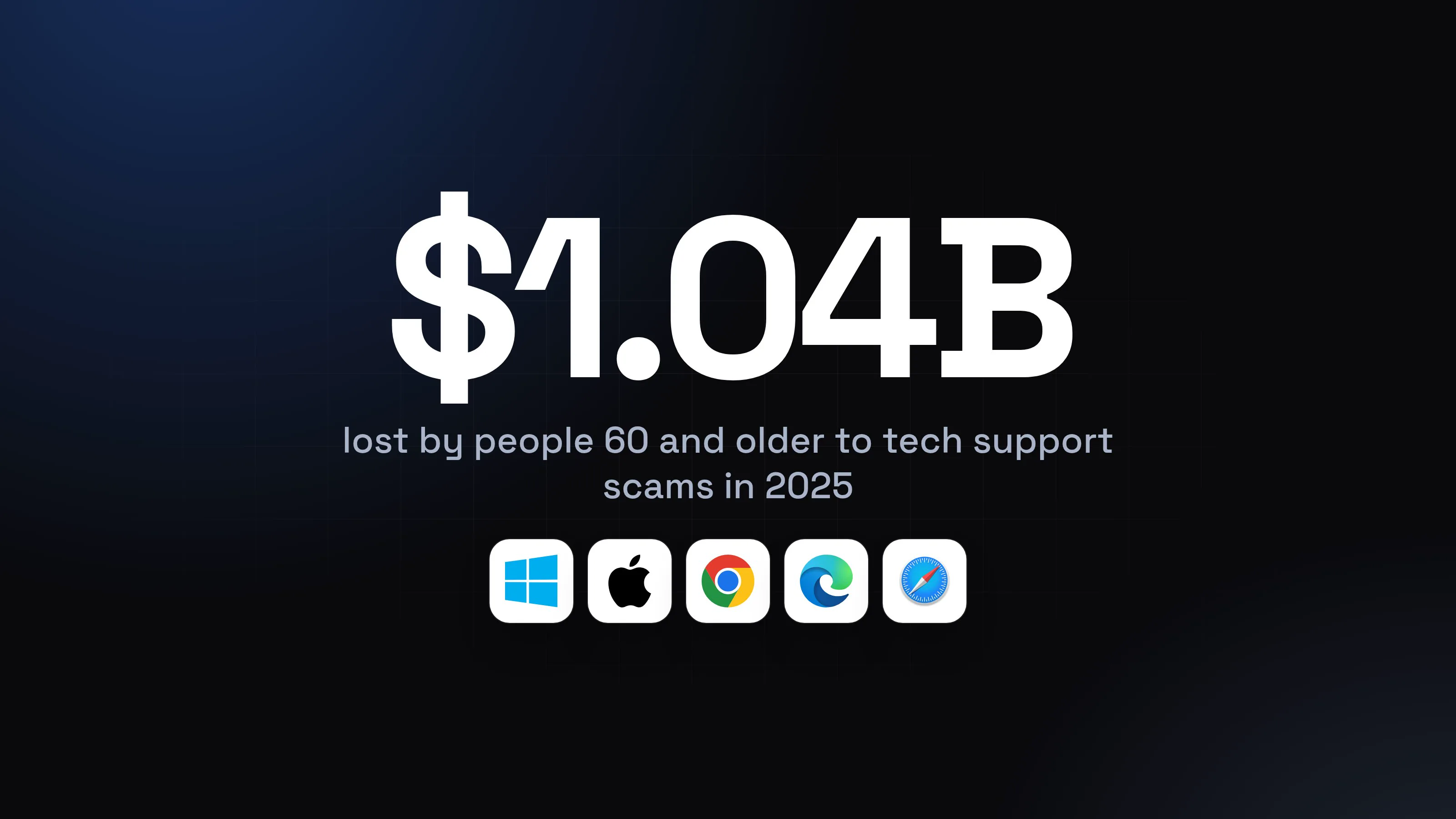
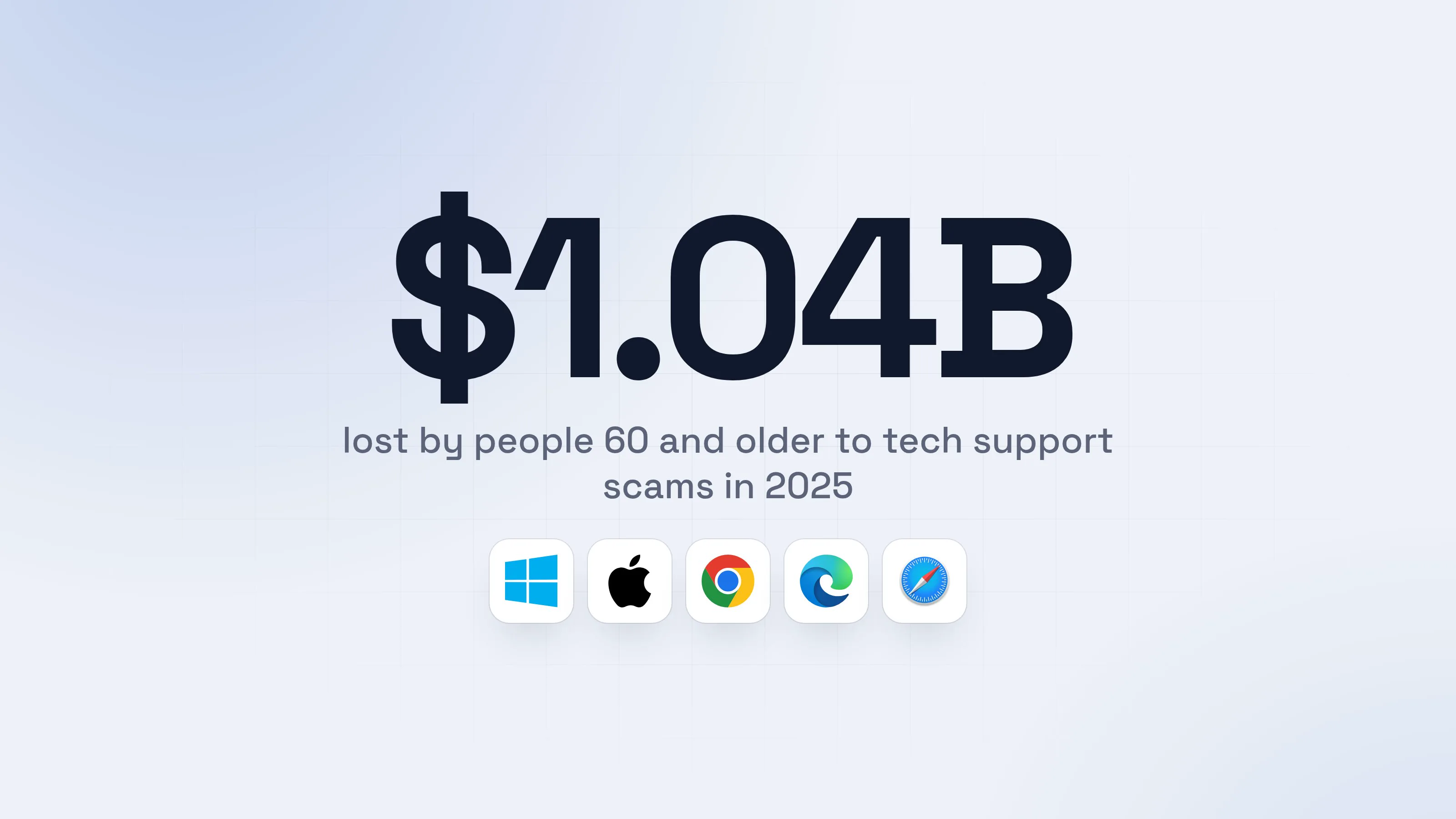
Tech support scam: how it works and what to do after
A tech support scam starts with a fake virus pop-up and a phone number. See how the call, the remote tool and the fake refund work, and what to do next.
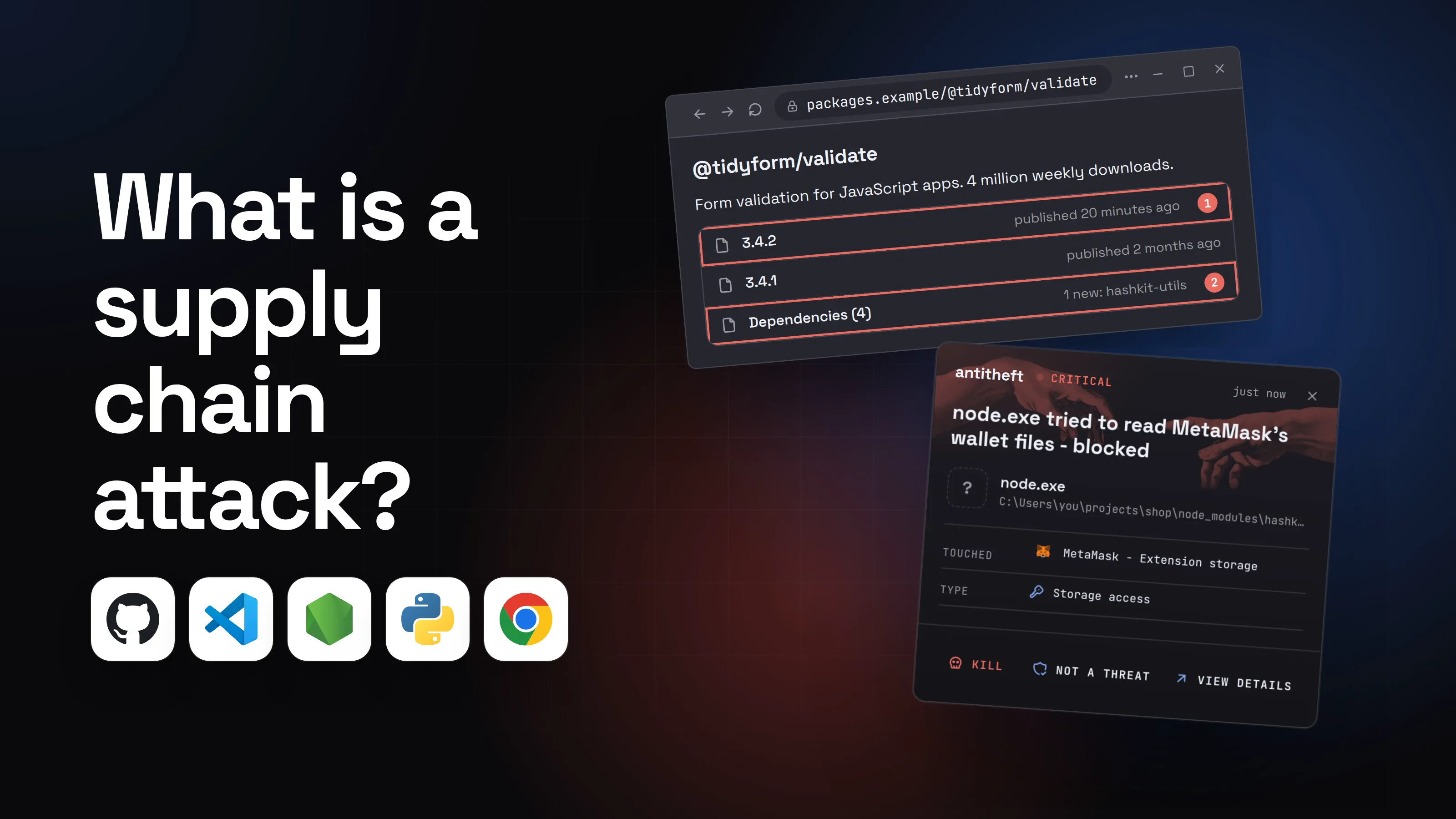
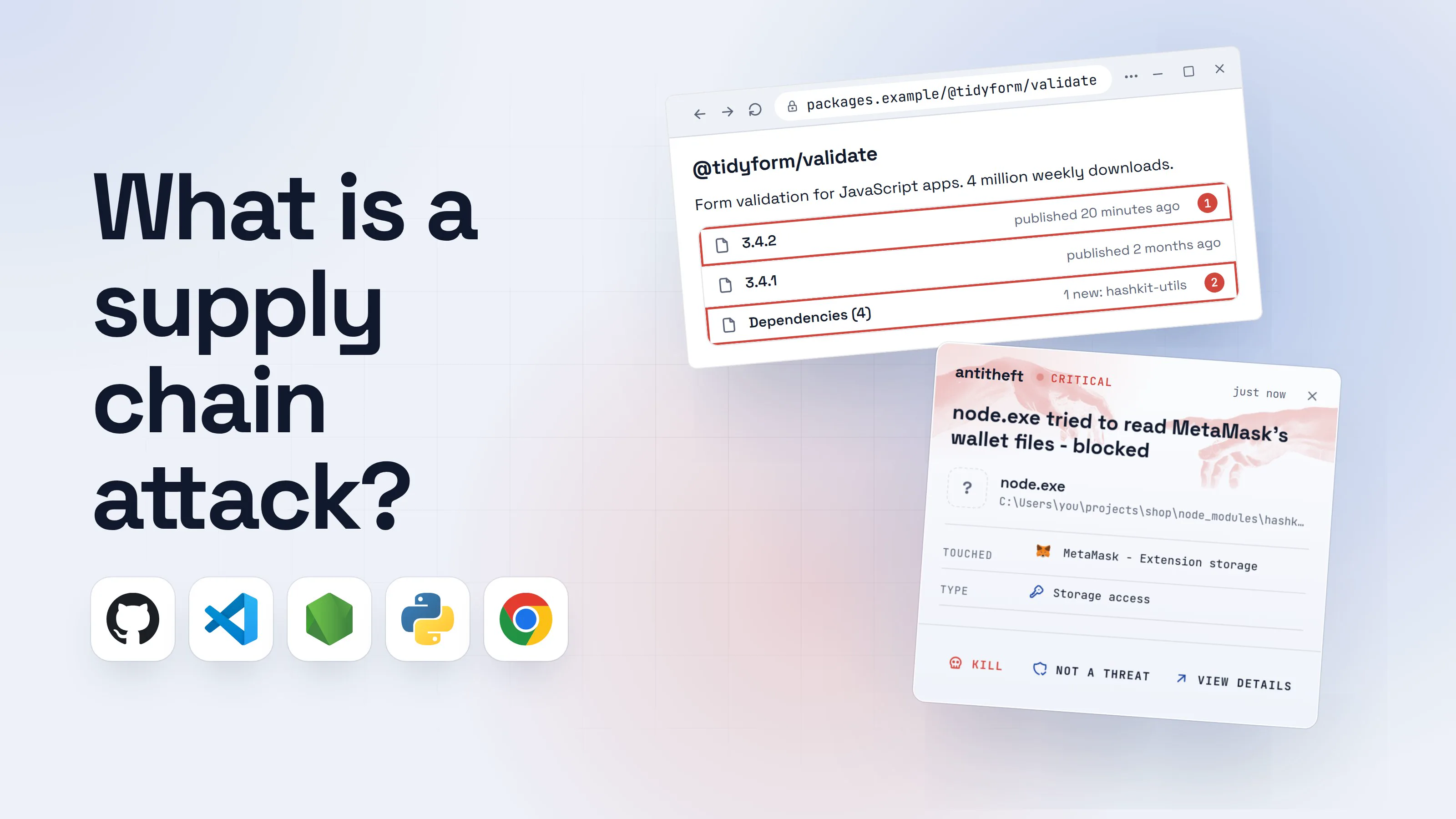
Supply chain attack: what it is and how to protect yourself
A supply chain attack hides malware in software you already trust: packages, extensions, updates. The six ways in, 2026 examples, and how to protect yourself.
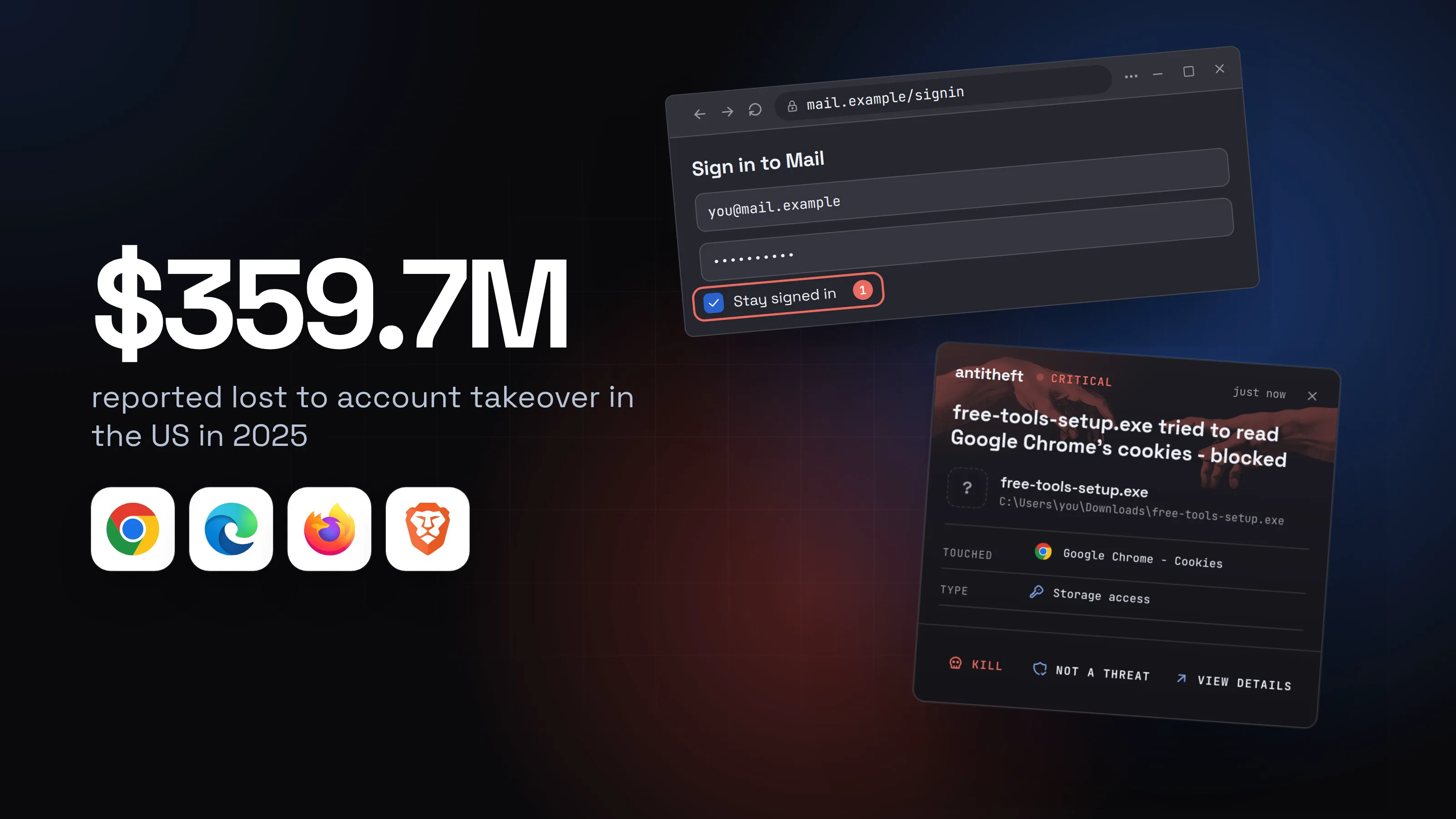
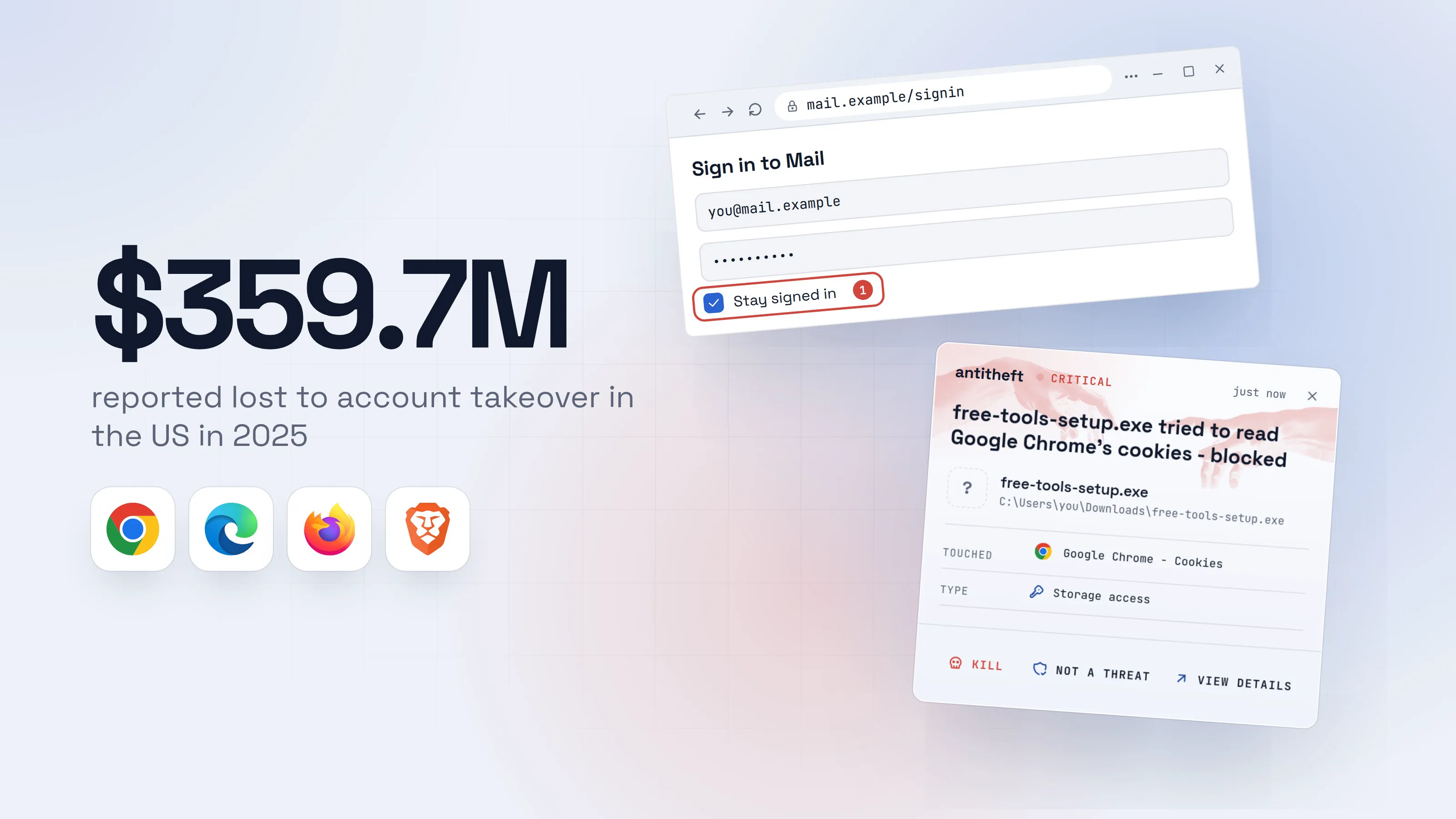
Can hackers bypass 2FA with stolen cookies? How to stop it
Can hackers bypass 2FA with stolen cookies? Yes: the thief arrives logged in. How to spot a hijacked session, sign out everywhere and lock it down.
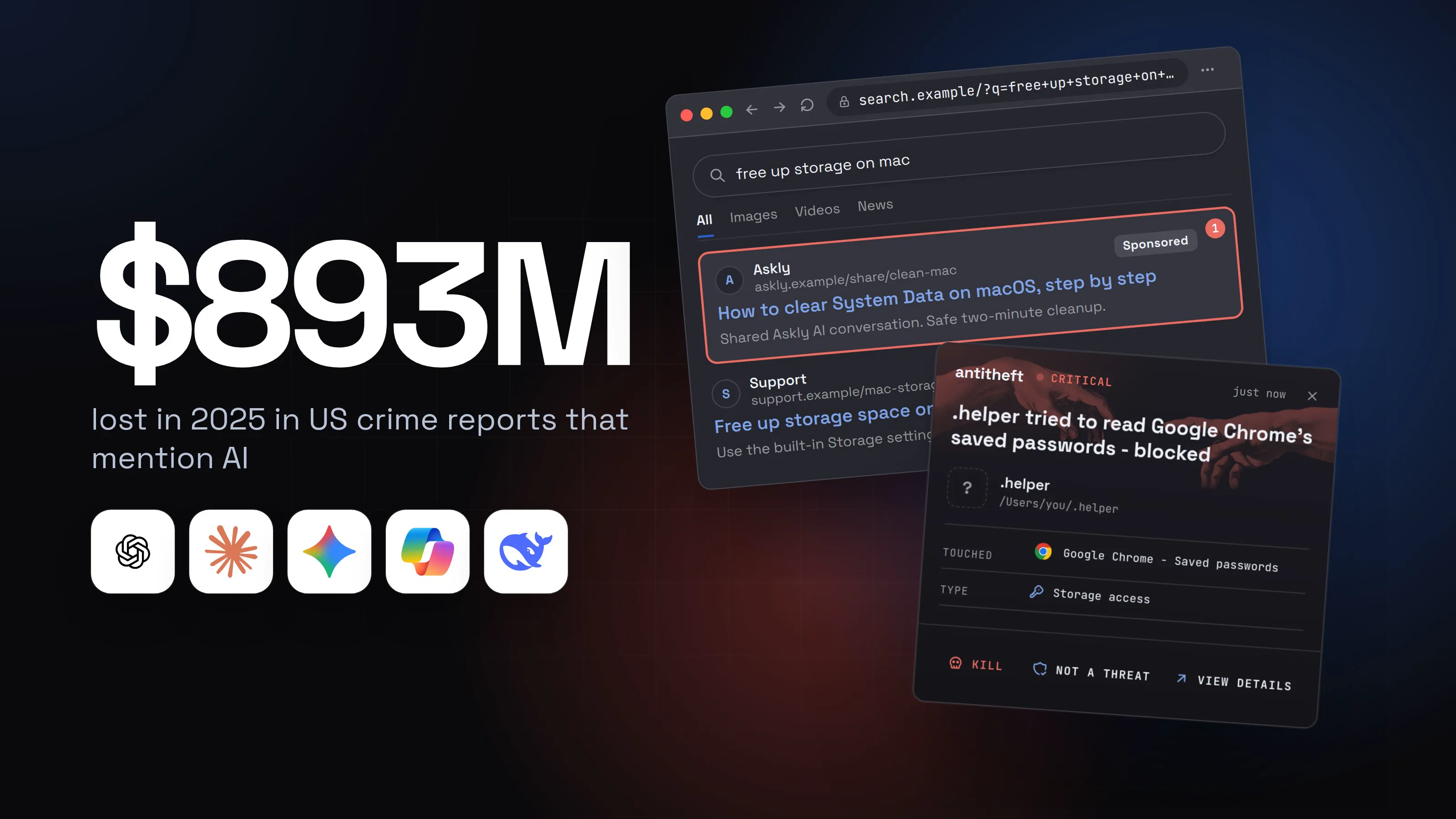
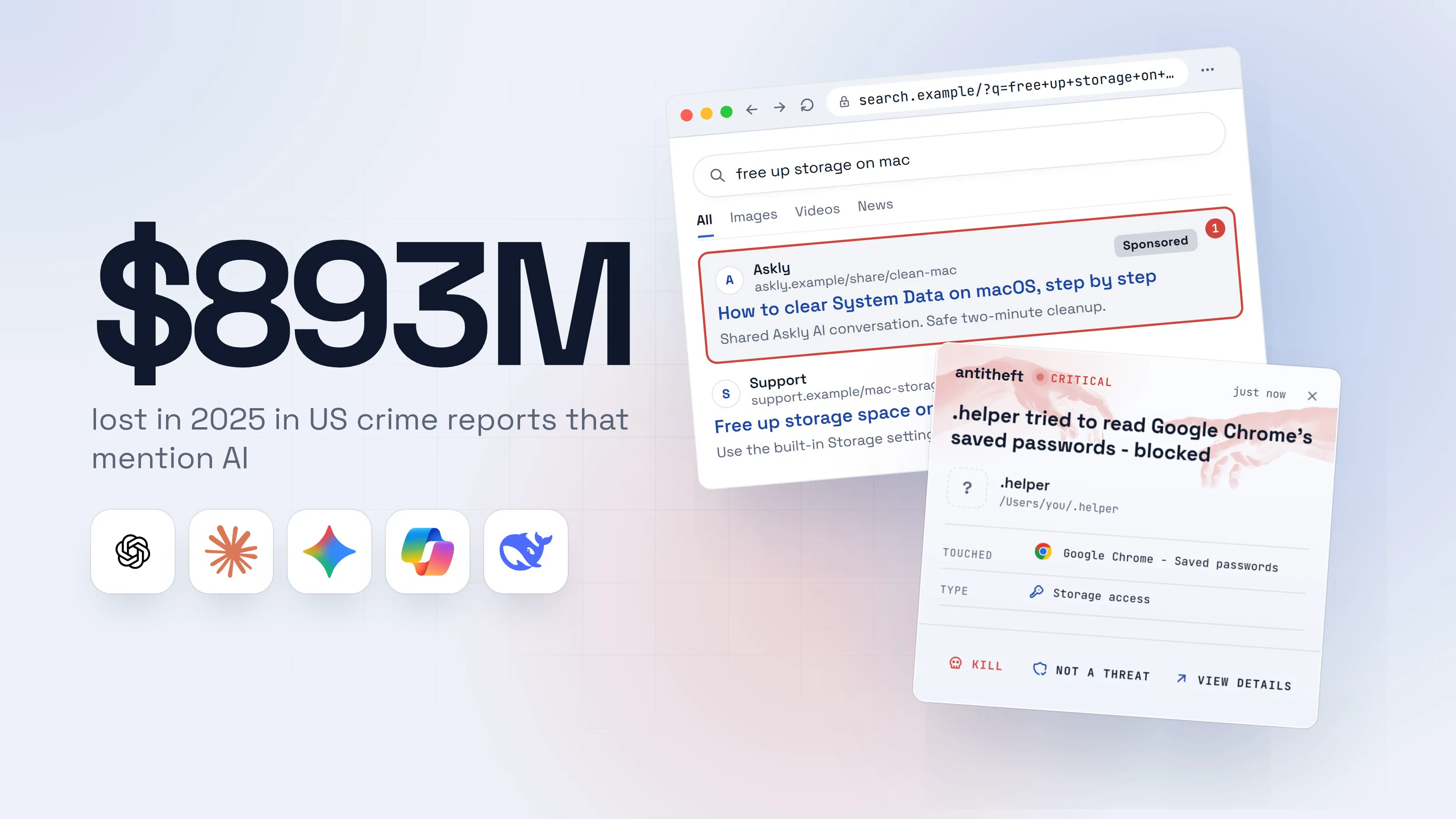
Is AI safe to use? The real risks, in plain words
Is AI safe to use? Mostly, yes. The real dangers are fake AI apps, poisoned AI answers and hijacked agents that steal passwords. Here is how to stay safe.
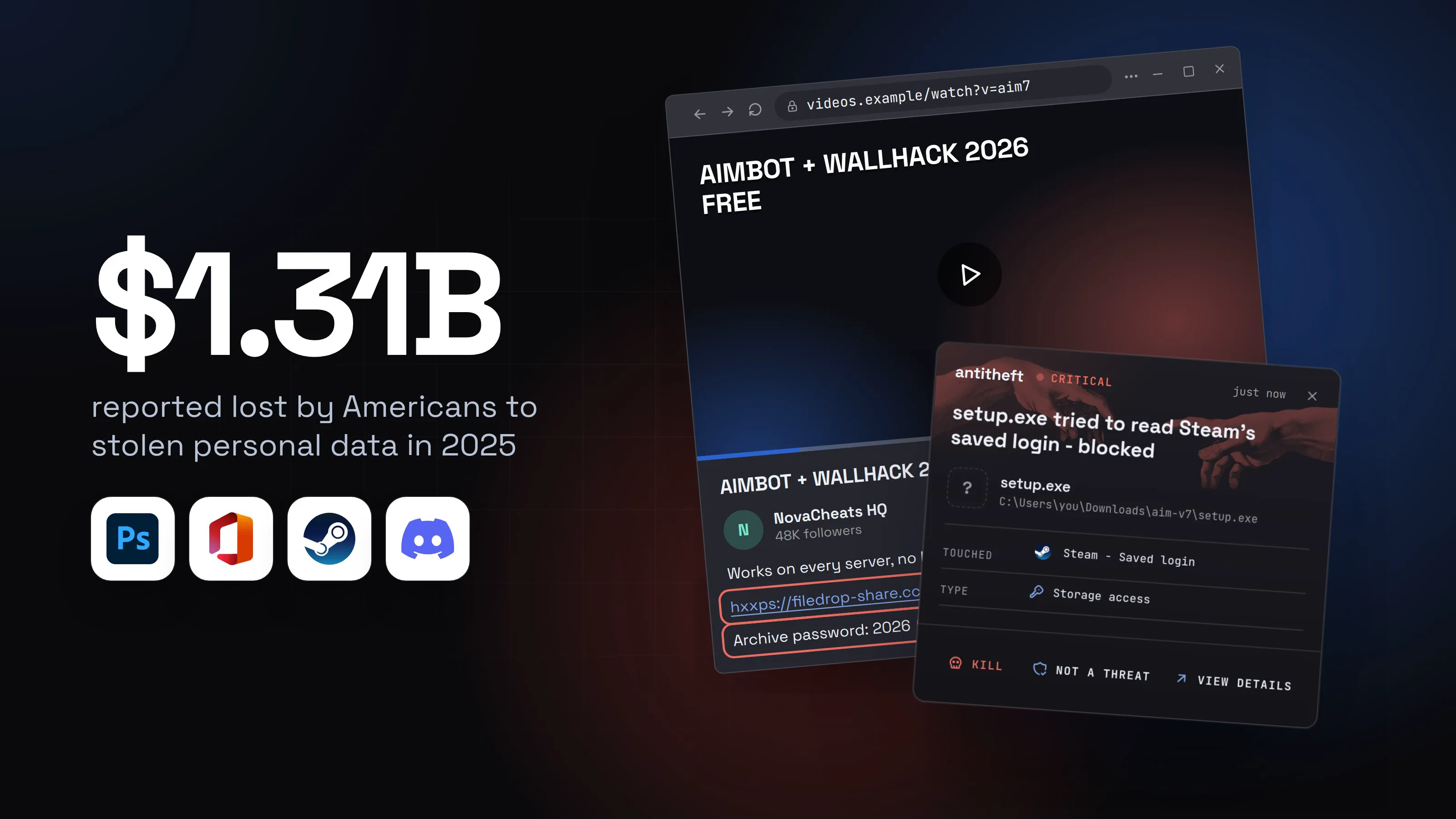
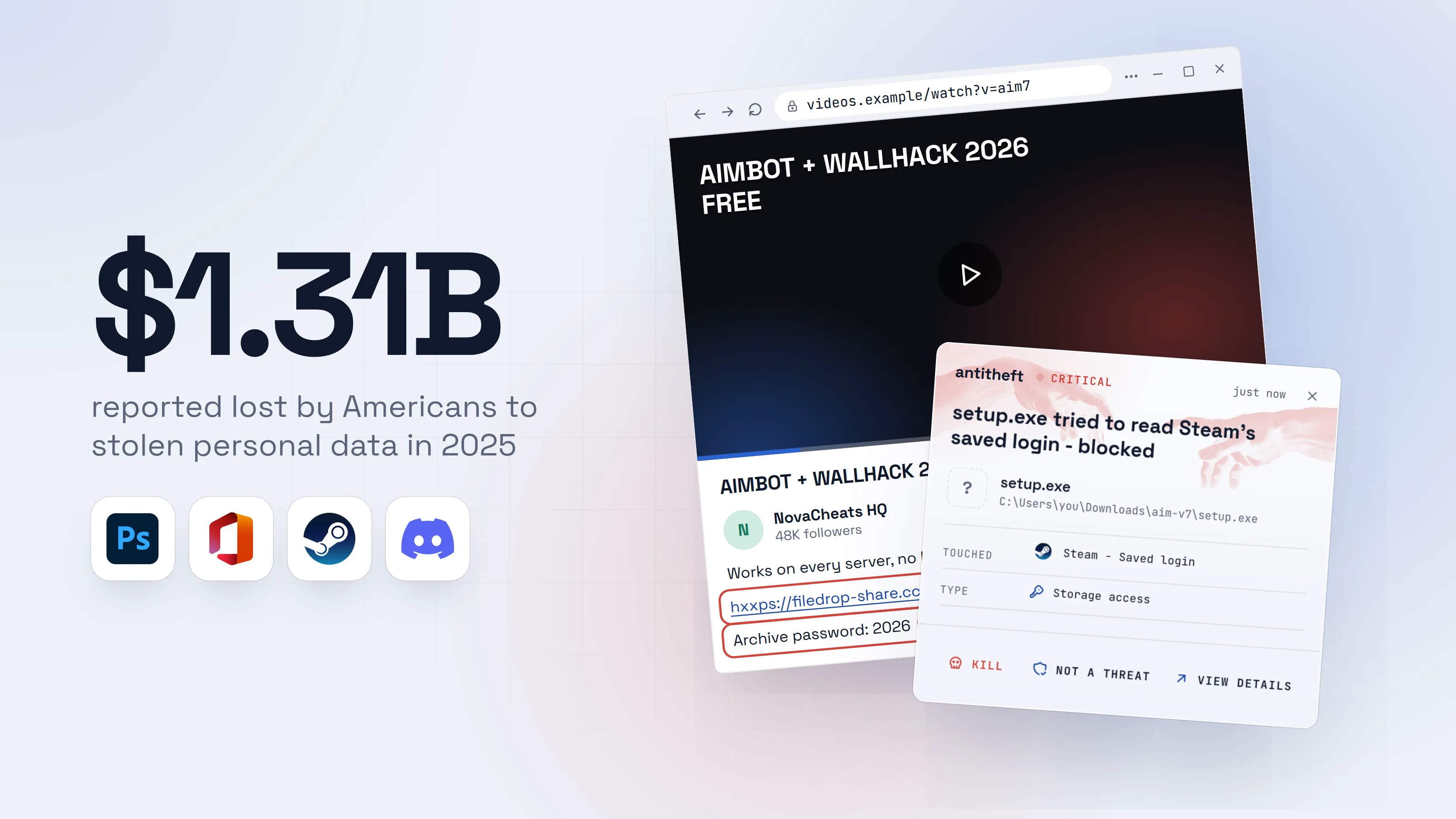
Is cracked software safe? Cracks, cheats and stealers
Is cracked software safe? That free Photoshop, cracked Office or undetected aimbot is the oldest way to lose your passwords. Here is what to get instead.

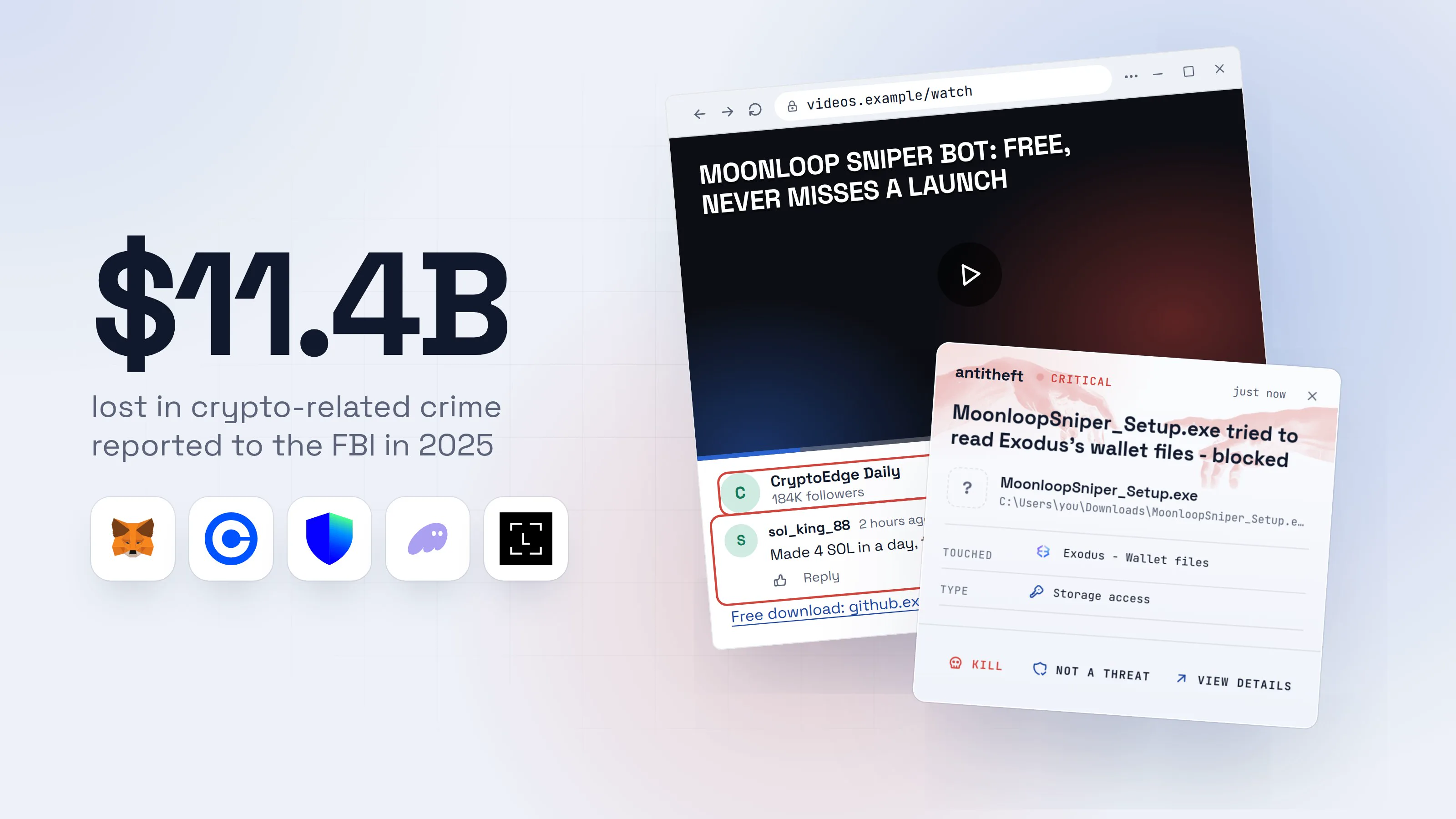
How to protect a crypto wallet from malware, on any OS
How to protect a crypto wallet from malware: the five ways wallets are lost, what stops each one, a setup for Windows, macOS and Linux, and what to do after.
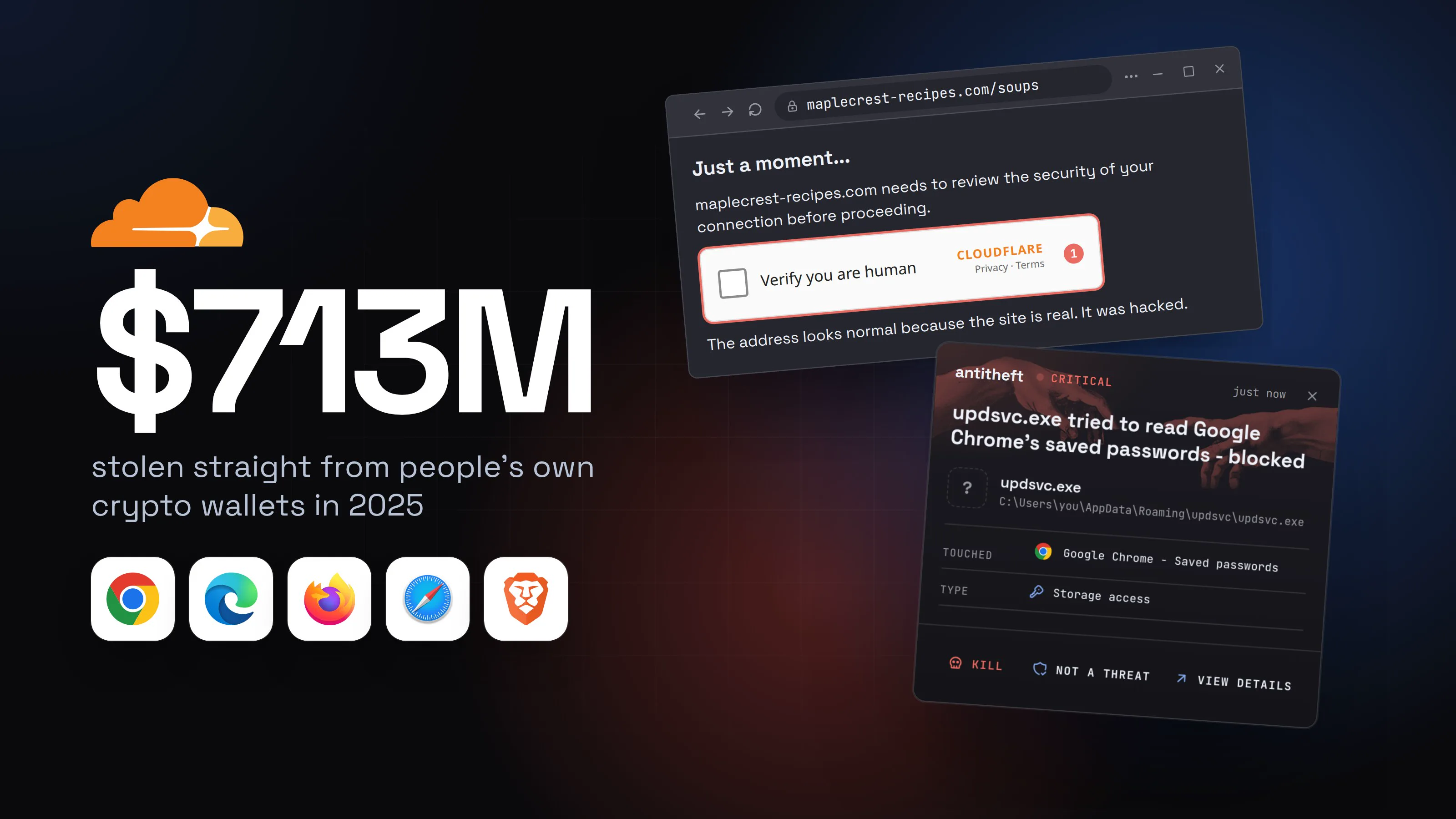
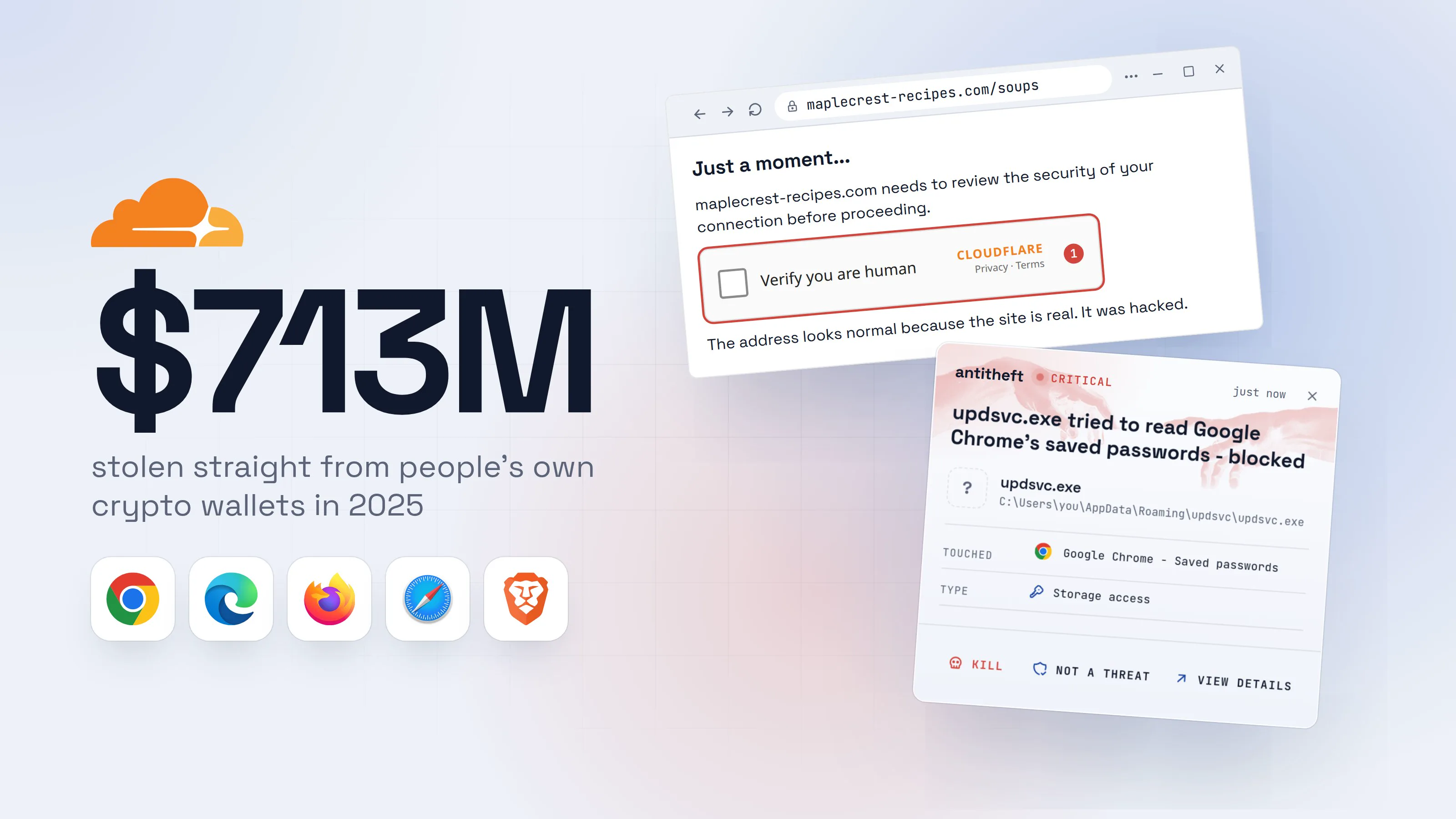
Fake CAPTCHA scam (ClickFix): how to spot and stop it
In the fake CAPTCHA scam, a "verify you are human" page has you press Win+R and paste a stealer. How to spot it, and what to do if you already pasted.
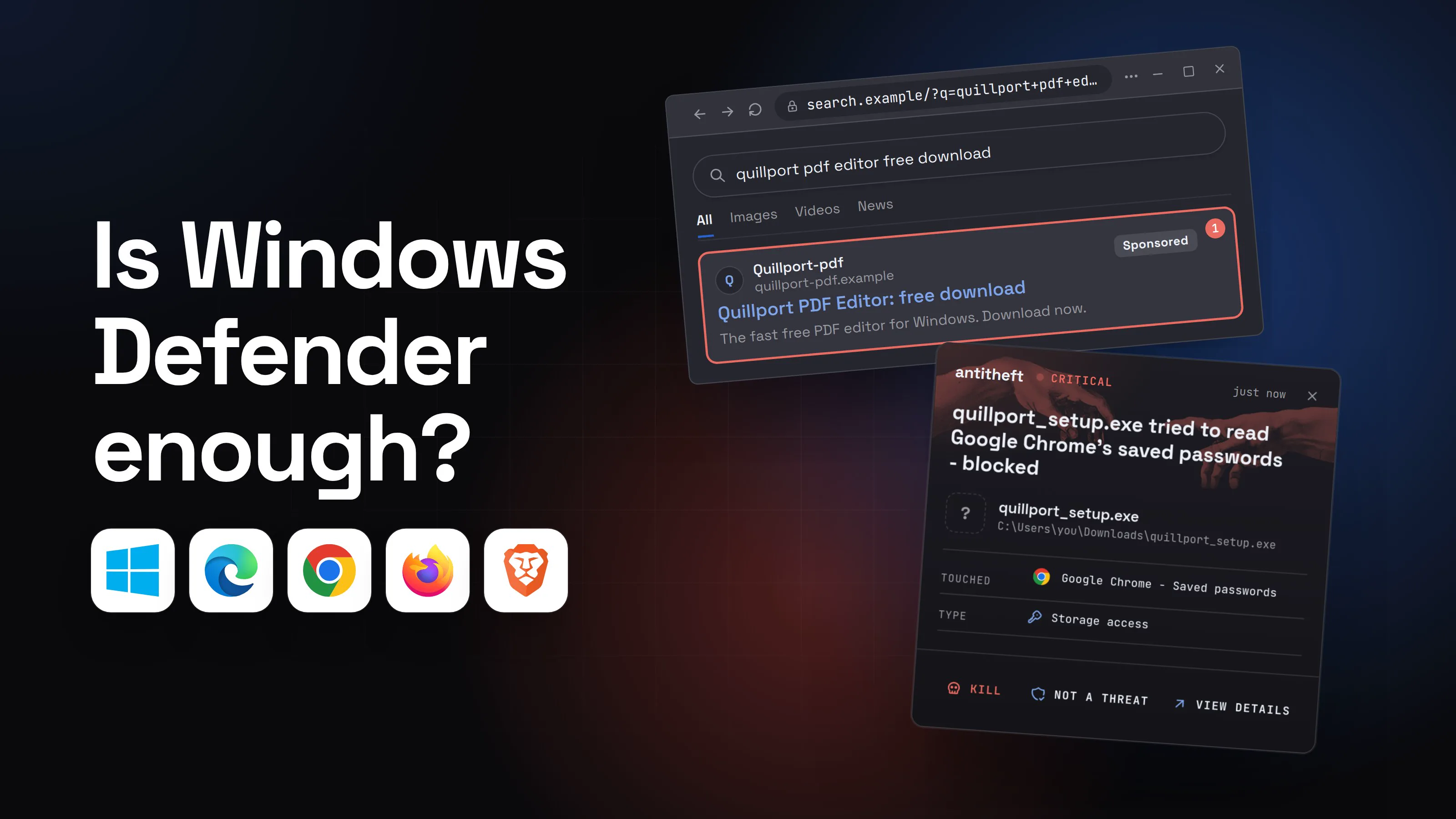
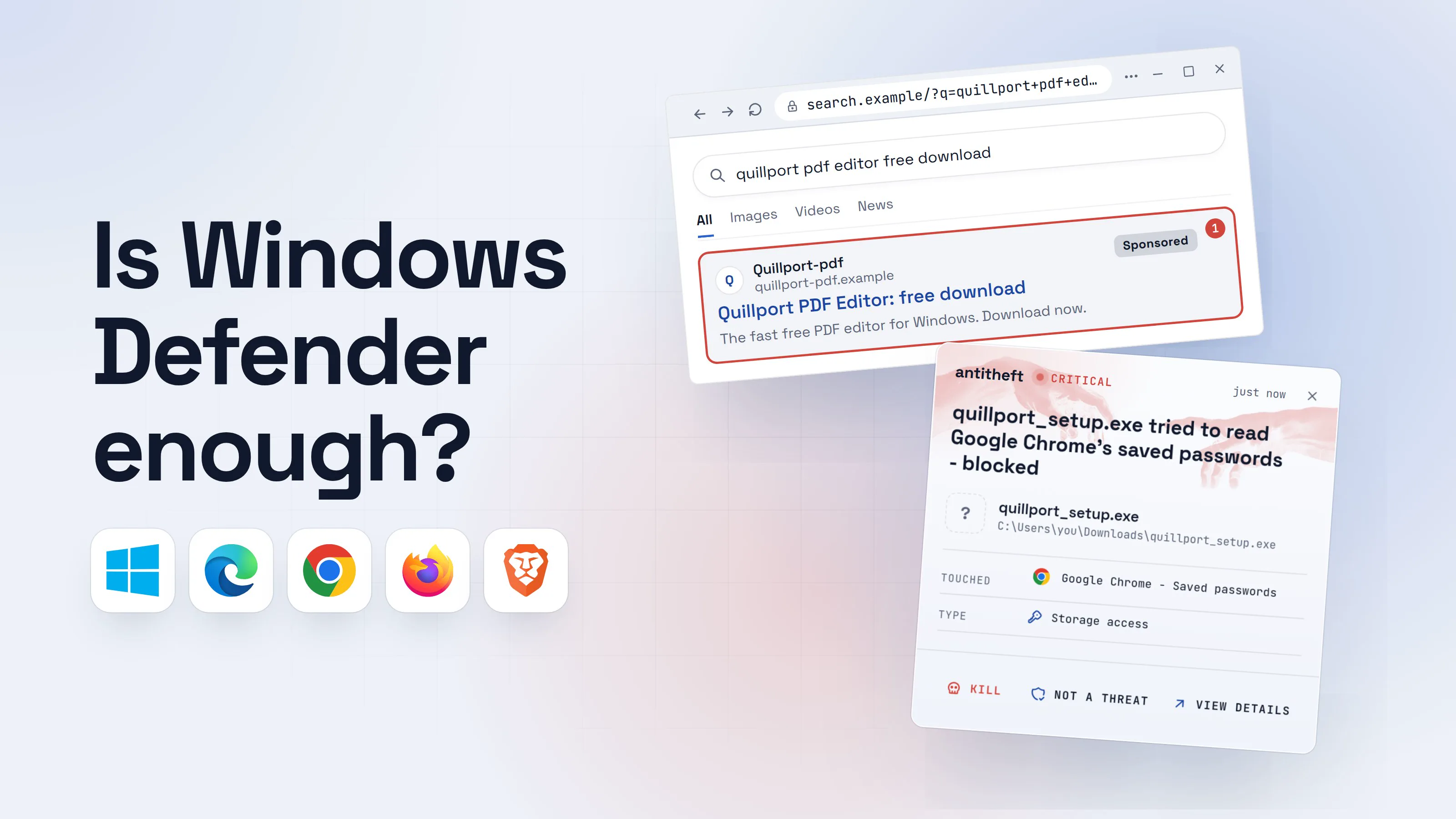
Is Windows Defender enough? What it covers and misses
Is Windows Defender enough? A good antivirus, but it only stops what it recognises. What slips past it, and what keeps your passwords locked anyway.