Fake browser update: how to spot it before it steals
A page says your browser is out of date and offers an update. That download is a stealer. Here is how to spot a fake browser update and update safely instead.
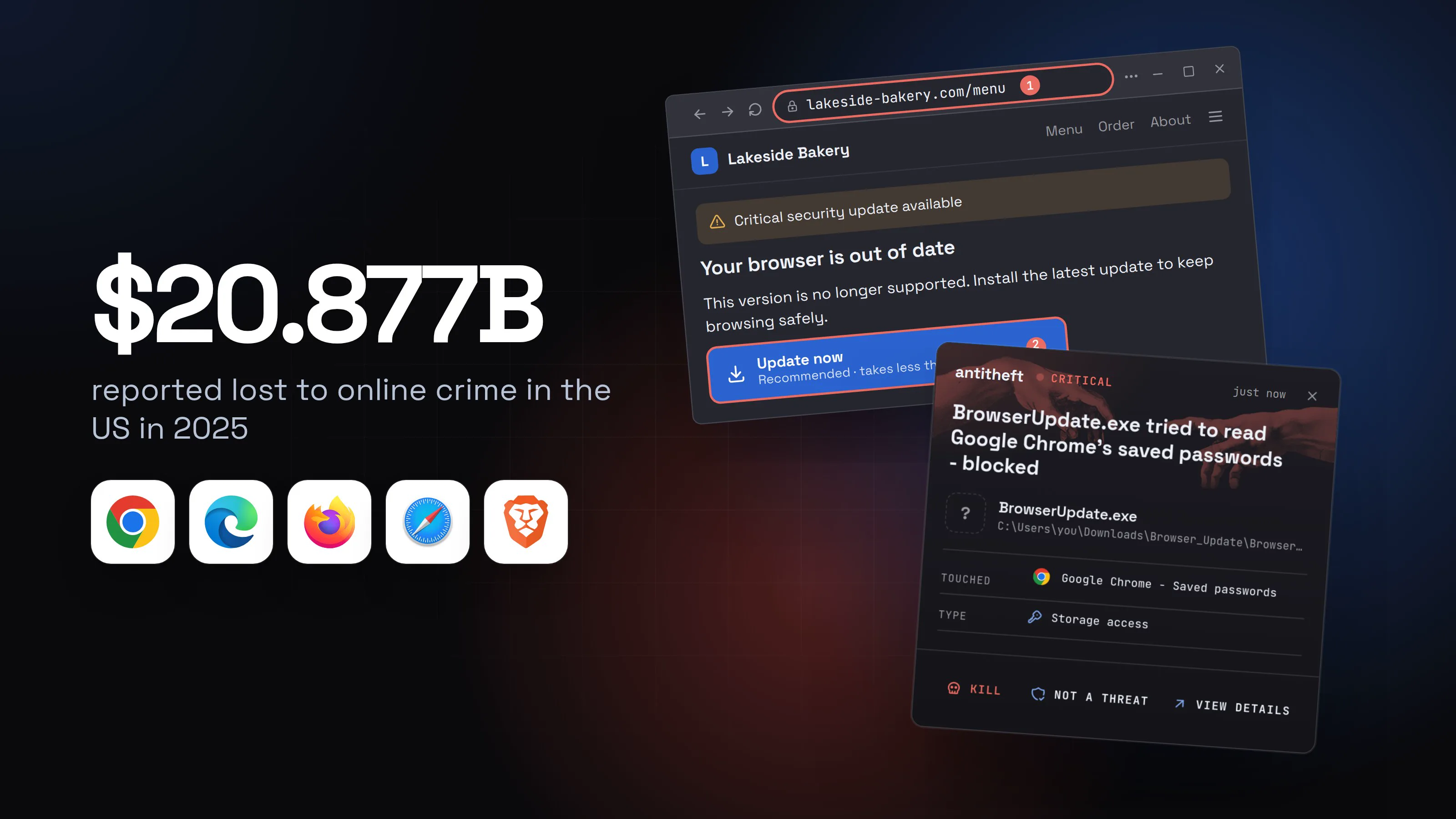
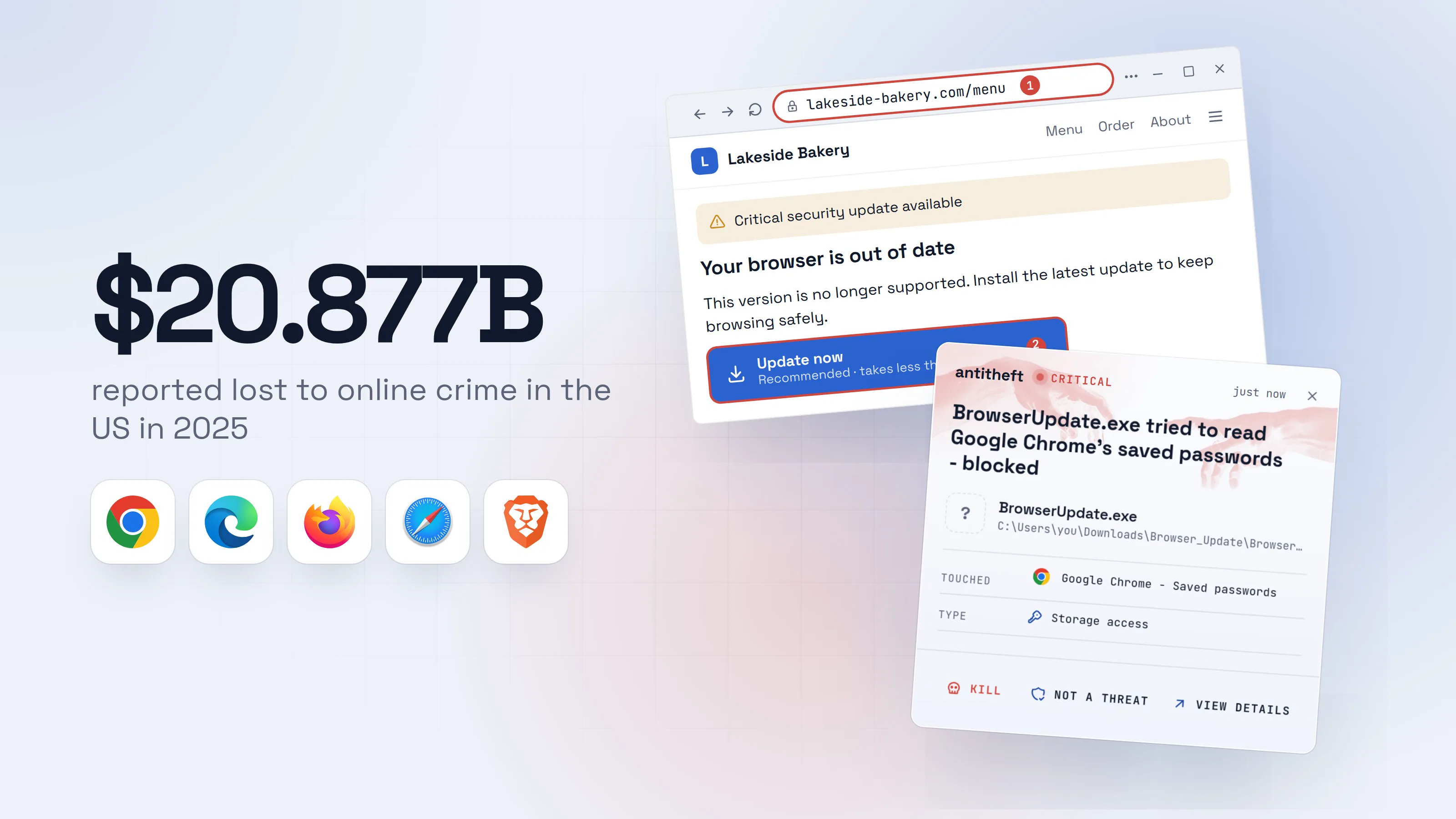
A fake browser update is one of the oldest tricks for getting malware onto a computer, and it still works. You open an ordinary website, a recipe blog, a local garage, a news page, and it suddenly turns into a full-screen warning: "Your browser is out of date. Update now."
The page looks official. It may even name your browser and your version. The button gives you a file, and that file is what a thief wanted you to run all along.
Source: FBI IC3, Apr 2026
Fake updates are one of the ways in. This guide shows what they look like, why a real update never arrives that way, how to update each browser and system the safe way, and what to do if you already clicked.
What a fake browser update looks like
The costume changes, the trick does not. A page tells you something is missing or outdated and offers to fix it with a download. Common versions:
- "Your browser is out of date." The classic. A full page in your browser's colours, a version number, an Update button.
- "Critical security update required." Recent campaigns imitate a browser security update or a Windows update page, down to a believable update number.
- "Your video player plugin is out of date." Seen on pirated movie and TV sites in 2026. The "update" handed attackers control of the computer.
- "Missing codec" or "font not found". The page claims you need something extra to watch the video or read the text.
Why a real update never comes from a web page
Every modern browser updates itself. Chrome, Edge, Firefox and Brave download updates in the background and ask you to relaunch. Safari is updated with macOS, through Software Update. Windows and macOS updates come from their own settings.
None of them ever needs a website to hand you a file. So the rule is short:
- A web page that offers a browser update is lying.
- A web page that says you need a player, codec or font to continue is lying.
- The only real update button lives inside the browser's menu or your system settings.
For power usersWhy the site owner never sees it
The hacked site carries a small script that decides who gets the fake page. Researchers at Proofpoint describe the best-known network, SocGholish (also called FakeUpdates), as checking the browser first, skipping visitors who look like administrators or have developer tools open, showing the lure only once per visitor, and waiting for natural mouse movement before it replaces the page. Owners and security scanners rarely trigger it. The same network was linked to a backdoor that was later used to deploy ransomware, so a fake update can lead to much more than one stolen password.
How a fake update steals your passwords
Here is what it looks like from your side of the screen, step by step. Pick your system to see what you would get.
- 1A normal site turns into an update pageIt can name your browser and version. That makes it look real, not makes it real.Lakeside BakeryMenuOrderAbout
Critical security update available
Your browser is out of date
This version is no longer supported. Install the latest update to keep browsing safely.
Update nowRecommended · takes less than a minute2- 1Still the site you were on, not your browser's maker. A website cannot update your browser
- 2Gives you a file from this website. Real updates install inside the browser
- 2The "update" lands in your downloadsA real browser update never shows up as a file you have to open.DownloadsBrowser_Update.zipFrom lakeside-bakery.com · 14.2 MB1Open file
- 1Downloaded from a bakery's website. Your browser's maker would never do that
Browser UpdateInstall the latest version
BBrowser UpdateRight-click the icon above and choose Open.1
- 1This walks you around your Mac's own safety check. Real updates never ask for it
- 3It asks you to push past a warningYour system just tried to stop you. The fake page told you to ignore it.
Windows protected your PC
Microsoft Defender SmartScreen prevented an unrecognized app from starting. Running this app might put your PC at risk.
App: BrowserUpdate.exePublisher: Unknown publisher1Run anywayDon't run- 1A real browser update is signed by the company that makes it
System Settings wants to make changes.1
Enter your password to allow this.
User NameyouPassword••••••••••2CancelOK- 1Not your Mac asking: a fake window drawn by the download, and the password goes to the thief
- 2Typing it here hands the thief your Mac password
- dangerThe stealer grabs your passwords and walletsNothing seems to happen. That silence is it working.
What the fake update takes from you
- Every saved passwordEmail, bank, exchange, socials
- Your logged-in sessionsAccounts open without a password or 2FA code
- Your crypto walletsGone for good: a blockchain transfer cannot be undone
- A door left openMore malware can follow later
All of it in seconds. You find out days later.
With antitheft
With antitheft, the stealer is stopped at your passwords
- Caught the moment it reaches for your passwords or wallets
- On Linux refused before the file opens, on Windows and macOS stopped right after
- Even the most advanced malware, the kind no antivirus has seen yet
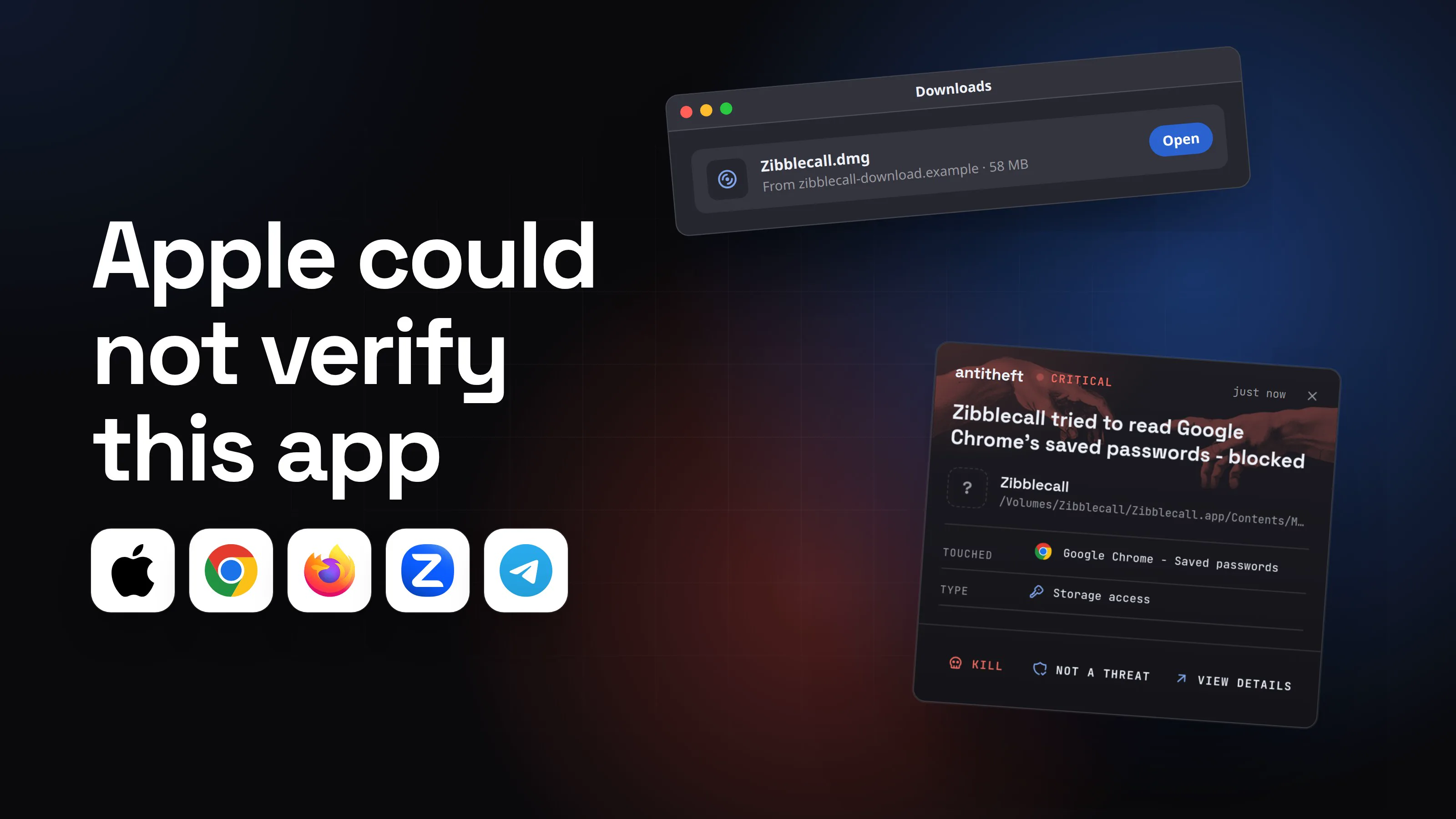
- Touched
 Google Chrome - Saved passwords
- Type
- Storage access
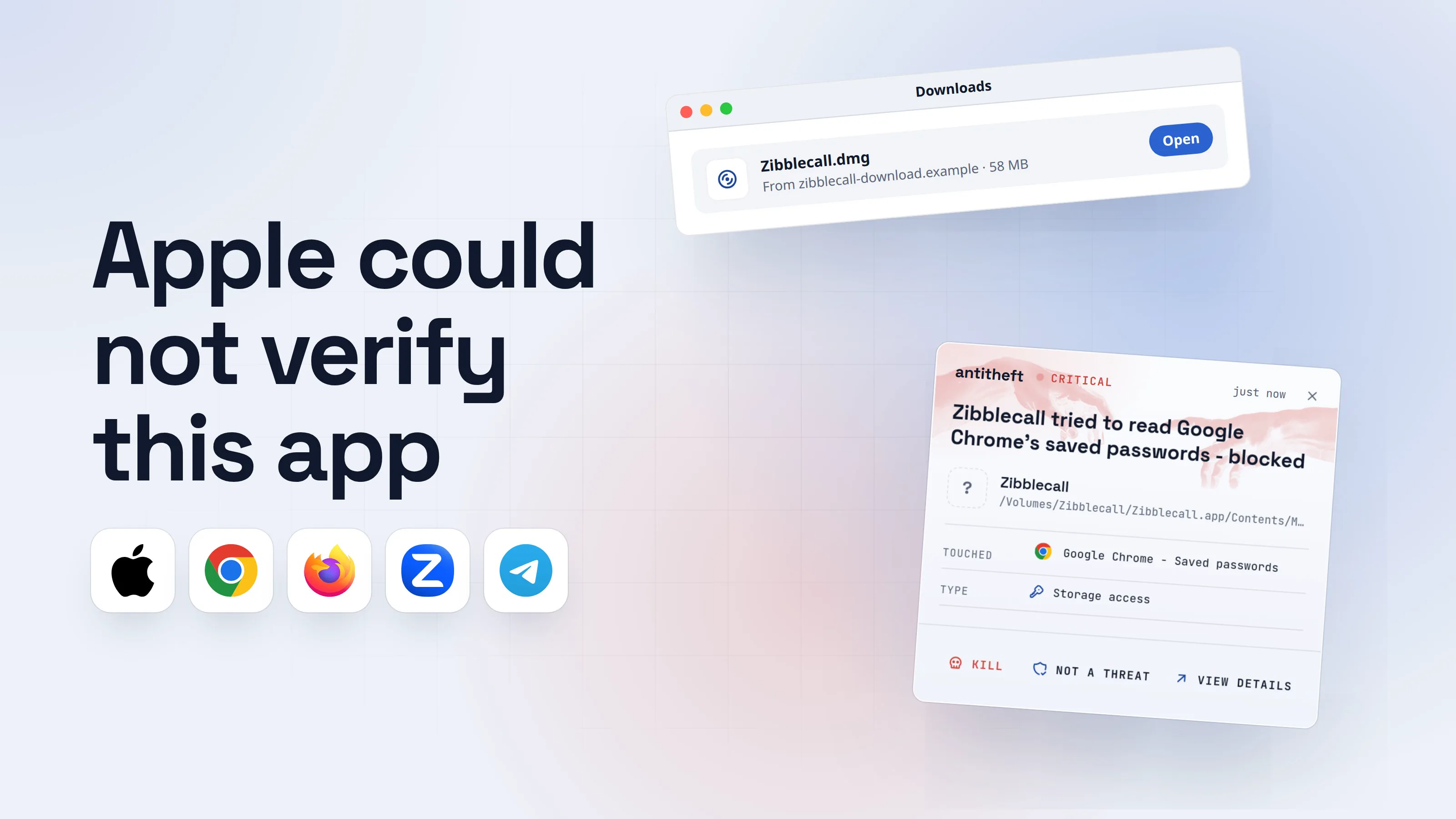
- Touched
- Google Chrome - Saved passwords
- Type
- Storage access
Keep stealers out of your passwords and wallets
- Guards passwords, browser logins and wallets
- Stops malware your antivirus misses
- On Windows, macOS and Linux
Your computer warned you twice in that flow. The trick only works if you click past both warnings, which is exactly what the fake page coaches you to do.
For power usersWhat the Windows and Mac versions really do
On Windows the download is often a zip with a script or installer inside; one 2026 campaign shipped an 83 MB installer whose properties claimed Microsoft as the author. Others skip the file and ask you to paste a "fix" into the Run box, the trick behind fake CAPTCHAs. On a Mac it is usually a disk image (.dmg). Since macOS Sequoia, Apple only lets you open an unrecognised app through System Settings > Privacy & Security > Open Anyway, so fake installers now walk you through that screen too. Recent Mac stealers then show a fake System Settings password prompt and take your Keychain, browser data, Notes and wallet files.
How to check for updates the right way
Close the page that offered the update. Then update from inside the program itself. It takes a minute, and you will know for sure you are current.
- Chrome: click the three dots at the top right, then Help > About Google Chrome. It checks and downloads on its own. Click Relaunch if it appears.
- Edge: click the three dots, then Help and feedback > About Microsoft Edge, or type
edge://settings/helpin the address bar. - Firefox: click the menu button (three lines), then Help > About Firefox. It downloads the update and asks you to restart.
- Safari and macOS: open System Settings > General > Software Update. Safari updates come with macOS, never from a website.
- Windows: open Settings > Windows Update and click Check for updates.
- Linux: use your distribution's own Software or Update Manager app. Your browser updates with the rest of the system.
For power usersLinux and the package manager
On Debian or Ubuntu, sudo apt update && sudo apt upgrade updates the browser with everything else; Fedora uses sudo dnf upgrade. Flatpak and Snap browsers update with flatpak update or snap refresh. A Linux browser that tells you to download an update from a web page is a fake: none of them update that way.
How to spot a fake update in five seconds
You do not need to be technical. Ask these questions before you click anything:
- Which address is in the address bar? If it is the site you were reading or some random domain, it is fake. Your browser does not update through other people's websites.
- Is it a download? Any update that arrives as a file in your Downloads folder is fake.
- Did it interrupt something else? A recipe, a video, an article. Real updates do not ambush you mid-page.
- Is it rushing you? "Critical", "required", "you cannot continue". Pressure is the tell.
- Does it ask you to get around a warning? "Click More info, then Run anyway", "Right-click and choose Open". A real update never does.
If any box is ticked, close the tab and update from the About page instead.
What to do if you already ran the "update"
Act from a different device you trust, such as your phone, not the computer that ran the file:
- Disconnect the computer from the internet.
- Move your crypto first. Create a new wallet with a new seed phrase on a clean device and send your funds there. Stealers drain wallets fast.
- Change your important passwords: email first, then banking, exchanges, your password manager and socials.
- Sign out of every session. Most big services have "sign out of all devices" in their security settings. This kills stolen session cookies.
- Turn on two-factor authentication wherever it was off, ideally with an authenticator app.
- On a Mac, change your login password too, if you typed it into the fake prompt.
- Clean or reinstall the computer before you log in to anything on it again.
If you want the full picture of what a stealer takes and how to recover, read our guide: what is an infostealer.
Why the habits are not the whole answer
The habits above stop most fake updates. But it only takes one tired click on one convincing page, and stealers are rebuilt so often that a fresh copy can run before antivirus recognises it.
So protect the places a stealer goes, not just the doors it comes through. Your browser's saved passwords should only ever be opened by your browser. Your wallet file should only be opened by your wallet.
That is what antitheft does. It lets only the app that owns your passwords, logins, session cookies, wallets and game accounts open them, and refuses everything else. So even a brand new stealer dressed up as an update walks away with nothing.
Questions people ask
Can a website really tell that my browser is out of date?
A website can read which browser and version you use, so a fake page can name them to look convincing. It still cannot update anything. Only your browser itself, or your system's update tool, installs a real update.
I only downloaded the fake update but did not open it. Am I infected?
Almost certainly not. A downloaded file does nothing until you open or run it. Delete it from your Downloads folder, empty the trash, and update your browser the right way from its About page to be sure you are current.
Is the website I was on dangerous now?
The site itself was most likely hacked, and its owner may not know. Leave it, do not download anything from it, and if you know the owner, tell them. The fake update is often shown only once per visitor, so they may never have seen it.
What about pop-ups saying I need a video player, codec or font to continue?
Same trick, different costume. Modern browsers play video and show fonts on their own. A page that says you must install something extra to watch or read is asking you to run its program, not fixing anything.
Do fake updates work on Macs?
Yes. On a Mac the fake update usually arrives as a disk image that tells you how to get around the Mac's own safety check, then asks for your password. Real Safari and macOS updates only come from Software Update in System Settings.
the short version
A fake browser update is a web page that says your browser is out of date and offers a download. The download is malware, usually a stealer that takes your passwords and crypto. Real browser updates never come from a web page: they come from the browser's own About page or your system's update settings. Close the tab, and update from there instead.
sources
- FBI Internet Crime Complaint Center: 2025 IC3 Annual Report (Apr 2026)
- Politie (Dutch National Police): International law enforcement initiate hunt on malware group SocGholish (Jun 2026)
- Eurojust: Operation Endgame continues, international coalition takes malware offline (Jun 2026)
- Help Net Security: Law enforcement hits SocGholish (with Proofpoint's description of how the fake update is shown) (Jun 2026)
- Malwarebytes: This fake Windows support website delivers password-stealing malware (Apr 2026)
- The Hacker News: ClickFix campaigns expand malware delivery with new loaders and fake update lures (Jun 2026)
- Kaspersky Securelist: fake video player updates on pirated streaming and book sites (May 2026)
- Microsoft Security: Infostealers without borders, macOS, Python stealers and platform abuse (Feb 2026)
- BleepingComputer (Palo Alto Networks Unit 42 research): macOS attack mounts DMGs to push an infostealer with a fake password prompt (Jun 2026)
- Proofpoint: An update on fake updates, two new actors and new Mac malware (Feb 2025)
- Google Chrome Help: Update Google Chrome
- Microsoft Support: Microsoft Edge update settings
- Mozilla Support: Update Firefox to the latest release
- Apple Support: Update macOS on Mac
- Apple Support: Safely open apps on your Mac
- Microsoft Support: Update Windows