How to protect a crypto wallet from malware, on any OS
How to protect a crypto wallet from malware: the five ways wallets are lost, what stops each one, a setup for Windows, macOS and Linux, and what to do after.
This guide shows how to protect a crypto wallet from malware. First you need to know how wallets are actually lost, because the fix is different for each way. Some losses are a program reading a file. Others are a decision you were tricked into: a pasted phrase, a signature, a copied address.
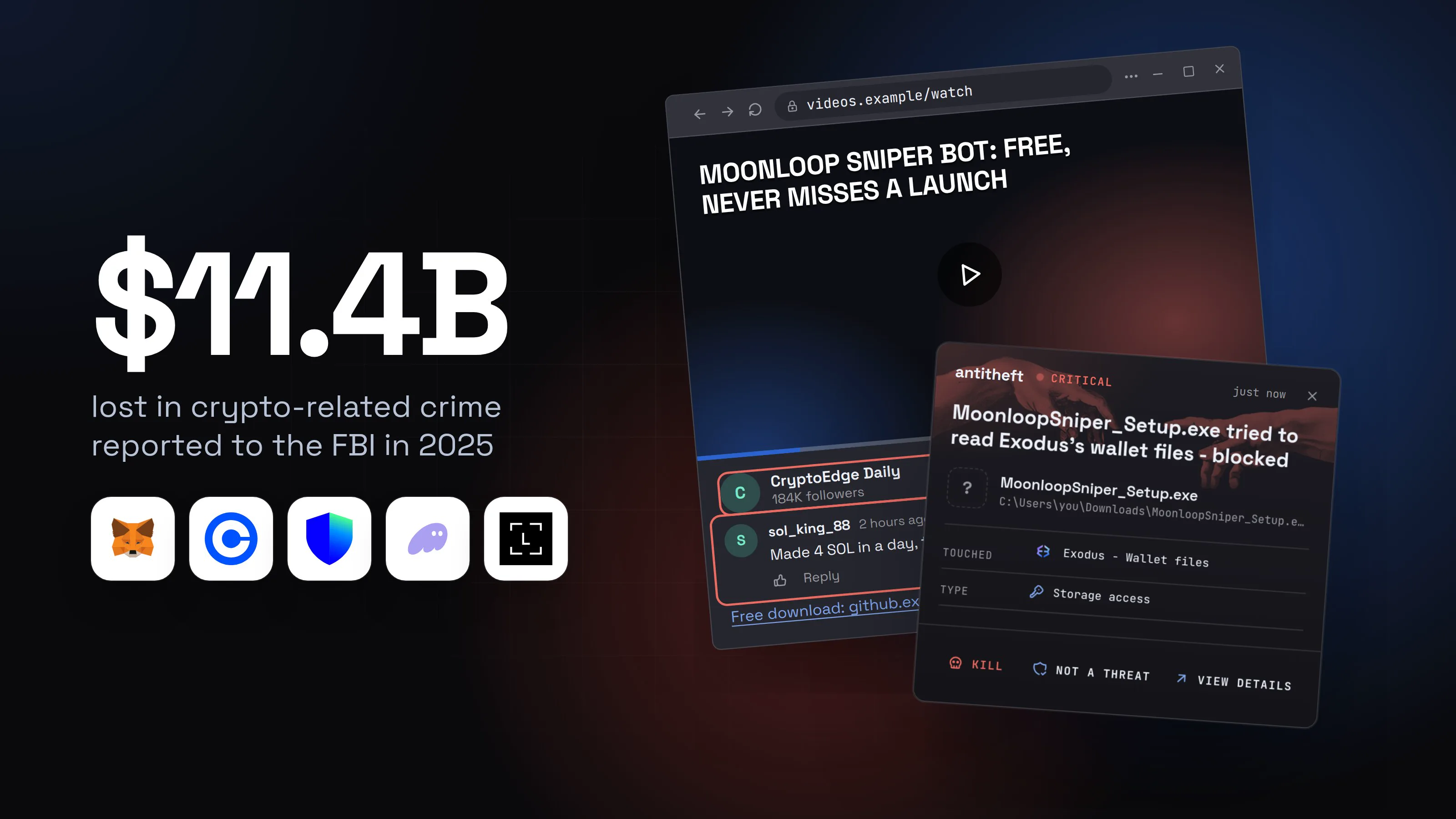
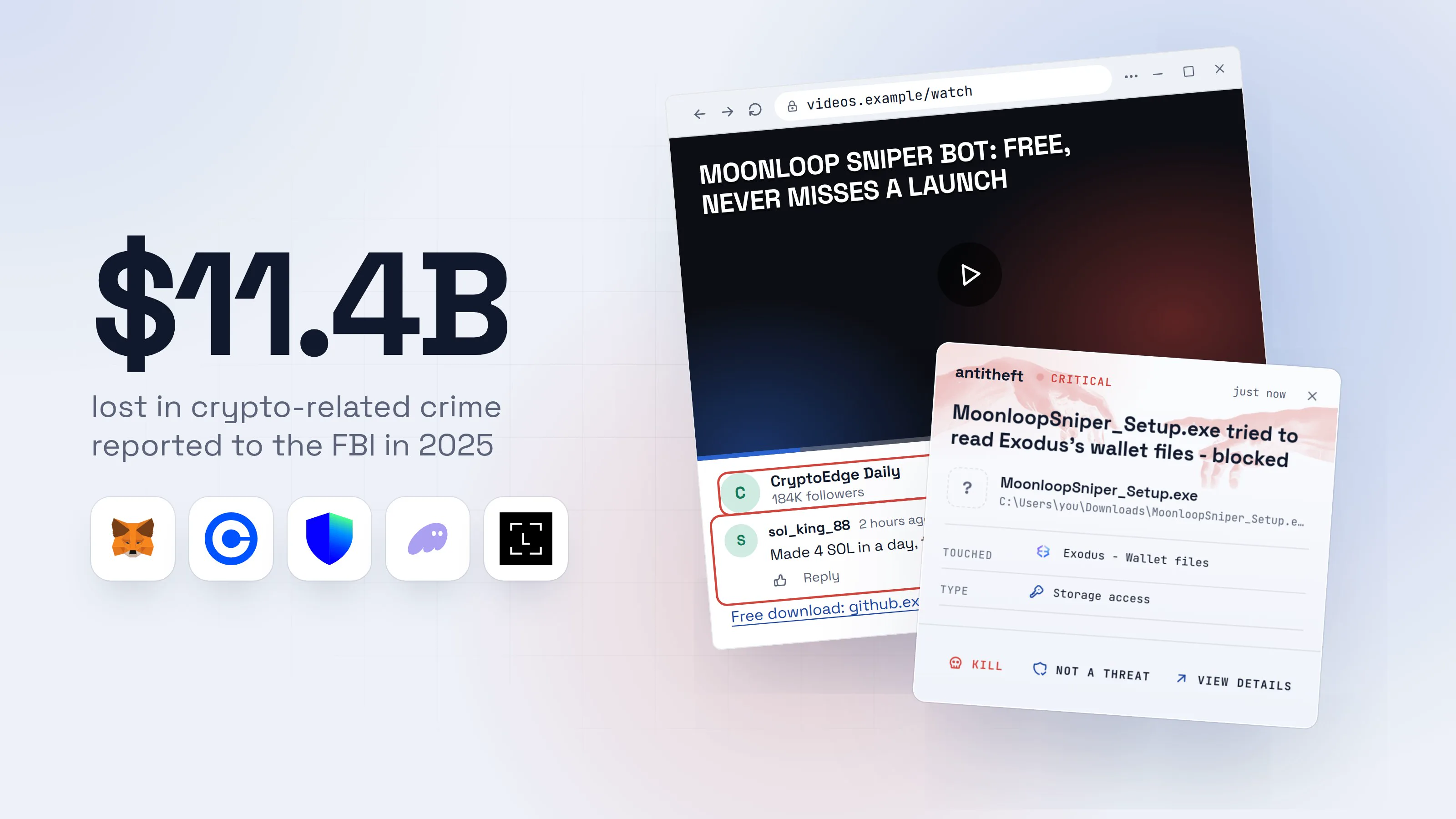
The money is large and still growing. The FBI's 2025 report counts crypto-related complaints, and Americans reported more than $11 billion lost.
Source: FBI IC3, Apr 2026
Most of that is persuasion, not malware. The chart below is the FBI's own split of those complaints by type of crime.
Read the malware row with care. It is what victims filed under "malware", and a wallet emptied by a stealer is often filed as something else. Chainalysis counts differently, on the blockchain itself: $713 million stolen from personal wallets in 2025.
Source: Chainalysis, Dec 2025
The two numbers measure different things, so do not add them. Both say the same thing: a wallet on a normal computer is a target.
How do crypto wallets get stolen by malware?
Crypto wallets are lost to malware in five main ways, and only some of them involve a file being read. Here they are, with what stops each one.
| How the wallet is lost | What it looks like | What stops it |
|---|---|---|
| A stealer reads the wallet | Wallet files and browser wallet data copied in seconds | The antitheft app stops it (on Linux, before the file opens). A hardware wallet keeps the keys elsewhere |
| A fake wallet app | A copy of Ledger Live or another wallet asks for your 24 words | Official downloads only. A copy that replaces your real wallet app is not trusted with its wallet by the antitheft app. Habit for the rest |
| An address swap | The address you paste is not the one you copied | Habit: check the address on a hardware wallet's screen |
| A drainer | You sign an approval on a fake site | Habit: read what you sign, revoke old approvals |
| Remote access | Someone controls your screen and moves funds | Habit |
The next sections take them one by one. The two that the antitheft app can stop come first.
How a stealer empties a wallet in seconds
An infostealer is malware that copies the places where a computer keeps secrets, and wallets are the first place it looks. It reads the wallet files of desktop wallets and the data of wallet extensions inside the browser, then sends them away. The theft takes seconds, and you find out when the balance is gone.
Researchers at Gen Digital described a stealer in March 2026 that targets 728 wallet extensions out of the 850 browser extensions it goes after, plus desktop wallet apps. It is delivered by a fake "verify you are human" page that asks the victim to paste a command (see fake CAPTCHA scams).
The lure matters less than the result, so here is one lure that was real in 2026. Check Point Research reported in June 2026 on "tools" that promise an edge in crypto trading: sniper bots, game "predictors", pushed with fake GitHub stars and AI-narrated YouTube videos. Those carried a clipboard hijacker (more on that below). The same bait works for any payload, and a stealer is the worse one. This is how it would look. The names are made up.
- 1A video promises a free bot that never misses a launchViews, praise and a big channel are all cheap to fake.Moonloop Sniper Bot: free, never misses a launch12:41CryptoEdge Daily184K followers1Followsol_king_882 hours agoMade 4 SOL in a day, thank you!!2ReplyFree download: github.example/moonloop/sniper-bot
- 1A big audience proves nothing: it can be bought
- 2Praise like this is written by the seller
- 2The download page looks like a popular projectStars and forks can be faked too. A trading tool that is free and wins is not real.moonloop/sniper-botPublic1CodeIssuesWikiDownload latest releaseWindows, macOS and LinuxREADME.mdAdd this folder to your antivirus exclusions first2
- 1Popularity numbers can be manufactured
- 2A real tool never asks you to switch protection off
- 3Your system warns you, and you click throughThis is the last moment to stop.User Account Control
Do you want to allow this app from an unknown publisher to make changes to your device?
MoonloopSniper_Setup.exePublisher: Unknown1File origin: Hard drive on this computerShow more detailsYesNo- 1Software from a real company is signed, and the prompt turns grey
Moonloop Sniper wants to make changes.1
Enter your password to allow this.
User NameyouPassword••••••••••2CancelOK- 1A program you downloaded is asking for your Mac password
- 2Typing it hands the program more of your secrets
Windows PowerShellTerminalTerminalPS C:\Users\you>you@MacBook ~ %you@laptop:~$chmod +x ./moonloop-sniper
PS C:\Users\you>you@MacBook ~ %you@laptop:~$./moonloop-sniper1
- 1Running a file you were told to run, with all your rights
- dangerIt goes straight for your walletsA fake trading window may open. By then it has already read the files.
What the fake bot takes from you
- Your wallet filesThe keys of desktop wallets, copied
- Browser wallet dataMetaMask, Phantom and other extensions
- Every saved passwordExchange and email logins
- Your logged-in sessionsExchange accounts, open without a code
A blockchain transfer cannot be undone.
With antitheft
With antitheft, an unknown program is stopped at your wallets
- On Linux only your wallet app may open its wallet files and browser storage
- On Windows and macOS any other program is stopped the moment it touches them
- Even a brand new stealer that no antivirus has seen yet
- Touched
 Exodus - Wallet files
- Type
- Storage access
- Touched
 MetaMask - Extension storage
- Type
- Storage access
- Touched
- Exodus - Wallet files
- Type
- Storage access
Keep stealers out of your passwords and wallets
- Guards passwords, browser logins and wallets
- Stops malware your antivirus misses
- On Windows, macOS and Linux
For power usersWhy a stealer finds wallets so easily
Wallet apps and wallet extensions keep their data in known folders inside your user profile, and a program running as you has the same rights to read them that you do. That is why encryption with a weak or no password does not save a wallet file once it is copied: the thief tries passwords on their own machine for as long as they like. The strongest fix is to keep keys off the computer (a hardware wallet). The second is to make sure only the wallet itself may open them.
What a fake wallet app does
A fake wallet app is a copy of a real wallet that asks for your seed phrase, and the phrase is the whole wallet. Real wallet apps use your phrase only when you restore a wallet on a device, never to fix an error.
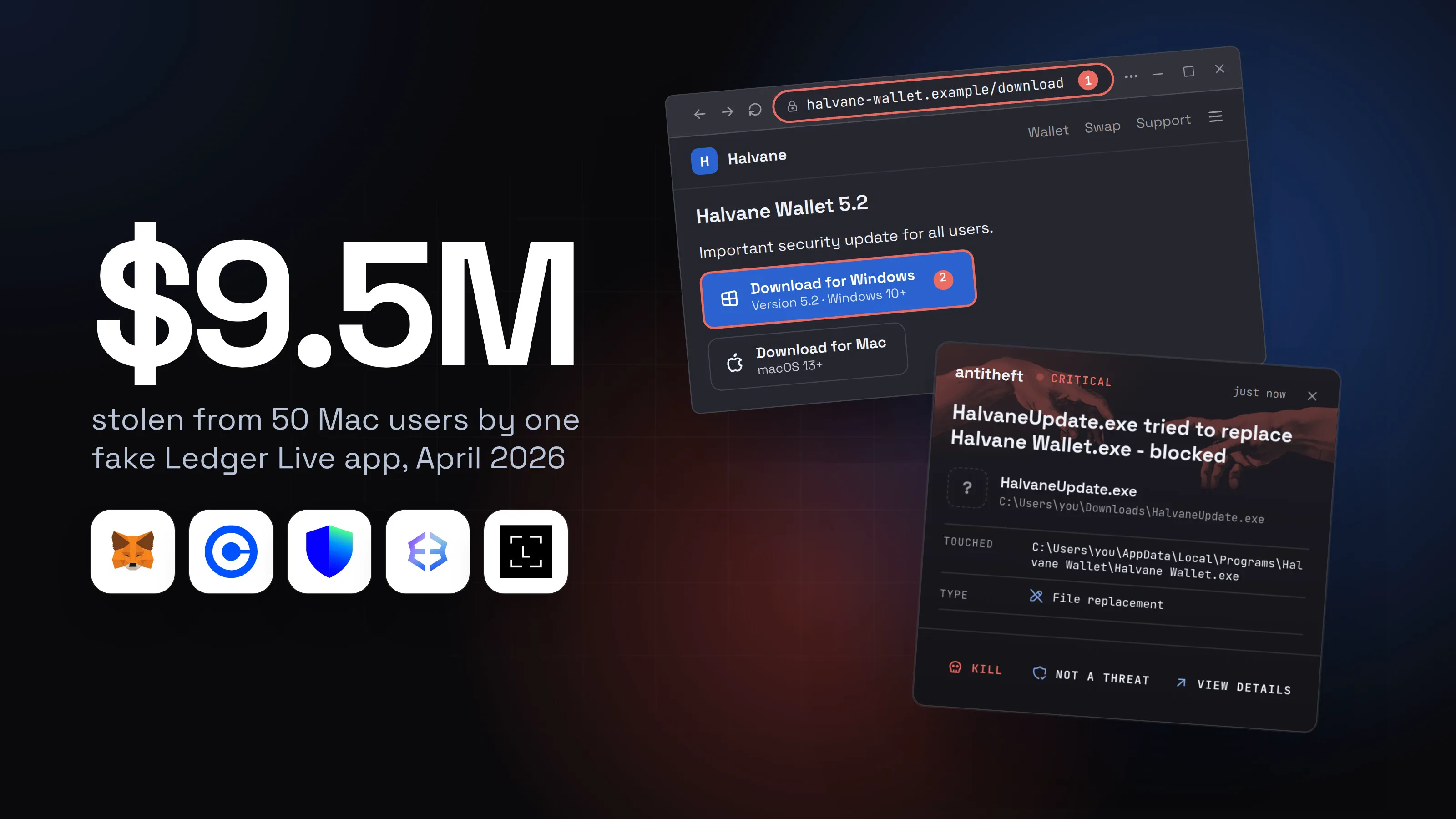
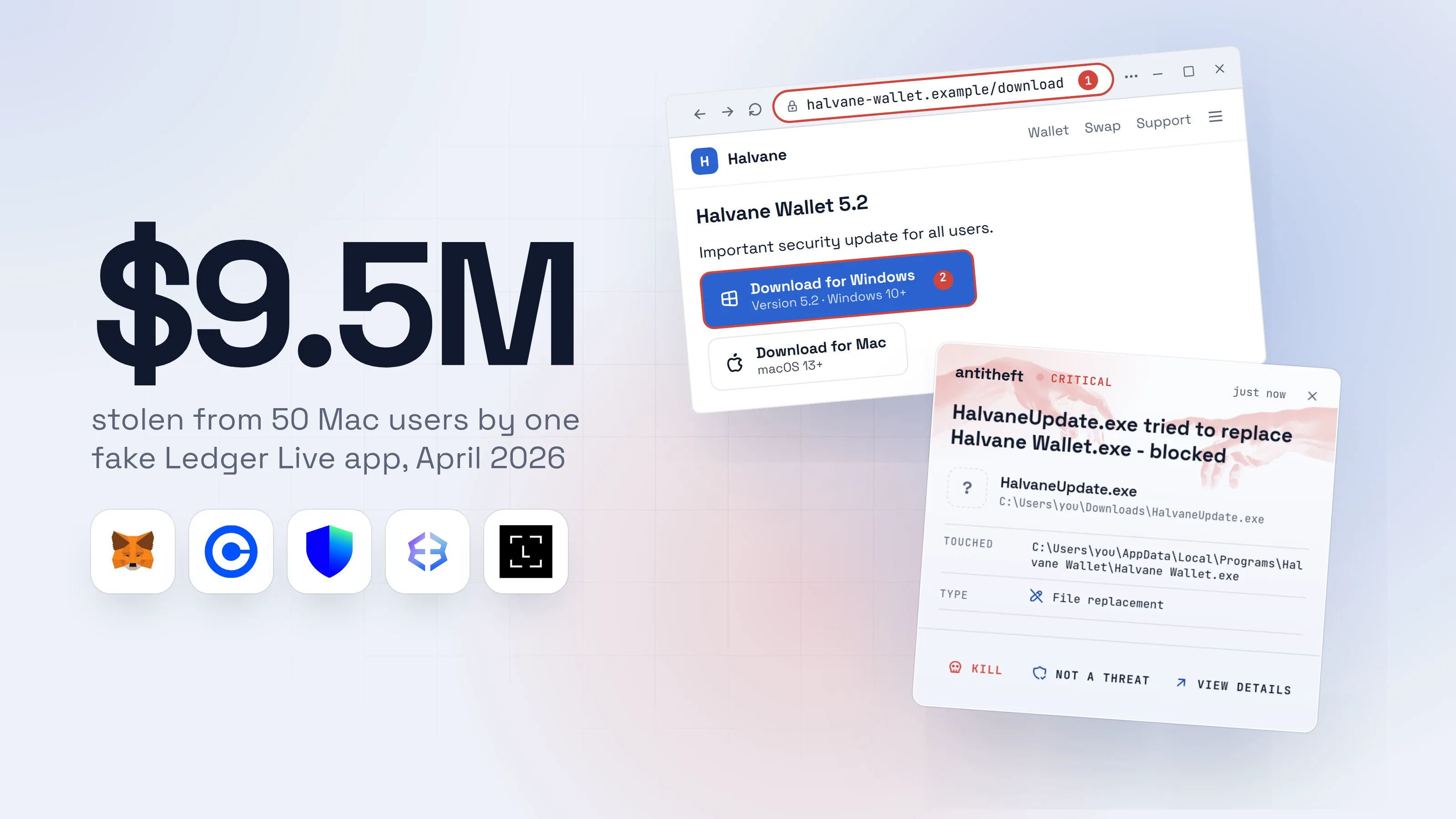
In April 2026 a fake Ledger Live was on the Mac App Store for about two weeks. MacRumors, citing CoinDesk and the investigator ZachXBT, reported that more than 50 people lost $9.5 million between 7 and 13 April. Apple removed it afterwards.
Earlier, in May 2025, BleepingComputer described Mac stealers that replaced the real Ledger Live on the victim's computer with a copy. The copy showed a fake "critical error" and asked for all 24 words. Ledger's own guidance is that the phrase is never typed into software.
A third kind hides inside the real app. Kaspersky's GReAT team reported in July 2026 a Windows malware called OkoBot that leaves Ledger and Trezor apps running and draws a phishing prompt for the recovery phrase inside them. It arrives through fake-CAPTCHA pages and fake software on GitHub.
What does the antitheft app cover here? A copy that replaces your installed wallet app, the trick of the first Mac stealers, is not trusted as the wallet: antitheft stops it when it reaches for the wallet's files. What it cannot cover is a fake app you install yourself, even from a store, or a prompt that asks for your phrase inside a real window. Those are one rule: no app, error or support agent ever needs your seed phrase. More in fake crypto wallet apps and seed phrase safety.
How a clipboard hijacker swaps the address you paste
A clipboard hijacker is malware that watches for a copied wallet address and replaces it with the thief's. You paste, check the first few characters, and send everything to the wrong place.
Check Point Research (June 2026) analysed one for Windows and macOS that swaps addresses for Bitcoin, Ethereum, Tron, XRP and others. Microsoft described a different clipper in June 2026 that spreads on USB sticks and keeps the first characters of an address the same, so the fake looks right at a glance.
A close cousin needs no malware at all. Address poisoning plants a lookalike address in your transaction history, hoping you copy it later. In December 2025 one trader sent a test transaction, then copied the lookalike from his own history and sent $49,999,950 in USDT to a thief, as CoinDesk reported.
The antitheft app does not stop either: the clipboard is not a file, and a copied address is a decision. The defence is the hardware wallet's screen, covered below. Details in clipboard hijackers and address poisoning.
What a wallet drainer is, and why you sign your own loss
A wallet drainer is a fake site that asks you to sign an approval, which then lets the thief move your tokens. Nothing is stolen from your computer: you gave permission yourself.
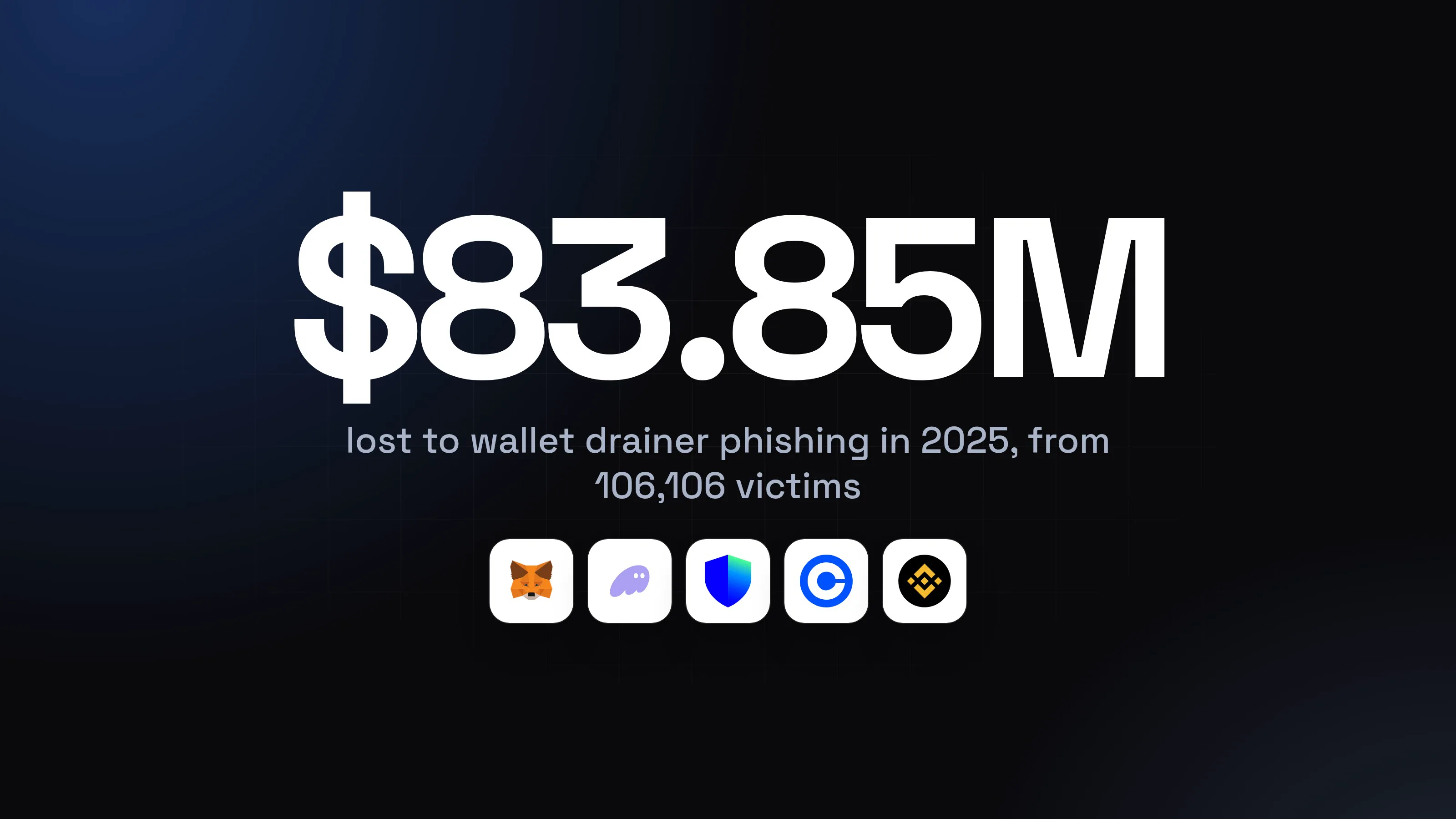
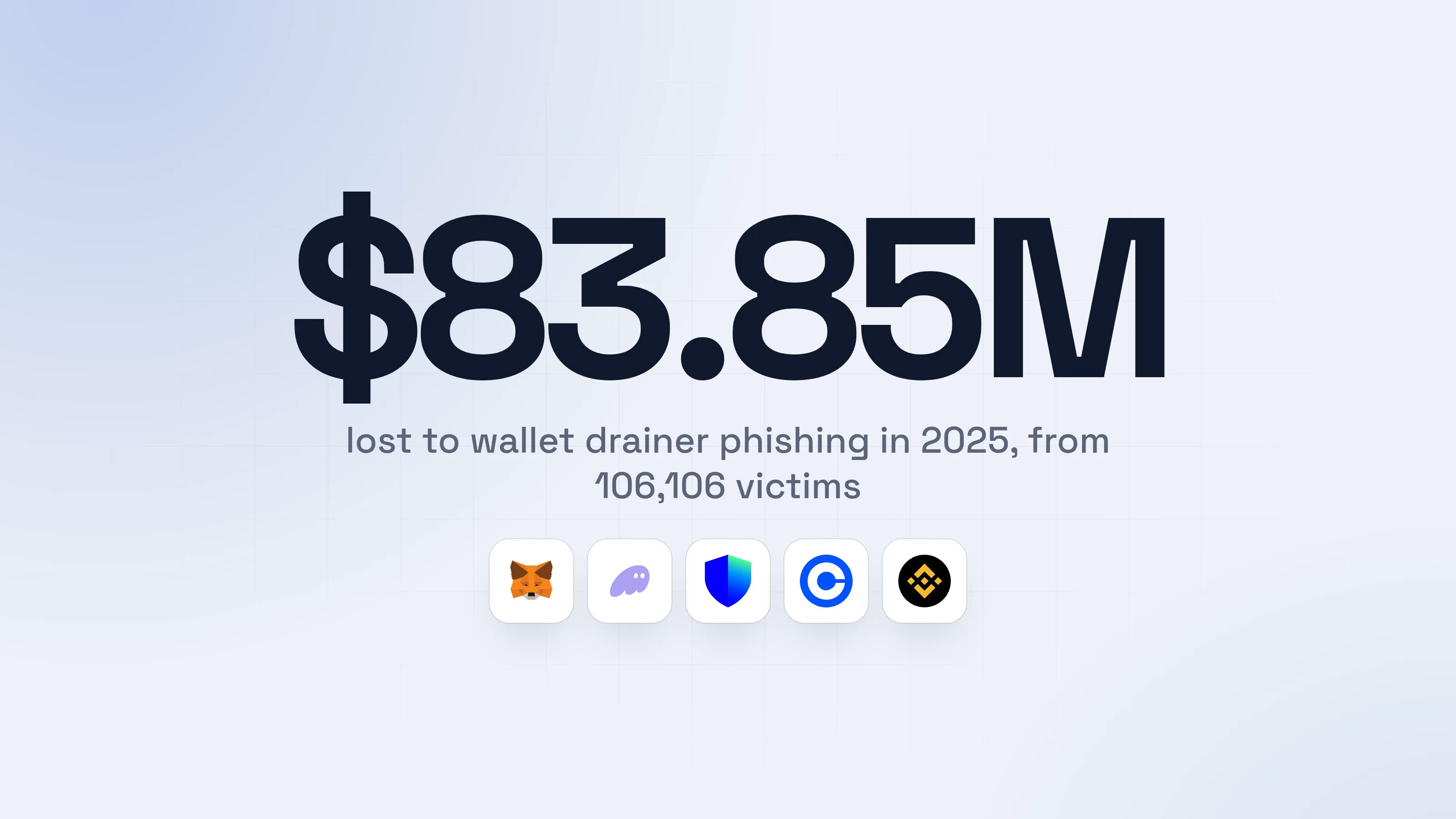
Scam Sniffer counted $83.85 million lost to wallet-drainer phishing in 2025 across 106,000 victims, down 83% from 2024 but still active. The largest single theft in its data, $6.5 million, was a signature of the "permit" type. The pattern is the same each time: a "claim your airdrop" or "verify your wallet" page, then a signature request.
Habits that work:
- Do not connect your wallet to a site you reached from an ad, a message or a post. Type the address or use a bookmark.
- Read the request. An approval for "unlimited" spending of a token, or a signature you cannot read, is a no.
- Keep blind signing off. Ledger turns it off by default, because it means approving something your device cannot show in plain words.
- Check old approvals now and then. Tools such as Revoke.cash list them and let you click Revoke, and you can sort by newest first.
This is habit only. antitheft cannot see an approval you sign, and it says so. More in what a crypto drainer is.
Can someone with remote access empty my wallet?
Yes, and a wallet's protection cannot help, because they are sitting at your screen. A person or program that controls your computer can open your wallet while you are logged in, and some scammers talk victims into installing the access themselves.
The FBI's crypto-related complaints include $1.23 billion lost to tech and customer support scams in 2025, the second-largest category (see the chart above). Typical pattern: a pop-up or call says your computer or exchange account is hacked, asks you to let a "specialist" in, and then to move your crypto to a "safe wallet". The safe wallet is theirs.
The rule: never let anyone you did not call control your computer, and never move money to a "safe" address someone gives you. To see how the scam runs, read tech support scams.
What antitheft guards is the files. Any program an intruder leaves behind is refused your wallet files and saved passwords on Linux, because only their own apps may open them there, and stopped the moment it touches them on Windows and macOS.
What the antitheft app covers and what is habit only
The antitheft app stops an unknown program that reaches for your wallet files, your browser's wallet data and your passwords, and a swapped copy of your wallet app is not trusted with the wallet. Everything that is a decision you make is on you.
| antitheft stops | Habit only (it cannot stop these) |
|---|---|
| An unknown program opening your wallet files | A seed phrase typed into a fake site or window |
| An unknown program opening your browser's wallet data | Signing a drainer approval |
| A swapped copy of your wallet app reaching for its wallet | A clipboard swap or a poisoned address |
| An unknown program opening your saved passwords and session cookies | A fake wallet app you install yourself |
| A person you let into your computer |
Windows, macOS and Linux are all covered: on Linux such a program is refused before the file opens, and on Windows and macOS it is stopped the moment it touches the file. This covers desktop and browser-extension wallets; command-line and full-node wallets are only shown in antitheft's Activity view. It is not an antivirus: it does not scan for or remove malware. Keep the antivirus your system has, which does catch known malware. The gap the antitheft app fills is a new, unknown program that nothing has seen yet.
How do hardware wallets protect against malware?
A hardware wallet protects against malware by keeping your keys on a separate device that signs transactions inside it. Malware on your computer cannot read what never leaves the device.
It protects against two of the five routes at once. The stealer finds no keys on the disk to copy. And the screen on the device, which Trezor calls a trusted display, shows the real address and amount, which is what stops a swapped or poisoned address. Trezor's advice is "copy, paste, then verify on your Trezor before you confirm".
What a hardware wallet does not do: it does not stop you typing your phrase into a fake site, and it does not read a drainer approval for you. Ledger calls the habit of approving what the device cannot show "blind signing" and ships with it off. Buy the device from the maker only, and never use a "recovery" the device did not generate.
A simple setup for Windows, macOS and Linux
The setup that matters most is the same on every system: official downloads, built-in protection on, a hardware wallet for savings. Only the settings screens differ.
- 1Download the wallet only from its official addressType it yourself or use a bookmark. Never a search ad.CoinlaceWalletSupport
Coinlace Wallet
Download for WindowsSigned installer- 1The address you bookmarked, not a link from an ad or a message
CoinlaceWalletSupportCoinlace Wallet
Download for MacDisk image- 1The address you bookmarked, not a link from an ad or a message
CoinlaceWalletSupportCoinlace Wallet
Download for LinuxPackage and checksum- 1The address you bookmarked, not a link from an ad or a message
- 2Turn on your system's own protection and automatic updatesThe exact switches are listed below for each system.
- 3Put your savings on a hardware walletThe keys never touch your computer. You approve every send on the device.Confirm on your hardware walletConfirmReject
- 1Compare it to the address you meant. Malware cannot change this screen
- safeKeep a small wallet for daily use, and the phrase offlineIf the small wallet is ever drained, you lose only what you chose to keep in it.
On Windows, open the Windows Security app, choose Virus & threat protection, then Manage settings, and check that Real-time protection is On. Do not add your downloads folder or a program's folder to exclusions because a tool told you to. Keep Windows updated.
On macOS, open System Settings, then General, then Software Update, and turn on the automatic options, including "Install system data files and security updates". On macOS versions before 26 the same switch is named "Install Security Responses and system files". Prefer the wallet's own site over the App Store, as the fake Ledger Live shows.
On Linux, install wallets from the maker's site or your distribution's own repository, and check the checksum or signature when the maker publishes one. Turn on your distribution's automatic security updates; the setting is in a different place on each distribution.
On all three, use antitheft so an unknown program is stopped at your wallets.
What to do if a wallet was touched
If you ran something you should not have, or typed your phrase somewhere, act from a different, clean device such as your phone, and treat the old wallet as burned.
- Stop using the affected computer for anything that matters, and disconnect it from the internet.
- Move the funds out first. On a clean device, create a new wallet with a new seed phrase, ideally on a new hardware wallet, and send everything across, largest balance first. The old wallet stays unsafe even when empty, because anything you deposit later can be taken.
- If you only signed an approval and never gave your phrase, revoke it on Revoke.cash from a clean device, then move the tokens. If the phrase or wallet file was taken, revoking is too slow: move first.
- Tell your exchange and lock the account if the stolen funds touched it. Report to the FBI's IC3 or your local police: it builds the case, even if recovery is unlikely.
- Change your passwords and sign out every device, starting with email and exchanges. Stolen sessions work without a password. See what to do when passwords are stolen and session cookie theft.
- Ignore anyone who offers to get the money back. The FBI logged 10,516 complaints and $1.4 billion in recovery-scam losses in 2025, many from people who had already been robbed once.
- Clean or reinstall the computer before you use it for money again. A reinstall is the one step after which you know what is on it.
For power usersCheck what is already allowed on your address
A block explorer for your chain lists your token approvals and recent transactions. Look for an approval you do not recognise and for a transfer in the minutes after you ran the file. If the signing key itself leaked, every address derived from the same seed phrase is exposed, not just the one you used.
For the wider picture of what a stealer takes and every way it arrives, read what an infostealer is and how session cookie theft works.
Questions people ask
How do I protect my crypto wallet from malware?
Keep your savings on a hardware wallet and confirm every address and amount on its own screen. Download wallet apps only from the maker's official address, never type your seed phrase into anything, and sign nothing you do not understand. Keep a small hot wallet for daily use, and run protection that stops an unknown program from reading your wallet files.
Can malware steal crypto from a hardware wallet?
Malware on your computer cannot read the keys inside a hardware wallet, because they never leave the device. It can still trick you: swap an address you pasted, or show you a different transaction than the one being signed. That is why you check the address and amount on the device's screen, which malware cannot change, before you confirm.
Which is safer, a hot wallet or a cold wallet?
A cold wallet (a hardware wallet) is safer for savings, because its keys are kept off your computer. A hot wallet (an app or browser extension) is fine for small amounts you spend often. Most people do best with both: a small hot wallet for daily use, and the rest on hardware.
Can antitheft stop a wallet drainer?
No. A drainer works by getting you to sign an approval in your own wallet, and that is a decision you make, not a file a program reads. antitheft stops an unknown program that reaches for your wallet files (on Linux it is refused before the file opens), and a swapped copy of your wallet app is not trusted with the wallet either, but approvals and seed phrases typed into fake sites stay a habit: read what you sign, and never type your seed phrase anywhere.
What is the best protection for a crypto wallet?
Layers. A hardware wallet for savings, official downloads only, no seed phrase typed anywhere, careful signing, and a program that stops anything but your wallet app touching your wallet files. No single tool covers every route, because some losses are made of a decision (a signature, a pasted phrase), not a stolen file.
Can crypto stolen by malware be recovered?
Rarely. Blockchain transfers cannot be reversed, so speed matters. Report it to your exchange and to the FBI's IC3 (or your local police) quickly, and treat anyone who contacts you offering to recover the money with suspicion: the FBI logged $1.4 billion lost to recovery scams in 2025.
the short version
To protect a crypto wallet from malware, keep savings on a hardware wallet, download wallet apps only from their maker, never type your seed phrase anywhere, and read what you sign. Most wallets are lost in five ways: a stealer reading wallet files, a fake wallet app, a swapped address, a drainer approval, or someone controlling your screen. A tool can stop the first and part of the second. The rest are habits, and this guide lists them.
sources
- FBI Internet Crime Complaint Center: 2025 IC3 Annual Report (Apr 2026)
- Chainalysis: 2025 crypto theft reaches $3.4 billion (personal wallet compromises) (Dec 2025)
- Scam Sniffer: 2025 crypto phishing losses fall 83% to $84 million (Jan 2026)
- Check Point Research: From stars to upvotes, the fake reputation fueling a crypto clipboard hijacker (Jun 2026)
- Microsoft Security: Crypto clipper uses Tor and worm-like propagation (Jun 2026)
- CoinDesk: Crypto user loses $50 million in address poisoning scam (Dec 2025)
- MacRumors: Apple removes fake crypto wallet app that stole $9.5 million from Mac users (Apr 2026)
- The Hacker News: OkoBot injects seed phrase phishing into Ledger and Trezor apps (Kaspersky GReAT) (Jul 2026)
- BleepingComputer: New Torg Grabber infostealer targets 728 crypto wallets (Gen Digital) (Mar 2026)
- BleepingComputer: Hackers use fake Ledger apps to steal Mac users' seed phrases (May 2025)
- Trezor: What is a Trusted Display?
- Ledger: What is Clear Signing?
- MetaMask Support: How to secure your Secret Recovery Phrase
- Revoke.cash: How to revoke token approvals
- Microsoft Support: Virus and threat protection in the Windows Security app
- Apple Support: Software Update settings on Mac