Can hackers bypass 2FA with stolen cookies? How to stop it
Can hackers bypass 2FA with stolen cookies? Yes: the thief arrives logged in. How to spot a hijacked session, sign out everywhere and lock it down.
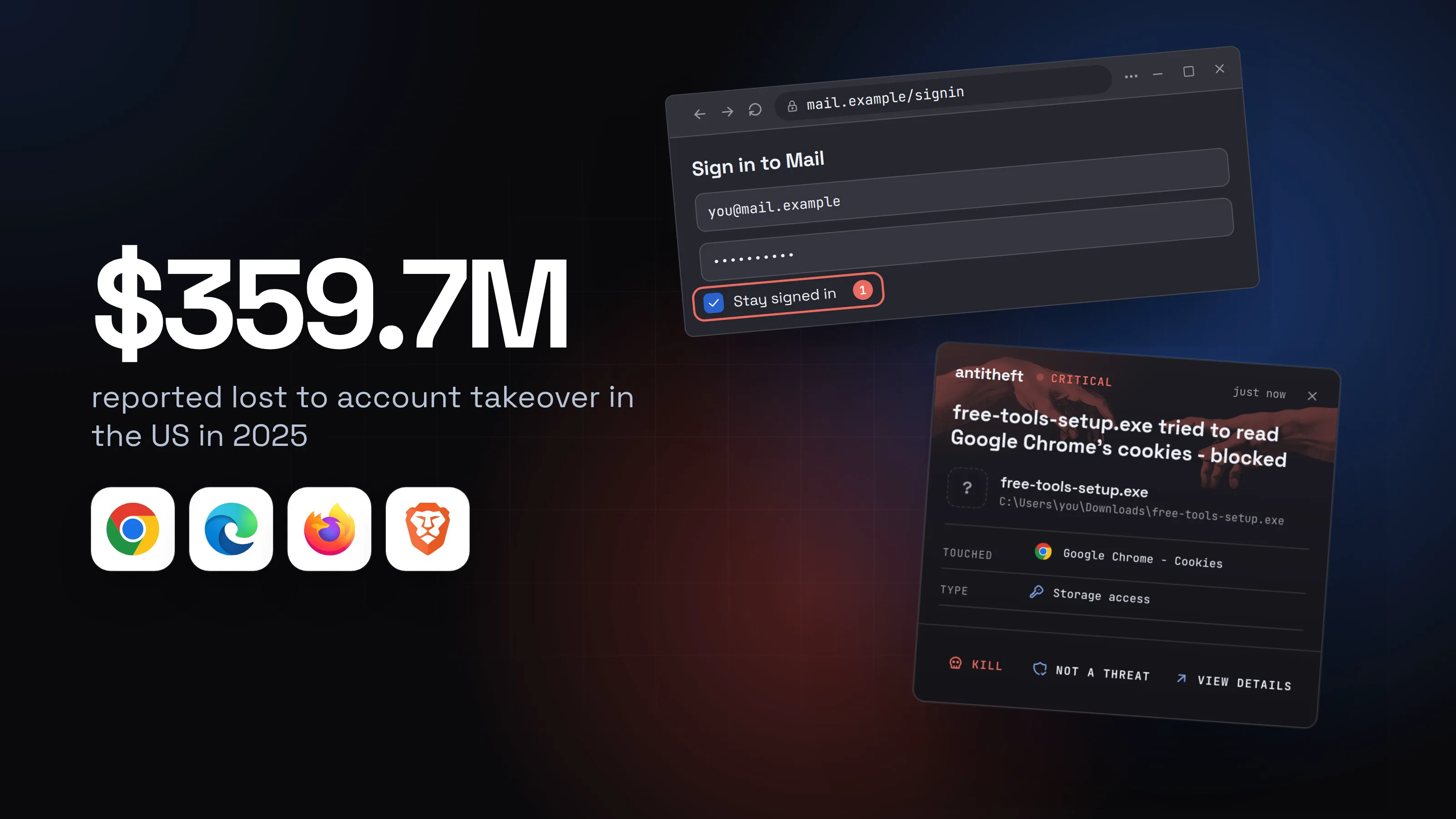
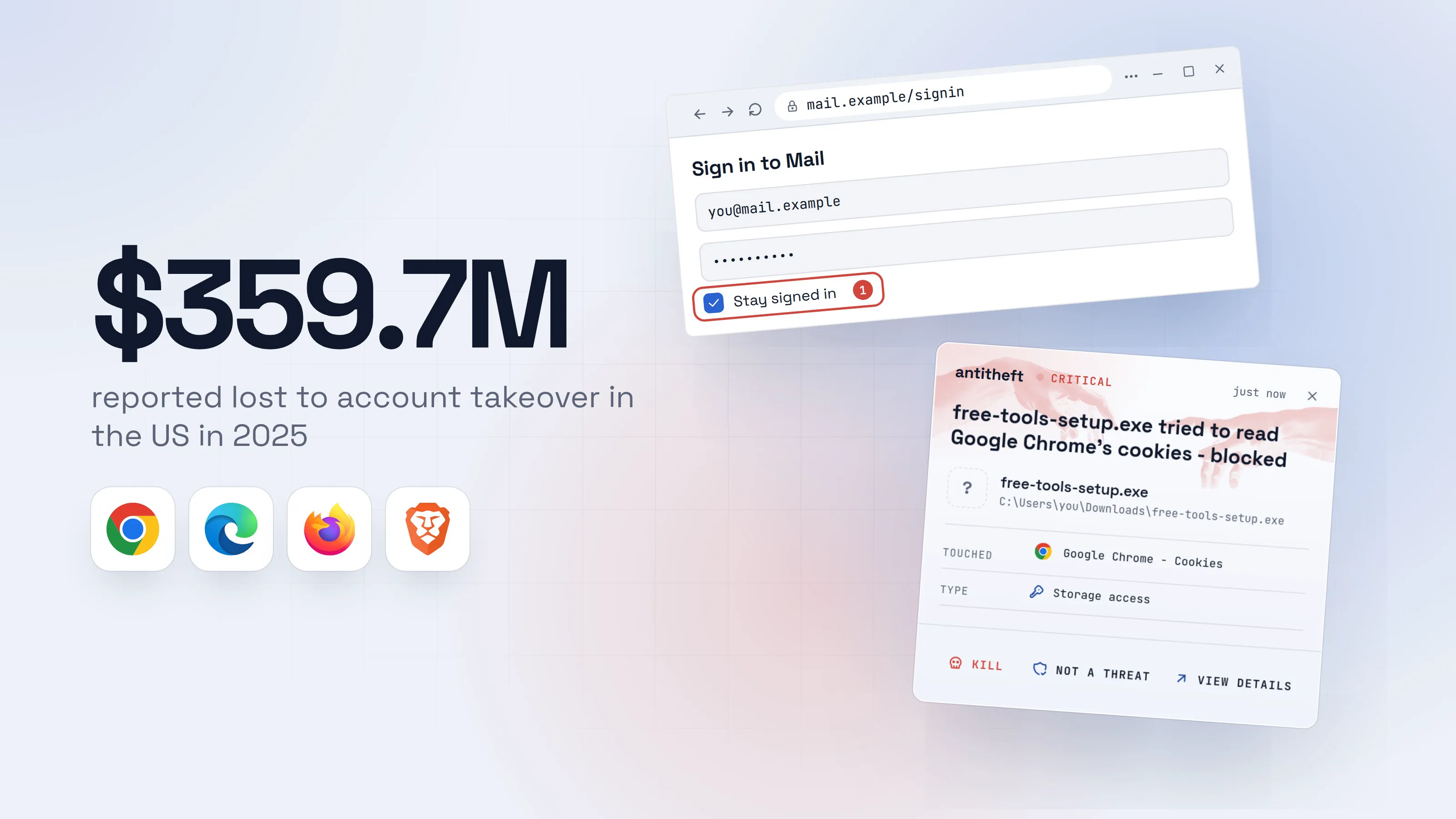
Can hackers bypass 2FA with stolen cookies? Yes. Two-factor authentication guards the front door once, when you sign in. A stolen session cookie is a copy of the pass you were handed after you walked through it. The site sees a valid pass and lets the holder in.
This is why people with strong passwords and a 2FA app still lose email, social and exchange accounts. The thief never attacked the password or the code. They took the ticket that comes after both.
Source: FBI IC3, Apr 2026
That is every kind of account takeover. The FBI's own example is a scammer posing as bank support, and it does not report cookie theft as a separate line. Stolen sessions are another road to the same place, and a busy one: the identity-intelligence firm SpyCloud recaptured 8.6 billion stolen cookies and session artifacts from malware infections in 2025.
This guide explains what a session cookie is, how stealers take it, which accounts it opens, how to tell a session was hijacked, how to kill it, and why changing your password is not enough on its own.
What is a session cookie? (the stay-signed-in ticket)
A session cookie is a small piece of data a website gives your browser after you sign in, so it can recognise you without asking for your password on every page. Think of a wristband at a festival. You show your ID once at the gate. After that, the wristband is all anyone checks.
Here is the whole story, in order:
- You enter your password.
- If you use 2FA, you enter the code from your app or phone.
- The site gives your browser a ticket (the session cookie).
- Every click after that shows the ticket. No password, no code.
"Stay signed in" and "remember me" make the ticket last longer, so it survives closing the browser and restarting the computer. That is convenient, and it is exactly what makes a copied ticket valuable: it keeps working until the site cancels it.
How do stealers take session cookies from your browser?
Infostealer malware copies the cookie files your browser keeps on disk and sends them to a thief, usually within seconds. Microsoft's threat researchers describe current stealers as collecting "login credentials, session cookies, authentication tokens, credit card numbers, and crypto wallet data" in one sweep. Browsers keep these files in your own user profile, where any program you run can reach them unless something refuses.
The stealer gets onto your computer because you ran it. It hides inside a cracked app, a game cheat, a fake browser update, an installer from a poisoned search ad, or a command a fake "verify you are human" page asked you to paste. What is an infostealer? covers the full list of routes in; the walkthrough below shows what the theft looks like from your side. Pick your system to see what you would get.
- 1You sign in the normal wayA strong password, typed correctly.
- 1Keeps the ticket after you close the browser
- 2The site asks for your 2FA code, onceThis is the only moment the code matters.MailVerify
- 3Your browser is handed a ticketFrom now on the ticket, not your password, proves it is you.What your browser keeps (simplified)
1mail.example gave this browser a ticket:
2ticket = 7c1e-EXAMPLE-00001
- 1A copy works for anyone. No password, no code
- 4A program you should not have run copies itIt looks like a finished install. Nothing visible happened.Free Tools Pack SetupFInstalling164%
- 1While the bar moves, it copies your browser's tickets
Free Tools PackInstalling
Setting up164%- 1While the bar moves, it copies your browser's tickets
Windows PowerShellTerminalTerminalPS C:\Users\you>you@MacBook ~ %you@laptop:~$bash ./free-tools-setup.sh1
Installing Free Tools Pack ...
Done.
- 1A script you were told to run. It copies your browser's tickets
- 5The thief opens your account from their own computerHours or days later, from another country.MailInboxSentSettings
Inbox1
Welcome back.
- 1No sign-in page and no code prompt: their browser carries your ticket
- dangerYour accounts are now theirsYour password and your 2FA never came into it.
What a stolen session gives the thief
- Your emailEvery reset link for your other accounts
- Bank and exchange accountsBalances, payees and contacts
- Social and chat accountsPosts and messages sent as you
- A skipped lockNo password, no 2FA code
Often nothing on your screen tells you.
With antitheft
With antitheft, the stealer is stopped at your cookies
- Caught the moment it reaches for your passwords or wallets
- On Linux refused before the file opens, on Windows and macOS stopped right after
- Even the most advanced malware, the kind no antivirus has seen yet
- Touched
 Google Chrome - Cookies
- Type
- Storage access
- Touched
- Google Chrome - Cookies
- Type
- Storage access
- Touched
- Google Chrome - Cookies
- Type
- Storage access
Keep stealers out of your passwords and wallets
- Guards passwords, browser logins and wallets
- Stops malware your antivirus misses
- On Windows, macOS and Linux
On Linux, the antitheft app lets only the browser that owns its logins and session cookies open them, and a stealer that nobody has seen before is refused before the file opens. On Windows and macOS antitheft stops it the moment it touches them. Either way you get the alert above. Chrome, Edge, Brave, Opera, Vivaldi and Firefox are covered. Safari on a Mac is not on that list, so the habits further down matter most there.
For power usersWhy a stolen cookie keeps working on another computer
Most sites check only that the ticket is valid, not which machine shows it. Some add checks (a new country, a very different browser, a sudden burst of requests) and may ask the holder to sign in again, which is why a stolen session sometimes dies fast and sometimes lives for weeks. Okta's analysis of an infostealer dump posted on Telegram in August 2026 shows both sides: 5,871 infected machines, 44,791 unique web tokens, and 1,843 still unexpired on the day the dump was released. Okta's researcher notes that it is "often possible to replay those secrets and bypass credential-based authentication." The older the ticket, the more likely it has expired, which is why thieves move fast.
Which accounts does a stolen session cookie hit?
Any account you were signed in to in that browser is exposed, and email is the one that matters most. With your inbox open, a thief can press "forgot password" on almost everything else you own and read the reset link.
Roughly, from most to least damaging:
- Email. The master key. Reset links, receipts and every account you ever registered.
- Banks and exchanges. Many ask for a fresh code before money moves, which helps, but a live session can still show balances and payees and try the action. How much a stolen session can do differs by service.
- Social networks and chat. Used to scam your friends, spread the same malware and lock you out.
- Cloud storage and work accounts. Files, shared drives and company tools.
- Shopping and subscriptions. Saved addresses, saved cards and orders sent elsewhere.
Anything you signed in to with "stay signed in" ticked is most at risk, because those tickets last longest.
How do you tell if your session was hijacked?
Check the list of signed-in devices on your account's security page, from a clean device. Every big service has one, and it is the quickest honest answer, because a hijacked session shows up there as a device or place you do not know.
| Service | Where to look |
|---|---|
| Google Account, Security & sign-in, Your devices, Manage all devices. In Gmail, the Details link at the bottom right opens "Activity on this account" with recent sign-ins and any other open sessions. | |
| Microsoft | The Recent activity page: it lists the last 30 days of sign-ins and lets you answer This wasn't me. |
| Accounts Center, Password and security, Where you're logged in. | |
| Banks, exchanges, others | Look in the security or account settings for "devices", "sessions" or "login activity". |
The signs that something is wrong:
- A device, browser or city on the list that you do not recognise.
- "New sign-in" emails or push alerts you did not cause, especially while you were away.
- Messages in your Sent folder, posts or settings you did not make.
- A changed recovery email, phone number or 2FA method.
- Rules that forward or hide your mail. Thieves add these so you do not see their replies.
Not seeing any of these does not prove you are clean. If you ran something you should not have, treat the sessions as stolen anyway and end them with the steps below.
How do you kill a stolen session? (sign out everywhere)
Sign out everywhere from a clean device, because that is what cancels the ticket the thief holds. Do it from your phone or another computer you trust, not the one that may be infected. Otherwise you just sign in again and hand the stealer a fresh ticket.
- 1Open the account's security page on a clean deviceLook for 'devices', 'sessions' or 'where you're signed in'.
Where you're signed in
This device, nowWindows PC, ChromeUnknown, 12 min agoLinux PC, Firefox, Reykjavik1- 1A device and place you do not know
- 2Choose sign out everywhereEvery browser and app is signed out, the thief's included. Some services take a while to finish.Sign out everywhere?Sign out everywhere1
- 1Cancels every ticket, the thief's too
- 3Then change the password and check your 2FANew password, new 2FA codes if you can, a security key if the service offers one.
- safeCheck what the thief changedRecovery email and phone, forwarding rules, connected apps and sign-in methods. Remove anything you did not add.
Here are the exact paths for the two biggest providers:
- Google: Google Account, Security & sign-in, Your devices, Manage all devices, pick a device, Sign out. Repeat for every unfamiliar device, and for sessions that share a device name.
- Microsoft: the security dashboard, Advanced security options, Sign out everywhere, Sign out. It can take up to 24 hours to finish, and it does not sign out Xbox consoles.
- Facebook: Accounts Center, Password and security, Where you're logged in, Select devices to log out, Log out.
Do this for email first, then banks, exchanges, social accounts and anything with money or private messages. What to do after your passwords are stolen covers the order for a full clean-up.
Why changing the password alone is not enough
A stolen cookie is a separate ticket from your password, so changing the password does not reliably cancel it. The site decides whether a password change also ends other sessions. Some do. Many do not, or do only for some kinds of sign-in, and you cannot tell from outside which kind you are dealing with.
Microsoft's incident guidance says it plainly: when a session is stolen in a phishing-proxy attack, "password reset is not an effective solution," and defenders should revoke session cookies as well. In its write-up of the Tycoon2FA phishing kit, Microsoft notes the thief can keep access "even if the password was changed later."
There is a second reason. A thief with a live session often changes things before you notice: a new recovery phone, an extra 2FA method, a forwarding rule. Microsoft's guidance lists revoking those MFA changes and deleting the attacker's rules as part of the fix. A new password does not undo any of them.
So the order matters:
- Sign out everywhere (cancels the ticket).
- Change the password (closes the other door).
- Review recovery details, 2FA methods, forwarding rules and connected apps (removes what the thief added).
- Only then sign in again, on a clean computer.
Is Chrome fixing cookie theft?
Chrome is making stolen cookies harder to reuse, but Google itself says it cannot stop the stealing. In April 2026, Google made Device Bound Session Credentials (DBSC) available in Chrome 146 on Windows, with macOS planned. The browser ties your session to a secret key held in the computer's security chip. The cookie a thief copies expires quickly and cannot be renewed without that key, which cannot leave your machine.
Two limits matter. DBSC only works on sites that switch it on, so your bank and exchange may not have it yet. And Google's own post says there is "no reliable way to prevent cookie exfiltration using software alone on any operating system": the goal is to make the stolen cookie worthless, not to stop the theft. Treat it as a good extra layer on top of the habits here, not as a reason to skip them.
Why can't the browser maker simply lock the files? Because a browser has to serve everyone: backup tools, company management software and other programs that legitimately read a browser's data. antitheft is built for one kind of person, an individual who wants their own cookies and logins closed to every program except their browser. That is why, on Linux, it can refuse by default, and on Windows and macOS stop any other program that touches them.
How to protect yourself from session cookie theft
The best protection is to keep the stealer off your computer, keep the ticket where only your browser can open it, and keep sessions short. In order of effect:
- Do not run what the web hands you. Cracked apps, cheats, fake updates and pasted commands are how nearly every stealer arrives. See cracked software and game cheats, fake browser updates and the fake CAPTCHA scam.
- Install antitheft. On Linux only your browser may open its logins and session cookies, so a new stealer leaves with nothing; on Windows and macOS it is stopped the moment it touches them.
- Untick "stay signed in" on accounts that hold money or your email, and sign out of exchanges and banks when you finish.
- Use passkeys or a hardware security key where offered. They stop the phishing-page route below; they do not protect a cookie that is stolen after you sign in.
- Look at your signed-in devices every few months, and sign out of any you do not know.
- Keep your browser updated. That is how new protections such as DBSC reach you.
What antitheft does not cover
antitheft does not stop a thief who is already inside your browser, and it does not stop a phishing proxy. Those are the two ways to lose a session that never touch the files antitheft guards, and you should know them.
- A phishing proxy (adversary-in-the-middle). A fake sign-in page relays everything you type to the real site and keeps the ticket the real site sends back. Microsoft says one such service, Tycoon2FA, sent phishing messages reaching "over 500,000 organizations each month" before it was disrupted in March 2026. The ticket is captured on its way to your browser, so no program ever reads it from your computer. Check the address bar before you sign in, never sign in from a link in a message, and prefer passkeys or security keys, which will not work on the wrong site.
- A thief already inside your browser. A rogue extension, a hijacked browser or a person you let into your computer through remote control reads the cookies the way the browser does. antitheft treats the browser as the owner.
- A password typed into a phishing page. That is a password handed over, not a cookie stolen. Habit is the only defence.
The passwords your browser saves sit in the same place as its cookies. If you wonder how exposed they are, read are browser-saved passwords safe?.
Questions people ask
Can hackers bypass two-factor authentication with stolen cookies?
Yes. Two-factor authentication checks you once, at sign-in. After that, the site recognises your browser by a session cookie. A thief who copies that cookie and loads it into their own browser is treated as already signed in, so the site never asks for a password or a code.
What is a session cookie in simple words?
It is the stay-signed-in ticket a website gives your browser after you sign in. Your browser shows the ticket on every visit, so you do not have to type your password again. Whoever holds a copy of the ticket is treated as you until the site cancels it.
How do hackers steal session cookies?
Mostly with infostealer malware you were tricked into running: a cracked app, a fake update, a pasted command. It copies the cookies out of your browser and sends them away. The other common route is a phishing page that sits between you and the real site and keeps the ticket the site hands back, so the cookie is taken without any malware on your computer.
Does changing my password log hackers out?
Not reliably. A stolen cookie is a separate ticket, and whether a site cancels other sessions when you change the password is the site's choice. Microsoft's own incident guidance says a password reset alone is insufficient when a session was stolen. Use the account's sign out everywhere option first, then change the password.
How do I know if my session cookie was stolen?
Look at the list of devices signed in to your account (Google calls it Your devices, Microsoft has a Recent activity page, Facebook has Where you're logged in). A device, browser or place you do not recognise, sign-in alerts you did not cause, or messages and settings you did not change are the signs.
How do I sign out of all devices at once?
Open the security settings of the account from a clean device and choose the sign out everywhere option: on a Google Account it is Security & sign-in, Your devices, Manage all devices, Sign out per device; on a Microsoft account it is Advanced security options, Sign out everywhere. Then change the password and review recovery email, phone and 2FA methods.
Does antitheft stop cookie theft?
Yes, for the files on your computer. On Linux the antitheft app refuses any program that does not own a browser's logins and session cookies before the file opens; on Windows and macOS it stops such a program the moment it touches them. Either way you get an alert, even if nobody has seen that stealer before. It does not cover a phishing page that captures a session in transit, or a thief already running inside your browser.
the short version
Yes, hackers can bypass 2FA with stolen cookies. A session cookie is the stay-signed-in ticket your browser holds after you sign in. Malware copies it, and the thief arrives already logged in, with no password and no code. To end it, use the account's "sign out everywhere" option first, then change the password. Changing the password alone does not reliably cancel a stolen ticket.
sources
- FBI Internet Crime Complaint Center: 2025 IC3 Annual Report (Apr 2026)
- SpyCloud: 2026 Identity Exposure Report (8.6 billion cookies and session artifacts recaptured) (Mar 2026)
- The Hacker News (Okta research): Infostealer logs expose replayable AI tokens that can bypass MFA (Sep 2026)
- Microsoft Security: Infostealers without borders, macOS, Python stealers and platform abuse (Feb 2026)
- Microsoft Security: Inside Tycoon2FA, how a leading AiTM phishing kit operated at scale (Mar 2026)
- Microsoft Security: Resurgence of a multi-stage AiTM phishing and BEC campaign abusing SharePoint (Jan 2026)
- Google Security Blog: Protecting cookies with Device Bound Session Credentials (Apr 2026)
- Help Net Security: To counter cookie theft, Chrome ships device-bound session credentials (Apr 2026)
- Google Account Help: See devices with account access
- Gmail Help: Check your Gmail last account activity
- Microsoft Support: How to sign out of your Microsoft account everywhere
- Microsoft Support: What is the Recent activity page?
- Facebook Help Center: Log out of Facebook on other devices