Tech support scam: how it works and what to do after
A tech support scam starts with a fake virus pop-up and a phone number. See how the call, the remote tool and the fake refund work, and what to do next.
A tech support scam is a fraud where a stranger pretends to be technical support and talks you into giving them your computer, your bank login or your money. It rarely starts with hacking. It starts with a pop-up that says "Call Microsoft now", and a person who answers.
Money is the point, and the FBI's numbers are large. Tech support fraud was the third most costly type of internet crime reported to the FBI in 2025, behind only investment fraud and business email compromise.
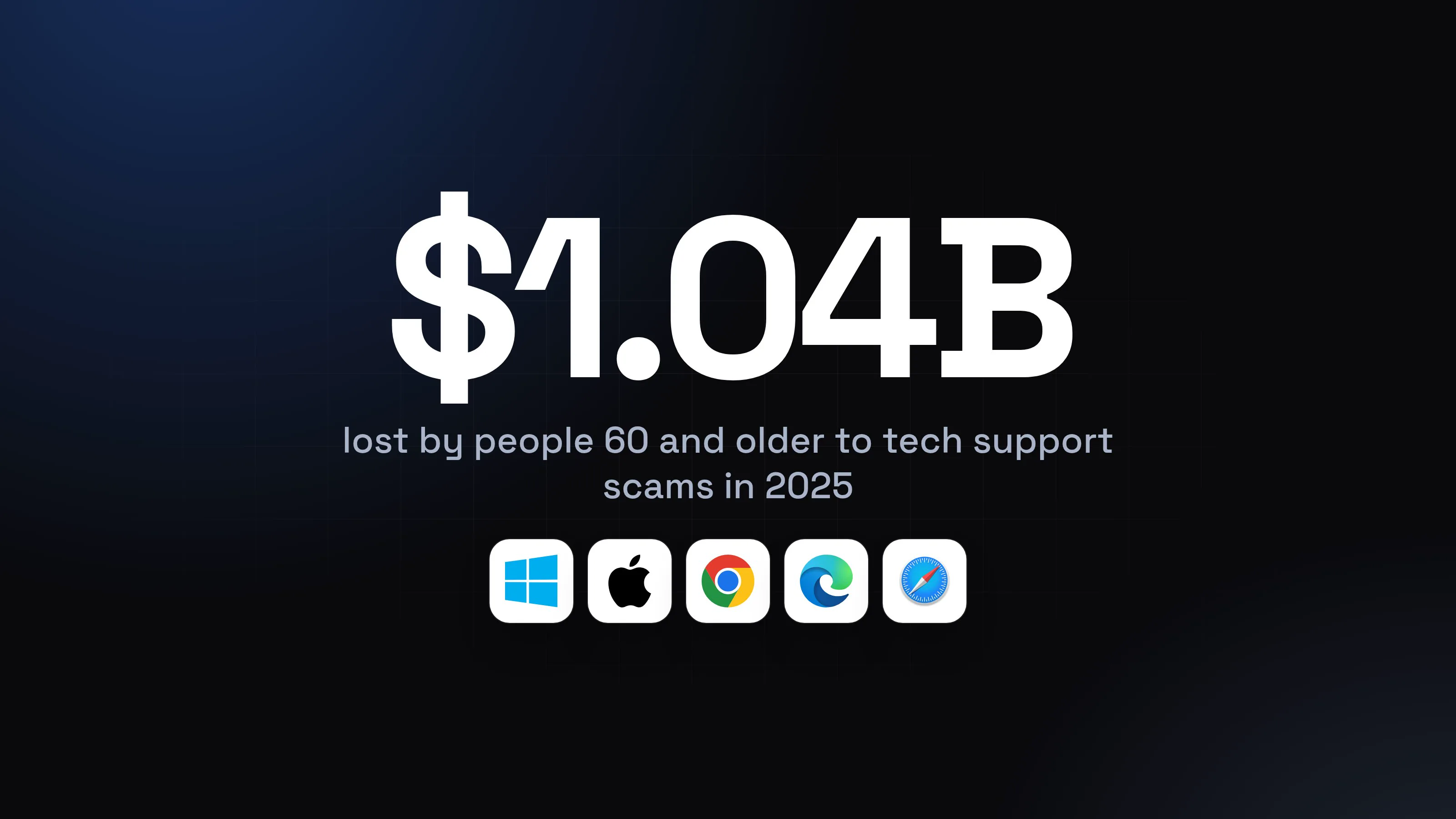
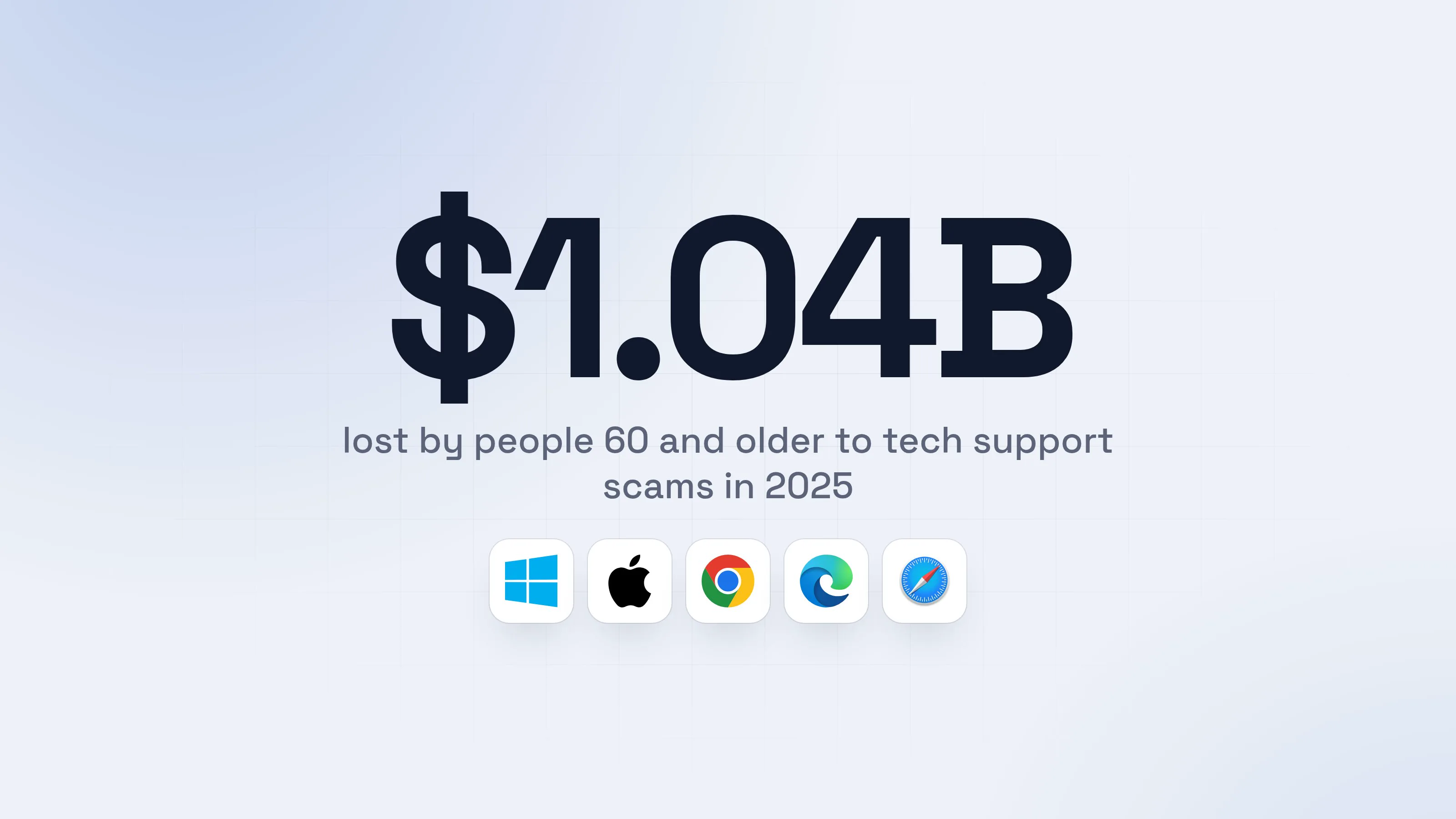
Older people carry a large share of it. People 60 and older filed 21,333 tech support complaints:
Source: FBI IC3, Apr 2026
This guide shows what each step of the scam looks like on screen, the red flags, what to do while it is happening and what to do after. If a remote session is open right now, jump to the section on what to do while it is happening.
How does a tech support scam work, step by step?
A tech support scam works in five moves: a scare, a phone call, a remote session, a fake proof of a problem, and a payment. The pop-up and the call are made to feel like help. The remote session is what turns it into theft.
- 1A pop-up says your computer is blocked and gives a numberIt is a web page, not your antivirus. It often fills the screen and can play an alarm.
WARNING: Your computer is blocked
Virus detected: 4 threats found. Your bank logins and photos are at risk. Do not restart.
Call Microsoft Support now: 1-800-555-01422
Your access will be locked in 04:593
Call now- 1Not Microsoft, not Apple, not your antivirus
- 2Real security warnings never include a phone number
- 3A countdown is pressure, not a security feature
- 2You call, and a calm "technician" takes overThe script sounds helpful and urgent at once. It is the same on every call.What the caller says
1"This is Daniel from Microsoft Windows Support. We see hackers on your computer."1
2"Do not switch it off or you will lose everything."
3"Open your browser and type quenmark-help dot example. I will give you a code."2
4"Stay on the line. Do not close anything."
- 1Microsoft does not call you, and a pop-up number goes to a call center, not to Microsoft
- 2This is the whole break-in: you let them in yourself
- 3You install a remote tool and click AllowThe tool is real software that lets a helper see your screen and use your mouse. Here it is drawn as a generic invite.Quenmark Remote HelpAllow remote controlCancel
- 1They are told to say yes. One click gives them your computer
- 4They show you "proof" that you are infectedScammers open system folders or run scans that look like evidence of a problem. The screen may go black "for the update" while they work.Event log (opened by the caller)
Errors and warnings: 4,812
Critical: 1,203 entries1Error: 2,419 entriesWarning: 1,190 entries"These are all hackers. Let me fix it for you."
- 1Ordinary logs every computer has. Shown as a verdict
- 5They ask you to sign in to your bank, for a "refund"In the refund version, the caller says you are owed money and needs you to sign in so they can "deposit" it. They are watching, and they can change what the page shows.
Fennmoor Bank: Accounts
Refund from Support Team+ $3,000.00 pending1Checking$412.60"We refunded $3,000 by mistake, not $300. Send $2,700 back now, with gift cards or a wire."2
- 1Typed in by the caller on your screen. No money arrived
- 2You are now repaying money you never received
- dangerYou pay, and they keep what they sawThey have your money, your bank login and a way back in.
What a tech support scam takes from you
- The "refund" you send backGift cards, wire or crypto: hard to recover
- Your bank login, seen liveThey watched you type it
- A remote tool left behindA door that stays open
- A "safe account" transferIn the longer version, your savings
Most of it happens in one call. The tool stays on the computer afterwards.
What is the fake refund scam?
The fake refund scam is a tech support scam where the caller says you are owed money, then tricks you into "sending back" an overpayment that never existed. It runs on the same remote session. The refund is only the reason to sign in to your bank while they watch.
A security vendor describes it in four moves: a caller says you are owed a refund for a past service, asks you to install a remote tool to "process" it, has you sign in to your bank, then edits what the page shows to look like an accidental overpayment. The caller pressures you to return the difference with gift cards, a wire or crypto.
Other versions change the story, not the ending. In the "Phantom Hacker" version the FBI describes, the tech support caller says the computer was hacked, a second voice claims to be your bank and a third claims to be a government agency. Each tells you your money is unsafe and must be moved to a "safe" account. The victim is also told not to tell anyone the real reason for the transfer.
The FBI says government and law enforcement will never ask you to send money by wire to foreign accounts, in crypto or with gift or prepaid cards.
Why is the tech support scam so expensive?
Tech support scams cost so much because the scammer is inside your computer and your bank session while you pay, and because the target is often someone who cannot easily check. In 2025 the FBI counted 47,794 tech support complaints with $2,134,675,818 in losses.
Three details from the FBI's 2025 report explain the size:
- Call centers. Tech and customer support fraud and government impersonation, two types the FBI says are run by illegal call centers, together drew more than 80,000 complaints and over $2.9 billion in losses in 2025.
- Older victims. People 60 and older reported $1,040,730,043 in tech support losses.
- Cash and gold pickups. About 725 complaints and $311.8 million in losses involved couriers sent to collect cash and precious metals from victims of tech support and government impersonation scams.
The scams are also often run by the same groups. The FBI notes that tech support and government impersonation frauds are frequently committed by the same criminals, sometimes at the same time.
What are the red flags of a tech support scam?
The clearest red flag is that someone contacted you first about a problem. Legitimate tech companies do not call, email or text you to say your computer has a problem, and real security warnings never ask you to call a number.
Check any pop-up, call or message against this list:
- A pop-up with a phone number (Microsoft: its error and warning messages never include one)
- A call, text or email you did not ask for that says your computer, account or bank is compromised
- A countdown, alarm or locked screen that says you must act now
- A request to install a remote tool, read out a session code or click Allow
- A request to sign in to your bank while they are connected
- A refund you never asked for, or money "sent by mistake" that you must send back
- Payment by gift cards, wire transfer, bank transfer, crypto or a payment app (the FTC lists these as the methods scammers demand because they are hard to get back)
- Anyone telling you to keep it secret from your bank or family
- A courier coming to collect cash or gold
One tick is enough to hang up. Calling back a number you find yourself, from your card or the company's own site, costs nothing.
What do I do while it is happening?
If you are on the call or a pop-up is on your screen, stop, hang up and close the pop-up: nothing here needs a decision from you. The steps below are in the order that matters.
- 1Hang up. Do not call the number, now or laterScammers call back, and number spoofing is common. Let it ring out.
- 2Close the pop-up by closing the browser, not by clicking itMicrosoft says these pages use full screen, audio and a disabled Task Manager to scare you. If the page will not close, try these keys.Task Manager
1. PressCtrl+Alt+Del
Your browserNot respondingEnd task1- 1Closes the browser and the pop-up with it
Force Quit Applications1. Press⌘ Cmd+⌥ Option+Esc
Your browserNot respondingForce Quit1- 1Closes the browser and the pop-up with it
- 3A remote session is open? End it and turn off Wi-FiClose the remote tool, then turn off Wi-Fi and unplug any network cable. Microsoft's guidance: if you suspect the person is malicious, disconnect from the session immediately.
- 4Do not sign in to your bank, buy gift cards or read out a codeAnything typed on the computer while they are connected can be seen. A bank login typed during the call is a login they saw.
- 5Already sent money? Call your bank now, from the number on your cardThe FBI's advice: contact your financial institution immediately and ask for a recall of the funds.
- safeThen do the steps in the next section from another deviceYour phone, or another computer that was never in the call.
What do I do after a tech support scam?
After a tech support scam, protect money first, then accounts, then the computer. Use a different, clean device for the first two: anything typed on the affected computer may have been seen.
- 1Call your bank and card companiesUse the number on your card, not one the caller gave you. Ask for a recall of any transfer and dispute card charges. The FBI says time is of the essence, and Microsoft says to contact your credit card provider right away.
- 2Change passwords, email firstEmail resets everything else. Then your bank and every account you used on that computer. Turn on two-factor sign-in with an authenticator app, and use "sign out of all devices" where it exists.
- 3Remove the remote toolOnly after your accounts are safe. Microsoft's own steps: uninstall what the scammer installed, run a Windows Security scan, install Windows Update. A full reinstall is the safest cleanup.Settings > Apps > Installed apps
Installed apps
Quenmark Remote HelpInstalled today1Your notes appInstalled 3 months agoYour browserInstalled 2 years ago- 1Nobody installed this on purpose. Choose the three dots, then Uninstall
ApplicationsApplications
Quenmark Remote HelpAdded today1Your notes appAdded 3 months agoYour browserAdded 2 years ago- 1Nobody installed this on purpose. Drag it to the Trash
- 4Clean the computer, or reinstall itThe cleaning steps are in the guide linked below. On Linux, remove software with your package manager.
- 5Report it, and keep the detailsIn the US: ic3.gov and ReportFraud.ftc.gov. Microsoft has a report form at microsoft.com/reportascam. Keep the phone number, the tool's name and every transaction.
- safeIgnore anyone who offers to get your money backIn July 2026 the FBI warned that scammers pose as the IC3, and use AI-made videos of FBI leaders, to approach people who were already scammed and offer to recover their funds. The IC3 does not recover funds through social media or messaging apps.
To clean up, run your system's own scanner first, then reinstall if a stranger had control or you paid. If you are not sure whether someone is still in the computer, assume they are and reinstall.
For power usersWhat a remote operator can leave behind
A caller with a live session can install more than the tool you saw: a second remote tool with unattended access, a saved password for the tool, or a program that starts at every sign-in. That is why the safe answer is a reinstall, not a quick uninstall. Rotate any password, API token or seed phrase that was ever typed or stored on the computer, and move crypto to a new wallet created on a clean device.
Why is the scam still working? And does antitheft stop it?
The scam still works because the scammer does not break in: you open the door, with a real tool and your own click. antitheft does not stop that click, and it is not an antivirus.
A person you let in is not stopped by the antitheft app. The app guards your browser passwords, session cookies and wallets against other programs (refused on Linux, stopped on Windows and macOS), but a caller using real apps through a session you approved is you, as far as the computer knows. Habits are what stop this scam, and they cost nothing:
- Hang up on any call that starts with a problem you did not report. Real companies do not call first.
- Never call a number from a pop-up. Close the browser instead.
- Never install a tool, read a code out or click Allow for someone who contacted you.
- Never sign in to your bank while anyone is connected.
- Uninstall remote tools you do not use. On Windows, Quick Assist can be removed from Settings, Apps, Installed apps.
- Tell parents and grandparents the rule once: if the computer calls you, hang up.
antitheft adds one thing for the day a habit fails: on Linux your saved browser passwords and wallet files stay closed to any program the caller starts, because only the app that owns them may open them; on Windows and macOS such a program is stopped the moment it touches them. Its Activity view shows you which programs opened them. If someone did get in, disconnect and start the "after" steps while the money can still be recalled.
If your problem began with a web page that asked you to paste something, that is a different trick: read fake CAPTCHA (ClickFix).
Questions people ask
What is a tech support scam?
A tech support scam is a fraud where someone pretends to be technical or customer support, usually "Microsoft" or "Apple", and tells you your computer or account has a problem. It starts with a pop-up, a call or a text. It ends with you letting them control your computer and paying for a fake fix, a fake refund or a transfer to a "safe" account. The FBI's own definition is a subject posing as technical or customer support.
Does Microsoft call you about a virus?
No. Microsoft says it does not make unsolicited calls or send unsolicited email to ask for personal or financial information, and that its error and warning messages never include phone numbers. If you did not contact Microsoft first, the call is a scam. Apple gives the same advice: hang up.
I called the number on the pop-up but gave them nothing. Am I safe?
If you only called and hung up, installed nothing, read out no code and clicked no Allow button, you most likely lost nothing. Close the browser, keep the number out of your phone and be ready for follow-up calls. If you gave a code, installed a tool, signed in to a bank or paid, use the "after" steps below at once.
Is the fake virus pop-up a real virus?
Usually it is only a web page. Microsoft describes these pop-ups as fake error messages on websites, often full screen, with audio and a disabled Task Manager to scare you. Closing the browser ends it. The infection risk starts when you call the number and follow the instructions.
Can I get my money back after a tech support scam?
Sometimes, and only if you move fast. The FBI's advice is to contact your bank immediately, ask for a recall of the funds and file a report at ic3.gov with the full transaction details. Payments by card can be disputed. Gift cards, crypto and cash are hardest to recover. Beware anyone who contacts you offering to get the money back: the FBI warned in July 2026 that scammers pose as IC3 to do exactly that.
How do I remove the remote access tool a scammer installed?
From a clean device, change your passwords first. Then on the affected computer open Settings, Apps, Installed apps on Windows, find the tool, choose the three dots and Uninstall. On a Mac, drag the app from Applications to the Trash. Microsoft also advises a Windows Security scan and Windows Update, and a reset if you are unsure. A full reinstall is the safest cleanup.
Does antitheft stop a tech support scam?
No. A person you let in uses real apps with your own permission, so the antitheft app does not stop them, and antitheft is not an antivirus. What it does: on Linux a program the caller starts cannot copy your saved browser passwords or wallet files, because only the app that owns them may open them; on Windows and macOS such a program is stopped the moment it touches them. It does not undo what a caller did, and the habits in this guide do the real stopping.
the short version
A tech support scam is a fake virus pop-up or call that gets you to phone a "technician", let them control your computer and then pay for a fake fix or a fake refund. No real company shows a pop-up with a phone number or calls you first. If one did, close the browser, hang up, and never install a tool or read out a code. If you already did, disconnect, call your bank from your card's number and change your passwords from another device.
sources
- FBI Internet Crime Complaint Center: 2025 IC3 Annual Report (tech support 47,794 complaints, $2,134,675,818; complainants 60+ $1,040,730,043; gold courier scams) (Apr 2026)
- FBI IC3: Tech/Customer Support and Government Impersonation (what the scams are, how they combine, protection advice)
- FBI IC3 PSA I-092923: Phantom Hacker scams (tech support, financial institution and government impersonation phases)
- FBI IC3 PSA I-072026: FBI warns of scammers impersonating the IC3 (fund-recovery scams) (Jul 2026)
- FTC Consumer Advice: How to spot, avoid and report tech support scams
- Microsoft Support: Protect yourself from tech support scams (what Microsoft never does, steps if you gave access)
- Microsoft Learn: Use Quick Assist to help users (session code, Allow, Request control, how to uninstall, report abuse)
- Apple Support: Recognize and avoid phishing messages, phony support calls and other scams
- SANS OUCH! newsletter: Fake tech support, the only thing they are fixing is your bank account (Jan 2026)
- Total Defense: How the fake refund tech support scam works and how to protect yourself (Jun 2026)