Supply chain attack: what it is and how to protect yourself
A supply chain attack hides malware in software you already trust: packages, extensions, updates. The six ways in, 2026 examples, and how to protect yourself.
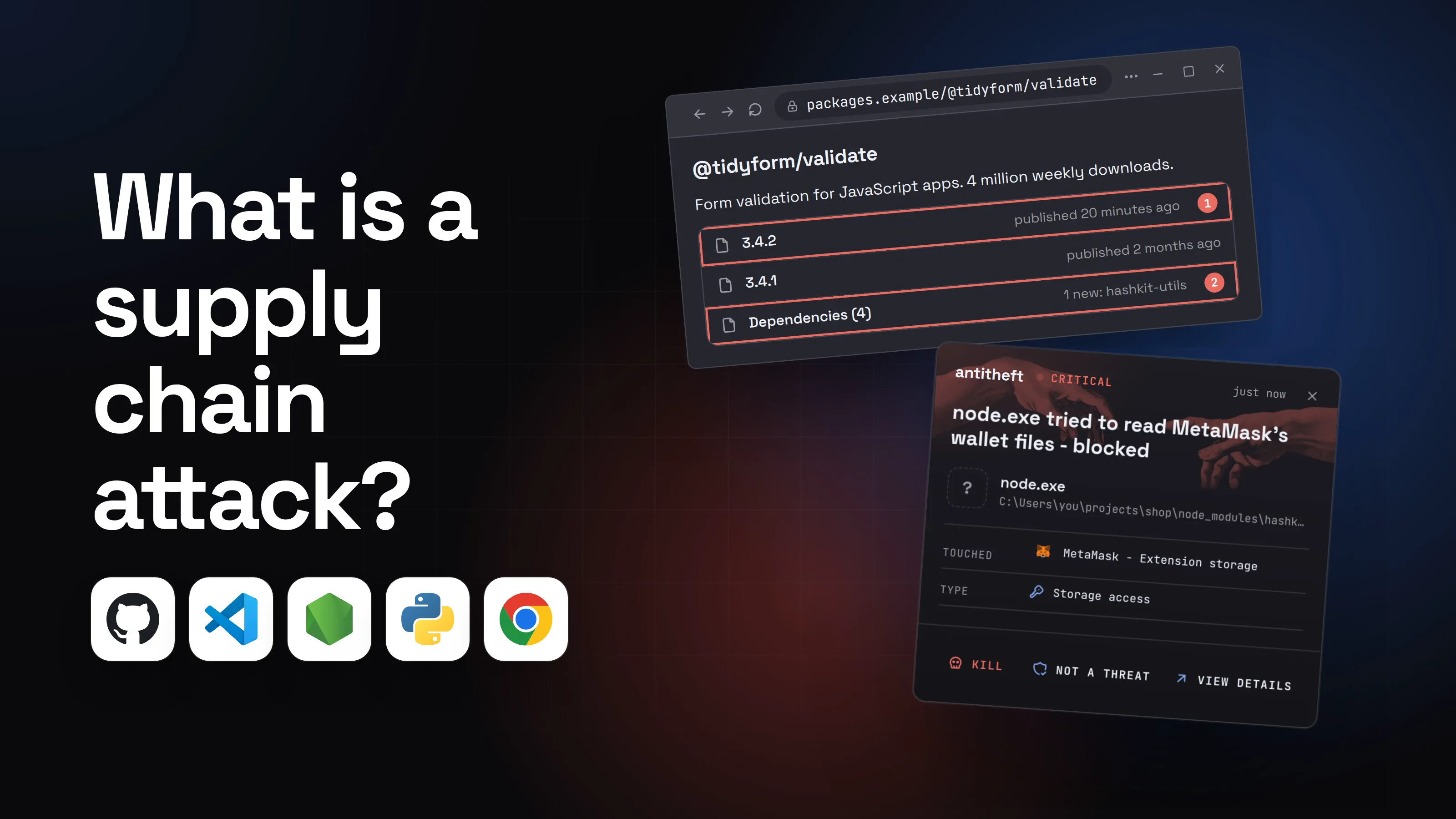
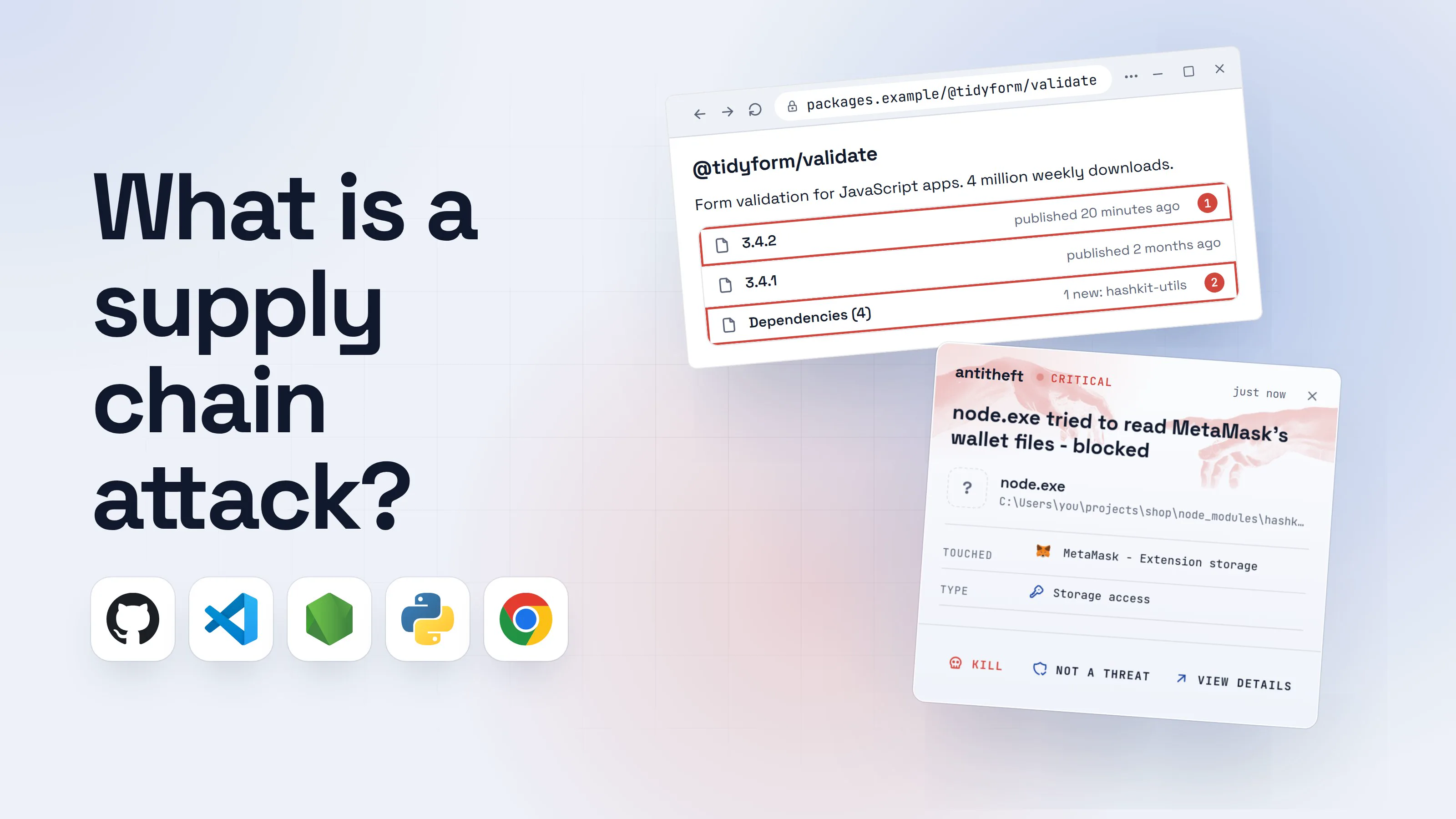
A supply chain attack is when attackers poison software you trust before it reaches you, so the malware arrives through a normal install or update instead of a suspicious download. You did nothing wrong: the package, extension or update came from the real place, signed by the real name. That is why it works so well.
In the past twelve months, supply chain attacks hit the most-used code libraries in the world, a popular text editor's updater, a security scanner, and a crypto wallet's browser extension. This guide explains what a supply chain attack is in plain words, the six routes in with a dated example each, one walkthrough of the most common route, and how to protect yourself, as a developer and as everyone else.
Source: Trust Wallet, Dec 2025
What is a supply chain attack, in plain words?
A software supply chain attack targets the makers and delivery routes of software instead of you. Every app you run is built from hundreds of smaller pieces written by other people, and it reaches you through stores, registries and updaters. Compromise one link in that chain and the poison travels down it to everyone.
Think of a bottled water plant. Nobody needs to break into your house if they can tamper with the bottles at the factory. You open a sealed bottle from a brand you trust and drink.
Three things make these attacks pay. Trust: the poison carries a name you already chose, so warnings stay quiet. Automation: installs, updates and build robots run it without a person looking. Reach: one poisoned library lands on thousands of computers at once, and each infected developer can become the next delivery route.
The Trust Wallet case above shows how links connect. In November 2025 a worm stole secrets from developers, Trust Wallet's among them. A month later the attacker used a stolen key to publish a tampered version 2.68 of the wallet's Chrome extension. Between December 24 and 26, it emptied wallets of people who simply logged in. Trust Wallet is reimbursing the victims.
How do supply chain attacks get in? The six routes
Supply chain attacks reach you through six routes: open-source packages, hijacked maintainers and worms, editor and browser extensions, poisoned official updates, build pipelines, and AI agents that install things for you. Each has its own guide.
1. Open-source packages (npm and PyPI)
A package is a ready-made piece of code a developer adds with one command. On npm (JavaScript) and PyPI (Python), a package can run its own code the moment you install it. Since npm 12 (July 2026), a dependency's install scripts no longer run unless you approve them, but the trick still works on older npm, with tools or settings that still run scripts, once you approve a package's scripts, or when the code runs as soon as the package is loaded.
On March 24, 2026, two poisoned versions of LiteLLM, a popular Python library for AI apps, sat on PyPI for about 40 minutes and harvested SSH keys, cloud credentials and other secrets. See how to protect against npm supply chain attacks and malicious PyPI packages.
2. Hijacked maintainers and worms
The fastest way to poison a package is to take over the account of the person who publishes it. On March 31, 2026, attackers tricked the lead maintainer of axios, a library with over 100 million weekly downloads, into installing malware during a fake meeting. They used his npm account to publish two versions that installed a remote-access backdoor. Worms automate this: Shai-Hulud steals each victim's tokens and republishes their packages infected.
3. Editor and browser extensions
Extensions run with your permissions and update silently. Since January 31, 2026, Socket counted at least 72 malicious GlassWorm extensions on Open VSX, the store Cursor and Windsurf use, posing as ESLint, Prettier and other everyday tools. Some started clean and pulled the malware in a later update. Read malicious VS Code extensions.
4. Poisoned official updates
Here the app is real and the update button is real, but the update is not. Between June and December 2025, attackers inside the former hosting provider of Notepad++, the free Windows text editor, redirected selected users' update requests to their own servers.
5. Build pipelines (CI/CD)
Build pipelines are the robots that test and publish software, and they hold the keys to do it. On March 19, 2026, attackers force-pushed 76 of 77 version tags of the Trivy security scanner's GitHub Action to credential-stealing code. LiteLLM ran Trivy in its own pipeline, and says its poisoned releases five days later may be linked to that compromise. In May 2026 the TanStack packages fell the same way, through a pull request that tricked their CI into handing over publish access.
6. AI agents installing things for you
Coding agents install packages, plugins and servers on your behalf, faster than anyone reads them. In February 2026 Socket found SANDWORM_MODE, 19 npm packages, three named to look like Claude Code, that planted a rogue tool server in AI assistants. That same month Aikido found react-codeshift, a package name an AI had invented, already referenced in 237 repositories. Read protect Claude Code from supply chain attacks and AI agent supply chain attacks.
How a poisoned npm package steals from you
The most common route is a trusted package getting a bad new version from its real maintainer's hijacked account. Nothing looks wrong on your side: same name, same author, a small version bump. Here is how it plays out on an ordinary developer laptop.
- 1A package you already use gets a new versionPublished from the real maintainer's account, which attackers took over the night before.
@tidyform/validate
Form validation for JavaScript apps. 4 million weekly downloads.
3.4.2published 20 minutes ago13.4.1published 2 months agoDependencies (4)1 new: hashkit-utils2- 1Brand new. Scanners have not looked at it yet
- 2A new dependency nobody asked for
- 2You install or update as usualOn npm 11 or older, or once its scripts are approved, the new dependency runs its install script before npm has even finished.Windows PowerShellTerminalTerminal
PS C:\Users\you>you@MacBook ~ %you@laptop:~$npm install
> [email protected] postinstall
> node setup.js1
added 214 packages, and audited 215 packages in 9s
found 0 vulnerabilities
- 1Runs automatically, as you, with no prompt
- 3The script collects your tokens and keysThey sit in plain text files any program you run can read..npmrc
1registry=https://registry.npmjs.org/
2//registry.npmjs.org/:_authToken=npm_7Gx••••••••••••1
- 1Your publish token: enough to release infected versions of your own packages
- 4Your secrets appear in a new public repositoryThe worm posts them in your own account, then republishes your packages to infect the next person.you/q7x2-resultsPublic1CodeIssuesWikienvironment.json1 minute agocloud.json1 minute agowallets.json1 minute ago
- 1Created by the malware, not by you
- dangerIt reaches for your wallets and browser logins tooMini Shai-Hulud's payload looked in over 100 places, crypto wallets among them.
What the poisoned package takes from you
- Your npm and GitHub tokensUsed to publish malware under your name
- Your cloud keysServers, databases and bills in your name
- Your crypto walletsBrowser and desktop wallets, emptied for good
- Your logged-in sessionsAccounts open without a password or 2FA code
All within seconds of one routine install.
With antitheft
With antitheft, the stealer is stopped at your passwords
- Caught the moment it reaches for your passwords or wallets
- On Linux refused before the file opens, on Windows and macOS stopped right after
- Even the most advanced malware, the kind no antivirus has seen yet
- Touched
 MetaMask - Extension storage
- Type
- Storage access
- Touched
- MetaMask - Extension storage
- Type
- Storage access
- Touched
- MetaMask - Extension storage
- Type
- Storage access
Keep stealers out of your passwords and wallets
- Guards passwords, browser logins and wallets
- Stops malware your antivirus misses
- On Windows, macOS and Linux
To your computer, that script is just node, started by a command you typed. antitheft does not need to recognise it. Only MetaMask may open MetaMask's storage, only Chrome may open Chrome's passwords. On Linux a package nobody has seen before is refused all the same; on Windows and macOS antitheft stops it the moment it touches them. On Linux, what an install script starts is refused even when the package manager itself is allowed, and cannot add itself to the places that start with your computer.
Activity lists every program that opened those files, so after a bad install you can see whether a package's script was among them, and rotate before the stolen token is used.
How to protect yourself from supply chain attacks (developers)
You cannot read every line you install, so make poisoned versions wait, stop them running on install, and keep what they could steal small:
- Wait before taking new versions. The poisoned axios and LiteLLM releases were pulled within hours. Set npm's
min-release-age(or pnpm'sminimumReleaseAge) so fresh versions wait a few days. - Update to npm 12 and approve install scripts deliberately. It runs no dependency install scripts until you allow them; approve only the few packages that need them. On older npm or other tools, set
ignore-scripts. - Commit your lockfile and install with
npm ci, so a new dependency shows up in review instead of slipping in. - Pin CI actions to a full commit hash, not a tag. Tags can be moved, as Trivy's were.
- Publish with trusted publishing, not a long-lived token on your laptop, and turn on two-factor for npm, PyPI and GitHub.
- Install unknown code in a container or VM with no wallet, browser profile or long-lived keys inside. Our guide on sandboxing AI agents shows the options.
- Read before you add. Check age, maintainers, install scripts and spelling with our npm package safety checklist.
- Keep money and real logins off the machine where you install packages all day.
For power usersThe settings, in one place
- npm 12+: dependency
preinstall,installandpostinstallscripts are off by default; review withnpm approve-scripts --allow-scripts-pendingand commit the allowlist it writes topackage.json. - npm 11 and older:
npm config set ignore-scripts true. Any version: in~/.npmrcaddmin-release-age=3(days). Install from the lockfile withnpm ci. - pnpm:
minimumReleaseAgeis in minutes (1440 is one day); dependency build scripts need your approval. - pip:
pip install --require-hashes -r requirements.txtrefuses anything whose hash does not match;--only-binary :all:avoids running a package's build code. - GitHub Actions:
uses: owner/action@<40-character SHA>instead of@v2; giveGITHUB_TOKENread-only permissions by default. - Publishing: npm and PyPI trusted publishing issue a short-lived token from your CI instead of a stored secret.
- Short-lived, narrowly scoped tokens everywhere: a stolen token that expires tomorrow is worth little.
How to stay safe from supply chain attacks (everyone else)
You do not write code, but you still install apps, updates and extensions. These habits close most of the routes:
- Update from inside the app or its official site. Never from a link in an email, an ad or a pop-up; see fake browser updates and fake ads for real apps.
- Keep apps current anyway. Notepad++ fixed its updater in version 8.8.9; old versions stay exposed.
- Keep few browser extensions, remove the ones you no longer use, and be wary when a quiet extension suddenly asks for new permissions.
- Use a hardware wallet or a separate device for large crypto amounts, so one poisoned extension cannot reach everything.
- Let your passwords and wallets refuse strangers. On Linux antitheft lets only the app that owns them open them, whatever got installed; on Windows and macOS it stops anything else that touches them.
- Watch the news for apps you use. When a vendor announces an incident, follow its own instructions first.
What to do if you installed a compromised package or update
If something you installed appears in one of these reports, act as if a stealer ran. Work from a different, clean device.
- Disconnect the computer and close every editor, terminal and AI agent on it.
- Move your crypto first to a new wallet created on a clean device.
- Change your important passwords, email first, and sign out of every session so stolen cookies stop working.
- Rotate every developer secret: npm, PyPI and GitHub tokens, SSH keys, cloud keys and
.envvalues. Check your accounts for new repositories, keys and releases you did not make. - Clean or reinstall. Remove the bad version, then reinstall the system before trusting the machine with anything important. The Shai-Hulud guide has the checks for worm infections.
A poisoned package is one of many ways a stealer gets in; what an infostealer is covers the rest, and fake job interview malware shows how the axios maintainer's kind of trap starts.
Questions people ask
What is a software supply chain attack in simple terms?
It is malware delivered through something you already trust. Instead of tricking you into running a strange file, attackers poison a package, an extension, an update or a build system that real software depends on, so the malware arrives through the normal install or update. You did nothing wrong: the trusted source itself was compromised.
What are recent examples of supply chain attacks?
In November 2025 the Shai-Hulud 2.0 worm infected hundreds of npm packages and leaked secrets into more than 25,000 GitHub repositories. In December 2025 a poisoned Trust Wallet browser extension update drained about $8.5 million. In March 2026 attackers hijacked the Trivy security scanner, then used a token it stole to publish poisoned LiteLLM releases on PyPI, and on March 31, 2026 a hijacked maintainer account pushed two malicious versions of axios to npm.
Can a software update contain malware?
Yes. When the attacker controls the update channel, the update is the malware. Between June and December 2025, attackers who had broken into Notepad++'s former hosting provider redirected some users' update requests to their own servers. Notepad++ 8.8.9 and later check the certificate and signature of every update. Update from the app itself or its official site, never from a link in an email or a pop-up.
What is the best protection against supply chain attacks?
Layers, because no single tool spots every poisoned package. Developers: delay brand-new versions, turn off install scripts, commit lockfiles, pin CI actions to commit hashes and keep tokens short-lived. Everyone: install from official sources, keep few extensions, and keep money and real logins away from the machine where you test code. Then make the valuables themselves refuse strangers: on Linux antitheft lets only the app that owns your passwords, browser logins and wallets open them, and on Windows and macOS it stops any other program the moment it touches them.
Does antitheft stop supply chain attacks?
It does not scan or block packages, extensions or updates. It covers what most of these payloads reach for. On Linux, when any program, including a script a poisoned package started, tries to open your browser passwords, logins, session cookies or crypto wallets, it is refused, because only the app that owns them may open them; on Windows and macOS antitheft stops it the moment it touches them. On Linux that holds even when the package manager is allowed, and what an install script starts cannot add itself to the places that start with your computer. Its Activity view also shows you which programs read your SSH keys, .env files and developer tokens (npm, GitHub and cloud keys), so you know what to rotate after a scare.
Is open-source software still safe to use?
Yes, and most supply chain attacks are found within hours because the code is public and thousands of people and scanners watch it. The risk is in the first hours after a poisoned version appears. Waiting a few days before taking new versions, and installing them with scripts turned off, removes most of that window.
the short version
A supply chain attack is malware that reaches you through something you already trust: a code package, an extension, an official update or the build system behind them. Attackers poison the source once and every install or update delivers it. Protect yourself by waiting a few days before taking new versions, turning off install scripts, keeping few extensions, and making your passwords and wallets refuse every program but their own app.
sources
- Trust Wallet: Browser Extension v2.68 incident, community update ($8.5M, 2,520 wallets, Sha1-Hulud origin) (Dec 2025)
- Wiz: Sha1-Hulud 2.0, ongoing supply chain attack (25,000+ repositories, preinstall, stolen cloud and GitHub credentials) (Nov 2025)
- Datadog Security Labs: Compromised axios npm package delivers cross-platform RAT (Mar 2026)
- StepSecurity: Mini Shai-Hulud is back, a self-spreading supply chain attack hits the npm ecosystem (TanStack) (May 2026)
- Aqua Security advisory GHSA-69fq-xp46-6x23: Trivy ecosystem supply chain compromise (trivy-action tags) (Mar 2026)
- LiteLLM: Security update, suspected supply chain incident (v1.82.7 and v1.82.8) (Mar 2026)
- Datadog Security Labs: LiteLLM and Telnyx compromised on PyPI, tracing the TeamPCP supply chain campaign (Mar 2026)
- Notepad++: Hijacked incident info update (Feb 2026)
- Socket: Open VSX transitive GlassWorm campaign (72 extensions) (Mar 2026)
- Socket Threat Research: SANDWORM_MODE, Shai-Hulud-style npm worm hijacks CI workflows and poisons AI toolchains (Feb 2026)
- Aikido: Slopsquatting, the AI package hallucination attack already happening (react-codeshift) (Feb 2026)
- GitHub Changelog: npm install-time security (npm v12 GA, dependency lifecycle scripts off unless allowed) (Jul 2026)
- npm Docs: config (ignore-scripts, min-release-age)
- npm Docs: Trusted publishing for npm packages
- PyPI Docs: Trusted Publishers
- pip Docs: Secure installs (hash-checking mode, --require-hashes)
- GitHub Docs: Secure use reference (pin actions to a full-length commit SHA)