Discord account hacked token stealer: recovery guide
Discord account hacked token stealer? How tokens get stolen, why a password and 2FA did not help, the steps to take the account back, and how to stop a repeat.
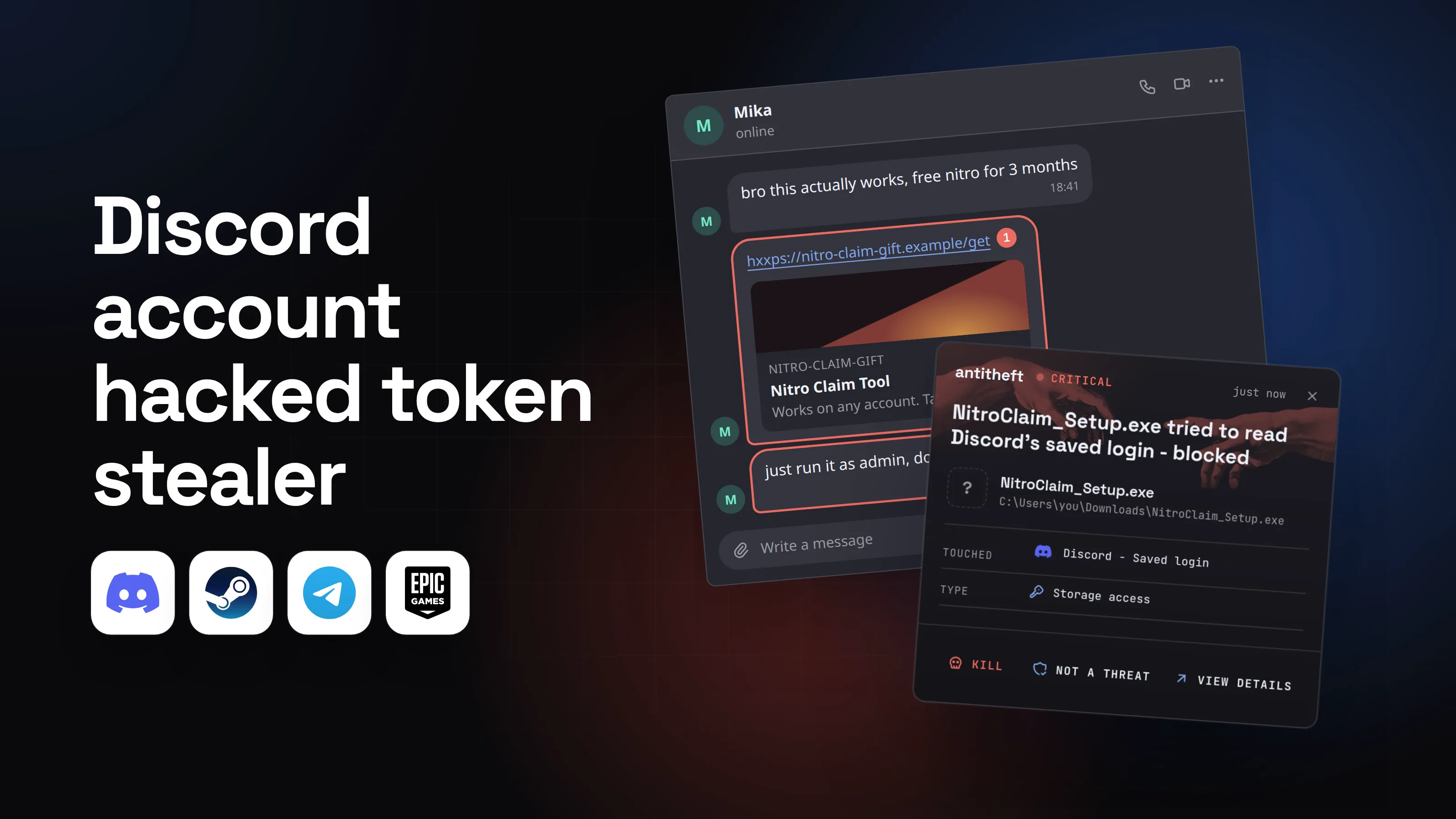
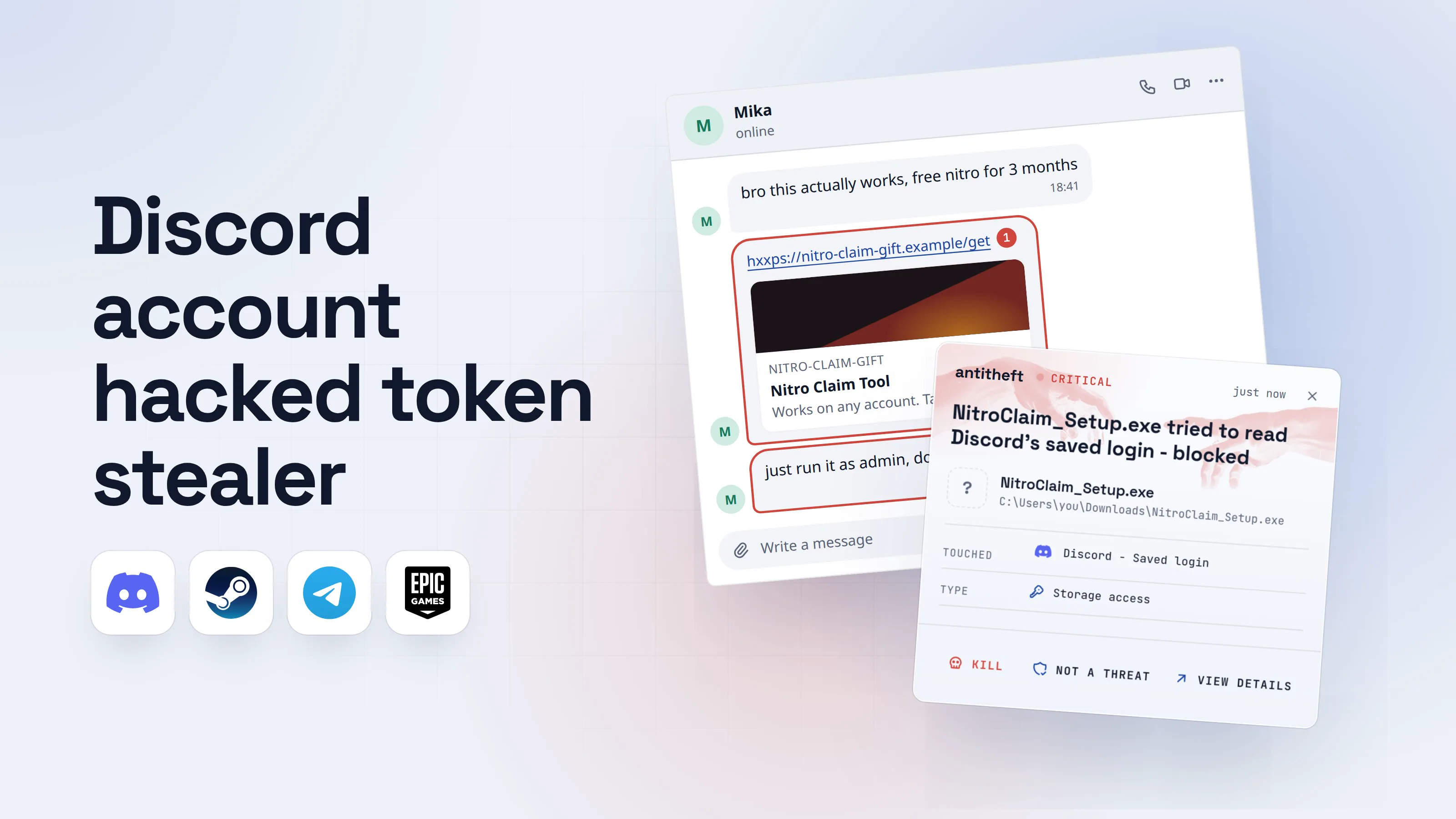
A Discord account hacked token stealer case looks the same every time. Friends say you sent them a weird link. You are logged out for no reason. Your servers get "free Nitro" posts you never wrote. And you had two-factor authentication on.
That last part is why people are confused. The thief never typed your password, so there was nothing for 2FA to check. They took the thing Discord uses to remember that you are signed in.
This guide explains what that token is, the four ways it gets stolen, how to take your account back in the right order, and how to keep it safe afterwards.
What is a Discord token, and why does stealing it hack the account?
A Discord token is a long secret that proves your app is already signed in to your account. Discord hands it to your computer after you log in, and your computer shows it with every request, so you do not type your password again.
Discord's own safety guidance puts it bluntly: "Never share or screenshare your authorization token. Seriously. Don't do it."
Whoever holds a copy of the token is treated as you. No password prompt, no code from your authenticator app. It is the same idea as a stolen browser session cookie, and it is why a stealer is more dangerous than a guessed password.
How does a Discord token get stolen?
A Discord token gets stolen in four main ways, and most start with a message that looks like it comes from someone you trust. Only the first needs malware.
- A stealer program you ran. A "free Nitro" tool, a game "to test", a cheat, a cracked app. It reads the token from Discord's files and from your browser, and often your saved passwords and wallets too.
- A QR code you scanned. A page or a DM says "scan this to verify" or "to claim your gift". Discord's QR scanner exists only to sign a device in, so scanning someone else's code signs them in as you.
- A fake login or "verify" page. It looks like Discord, asks for your email, password and 2FA code, and passes them to the thief live.
- An app you authorised. A bot or app asks to connect to your account. If you allow it, it keeps access until you remove it, whatever you do to your password.
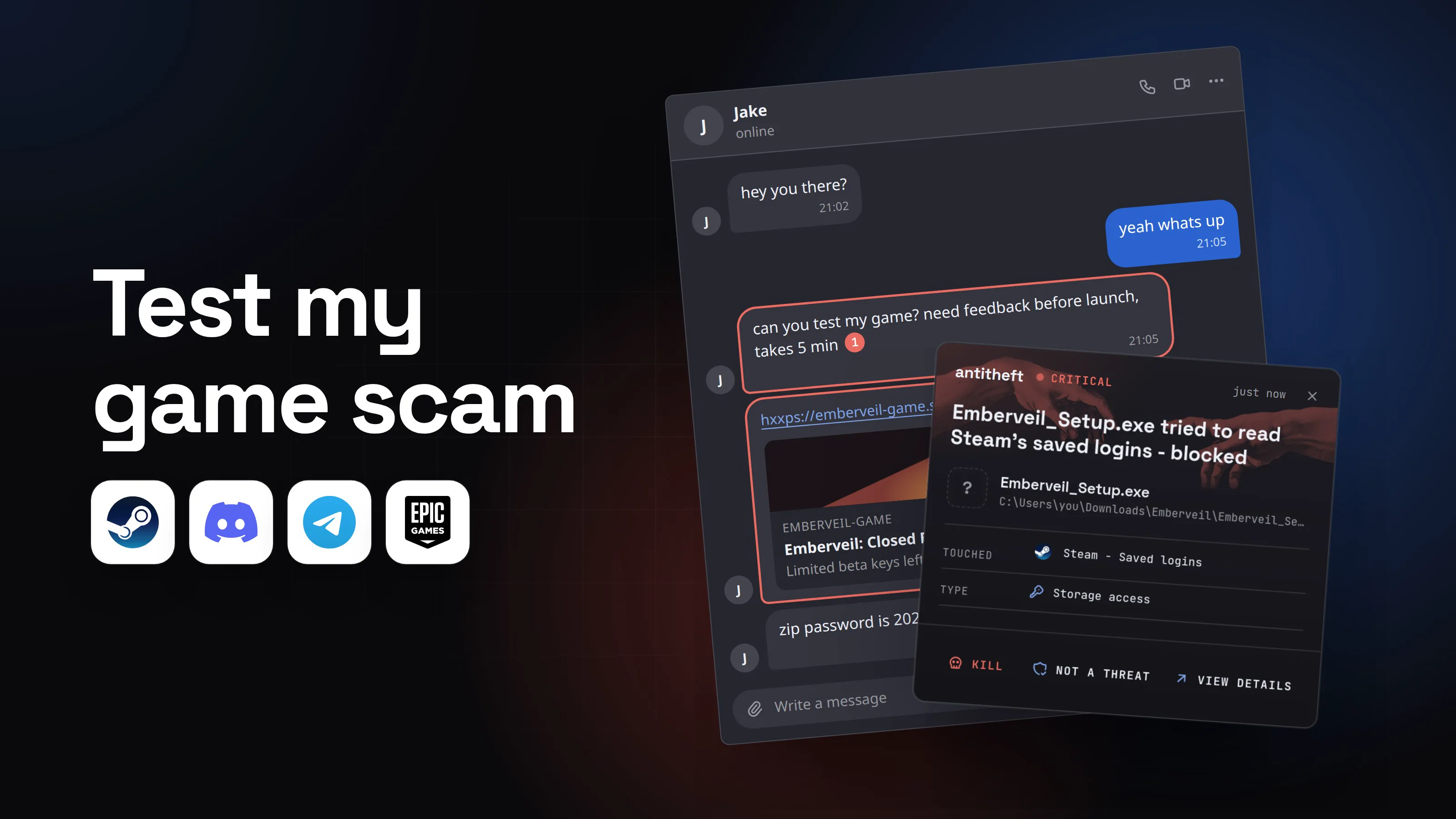
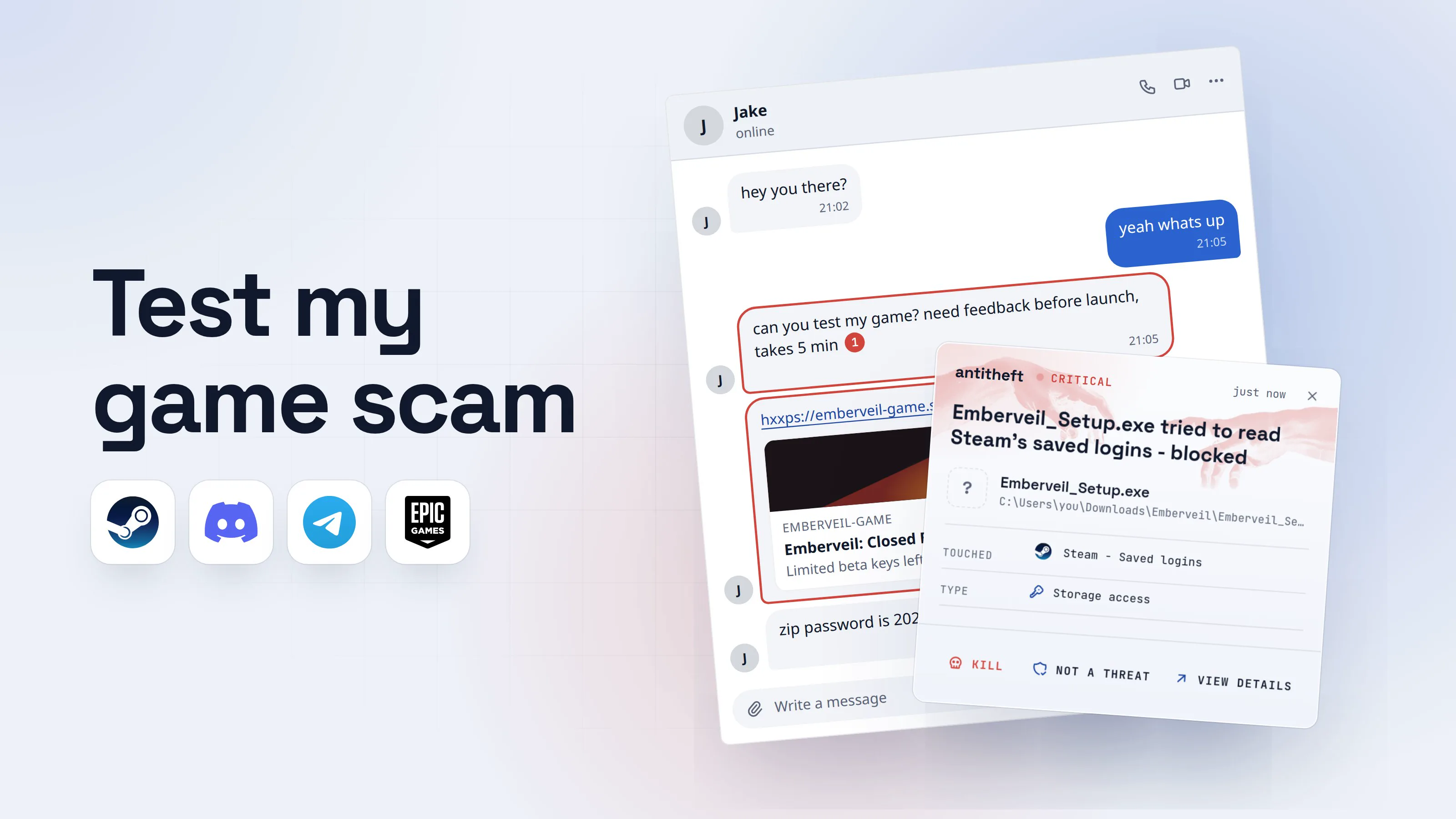
Whichever route took it, the stolen account usually becomes the next sender: it messages every friend with the same lure, which is the chain described in the test my game scam. The stealer arrives from the same places as any other: cracked software and game cheats, fake ads for real apps and a pasted "verify" command from a fake CAPTCHA page.
How a free Nitro tool takes your token
Free Nitro is the bait that does not die, because it asks for so little. Stealers like it because they are cheap: researchers who analysed the VVS Stealer in January 2026 found it on sale through Telegram for between EUR 10 a week and EUR 199 for life. Anyone can rent one.
- 1A friend sends a free Nitro toolMika's account was stolen an hour ago. The message is from the thief, in Mika's name and picture.Mikaonlinebro this actually works, free nitro for 3 months18:41hxxps://nitro-claim-gift.example/get1Nitro-claim-giftNitro Claim ToolWorks on any account. Takes 1 minute.just run it as admin, dont forget218:41Write a message
- 1A link to a site that is not Discord
- 2A real gift never needs a program
- 2The page asks you to download a programDiscord never gives Nitro through a downloaded tool. Gifts and codes are redeemed inside Discord.Download for Windows9 MB2
Turn off your antivirus first or the claim will fail.3
- 1Not discord.com
- 2The stealer is the download
- 3A real tool never asks you to switch protection off
- 3Windows asks if you trust the programYellow means Windows does not know who made it. Yes is the click that lets it run.User Account Control
Do you want to allow this app from an unknown publisher to make changes to your device?
NitroClaim_Setup.exePublisher: Unknown1File origin: Downloaded from the InternetShow more detailsYesNo- 1Nobody stands behind this program
- 4It shows an error and goes quietThe error is a distraction. The token was copied before the box appeared.NitroClaimOK
- 1A made-up reason to wait while it works
- dangerIt copies your Discord login and sends it awayThis takes seconds. Most people notice when a friend asks what they just sent.
What a Discord token stealer takes from you
- Your Discord accountOpen as you, with no password or 2FA code asked
- Your friends and serversYour account sends them the same message
- Every saved passwordEmail, shops, banks, socials
- Your game accountsSteam and launchers, often sold on
- Your crypto walletsA blockchain transfer cannot be undone
Your name becomes the bait for the next person.
With antitheft
With antitheft, the stealer is stopped at Discord's login
- Caught the moment an unknown program reaches for your Discord login, passwords or wallets
- On Linux refused before the file opens, on Windows and macOS stopped right after
- Even for a new stealer no antivirus has seen yet
- Touched
 Discord - Saved login
- Type
- Storage access
- Touched
- Discord - Saved login
- Type
- Storage access
- Touched
- Discord - Saved login
- Type
- Storage access
Keep stealers out of your passwords and wallets
- Guards passwords, browser logins and wallets
- Stops malware your antivirus misses
- On Windows, macOS and Linux
On Linux, the antitheft app lets only the app that owns a login open it, and refuses everything else before the file opens; on Windows and macOS it stops any other program the moment it touches one. Discord and Discord Canary are covered, and so are the browsers that hold your web session of Discord (Chrome, Edge, Brave, Opera, Vivaldi and Firefox). Safari on a Mac is not on that list.
For power usersHow the newer stealers go further than copying a file
Unit 42's January 2026 analysis of the VVS Stealer describes more than a file copy. It looks for the token in Discord's local storage, then closes Discord and drops a script into Discord's own application folder. That script watches the session and, in Unit 42's words, captures sensitive actions like "when the user views their backup codes, changes their password or adds a payment method." It also copies itself to the Windows Startup folder so it runs again after a restart. The lesson for you is practical: if a stealer may be on the computer, do not change your Discord password or look at backup codes on that computer.
Can scanning a QR code hack my Discord account?
Yes. A QR code that someone sends you can sign them in to your account, and no malware is needed. Discord's safety guidance says: "Don't scan any QR codes from people you don't know or those you can't verify as legitimate."
The scam is short and works on tired, hopeful people. A DM or a page says to verify or claim a prize by scanning a code with your Discord app. You do. The code was the thief's own sign-in screen, and your phone just approved it.
- 1A message tells you to verify to claim a giftFrom a stranger, a hacked friend or a bot. The wording is always a prize or a check.Giveaway HelperbotYou won a Nitro gift. Verify your account to claim it.120:12hxxps://nitro-claim-gift.example/verify2Nitro-claim-giftClaim your giftTakes 10 secondsWrite a message
- 1You never entered a giveaway
- 2Not discord.com
- 2The page shows a code to scan with your phoneDiscord's scanner exists to sign a device in to your own account. Nothing else needs it.
[ QR code ]2
- 1Not discord.com
- 2This is the thief's sign-in screen, not a verification
- dangerYou scan it and the thief is inThey are signed in as you, from their own computer, until you cut the session.
What a scanned QR code costs you
- Your Discord accountUsed as you, with no password asked
- Servers you runFake links posted to everyone in them
- Your friendsThey get the same message from you
Discord's own advice after a bad scan: change your password straight away.
The antitheft app does not stop this one. Nothing is read from your computer: you approve the sign-in yourself, on your phone. This is a habit-only defence.
How do I know if my Discord account is hacked?
Your Discord account is hacked if something changed that you did not do, or if friends receive messages that you did not send. Check this list from your phone:
- Friends or server members say you sent them a strange link, a file or a "free Nitro" offer.
- You were logged out for no reason, or cannot log in with the right password.
- The email, password or 2FA changed, or Discord emails you about a login or a change you did not make.
- New servers, bots or webhooks appear that you did not add (webhooks are a favourite backdoor for posting scam links in servers you run).
- Authorized Apps lists something you do not recognise. Find it in User Settings.
- Devices lists a device or place that is not yours. Find it in User Settings too.
- Payment or Nitro changes you did not make.
Menu names shift a little between Discord versions and between phone and computer. If the exact word is missing, look in the same area of User Settings for the closest match.
What to do if your Discord account was hacked
The order matters: first make sure you are working on a clean device, then cut the thief's session, then lock the door, then look for what they left behind. Do these steps in order.
- Use your phone, not the computer that ran the file. If you ran a download before the hack, that computer may still carry the stealer, and some stealers watch you change the password (see the For power users box above). If you only have that computer, read the last step first.
- Try to sign in. If the password works, keep going. If not, the thief changed it, and you cannot do the next steps: go to the support form linked from Discord's help article "My Discord account was hacked or compromised" (dis.gd/hackedaccount) and describe what happened with the email the account was made with.
- Change your password. Open User Settings (the cogwheel next to your name), then My Account, and under Password and Authentication choose Change Password. Discord's safety guidance says this invalidates your current account token and logs you out of every device, which is what kicks the thief out.
- Turn on two-factor authentication with an authenticator app, in the same part of User Settings. Discord prefers an app over text messages. It makes it much harder for anyone to change your password again.
- Check Devices and Authorized Apps in User Settings. Log out any device you do not know, and choose Deauthorize on every app you do not recognise.
- Check your email account. Whoever has your email can reset your Discord account. Change that password first if the stealer was on your computer, and see what to do if your passwords were stolen.
- If you run a server, open Server Settings, then Integrations, then Webhooks, and delete any you did not create. Then open the Audit Log and look for a webhook, role or bot added around the time of the hack. Remove them.
- If a card is saved on the account, call your bank and replace it.
- Tell your friends, by phone or text rather than in Discord, so they stop opening your messages. Tell your server members too.
- Clean the computer before you use it again. Run the system's own scanner, then reinstall. Reinstalling is safer than cleaning when a stealer ran. Only then sign in to anything from it.
For power usersWhat to check if you are technical
A token stealer rarely stops at Discord. Look at new startup entries, scheduled tasks and unknown programs in your user folder. Rotate anything else the machine held: browser passwords, SSH keys, cloud and API keys, and any bot tokens (a bot token is a separate secret, reset it in the Discord developer portal). On a server you manage, review the Manage Webhooks, Manage Roles and Administrator permissions, because a hijacked admin account is how a whole community gets used against its own members. The Security Alliance's Discord guide has a longer admin checklist.
How do I protect my Discord account from token stealers?
You protect a Discord account by never running files from chats, scanning only your own QR code, using an authenticator app and letting only Discord open its own login. Four habits do most of the work:
- Treat a file or a tool in a chat as untrusted, even from a friend. Friends get hacked. Call them before you open anything: a friend's message can be malware.
- Do not scan QR codes people send you, whatever they promise.
- Use an authenticator app for two-factor authentication, not text messages, as Discord's own safety page advises.
- Look at Authorized Apps and Devices every few months and remove what you do not use.
Never share or show your token, and never copy and paste code you do not recognise: Discord's safety guidance warns against both.
Habits fail on a bad day, so also close the door that every stealer needs. A stealer has to read Discord's stored login. With the antitheft app on Linux, only Discord itself may open it, so an unknown program that tries is refused before the file opens, and you get an alert. On Windows and macOS that program is stopped the moment it touches the login. That holds for a stealer that has never been seen before, because antitheft does not look at what the program is. It checks who is asking.
antitheft's Activity view also shows you which programs opened Discord's login, your browser logins and your other secrets, every refused or stopped attempt included. On Linux it also lists what is set to start with your computer and marks entries that changed for a look, so a stealer that set itself up to come back after a restart is easy to spot.
Why a token stealer does more than take Discord
A token stealer is nearly always a general stealer: it takes Discord because Discord is easy to find, and the rest of the computer because it is there. The same run that reads the Discord login also reaches for saved browser passwords, game accounts and wallets, which is why the clean-up above includes more than Discord. For the full picture, read what an infostealer is and how to avoid one.
Questions people ask
What is a Discord token stealer?
It is a small program, often a fake Nitro tool, game or cheat, that copies the login token Discord keeps on your computer and sends it to a thief. The token proves you are already signed in, so the thief can open your account without a password or a two-factor code.
My Discord account was hacked and I have 2FA on. How?
Two-factor authentication only checks you when you sign in. A stolen token is the proof that you already did, so the thief never faces that check. The other common route is a QR code you scanned: it signs the sender in as you. Two-factor still matters, because it makes it much harder to change your password afterwards.
Does changing my password log the hacker out of Discord?
Yes. Discord's own safety guidance says changing your password invalidates your current account token and logs you out of all devices. The catch is the device you change it on: if the computer still has the stealer on it, do it from your phone, because some stealers watch the password change.
How do I know if someone is using my Discord account?
Friends tell you that you sent them a strange link or file, you are logged out for no reason, your email, password or 2FA changed, servers or bots you do not know appear, or the Devices list in User Settings shows a device that is not yours. Any one of these is enough to start the steps in this guide.
Can Discord get my hacked account back?
If the thief changed your password and email, you cannot sign in, so you file a request with Discord's support team from Discord's hacked-account help page. Give the email the account was made with and anything that proves it is yours. Discord decides each case, and replies can take a while.
Is it safe to scan a QR code on Discord?
Only the one on Discord's own sign-in screen, and only to sign in your own phone to your own account. Discord's safety guidance says not to scan QR codes from people you do not know or cannot verify. A QR code that someone sends you for free Nitro, a giveaway or a check is a login for them.
How do I protect my Discord account from token stealers?
Never run a file or a tool someone sends you in a chat, turn on two-factor authentication with an authenticator app, never scan a QR code a stranger sends, and review Authorized Apps now and then. The antitheft app guards the one thing a stealer needs, Discord's stored login: on Linux only Discord itself may open it and an unknown program is refused, and on Windows and macOS such a program is stopped the moment it touches it.
the short version
A Discord token stealer is a program that copies the login token Discord keeps on your computer and sends it to a thief, who then opens your account without a password or a 2FA code. It usually arrives as a "free Nitro" tool, a game to test or a cheat. If your account is hacked, change your password from your phone, turn on an authenticator app, remove unknown devices and apps, and tell your friends outside Discord.
sources
- Palo Alto Networks Unit 42: VVS Discord Stealer using Pyarmor for obfuscation and detection evasion (Jan 2026)
- The Hacker News: New VVS Stealer malware targets Discord accounts via obfuscated Python code (Jan 2026)
- Discord Safety: Securing your Discord account
- Discord Safety: Protecting against scams on Discord
- Discord Help Center: My Discord account was hacked or compromised
- Discord Help Center: Using an authenticator app on Discord
- Security Alliance (SEAL) frameworks: Discord account and server security