Roblox account stolen what to do: steps for teens, parents
Roblox account stolen what to do: the first steps, how to reach Roblox Support, and how to lock it down. Plain help for teens and parents.
Searching for roblox account stolen what to do? The answer is calm. It is a short list of steps, you do them in order, and most of it takes less than an hour. This guide is written for teenagers who play and for the parents who get the news, so it says what happened in plain words and keeps the scary parts to what is true.
It also says one thing straight. antitheft protects the browser sessions where many people sign in to Roblox. It does not cover the Roblox app itself, and it cannot help with a password you typed into a fake page. The guide marks which is which.
How do Roblox accounts get stolen?
Most Roblox accounts are stolen with a trick, not a technical break-in: a fake "free Robux" page, a cheat tool that is really a stealer, or a message that gets you to hand over a login. Roblox's own help says the most common way players lose an account is by sharing their login details with someone or filling in an online survey.
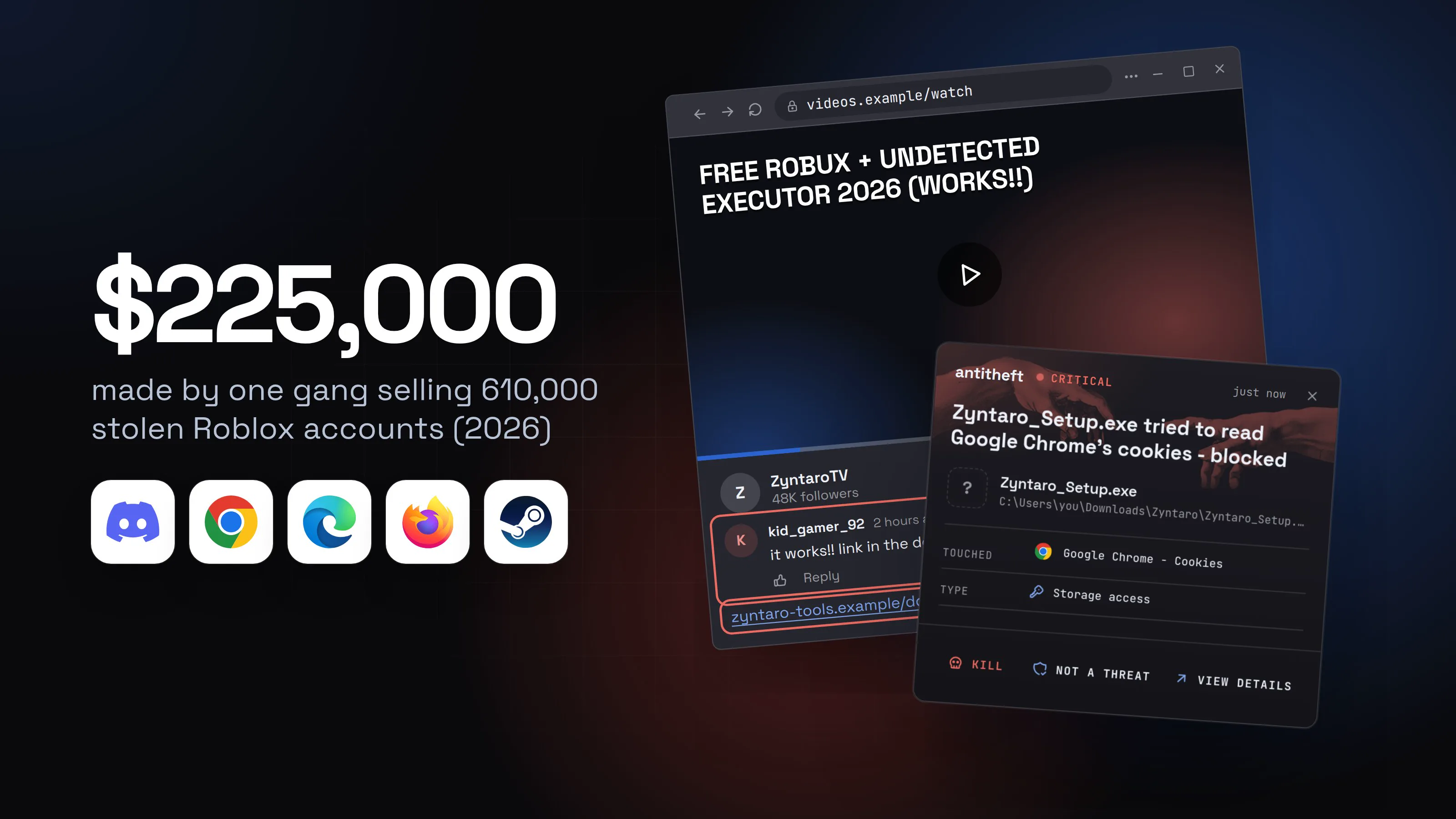
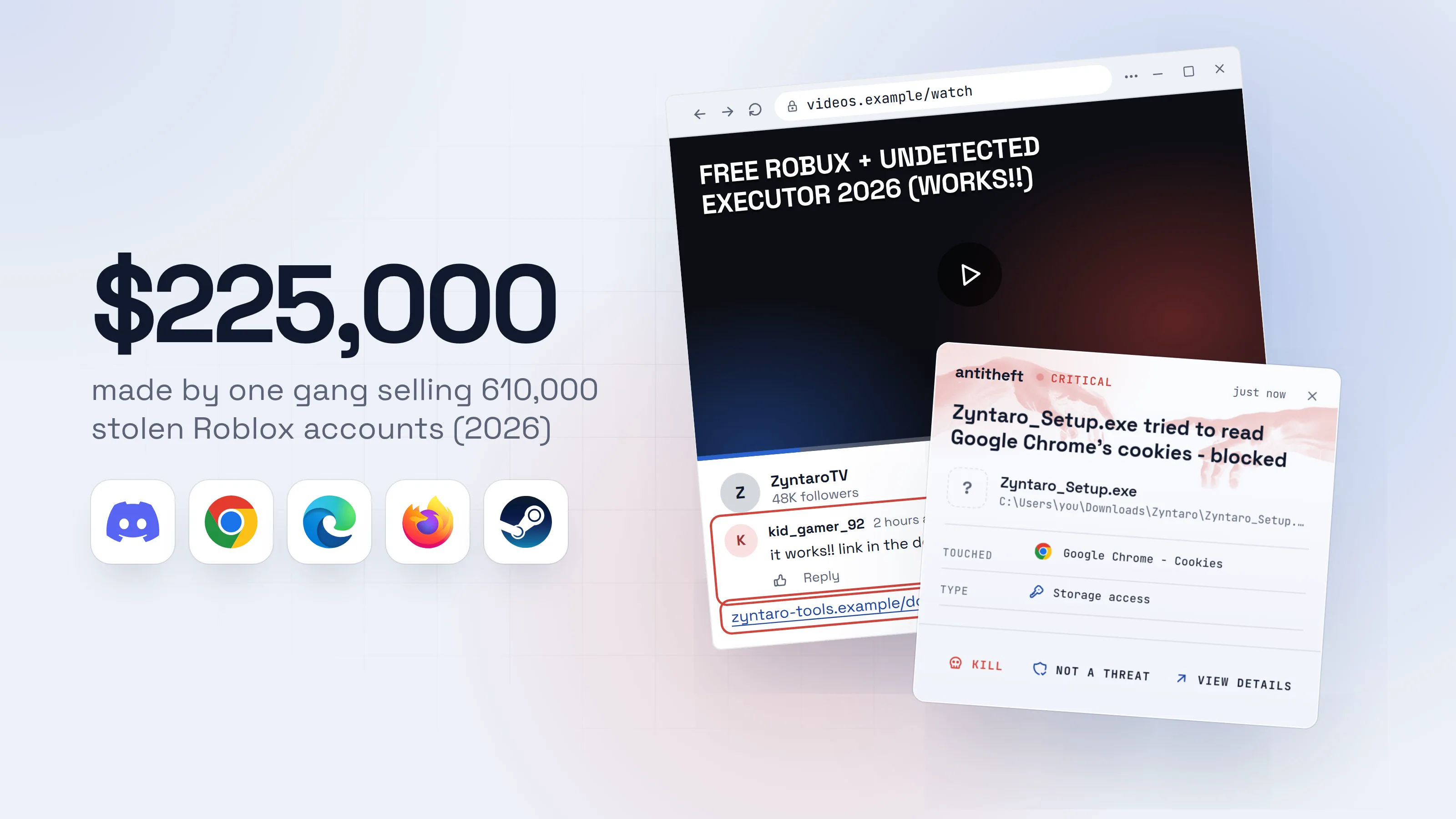
The money is why. Accounts hold Robux, rare items and years of progress, and thieves sell them on. In April 2026, Ukrainian authorities announced the arrest of three people accused of taking more than 610,000 Roblox accounts between October 2025 and January 2026. Authorities estimate the group earned more than $225,000 selling access, through a Russian website and closed online communities. The malware was disguised as a game-enhancement tool.
Source: Malwarebytes, citing Ukrainian authorities, Apr 2026
There are three routes, and they have different fixes:
- A cheat tool or "executor" that is really a stealer. The program runs on your computer and copies logins from your browser. The next section shows it.
- A fake free Robux or login page. You type your password into a page that is not Roblox. The section after that shows it.
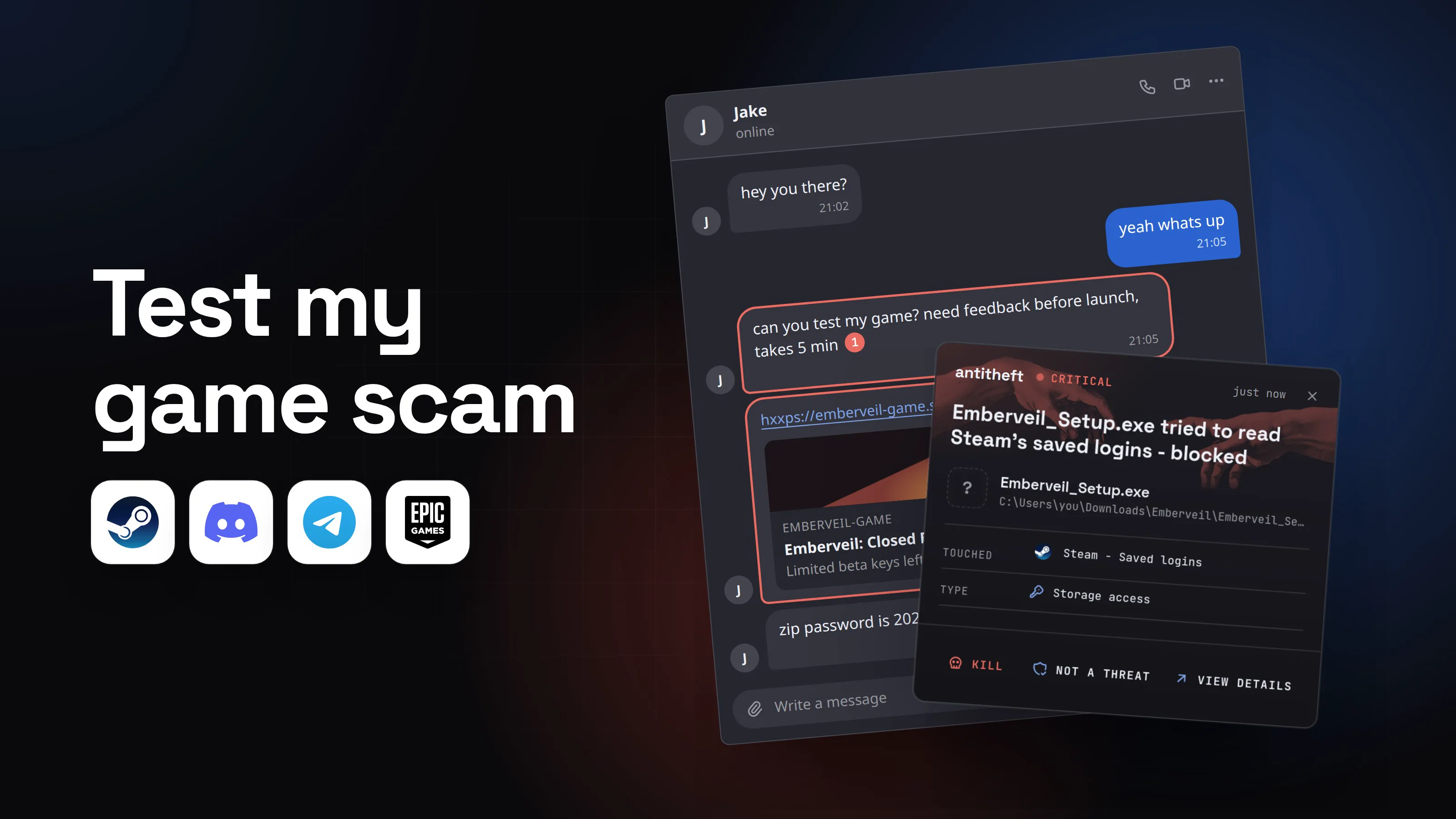
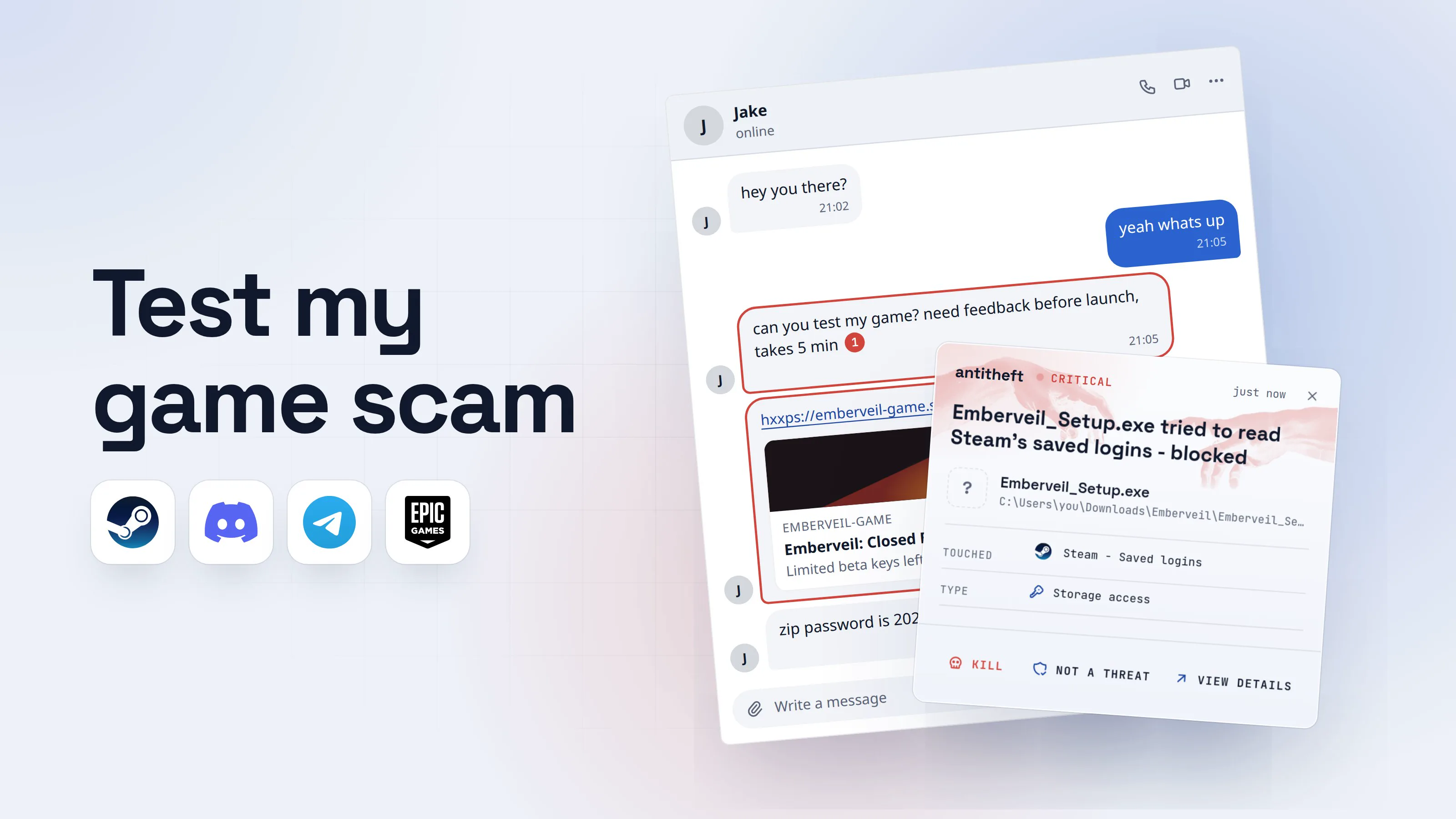
- A message or file from someone you trust. A friend's hacked account sends a "try my game" link. The route has its own guide: the test my game scam.
How does a fake Roblox cheat or executor steal an account?
A fake cheat tool steals the account by copying the login your browser keeps, so the thief never needs your password. An "executor" is a program some players use to run scripts and cheats inside Roblox. Scammers advertise "undetected" or "free" versions on videos, forums and Discord, and the download is a stealer.
Bitdefender described a live example in August 2026: fake copies of a real executor, spread through gaming forums, Discord communities and hijacked accounts. According to Bitdefender, the program steals Roblox and Discord logins, browser cookies, payment details and crypto wallet data, and some versions also record keystrokes and the webcam. The researchers noted the campaign aims at children and teenagers, who often share a family computer.
The walkthrough below uses a made-up tool, "Zyntaro Executor". Every name and address is fictional.
- 1A video promises free Robux and an undetected toolAnyone can post a video and write comments that say it works.FREE ROBUX + UNDETECTED EXECUTOR 2026 (works!!)12:41ZyntaroTV48K followersFollowkid_gamer_922 hours agoit works!! link in the description1Replyzyntaro-tools.example/download2
- 1Written by anyone, including the people selling the trick
- 2A download from a link, not from a store
- 2The site asks you to switch protection offA real tool never asks you to disable your security.Download for WindowsArchive password: 1234
Turn off your antivirus first or it will say it is a virus.2
- 1A new site made for one video
- 2That is the program warning you about itself
- 3Windows asks if you want to allow itYellow and Unknown means nobody vouches for the file. Click No.User Account Control
Do you want to allow this app from an unknown publisher to make changes to your device?
Zyntaro_Setup.exePublisher: Unknown1File origin: Downloaded from the InternetShow more detailsYesNo- 1No company stands behind this file
- 4It shows an error and seems to do nothingBy the time you see this box, it has already looked through your browser.Zyntaro SetupOK
- 1A fake error so you shrug and move on
- dangerIt takes the logins your browser keepsDays later the account is empty, sold or locked. The thief never needed your password.
What the fake executor takes from you
- Your Roblox loginThe cookie your browser keeps, no password needed
- Your Discord loginServers, friends and DMs, open as you
- Every saved passwordEmail, school and shop accounts
- Your crypto walletsA transfer cannot be undone
Most people notice when Robux or items are gone.
With antitheft
With antitheft, the stealer is stopped at your browser's logins
- Caught the moment a program reaches for your browser's logins or cookies
- On Linux refused before the file opens, on Windows and macOS stopped right after
- Even a brand new stealer that no antivirus has seen yet
- Touched
 Google Chrome - Cookies
- Type
- Storage access
Keep stealers out of your passwords and wallets
- Guards passwords, browser logins and wallets
- Stops malware your antivirus misses
- On Windows, macOS and Linux
That alert is for the browser logins. It does not make a fake executor safe to run: the file still runs and can do whatever else it was built to do. The antitheft app also does not cover the Roblox app's own saved data, which is not on its protected list. If you sign in to Roblox in a browser, the cookie your browser keeps is one of the things it guards: refused to every other program on Linux, and on Windows and macOS any program that touches it is stopped. Chrome, Edge, Brave, Opera, Vivaldi and Firefox are covered. Safari is not.
For power usersWhy a stolen cookie beats 2-Step Verification
A login cookie is the "you already signed in" ticket your browser holds after the password and code. A program that copies it opens the account from another computer without being asked for either. Malwarebytes describes this exact pattern in a June 2026 report on Roblox developers who lost games, groups and Robux: the attackers take an authenticated browser session, which gets around two-factor checks. The fix is to end every session (Settings, Security, "Log Out of All Other Sessions") and change the password, not just one of them. Can hackers bypass 2FA with stolen cookies? explains it in full.
How does a fake "free Robux" page work?
A fake free Robux page works by asking you to type your Roblox username and password into a page that is not Roblox. Roblox says plainly that there are no sanctioned offerings of free Robux, and that it never asks for your password anywhere except its own login page. Anything that promises free Robux for a login is a scam, however real it looks.
The link usually arrives where kids are: a video description, a comment, a Discord message, a "giveaway" from another player. The page may also ask you to do something odd, like paste a line into your address bar or export and send a file. Cisco Talos described these variants in 2023: they use features of the browser and Roblox's own tools to take a session without a password. Never do any of these things, whoever asks and however friendly they are.
- 1A message offers free RobuxFree currency is the bait. Roblox does not give it out.robux-giveawayonlineclaim your 10,000 free robux before it ends!!117:42hxxps://robux-gifts.example/claim2Robux-giftsFree Robux GeneratorOnly a few left todayWrite a message
- 1A stranger, a prize and a deadline
- 2A link to a site that is not Roblox
- 2The page asks you to log in to get itThe address is the giveaway. Real sign-in only happens on Roblox's own site.
Claim your Robux
UsernamePassword2Get 10,000 Robux- 1Not Roblox's own address
- 2The page keeps what you type, then uses it on the real site
- safeClose it. Nothing real is waiting thereIf you typed a password anywhere, change it now and follow the steps below.
The antitheft app does not stop this one, because the thief gets the password from you, not from your computer. The defence is the habit in the flow: a login box only ever belongs on Roblox's own site, and free Robux does not exist.
How do I know my Roblox account was stolen?
Your account was probably stolen if you cannot sign in, if the email or password changed, or if Robux and items are gone that you did not spend. These are the signs worth checking, in the order people usually notice them:
- The password does not work, or the email on the account has changed.
- Robux or items have disappeared, or there are purchases you do not remember.
- Friends say you messaged them a link or a "free Robux" offer.
- An alert from Roblox about a login or a change you did not make.
- A device or place you do not know under Settings, then Security, then "Where you're logged in".
- You recently ran a cheat, a tool or a file from a video, forum or chat.
That last one matters most. If you ran something, assume the whole computer is exposed, not just the Roblox account.
What should I do if my Roblox account was stolen?
Start with a clean device, reset the password, end every session, then turn on 2-Step Verification. A clean device means your phone or another computer you trust. If a stealer is still running on the computer you play on, every new password you type there is stolen again.
- 1Sign in on a clean device and open SettingsYour phone is fine. Pick Account Info for the password and Security for the rest.SettingsAccount InfoSecurityParental Controls
Security
This device, nowWindows PC, ChromeWhere you're logged inUnknown device, 3 hours ago1- 1A device you do not know
- 2Choose Log Out of All Other SessionsThis cancels the login the thief is using. Do it right after the new password.Where you're logged inLog Out of All Other Sessions1
- 1Ends the thief's session
- 3Turn on 2-Step VerificationAn authenticator app or a security key is stronger than a code sent to email.2-Step Verification
- safeThen clean the computer and reset what it touchedYour email first, then Discord and any password you reused.
Here are the steps in full:
- Use a clean device first. If you ran a download before the account went wrong, do the next steps on a phone or another computer. On the computer afterwards, reinstall before you sign in to anything.
- Try to sign in. If the password is wrong, use "I forgot my password" on Roblox's login page and reset it by email. If the thief changed the email too, skip to step 6.
- Change the password. In Settings, open Account Info, then Change Password. Make it new, long and used nowhere else. Check that the email on the account is still yours.
- End every session. In Settings, open Security, scroll to Where you're logged in and choose Log Out of All Other Sessions. A password change alone does not reliably end a stolen session, so do both.
- Turn on 2-Step Verification in Settings, Security. You can use an authenticator app, a security key or email, and you need a verified email on the account first. For the strongest option, add a passkey under Account Info, Login Methods, Add Passkey, then look for Enhanced Protection in Security: it requires phishing-resistant sign-in with a passkey or hardware key.
- If you cannot get in, contact Roblox Support. Use the form at roblox.com/support, from the first email address ever added to the account, or the billing email from your first payment. Roblox asks you to do this within 30 days of the account being compromised, and says it cannot promise to restore the account or recover lost items or Robux.
- Watch for Roblox alerts. For big changes made from an unfamiliar session, such as moving Robux, Roblox can hold the action for several hours and email you. If it was not you, answer "No, it's not me". That logs the thief out.
- Change your other passwords, starting with the email, then Discord and anything that shared the same password. See what to do after your passwords are stolen. If Discord was taken as well, what to do about a stolen Discord account has the steps, and what to do about a stolen Steam account covers Steam.
- Tell your friends the account was taken, so nobody clicks a link "from you". Use the report tools on Roblox for the message that started it.
A note for parents: what to do and what to say
If your child's Roblox account was stolen, the most useful thing you can do is stay calm and help them through the steps above. The lures are made for children: free Robux, cheat tools, "test my game" messages from friends. Roblox's own help says the usual way accounts are lost is giving a login away or filling in a survey, and Bitdefender warns that these campaigns aim at kids and teens. A child who fears being punished waits and says nothing, and then the thief has days instead of hours.
A few plain things to do:
- Ask what they downloaded or typed, and listen. "Did you run a tool or file?" tells you whether this is only an account or a whole computer.
- Treat a family computer as exposed if a file was run. A stealer takes every login saved in that browser, including yours. Change your email and bank passwords from a different device and read what to do if passwords were stolen.
- Do the steps together. The email used for the account matters: Roblox points to the first email added or the billing email when it checks who owns it.
- Check any card or payment linked to the account, and tell Roblox Support if money was spent.
- Set up a parent account. In your child's Settings, open Parental Controls and choose Add parent. After you are linked, you can manage things like privacy, screen time and spending limits for children under 13. For 13 and over, some settings move to the teen, but you can still see insights and manage some. You must be an adult who passes Roblox's age check.
- Give each child their own account on the computer, as a standard user, so installing a program needs your password and one child's download stays out of your own browser.
If you are a teen reading this: tell someone now. It is much easier to fix in the first hour than in the third week, and every adult who has dealt with this has seen it before.
How do I protect my Roblox account?
The best protection is not running cheat tools, not typing your login anywhere but Roblox itself, and turning on 2-Step Verification. In order of effect:
- Do not download executors, cheats or "free Robux" tools. Real or fake, they ask you to run an unknown program with access to your whole computer. Is cracked software and game cheats safe? shows how they empty accounts.
- Never give out your password, cookies, 2-Step codes or backup codes. Roblox says its staff will never ask for them. Nothing legitimate needs them.
- Sign in only at Roblox's own site, typed or bookmarked, never from a link in a chat or video.
- Turn on 2-Step Verification, then a passkey. It does not help against a cookie that is already stolen, but it stops a stolen password on its own.
- Use a password you use nowhere else, and a password manager if you can.
- Check "Where you're logged in" every few months and log out of what you do not know.
- Distrust any file from a chat, even from a friend. The "test my game" scam is how one account becomes many.
- If you build games, treat job offers and "tools" from strangers as suspect. Malwarebytes found Roblox developers being hit through fake job offers on Discord and a malicious package pretending to be a database tool. Fake job interview malware shows the same trick on developers.
What antitheft does for a Roblox player (and what it does not)
antitheft is not an antivirus: it does not scan your computer, remove anything or undo a theft. The antitheft app guards some of the places a Roblox thief looks, and not others.
- Covered: the logins, saved passwords and cookies of Chrome, Edge, Brave, Opera, Vivaldi and Firefox, and the Discord app's login. On Linux only the browser itself may open them, so a new stealer that reaches for your Roblox login cookie in the browser is refused before the file opens. On Windows and macOS antitheft stops it the moment it touches them.
- Not covered: the Roblox app itself. It is not on antitheft's list of protected apps, so its saved login is not shielded. Safari is not covered either.
- Not stopped: a password you type into a fake page, a file you run that does something else, or a person you let into your computer. Those take habits.
- Shown to you: antitheft's Activity view lists which programs opened your browser logins and cookies, including every one it refused or stopped.
antitheft protects computers (Windows, macOS, Linux), so a Roblox account used only on a phone or console is not protected by it. The steps in this guide work on any device.
Questions people ask
Can I get my stolen Roblox account back?
Often yes if you can still reset the password, and sometimes through Roblox Support if you cannot. Roblox says it cannot promise that an account will be restored to how it was. Act quickly: Roblox asks you to contact support within 30 days of the account being compromised.
Will Roblox give me back my Robux and items?
Roblox says it cannot promise that lost virtual items or Robux will be recovered, even when the account itself comes back. Ask support anyway and describe exactly what is missing and when it happened.
Roblox Support says it cannot verify I own the account. What now?
Write to support from the first email address that was ever added to the account, or use the billing email from the very first payment. Those are the two details Roblox points to for proving you are the original owner.
Is there any real way to get free Robux?
No. Roblox states that there are no sanctioned offerings of free Robux, and any page, video or message that promises them in exchange for your login is a scam. Real promotions are announced on Roblox's own site and in the notifications inside your account.
Can my account be stolen even with 2-Step Verification on?
Yes, when the thief steals the login cookie your browser keeps after you sign in. A program that copies it arrives already logged in and is never asked for a code. That is why, after an infection, you also log out of every session and not only change the password.
I clicked a free Robux link but typed nothing and downloaded nothing. Is my account safe?
Nothing was handed over, so close the page and carry on. If you typed your password, or ran a downloaded file, go through the steps above straight away.
What does antitheft do for my Roblox account?
Its browser side, yes, and it is worth being exact. The antitheft app guards the logins and cookies of Chrome, Edge, Brave, Opera, Vivaldi and Firefox, which is where a browser sign-in to Roblox is kept: on Linux any other program is refused them, and on Windows and macOS it is stopped the moment it touches them. The Roblox app itself is not on antitheft's list. It does nothing against a password you type into a fake page.
the short version
If your Roblox account was stolen, use a clean device (your phone is fine), reset the password, choose "Log Out of All Other Sessions" in Settings, then turn on 2-Step Verification. If you cannot get in, contact Roblox Support within 30 days from the first email you used on the account. Nobody else can give the account back, and you did not do anything unforgivable: these tricks are built for kids.
sources
- Malwarebytes: Hackers stole hundreds of thousands of Roblox accounts, here's what to do (Apr 2026)
- Infosecurity Magazine: Three arrested for hacking over 610,000 Roblox accounts (Apr 2026)
- Bitdefender Labs: Fake Xeno Roblox cheats deliver a powerful Java stealer through Discord and forums (Aug 2026)
- Malwarebytes: Roblox developers are losing entire games to malware attacks (Jun 2026)
- Cisco Talos: Attackers use JavaScript URLs, API forms and more to scam users in Roblox (Nov 2023)
- Roblox Support: My account was hacked, what do I do?
- Roblox Support: Keep your account safe
- Roblox Support: Session management
- Roblox Support: How do I change my password?
- Roblox Support: Add 2-Step Verification to your account
- Roblox Support: Enhanced Protection, phishing-resistant account security
- Roblox Support: Logging in with a passkey
- Roblox Support: Delayed Actions
- Roblox: Avoiding frauds and scams
- Roblox Support: Parental Controls FAQ