Friend sent me a file on Telegram or Discord, is it a virus?
Friend sent me a file on Telegram or Discord, is it a virus? Often a hijacked account. How to check with them and what to do if you opened it.
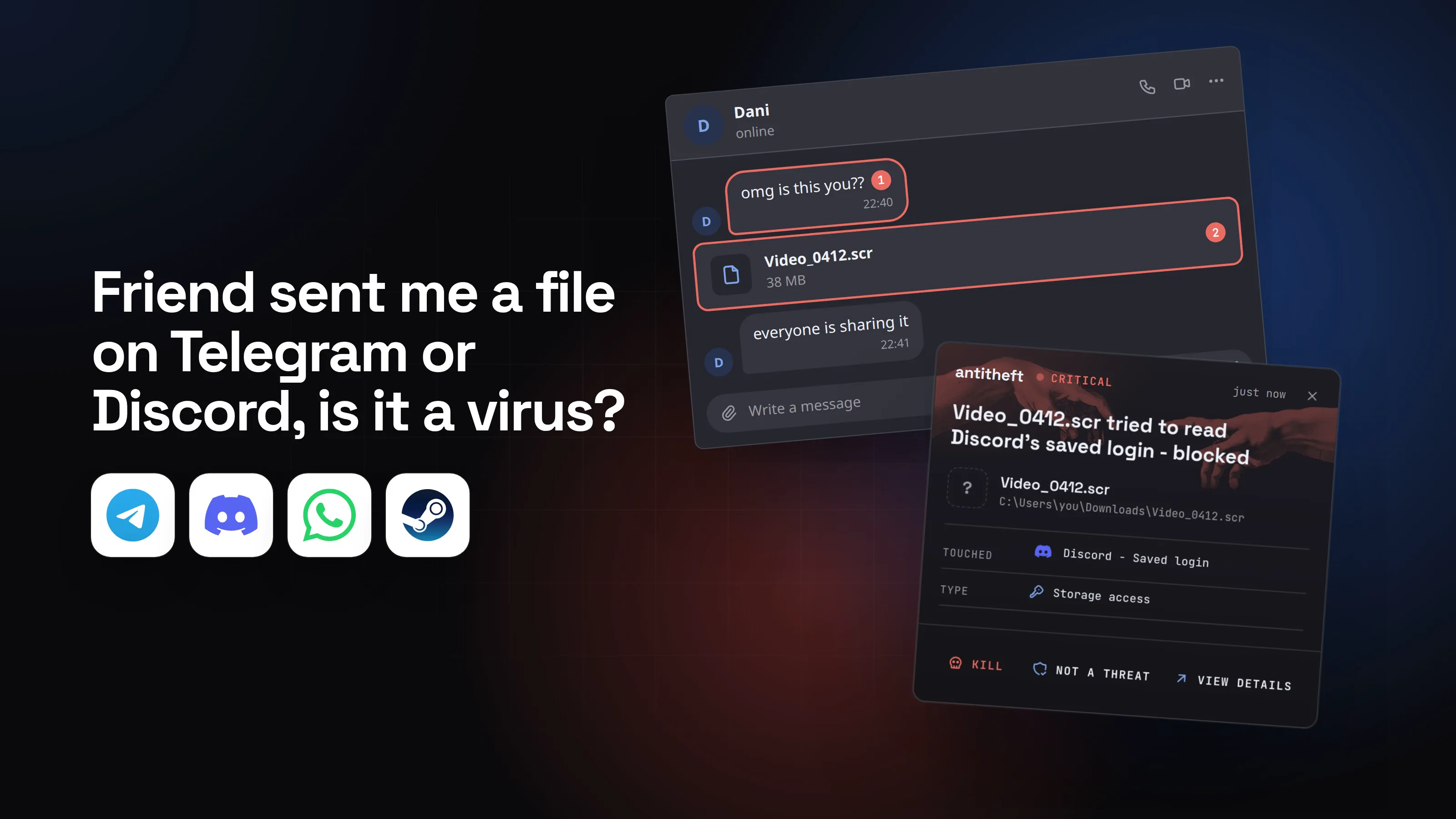
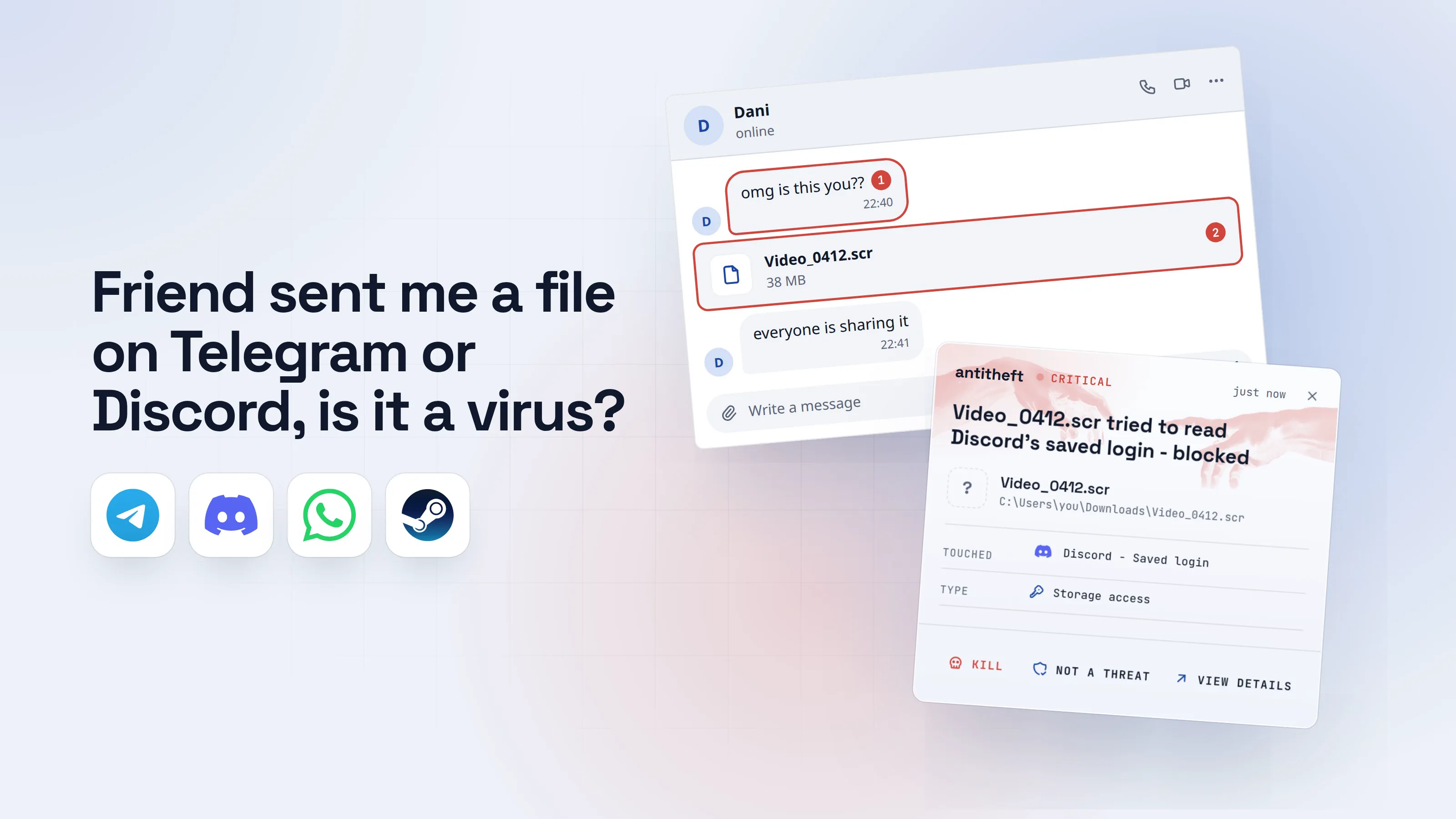
"My friend sent me a file on Telegram or Discord, is it a virus?" The honest answer is: it might be, and the friend probably does not know. Messages like "is this you?" or "can you vote for me?" usually come from an account someone else is typing from.
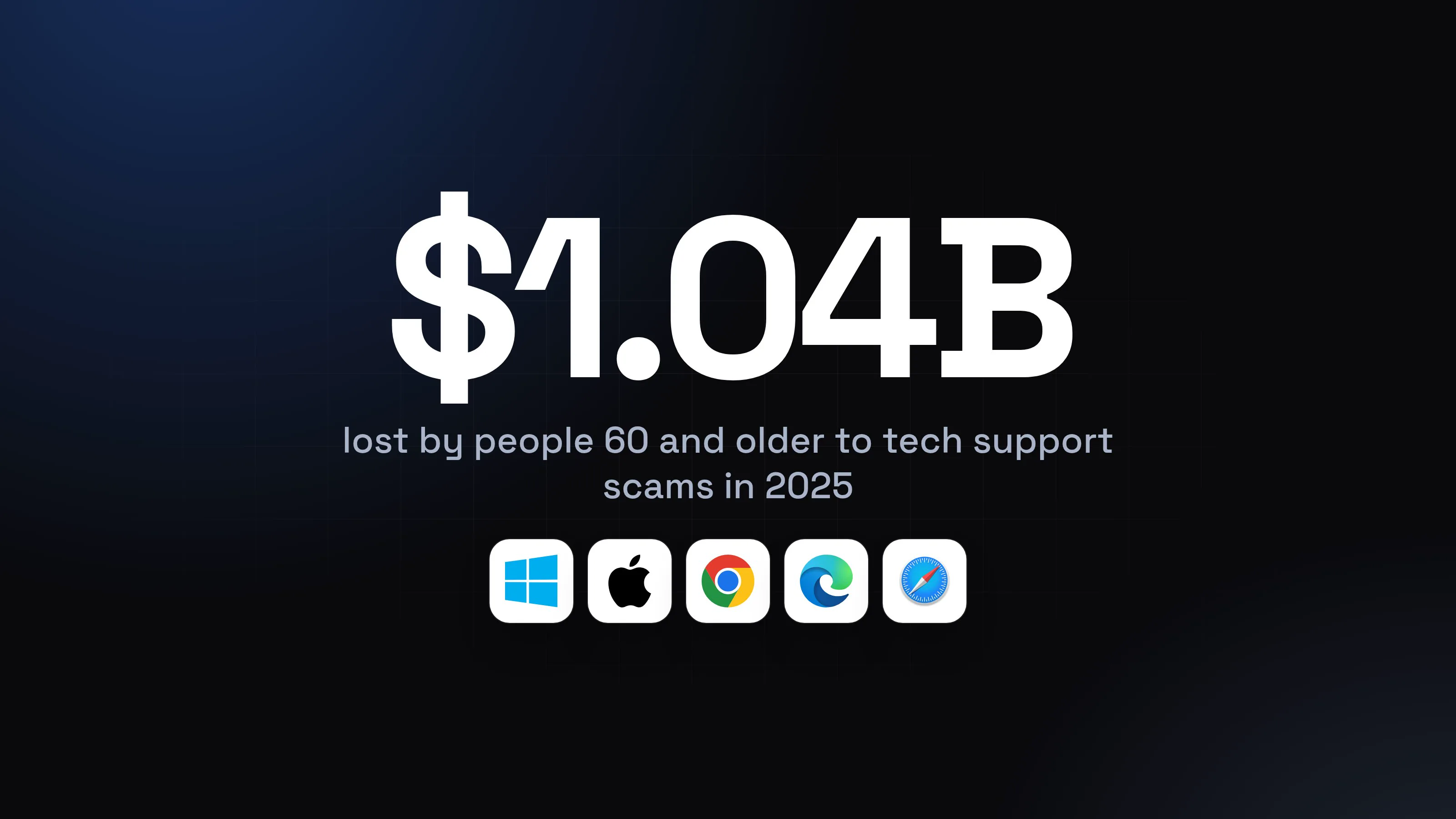
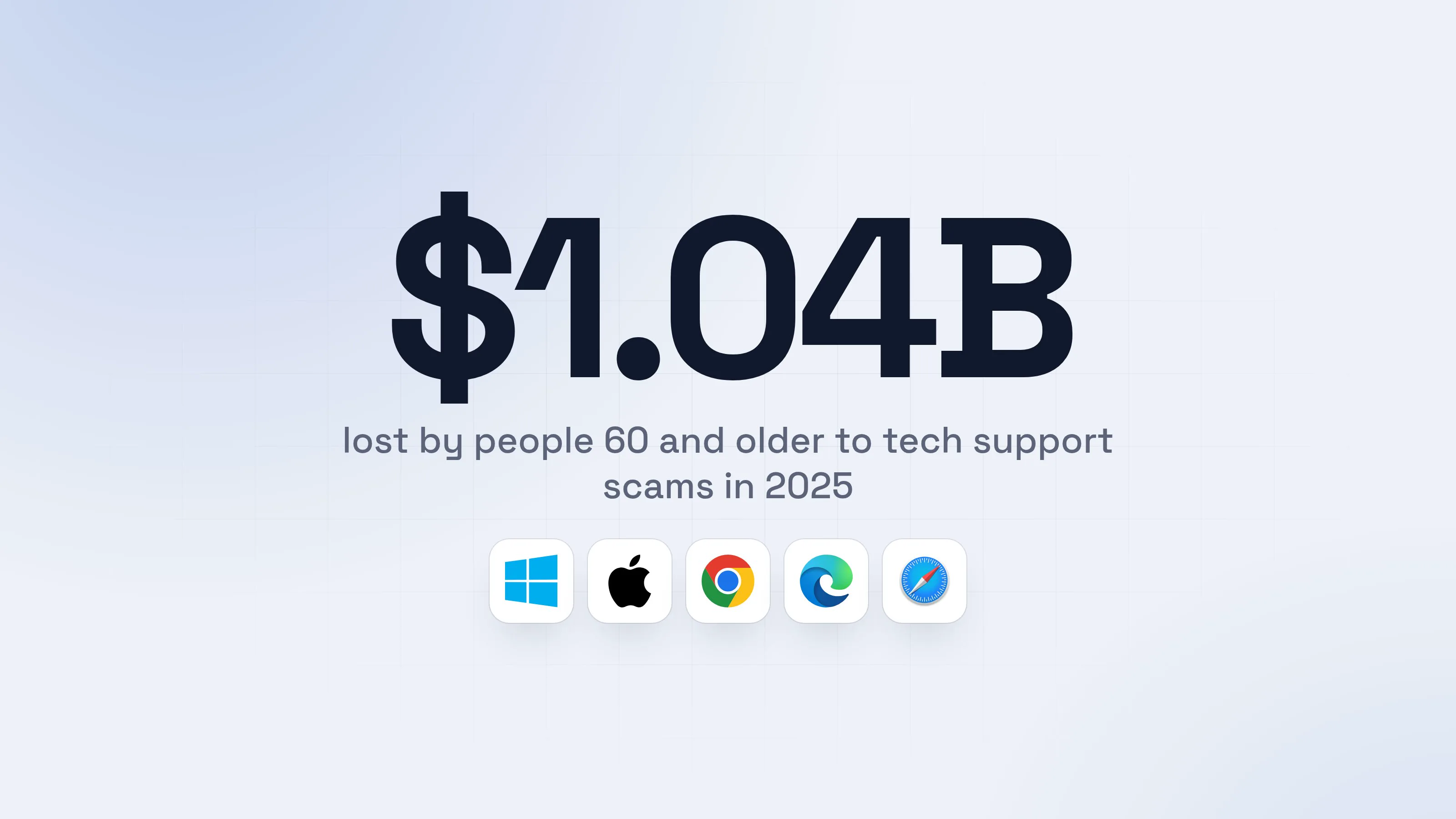
The money is real. The US Federal Trade Commission reports that people lost $2.1 billion in 2025 to scams that began on social media, and nearly 30% of the people who lost money said it started there. The FTC warns that scammers may hack into an account to scam its owner's friends.
Source: FTC, Apr 2026
This guide shows what the message looks like, how to tell the sender is not your friend, how to check with them safely, and what to do if you already opened the file. The game-specific version of this scam has its own guide: the "test my game" scam. Here we cover everything else a hijacked friend can send.
Is a file from a friend on Telegram or Discord safe to open?
A file from a friend is safe to open only after you have confirmed, outside the chat, that the friend sent it and what it is. The chat cannot confirm that for you, because the name and the picture belong to the account, not to the person typing.
Reading a message does not infect you. The risk is the file, and even then only if it is a program. A photo that opens in a photo viewer is not a program. A file that is called Video but ends in .scr or .exe is one.
This is why an unexpected file from a friend is a stronger warning sign than one from a stranger. You would never open a stranger's file. You open your friend's without thinking.
Why would my friend send me a virus?
Your friend almost certainly did not. Their account was taken over and the thief is using their name. It usually happens in one of four ways:
- They ran a file themselves. Stealer programs copy the saved login that keeps a chat app signed in. Palo Alto Networks' Unit 42 described VVS Stealer in January 2026: it takes Discord tokens and browser data, hijacks live Discord sessions, and shows a fake "Fatal Error" pop-up telling the victim to restart. It was sold on Telegram from 10 euros a week.
- A copy of their Telegram login was stolen. In June 2026 Kaspersky described a script disguised as a "Windows Telemetry Update" that copies Telegram Desktop's login data so the attacker gets in without a password or a code.
- They scanned a QR code for a "vote". Bitdefender (April 2026) described a message from a contact asking you to vote for artwork or back a school contest. The page tells you to scan a QR code from inside Telegram's device settings. That QR code is a login for the attacker's device, not a verification.
- They typed a login code into a fake page. Kaspersky Lab (February 2026, as reported by Hackmag) described a message in a group chat saying the admin lost access and everyone must move to a new chat. The link opens a form that asks for the five-digit code Telegram sends to add a device. Entering it hands over the account, which then sends the same message to every group the victim is in.
Once the thief is in, Telegram's own design helps them stay hidden: they can open a session of their own and delete messages on the sender's side only, so the owner never sees what went out under their name, according to Kaspersky.
Every hijacked account then repeats the trick on its contacts. That is why one careless file turns into a chain.
For power usersWhy a stolen session needs no password
Chat apps keep you signed in with a saved session: a token in Discord's storage or a login folder in Telegram Desktop. A stealer copies that file and the thief loads it on their own machine, so the service sees a valid session and asks for nothing. That is also why a password change alone may not be enough on Telegram: you end the other sessions too. On Discord, changing the password invalidates the old token, and you can also log out all known devices.
What does a hijacked friend's message look like?
A hijacked friend's message is short, casual and urgent, and it carries a file or a link. Moonlock's July 2026 guide lists the usual openers on Discord: "is this you", "can you vote", "free Nitro" and "try this". Each one asks you to open or download something.
- 1A friend sends a video with a shocked messageSame name, same picture, same chat history. Only the person typing has changed.Danionlineomg is this you??122:40Video_0412.scr38 MB2everyone is sharing it22:41Write a message
- 1A hook about you, from a friend who has not spoken in weeks
- 2Not a video: the ending is .scr, a program file
- 2The file sits in your downloadsWindows can hide the ending of a file name, so a program can look like a video. A real video ends in .mp4 or similar.Downloads
- 1You would only see this ending if file name extensions are turned on
- 3It shows an error and nothing playsBy the time this box appears, the program has already run.Playback errorOK
- 1A fake error, so you shrug and move on
- dangerIt copies your logins and messages your friendsThis takes seconds. Most people find out when a friend asks why they sent a video.
What the fake video takes from you
- Your chat loginsDiscord and Telegram open without a password
- Every saved passwordEmail, bank, shops, socials
- Your crypto walletsA transfer on the blockchain cannot be undone
- Your friendsYour account now sends them the same message
Your friend's name was the bait. Now it is yours.
With antitheft
With antitheft, the stealer is stopped at your chat login
- Caught the moment a program reaches for your Discord login, browser passwords or wallets
- On Linux refused before the file opens, on Windows and macOS stopped right after
- Even a brand new stealer that nobody has seen yet
- Touched
 Discord - Saved login
- Type
- Storage access
- Touched
- Discord - Saved login
- Type
- Storage access
- Touched
- Discord - Saved login
- Type
- Storage access
Keep stealers out of your passwords and wallets
- Guards passwords, browser logins and wallets
- Stops malware your antivirus misses
- On Windows, macOS and Linux
The program names above are illustrative: a real stealer is renamed in every campaign, which is the point. antitheft does not know the file is bad. It only knows that the program does not own your Discord login, so it is refused on Linux and stopped on Windows and macOS.
Fake files also come as a .zip or .rar with a password given in the chat, a "game" or a "photo album". The same screensaver-type file has turned up in fake meeting invites, as Netcraft reported in March 2026.
How can I tell the message is not really my friend?
A message is probably not your friend when it asks you to open, scan or enter something and does not sound like them. One sign is a warning. Two or more are a stop.
- It comes out of nowhere. A friend you have not talked to in weeks sends a file with no context.
- It carries a file, a link, a QR code or a code request. "Is this you?", "vote for me", "try this", "scan to verify".
- It is urgent or shocking. "Everyone is sharing it", "only today", "I need this now".
- It does not sound like them. Wrong language, wrong style, strange punctuation, a different time of day.
- The file is a program. It ends in
.exe,.scr,.msi,.bat,.dmg,.pkgor.sh, or it is an archive with a password. - They avoid a call. Anything only the real friend would know gets dodged.
- A login code or QR is part of it. A code Telegram sends you, or a QR code from a web page, is your own login. No vote or contest needs it.
Telegram's own FAQ says that if you did not request a login code, you can tap it and select Report. A code you did not ask for means someone may be trying to sign in as you. Do not give it to anyone.
How do I check a file from a friend before opening it?
You check by asking your friend on a different channel and by looking at the true ending of the file name. Do both before you open anything. It takes two minutes.
- 1Reply without opening the fileSay no politely and ask for a call. A real friend answers. A thief pushes or disappears.Danionlineomg is this you??22:40Video_0412.scr38 MBI do not open files from chats. Call me and tell me what it is?122:42Write a message
- 1A message that costs nothing and gives the thief nothing
- 2Ask your friend on a channel the thief cannot readA phone call, a text to their number or a chat in person. Not the app that sent the file.Dani (text message)mobileDid you just send me a video on Discord?22:44No? I have not opened Discord all day122:46Write a message
- 1Now you know the account was hijacked
- safeLeave the file closed and tell your friend what to doDelete the file and tell your friend to end their sessions and change their passwords from their phone.
If your friend says they did send it, ask what it is and ask them to share it in a normal way, such as a link to a shared folder or a store page. You can also look at what the file really is, with the steps that follow.
How do I see the true ending of a file name?
A file's ending shows what it really is. Check it without opening the file:
- Windows 11: open File Explorer, then choose View, then Show, then File name extensions. Windows hides the ending of known file types by default, so a program can look like
Video_0412. - macOS: open Finder, choose Finder, then Settings, then Advanced, and select "Show all filename extensions".
- Linux: in a terminal, run
file Video_0412, which prints what kind of file it really is. - Look at the ending.
.mp4,.jpgand.pngare media..exe,.scr,.msi,.bat,.dmg,.pkg,.shand.commandare programs. Anything inside a password-protected archive is a program until proven otherwise.
For power usersExtra checks if you are technical
Hover over every link and read the real address before you click: a short link or a "game page" you do not know is a red flag. Do not run an unknown file in your main account even to "see". A throwaway virtual machine with no logins is the only reasonable way to look at one, and most people should skip that and ask the friend. A scanner or an upload to a multi-engine checker only finds what is already known, so a clean result does not clear a new file.
What do I do if I already opened the file?
If you ran the file, act as if a stealer ran. Do it from a different device, such as your phone, and in this order. Money first, then accounts.
- Disconnect the computer from the internet.
- Move any crypto first, to a new wallet made on a clean device, with a new seed phrase written on paper. A transfer cannot be reversed.
- Change your email password and turn on two-factor authentication there. Whoever has your email can reset everything else.
- Discord: open User Settings, then My Account, and choose Change Password. Then open Devices and log out every device you do not recognize.
- Telegram: open Settings, then Devices, and choose Terminate all other sessions. Then open Privacy and Security and turn on Two-Step Verification (labelled 2-Step Verification on some versions).
- Change every password your browser had saved, starting with banks and shops. What to do if your passwords were stolen covers the order.
- Sign out of browser sessions on your important sites, so stolen cookies stop working. Session cookie theft explains why.
- Tell the friend whose account sent it, by phone, and your shared servers and groups.
- Clean or reinstall the computer before you sign in to anything on it again. Then change your passwords from a clean device: what to do if your passwords were stolen.
If you only downloaded the file and never opened it, delete it and empty the recycle bin. The harm starts when the program runs.
What if my account is the one sending files to my friends?
If friends tell you that you sent them a strange file, assume your account is hijacked and act from a different device. You may not see the messages: Telegram lets a hijacker delete them on the sender's side only.
- Telegram: open Settings, then Devices, and choose Terminate all other sessions. Turn on Two-Step Verification and set a recovery email.
- Discord: change your password, then open Devices and log out every device you do not recognize.
- Change your email password, because many apps reset through it.
- Treat the computer as infected if you ran a file. Follow the steps above.
- Tell your contacts from a clean channel that messages from your account were not you, and ask them not to open anything.
If you are locked out, use the recovery options on Telegram and Discord's own sites rather than any link sent to you in a chat.
What antitheft stops, and what it does not
The antitheft app guards logins against programs that do not own them. If you ran the fake video and it reached for your Discord login or your browser's saved passwords and cookies, on Linux only the app that owns them may open them and the read is refused before the file opens. On Windows and macOS antitheft stops the program the moment it touches them. That covers Discord, and Chrome, Edge, Brave, Opera, Vivaldi and Firefox. Telegram Desktop's login is covered on Windows and macOS (the program is stopped); on Linux antitheft's Activity view shows you which programs opened it.
It does not stop everything, and you should know the gaps:
- A login code or QR code you give away. If you type Telegram's code into a fake page, or scan a QR code "to vote", you handed over the account yourself.
- A file you open on your phone. antitheft protects computers (Windows, macOS, Linux), not phones.
- Safari. Its saved passwords and cookies are not covered. Chrome, Edge, Brave, Opera, Vivaldi and Firefox are.
- A person you let in. Some fake files install a remote-control tool, and a person controlling your screen is not a program stealing a file.
- Your friend's account. If their account is hijacked, only they can fix it.
antitheft is not an antivirus. It does not scan files or remove anything. Defender and other antivirus are a sensible baseline that catches known malware. The gap is a new program nobody has seen yet, and antitheft closes it: whatever the program is, it is refused your logins on Linux and stopped the moment it touches them on Windows and macOS.
If the file installed a remote-control tool or opened a shell that calls out to an unknown server, treat the computer as someone else's until you clean it. Then change your passwords from a clean device, in the order in what to do if your passwords were stolen.
How do I protect myself from a hijacked friend's message?
You protect yourself with a standing rule and two settings. Make the rule once and it covers every future "is this you".
- Never open a program or archive that arrives in a chat, whoever sends it. Ask for a normal link or a store page instead.
- Confirm on a second channel. A call or a text to the number you already have. Keep a code word with close friends if you like.
- Treat every login code and QR code as your password. Do not enter a code from Telegram into a page or a chat. Do not scan a QR code from a web page inside Telegram's device settings.
- Turn on Two-Step Verification in Telegram under Privacy and Security, and two-factor authentication in Discord. It does not stop a stolen session, but it does stop a stolen code from being enough.
- Check your active sessions now and then. In Telegram open Settings, then Devices. In Discord open User Settings, then Devices. End anything you do not recognise.
- Show file name extensions on your computer, so the true ending of a file is always visible.
- Install the antitheft app, so a program that gets past you is refused your Discord login, browser passwords and wallets on Linux, and stopped the moment it touches them on Windows and macOS.
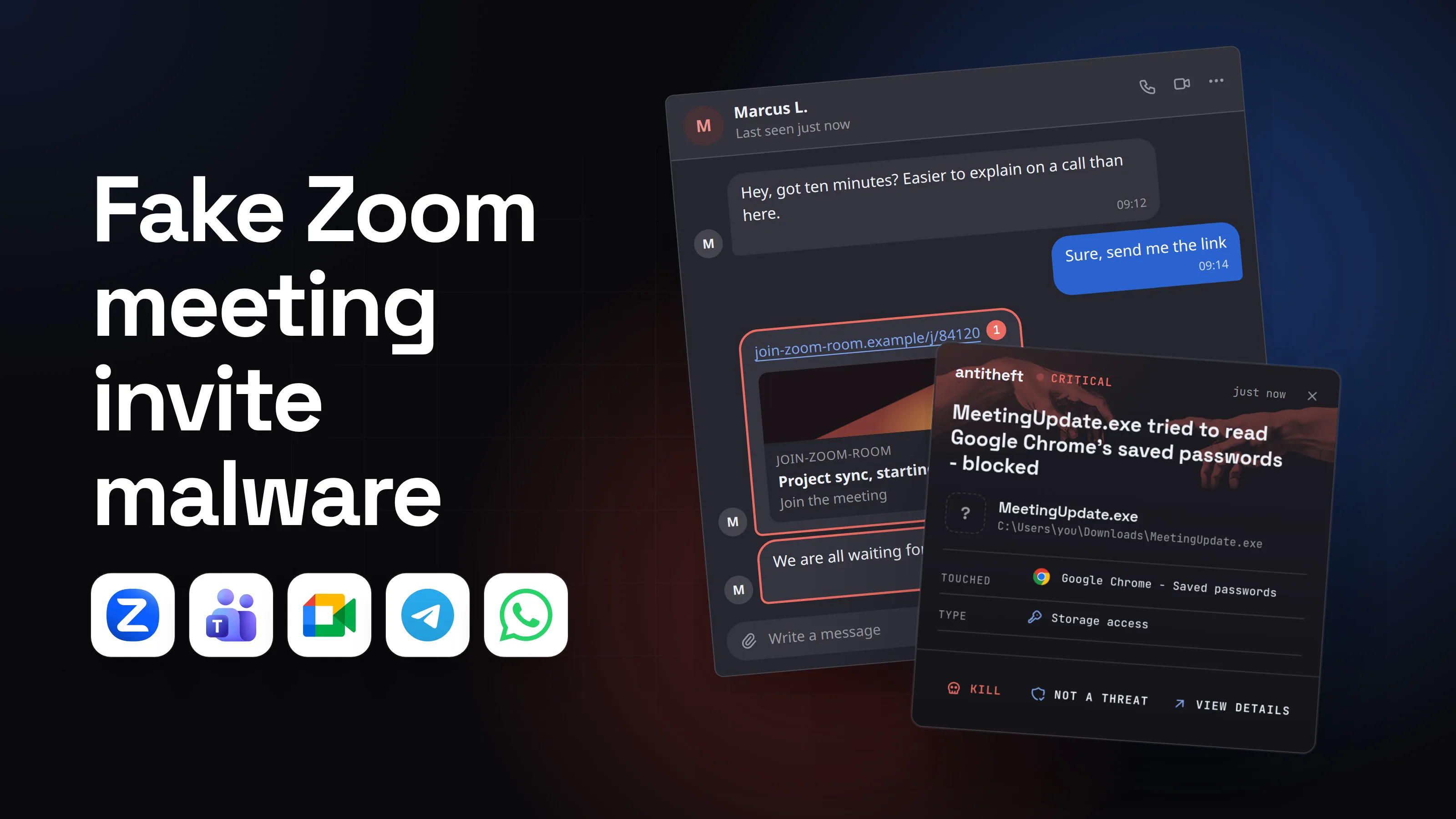
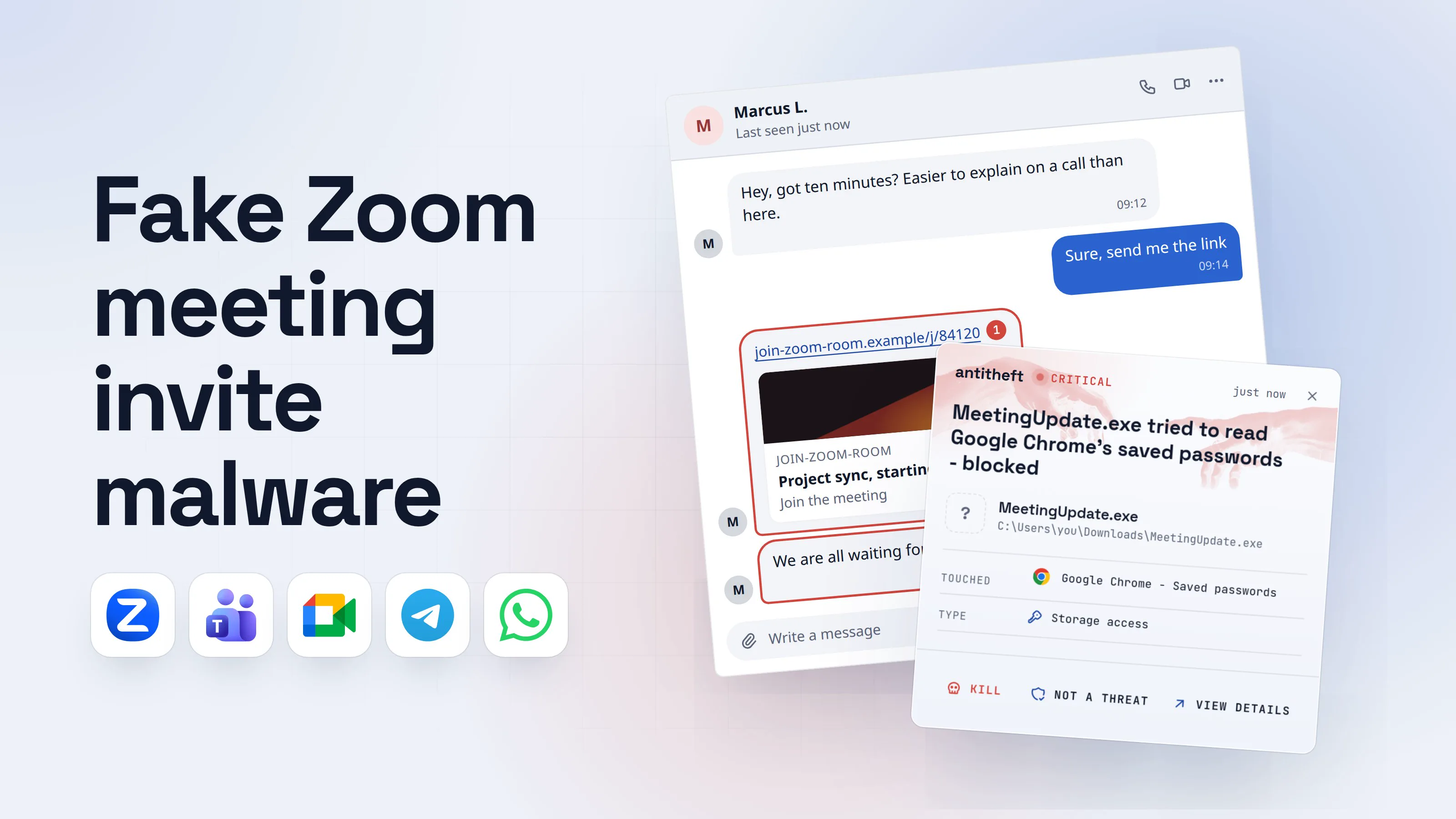
The same trick comes with a meeting link instead of a file: fake Zoom meeting invite malware. If you are not sure what a stealer takes and why it is so valuable, what is an infostealer explains it.
Questions people ask
Can I get a virus from a file a friend sends me on Telegram or Discord?
Yes, if the file is a program and you run it. Opening a chat or reading a message does not infect you. The harm starts when you open a file that is really an installer, a screensaver file or a script dressed up as a video, photo or game. The friend's name on it proves nothing, because the account may be in someone else's hands.
Why would my friend send me a virus?
Usually they did not. Their account was taken over, most often by the same kind of file or by a login code or QR code they gave away, and the thief now messages everyone on their list. The real friend often does not see the messages, because Telegram lets the thief delete them on the sender's side only.
My friend says it was really them and the file is fine. Can I trust that?
Only if you asked on a different channel than the one that sent the file. A thief in the hijacked chat answers "yes, it is me" just as easily. Call your friend, text their phone number or ask in person, and ask what the file is before you open it.
I opened a file from a friend on Discord. What should I do first?
From your phone or another device you trust, change your email password, then your Discord password, and in Discord open User Settings, then Devices, and log out every device you do not recognize. Move any crypto to a new wallet, then clean or reinstall the computer. The full order is in the section on what to do if you already opened it.
Is a photo or video from a friend dangerous?
A real photo or video opens in a viewer and does not run as a program. The danger is a program wearing a photo's name, such as a file that really ends in .scr or .exe. Check the true ending of the file name before you open anything, and if the "video" is a download that needs a password or a player, treat it as a scam.
How do I know if a Telegram or Discord message is really from my friend?
You cannot tell from the name or the picture, because both belong to the hijacked account. Look for the signs: an out-of-the-blue file or link, a rush, a short message that does not sound like them, and a refusal to talk on a call. Then confirm on another channel.
Can a hacked Telegram or Discord account be recovered?
Usually yes, if you act quickly. On Telegram, end every other session under Settings, then Devices, and turn on Two-Step Verification. On Discord, change the password and log out every device you do not recognize. If you are locked out of your own account, Discord has a hacked account form on its support site.
Does antitheft stop a file from a friend?
antitheft does not scan files or tell you whether a message is from your friend. If you run the file and it reaches for Discord's login or your browser's saved passwords and cookies, the read is refused on Linux, and on Windows and macOS the program is stopped the moment it touches them; on Windows and macOS the same goes for Telegram Desktop's login. It does not stop a code or QR you hand over yourself.
the short version
If a friend sent you a file on Telegram or Discord, it may be a virus: it is not safe just because of the name on it. Their account may have been hijacked, and the thief is messaging everyone they know. Do not open the file. Ask your friend on a different channel, such as a phone call, before you click anything. If you already opened it, change your email password from another device first, then end every logged-in session.
sources
- FTC Consumer Sentinel data spotlight: Reported losses to scams on social media eight times higher than in 2020 (Apr 2026)
- Bitdefender: Telegram QR code scam, how a fake QR scan leads to account takeover (Apr 2026)
- Hackmag (reporting Kaspersky Lab): Telegram accounts are being hijacked via malicious web apps (Feb 2026)
- Kaspersky: How hackers use PowerShell scripts to steal Telegram accounts (Jun 2026)
- The Hacker News (reporting Palo Alto Networks Unit 42): New VVS Stealer malware targets Discord accounts (Jan 2026)
- Moonlock: Discord scams, 12 types, warning signs and how to stay safe (Jul 2026)
- Netcraft: Remote access delivered through fake Zoom and Google Meet calls (Mar 2026)
- Kaspersky: Telegram account hacked, what to do (Dec 2024)
- Telegram FAQ (sessions, Two-Step Verification, codes)
- TechWiser: How to sign out of Discord on all devices (Jul 2023)
- Apple Support: Show or hide filename extensions on Mac
- How-To Geek: How to make Windows show file extensions
- file(1) manual page