What is an infostealer? How to avoid password stealers
An infostealer empties your saved passwords, logins and crypto wallets in seconds. Here is how one gets in, the habits that stop it, and what to do if it ran.
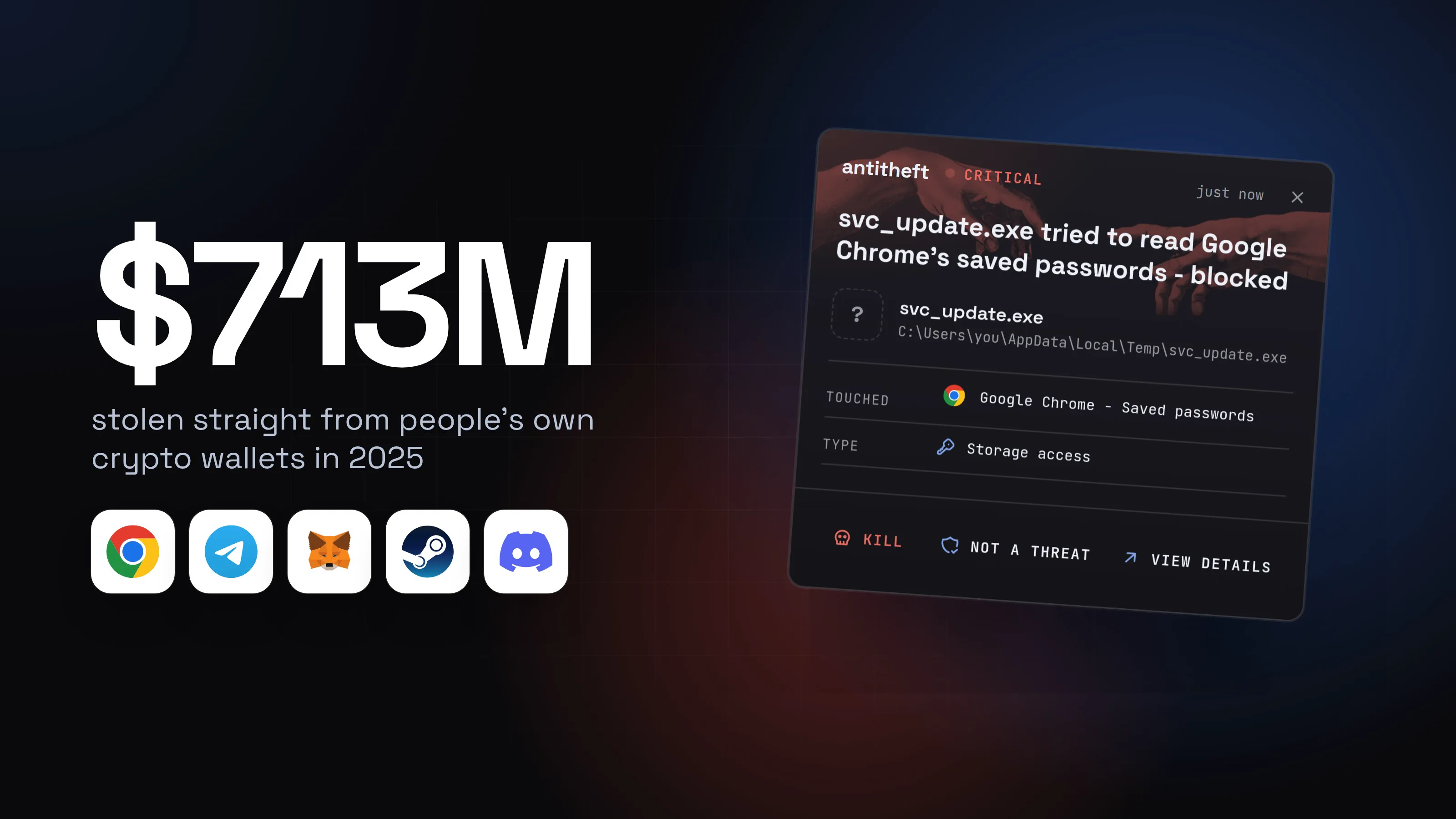
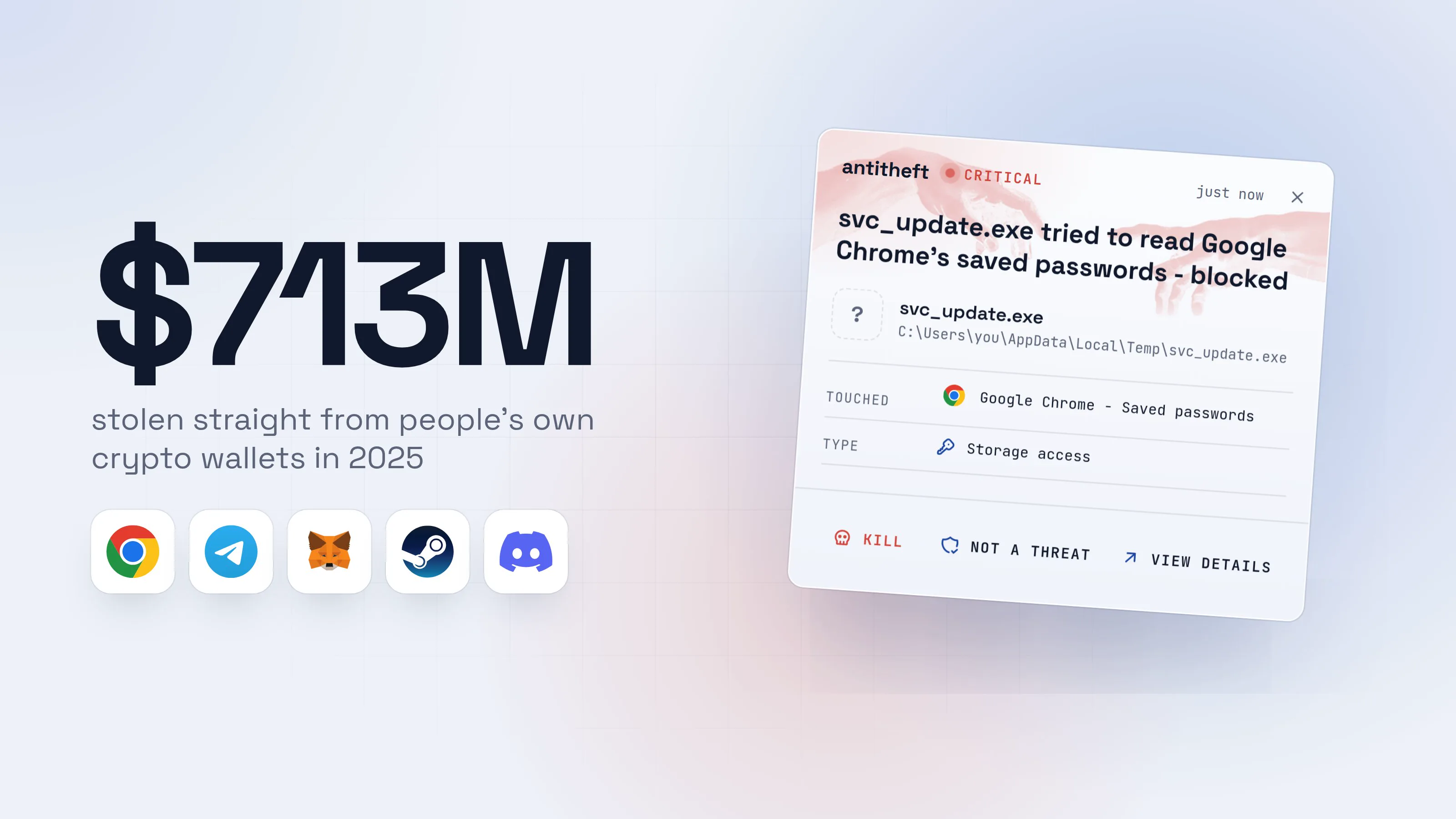
An infostealer (or simply "stealer") is the most common kind of malware aimed at ordinary people today. It does not lock your files or show a ransom note. It quietly takes everything it can sell, sends it away, and often deletes itself. Most victims only find out when an account is taken over or a wallet is emptied days later.
Source: Chainalysis, Dec 2025
And crypto is only one slice: Americans alone reported $20.9 billion lost to online crime in 2025, 26% more than the year before, according to the FBI.
This guide explains what a stealer takes, how it gets in, and the simple habits that stop almost all of them. There are a few extra details for power users along the way, tucked into boxes you can skip.
What an infostealer takes
A stealer goes straight for the places where your computer keeps secrets, because that is where the money is:
- Passwords saved in your browser. Chrome, Edge, Firefox, Brave and the rest all keep them in files on your disk.
- Session cookies. These keep you logged in. A thief who has them can open your email, socials or exchange account without a password and often without your two-factor code.
- Crypto wallets. Browser wallet extensions, desktop wallet files and anything that looks like a seed phrase.
- Chat and gaming accounts. Discord, Telegram and Steam sessions are resold or used to spread the same malware to your friends.
- Developer secrets. SSH keys, API tokens and
.envfiles, if you write code.
How a stealer gets onto your computer
Almost nobody gets a stealer from "just browsing". In nearly every case, the victim was talked into running it. Six traps are behind most infections, and each one has its own step-by-step guide showing exactly what it looks like on screen:
Seven habits that stop most infostealers
You do not need to be technical to make yourself a very hard target. These habits block the vast majority of infections:
- Never run cracked software, cheats or "free" versions of paid apps. If it is too good to be true, it is the malware.
- Download apps only from the official site or your system's app store. Type the address yourself instead of clicking a search ad.
- Never paste a command a website asks you to run. No CAPTCHA, update or "fix" works that way.
- Move your passwords out of the browser into a password manager, and use a different password for every account.
- Turn on two-factor authentication everywhere, preferably with an authenticator app or a hardware key rather than SMS.
- Keep a separate, clean way to hold real money. A hardware wallet for crypto, and never type a seed phrase into a computer.
- Keep your system and browser updated, and remove browser extensions you do not use.
Signs you may already have a stealer
The honest answer is that a stealer often leaves no visible sign at all. Still, these are worth taking seriously:
- You get "new sign-in" emails you do not recognise, especially several at once.
- Your Discord, Steam or social account sent messages you did not write.
- Crypto moved out of a wallet without you signing anything.
- You ran a crack, cheat, fake update or pasted command recently, and it "did nothing".
That last one matters most. A program that seems to do nothing when you open it has very often already done its job.
What to do if you think a stealer ran
Act from a different device you trust, such as your phone, not the computer that may be infected:
- Disconnect the suspicious computer from the internet.
- Move your crypto first. Create a brand new wallet with a new seed phrase on a clean device and send your funds there. A blockchain transfer cannot be reversed, so every hour counts.
- Change your most important passwords: email first, then banking, exchanges, password manager and socials.
- Log out of every session. Most big services have "sign out of all devices" in their security settings. This kills stolen cookies.
- Turn on two-factor authentication wherever it was off.
- Check whether your email appeared in known breaches on Have I Been Pwned.
- Clean or reinstall the computer before you log back into anything on it.
For power usersExtra steps if you are technical
Review your startup items, scheduled tasks or launch agents for anything you do not recognise. Revoke and rotate API tokens, SSH keys and cloud credentials, not just passwords. Check your Git hosting and cloud accounts for new keys, OAuth apps or tokens you did not create. If the machine holds anything of real value, prefer a full reinstall over cleaning: you cannot prove a cleaned system is clean.
Why antivirus alone is not enough
Antivirus looks for known bad programs. Stealer makers know this, so they rebuild and repackage their malware constantly, and a fresh copy can run before anyone has learned to recognise it. By the time the signature arrives, your passwords are already gone.
There is a different way to look at the problem. Instead of trying to recognise every thief, protect the places thieves go. Your browser's password store should only ever be opened by your browser. Your wallet file should only be opened by your wallet. When anything else reaches for them, the answer should simply be no.
That is exactly what antitheft does: it lets only the app that owns your passwords, logins, wallets and game accounts open them, so even a brand new stealer that nobody has seen before walks away with nothing.
With antitheft
With antitheft, a stealer leaves with nothing
- Caught the moment it reaches for your passwords or wallets
- On Linux refused before the file opens, on Windows and macOS stopped right after
- Even the most advanced malware, the kind no antivirus has seen yet
- Touched
 Google Chrome - Saved passwords
- Type
- Storage access
- Touched
- Google Chrome - Saved passwords
- Type
- Storage access
- Touched
- Google Chrome - Saved passwords
- Type
- Storage access
Keep stealers out of your passwords and wallets
- Guards passwords, browser logins and wallets
- Stops malware your antivirus misses
- On Windows, macOS and Linux
You can read more guides like this one on the antitheft blog.
Questions people ask
Can an infostealer get into accounts that have two-factor authentication?
Often, yes. Most stealers copy your browser's session cookies, the small files that keep you logged in. With those, a thief can open your account as if they were you, without ever being asked for a password or a code. That is why logging out of every session after an infection matters as much as changing passwords.
Do Macs get infostealers too?
Yes. Stealers built for macOS are sold the same way as Windows ones, and they usually arrive as a fake app download or a fake update that asks for your password. A Mac is not a reason to skip any of the habits in this guide.
Will my antivirus catch an infostealer?
Sometimes. Stealers are rebuilt and repackaged constantly, so a fresh copy can run before any antivirus has learned to recognise it. Keep your antivirus on, but do not treat it as the only lock on your passwords and wallets.
Is it safer to keep passwords in a password manager than in the browser?
Yes. Passwords saved in the browser are the first thing every stealer grabs. A password manager with a strong master password is a much harder target, and it also makes it easy to use a different password everywhere, so one stolen password does not open everything else.
Do I have to reinstall my computer after an infostealer?
If you are sure a stealer ran, a clean reinstall is the safest choice, because some of them leave something behind that comes back after a restart. Whatever you decide about the computer, change your passwords and move your crypto from a different, clean device first.
the short version
An infostealer is malware that copies your saved passwords, logged-in sessions and crypto wallets and sends them to a thief, usually in under a minute. It almost always arrives as something you chose to run: a cracked app, a game cheat, a fake update or a command a website asked you to paste. Do not run those, keep passwords in a password manager, and protect the places your secrets are stored.
sources
- Chainalysis: 2025 crypto theft reaches $3.4 billion (personal wallet compromises) (Dec 2025)
- FBI Internet Crime Complaint Center: 2025 IC3 Annual Report (Apr 2026)
- The Hacker News: Know your enemy, browser-based attack techniques in 2026 (Sep 2026)
- CISA Secure Our World: Turn on multifactor authentication
- Have I Been Pwned: check if your email appeared in a breach