Steam account hacked what to do: recover it step by step
Steam account hacked what to do first: secure your email, recover the account, sign out every device, add the mobile authenticator and check your items.
Finding your Steam account hacked and not knowing what to do usually starts the same way: an email you did not expect, a friend asking about a trade you never sent, or a login that stops working. The account holds your game library, your Steam Wallet, your items and the login that other sites accept through "Sign in with Steam". Thieves know it.
This guide shows how Steam accounts are stolen, what to do the moment you notice, how to get the account back when the thief changed everything, and how to lock it down. Every Steam menu and button below was checked against Steam's own support pages.
How do Steam accounts get hacked?
Steam accounts are stolen in five main ways, and in four of them the victim hands over the key without knowing it. Steam's own security page names the same list: stolen email, a leaked Steam Guard file, malware and phishing.
- A fake login page. In June 2026 Malwarebytes described fake "verification" pages for an esports platform that ask you to sign in through Steam. A sign-in box drawn inside the page captured usernames, passwords and Steam Guard codes.
- A fake trade or a rogue API key. A phishing page signs in with your real details and quietly creates a Steam Web API key on your account. A bot then watches your trades and swaps your offer for a lookalike, as SteamDB explains.
- Fake "Steam Support". Steam says never to follow instructions to talk to someone claiming to represent Steam Support on Discord or any other chat system, even from a friend's account.
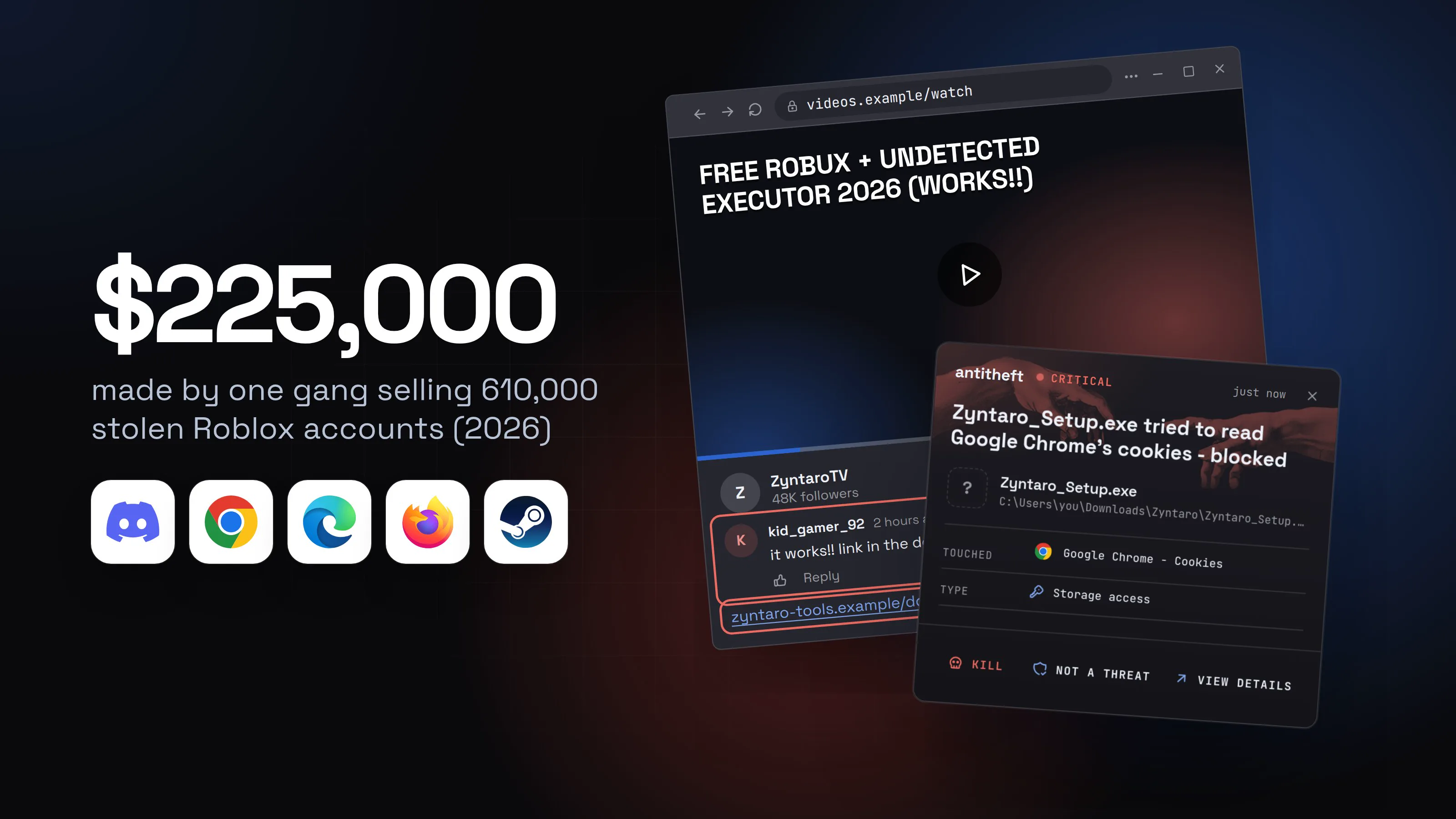
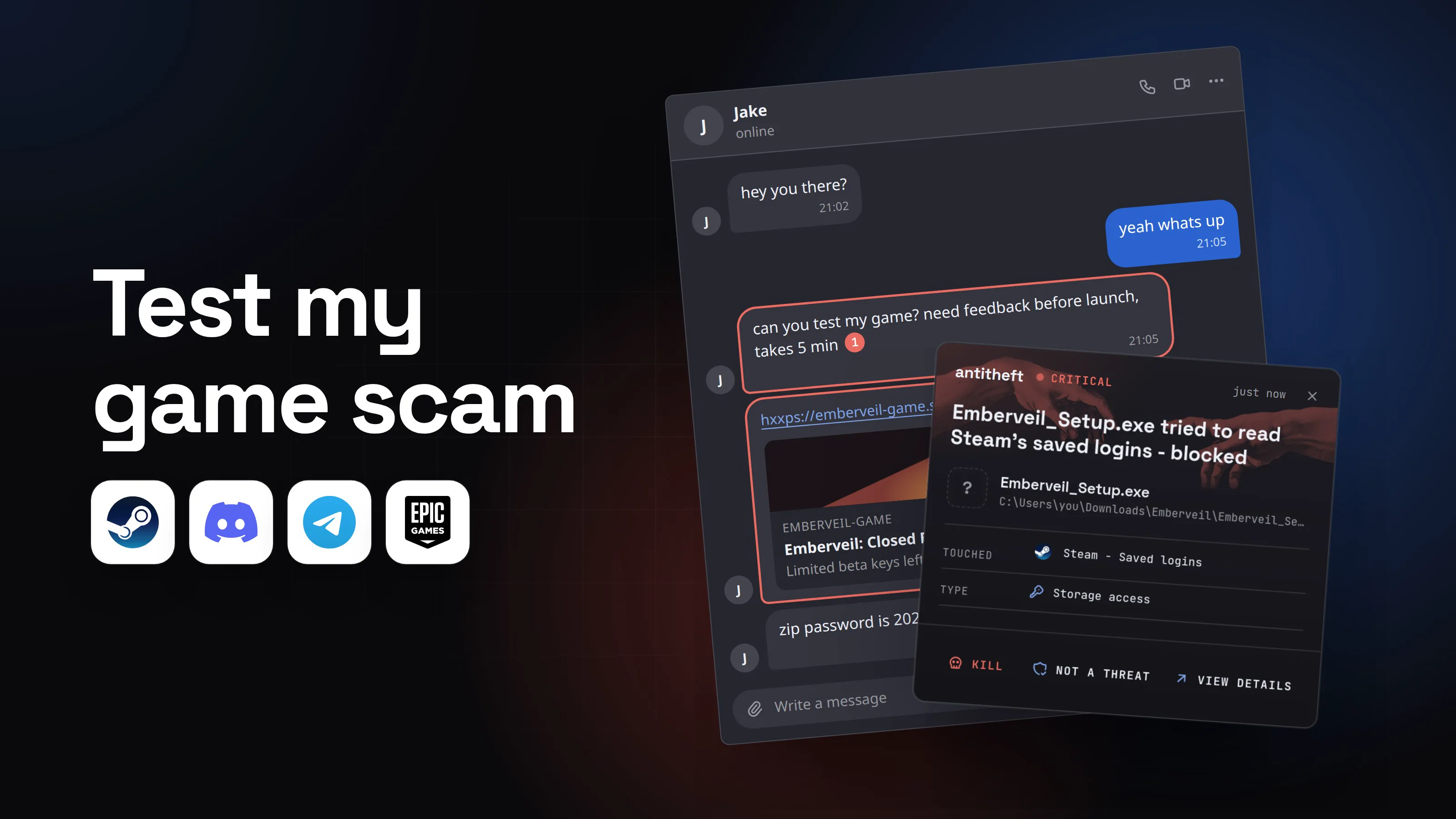
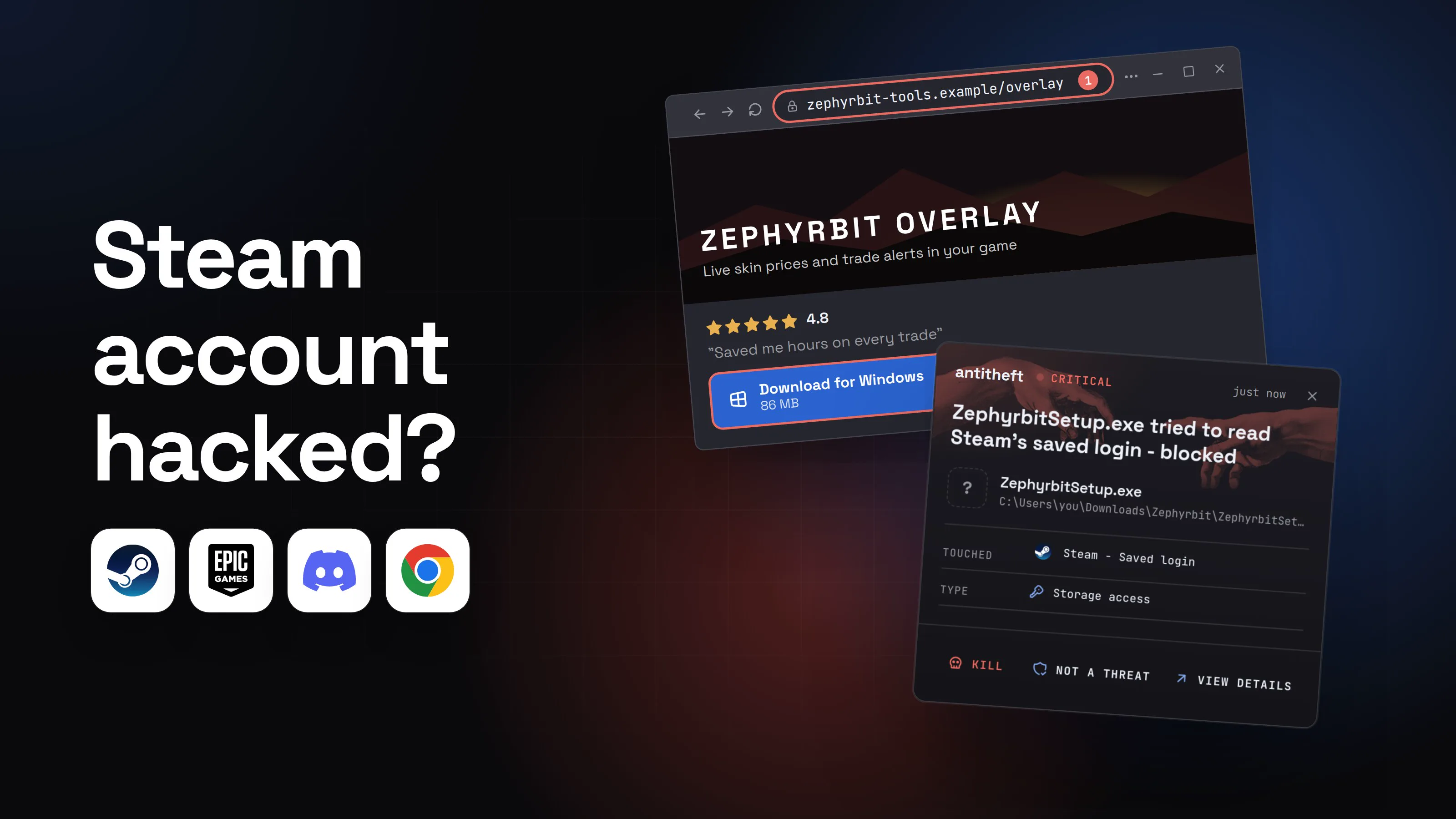
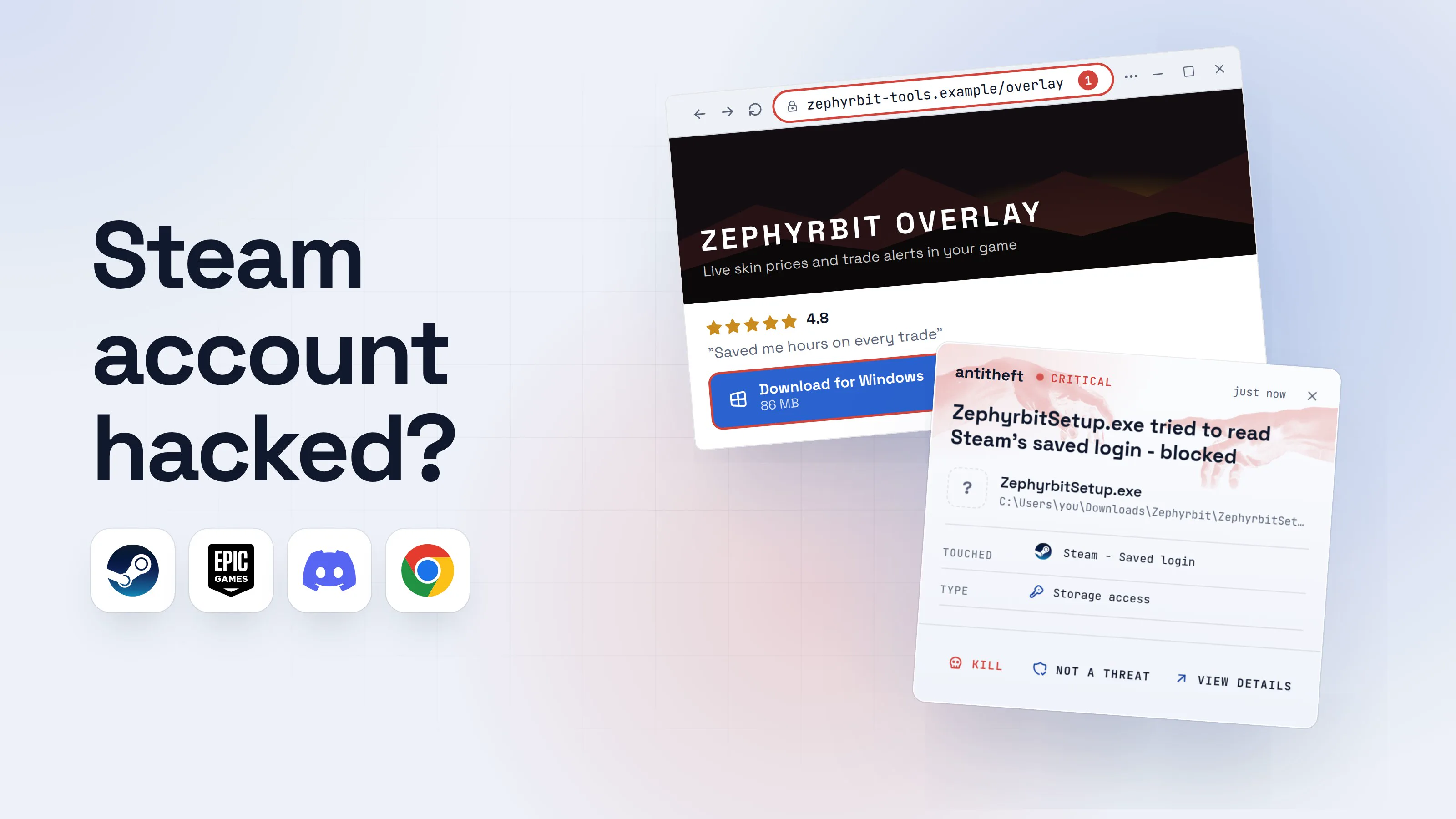
- Malware that takes the saved login. Steam warns that malware targeting it hides in pirated software, cheats, fake game demos and betas, and gaming helper tools such as mod or inventory managers. See cracked software and game cheats and the test my game scam.
- A game that was never a game. The FBI's Seattle Division is looking for victims of seven games that were on Steam and carried malware, mostly between May 2024 and January 2026. One streamer lost over $32,000 in cryptocurrency after playing one of them, BleepingComputer reported in March 2026. Bitdefender reported in May 2026 that Valve removed another game after malware inside it went after browser data, saved logins and wallet extensions.
Can malware steal my Steam login without my password?
Yes. Steam says so itself: malware can log in "using your already authorized device", because your account is logged in or your credentials are saved, so the hijacker "does not need to know anything about your account". Steam adds that modern malware can avoid common antivirus, wait until the account is worth stealing (for example when the Steam Wallet has funds) and then remove itself.
The flow below shows a "helper tool" for Steam trading. Steam's page lists exactly this kind of gaming-adjacent utility as a way in.
- 1A site offers a free helper for your Steam inventoryOverlays, price checkers and inventory tools are common bait.Download for Windows86 MB2
- 1A new site, not an official store or the game's page
- 2A tool you went looking for is exactly what a thief wants you to run
- 2You run the setup and it seems to finishWhatever it shows, the stealer starts the moment you run it.Zephyrbit Overlay SetupZVersion 2.4
Installing
Finishing setup...1100%- 1It never opens a real tool. The work was done behind this screen
- dangerIt reaches for the saved Steam login and your browserSeconds. Most people notice when the email from Steam arrives.
What the helper tool takes from you
- Your Steam loginYour games, items and wallet funds
- Your browser sessionsAccounts open without a password or code
- Every saved passwordEmail, shops, exchanges
- Your crypto walletsA transfer cannot be undone
Your email comes with it, and your email resets everything.
With antitheft
With antitheft, the stealer is stopped at your Steam login
- Caught the moment an unknown program reaches for your Steam login
- Stopped on the spot on Windows and macOS, shown in Activity on Linux
- Even a brand new stealer that nothing has seen before
- Touched
 Steam - Saved login
- Type
- Storage access
- Touched
- Steam - Saved login
- Type
- Storage access
Keep stealers out of your passwords and wallets
- Guards passwords, browser logins and wallets
- Stops malware your antivirus misses
- On Windows, macOS and Linux
For power usersWhy a stolen Steam login works on someone else's computer
Steam stays signed in on your computer and remembers it as an authorized device, which is why a program running as you can use that state without your password. Steam's own Steam Guard page also warns that a Steam Guard file (the .SSFN file) must never be given to anyone: with it and your password, a thief gets in without your email. Steam says it never asks for such files.
How does a fake Steam login page steal an account?
A fake Steam login page steals an account by collecting the password and the Steam Guard code you type into it. Here is how one looks, with made-up names. Unlike the helper tool above, nothing on your computer is read: you hand the details over yourself.
- 1A message says you must verify to join a tournamentIt arrives in a server or a direct message, sometimes from a friend whose account was already taken.ladder-announcements412 membersClubs ladder opens Friday. Unverified accounts get removed.20:14hxxps://matchlane-verify.example/clubs1Matchlane-verifyVerify your club accountTakes 30 secondsWrite a message
- 1A link to a site you did not go to yourself, with a deadline
- 2The page pushes you toward a Steam sign-inThe QR code is blurred on purpose, so the button feels like the easy way out.
Verify your club account
Scan the code to verify, or sign in to prove you are not a smurf account.
QR code unreadable? Sign in through Steam2
Sign in through Steam- 1Not a Steam address and not the service it pretends to be
- 2The code is blurred on purpose to send you to the box
- 3A Steam sign-in box opens, and it asks for your code tooThis box is part of the web page. Its address bar is only a picture.Sign in through Steam1Account namePassword2Steam Guard code3Sign in
- 1A box inside the page is not a real window
- 2Typed straight into the thief's page
- 3The code too, so Steam Guard does not stop them
- dangerThe thief signs in as you within momentsThey change the password and email, then take what the account holds.
- safeWhat stops it: leave the page and open Steam yourselfNo verification page needs your Steam password. Only the real Steam sites do.Before you type a password
- 1steampowered.com or steamcommunity.com
No program on your computer stops this, antitheft included: it is a password and a code typed into someone else's page. The only defence is the habit in the last step.
How do I know if my Steam account was hacked?
You can tell a Steam account was hacked when something changes that you did not do. Steam emails you about security changes, so the email address on the account is the first place to look.
- Emails from Steam about a password, email or Steam Guard change you did not make.
- Steam Guard codes arriving that you did not ask for.
- Your password stops working, or the account says it is linked to a different email.
- Trade offers, market listings or gifts you did not create, or items missing.
- Wallet funds spent.
- Friends telling you that you sent them a link.
- An unknown entry on your Authorized Devices page.
Any one of these is enough to start the steps below. If the machine itself behaves oddly, treat it as a stealer case and follow step 3 below.
What to do if your Steam account was hacked (in this order)
Start with the computer and the email, not with Steam. Steam's account-stolen page puts it in the same order: scan your computer first, then change your email's password, then recover the account. A thief who still has your email, or a stealer still running on your computer, takes the account back within minutes.
- 1Use a clean device and secure your email firstYour phone is a good clean device. Whoever has your email can reset Steam again.Before you touch Steam
- 1Steam says to scan the computer first
- 2Recover the account from Steam's own help siteType help.steampowered.com yourself. Never use a link from a message.Account stolenReset my password1
- 1The recovery step Steam's page ends on
- 3Change the password and deauthorize every deviceOn a Mac the Settings entry is called Preferences.Settings: SecurityManage Steam GuardSteam GuardAuthorized DevicesSign out everywhere1Change Password
- 1Signs out every device, including any you do not know
- 4Add the Steam Mobile app authenticatorSteam says phone codes give the best Steam Guard security.Steam Mobile app: Steam GuardAdd authenticator
- 1It lets you recover the account yourself if you lose the phone
- safeRevoke any Web API key you did not create, then check offersA key you never made means the account was phished. Cancel trade offers and market listings you did not make.Web API keyRevoke My Steam Web API Key
- 1Nothing legitimate needs this
Here is the same list in words, with what Steam tells you at each step.
- Move to a clean device. Use your phone or another computer. If the hack came from a file you ran, assume the first computer is still infected, and do not type a new password on it.
- Change your email password and turn on two-step login for your email. Steam says accounts are commonly compromised after the linked email is compromised, and that securing it also keeps the hijacker out of Steam Support's help.
- Scan the computer you used, and clean it if malware was the cause. Steam's own page tells you to run virus and spyware scanners before resetting the password. For a stealer the safer path is the system's own scanner and, if you can, a reinstall.
- Start recovery at
help.steampowered.com/en/wizard/HelpWithAccountStolen. When it asks you to search for the account, enter your email address as instructed, not the account's current email, since the thief may have changed it. - If you can sign in, change the password: in the Steam client choose Steam, then Settings (Preferences on a Mac), open the Security tab and select Change Password. Steam sends a verification email with a five character code.
- Deauthorize everything. Open Authorized Devices and use Sign out everywhere, or go to Account Details, then Manage Steam Guard, which deauthorizes all computers and devices that have access.
- Add the Steam Guard Mobile Authenticator. In the Steam Mobile app, open the Steam Guard tab and choose Add authenticator. Write down the Recovery code it shows and store it somewhere safe.
- Check for a Web API key you did not make. Open
steamcommunity.com/dev/apikey. If it shows a key for a domain you do not recognise, choose Revoke My Steam Web API Key. - Cancel anything pending. Remove trade offers and market listings you did not create, and look at your wallet and purchase history.
- Warn your friends. A hijacked account usually sends the same scam to everyone on the list. A short message from another channel stops a chain.
What if the thief changed my email, password and phone number?
You can still recover the account, and Steam says so directly: Steam Support can recover it even when someone changed the email address, password and phone number. If the self-recovery wizard cannot finish, its last step is a form to contact Steam Support.
Have this ready, because Steam verifies ownership with it:
- payment details used on the account, such as the card type, the name on the card, the billing address and the last four digits (never the full number);
- retail product codes you activated on Steam, photographed or screenshotted;
- every login name and email address you may have used.
Steam Support only works through help.steampowered.com. Anyone who offers "recovery" through Discord, a direct message or a comment is another thief.
Will Steam give my stolen items back?
Usually not. Steam's Item Restoration Policy says Steam Support does not restore items that have left an account for any reason, including trades, market transactions, deletions and gifting. Items often change hands again before a request is made, so restoring them would mean duplicating them or taking them from an innocent player.
Steam also says that to trade or sell on the Community Market quickly, the account must have a Steam Guard Mobile Authenticator, so only you can remove items. Without one, Steam holds the trade or the market listing for 15 days, which is time to find and cancel a pending transaction. That is the real reason to add the authenticator before anything else goes wrong.
Why did Steam Guard not stop my account being hacked?
Steam Guard was bypassed because it protects the sign-in, not the computer or the email behind it. Steam lists the ways a Steam Guard account still gets stolen:
- Through your email. With your verified email, a thief can reset the password without knowing it.
- A Steam Guard file. Giving someone your .SSFN file lets them in without your email, though they still need your password.
- Malware. It uses your already authorized device, so no code is asked for.
- Phishing. A fake page that also asks for your Steam Guard code collects the code.
That is why the steps above start with the email and the computer, and why Steam Guard on the phone is the strongest option, not the only one.
How do I protect my Steam account?
Protecting a Steam account means closing the five routes above, in the order they are used against people.
- Use the Steam Mobile app authenticator and store the recovery code offline.
- Give your email its own strong password and two-step login. Steam says never to reuse the Steam password for the email address.
- Sign in only on the official Steam sites. Open them yourself and read the address bar of the real window.
- Treat a link from a friend like a link from a stranger, because their account may be compromised. Check with them by phone, as in the test my game scam guide, or see a friend sent me a file.
- Never give out your password, a Steam Guard file or an API key, and never talk to "Steam Support" on Discord or in chat.
- Skip cracks, cheats, "betas" and helper tools from forums and video links. Download software only from the official source.
- Check the trade partner on every offer. A cloned trading bot copies a name and picture, but its account is days old. Confirm each trade only after you have checked who it is from and what it contains.
- Keep Discord safe too, since chat accounts are a common way in. See how a Discord account gets hacked.
What antitheft does and does not do for Steam
antitheft is not an antivirus: it does not scan your computer, clean malware or judge whether a game is safe. Its app watches who touches your Steam login. On Windows and macOS it stops any program other than Steam the moment it touches Steam's saved login files, a new stealer that no scanner knows yet included. On Linux its Activity view shows you which programs opened them.
Your browser sessions and passwords get the stronger rule. On Linux, only Chrome, Edge, Brave, Opera, Vivaldi or Firefox may open their own saved passwords and cookies, and anything else is refused before the file opens; on Windows and macOS antitheft stops any other program the moment it touches them. Safari is not covered.
What it does not stop, and what only your habits can:
- A password and a code typed into a fake page. You handed them over yourself.
- A trade you confirm, a Web API key created by a phishing page, or a message from fake Steam Support.
- A person you let into your computer with a remote tool.
antitheft's Activity view also shows you which programs opened your Steam login and browser sessions, so you know what reached them.
The question that matters is not "is this file bad?" It is "who should be touching my Steam login?" The answer is Steam, and antitheft stops or shows you anything else. For the wider picture of what a stealer takes, read what an infostealer is.
Questions people ask
My Steam account was hacked. What should I do first?
Use a clean device, such as your phone, and change your email password first, because a thief with your email can reset Steam again. Then recover the Steam account from Steam's own account-stolen page, sign out every device, add the Steam Mobile app authenticator and check for trade offers and market listings you did not make. Steam's own page tells you to scan the computer you use before you reset anything.
Can Steam Support recover a hacked account?
Yes. Steam says you can contact Steam Support for recovery even if the thief changed the account's email address, password and phone number. They verify the account is yours, so have proof of ownership ready: payment details previously used on the account, activated retail product codes, your possible login names and your possible email addresses.
Will Steam give back my stolen skins and items?
Not as a rule. Steam's Item Restoration Policy says Steam Support does not restore items that have left an account for any reason, including trades, market transactions, deletions and gifting. Items change hands again quickly, so restoring them would mean duplicating them or taking them from an innocent player. That is why protecting the account first matters more than anything you can do afterwards.
How was my Steam account hacked when I had Steam Guard on?
Steam Guard depends on your email staying secure, and Steam lists four ways around it: a stolen email account, a Steam Guard file (.SSFN) you gave someone, malware on your computer that uses your already authorized device, and phishing. A fake login page that also asks for your Steam Guard code gets that code as well.
Someone changed my Steam email and password. Can I still get the account back?
Yes. Open Steam's account recovery on help.steampowered.com, enter the email address you used when you set up the account, and follow the steps. If the recovery cannot finish, the process ends in a form to contact Steam Support, who can recover the account after verifying proof of ownership.
How do I know a Steam login page is real?
Official Steam logins go to steampowered.com, store.steampowered.com, steamcommunity.com or help.steampowered.com. Check the address bar of your real browser window, not a box drawn inside the page, and be suspicious of a blurry QR code, a rush, or a verification page for some other service that asks you to sign in through Steam.
What is the best protection for a Steam account?
Use the Steam Mobile app authenticator, keep your email account secure with its own strong password and two-step login, never sign in on a page you reached from a link, and never run cheats, cracks or unknown helper tools. On your own computer, antitheft watches Steam's saved login files: on Windows and macOS it stops any program other than Steam the moment it touches them, and on Linux its Activity view shows you which programs opened them.
the short version
Steam account hacked what to do: work from a clean device and do four things in order: change your email password, recover the account at Steam's own account-stolen page, sign out every device and add the Steam Mobile app authenticator. Steam does not restore items that left the account, so speed matters. If malware did it, the computer needs cleaning before you sign in on it again.
sources
- Steam Support: Account Security Recommendations
- Steam Support: Steam Guard (deauthorizing devices, how Steam Guard accounts get stolen)
- Steam Support: What do I do if my Steam Account is stolen?
- Steam Support: Recovering a Stolen or Hijacked Steam Account
- Steam Support: How do I change my Steam account password?
- Steam Support: Providing Proof of Ownership
- Steam Support: Steam Item Restoration Policy
- Steam Support: Steam Guard Mobile Authenticator setup
- Malwarebytes: Fake verification pages are stealing Steam accounts from players (Jun 2026)
- BleepingComputer: FBI seeks victims of Steam games used to spread malware (Mar 2026)
- FBI Seattle Division: Seeking Victim Information in Steam Malware Investigation (Mar 2026)
- Bitdefender: Steam removes horror game after malware steals player data (May 2026)
- SteamDB: CS2 scam protection (the Web API key scam)