Shai-Hulud worm: am I affected, and how to clean up
The Shai-Hulud worm steals npm, GitHub and cloud tokens and republishes your own packages. Check if you are affected, clean up safely and stop the next wave.
The Shai-Hulud worm is the npm supply chain attack that keeps coming back. It hides in a normal package update, runs during npm install, collects every token and key it can find, and uses them to infect more packages. Each victim becomes the next carrier, which is why it is called a worm.
Since September 2025 it has come in waves: Shai-Hulud, Shai-Hulud 2.0, Mini Shai-Hulud and, in August 2026, its biggest wave yet. In May 2026 its authors published the source code. This guide gives the timeline, what it takes, how to check whether you are affected, and how to clean up without setting off its traps.
What is the Shai-Hulud worm?
Shai-Hulud is a worm for the npm registry: malicious code inside real packages that copies itself into more real packages using tokens stolen from developers. It is named after the giant sandworms in Dune, and it labels its own work with Dune words.
It needs no typo or fake package. The infected versions come from the real maintainer's account, so npm install of a library you have used for years is enough. The code runs from an install script before your project even starts.
Since npm 12 (July 2026), dependency install scripts no longer run unless you approve them, and that default would have stopped the install-time step of these waves for anyone on it. The worm still runs on npm 11 or older, with package managers or settings that still run scripts, when you approve a package's scripts, or if a payload runs when the code is imported instead. For the wider picture of how packages get poisoned, see our guide to the supply chain attack.
Shai-Hulud timeline: from 2025 to Mini Shai-Hulud
Each wave added something new, so the dates matter when you check old lockfiles.
- September 2025, Shai-Hulud. Infected versions appeared in mid-September. The worm scanned the machine for tokens, posted them to a public repository named
Shai-Huludin the victim's own GitHub account, and republished the victim's packages. CISA issued an alert on September 23. - November 2025, Shai-Hulud 2.0 ("Sha1-Hulud: The Second Coming"). Uploads began between November 21 and 23. It ran in the
preinstallstep with the Bun runtime, and Wiz counted more than 25,000 repositories of stolen data across about 500 GitHub users. In its aftermath report Wiz found up to 400,000 unique secrets in the leaked data. If it could not log in to GitHub or npm, it wiped the home folder, per Aikido. - April 29, 2026, Mini Shai-Hulud. Four SAP packages,
mbtand three@cap-jspackages, carried a new payload that also wrote itself into Claude Code and VS Code project settings and read crypto wallet files. - May 11, 2026, TanStack. 84 malicious versions across 42
@tanstackpackages, plus packages from UiPath, Mistral AI and others, per StepSecurity. - May 12, 2026, the source goes public. A group calling itself TeamPCP put the full framework on GitHub under an MIT license with the line "Change keys and C2 as needed" (Datadog, The Register).
- May 19, 2026, AntV. One hijacked maintainer account pushed 639 bad versions across 323 packages in about an hour, including
@antv/g2andecharts-for-react. Socket counted 1,055 versions across 502 packages in the campaign by then. - August 4, 2026, the
keyvwave. It started at[email protected]and reached 444 packages and 2,212 versions in under four hours, published through the projects' own trusted publishing with valid provenance (StepSecurity). Its commits read "Shai-Hulud: Here We Go Again" (OX Security).
What Shai-Hulud steals and how it spreads
Shai-Hulud steals the keys to your developer life: npm tokens, GitHub tokens, cloud keys for AWS, Google Cloud and Azure, Kubernetes and Vault secrets, SSH keys, and every secret in a CI job. The 2026 versions add crypto wallet files, messaging app data and AI tool credentials.
It spreads in three ways. It uses your npm token to publish infected versions of every package you maintain. It uses your GitHub token to create public repositories full of your secrets, add workflows that leak your repository secrets, and commit hooks into .claude/settings.json and .vscode/tasks.json authored as "claude" with the message "chore: update dependencies". Anyone who opens that project in Claude Code or VS Code runs it next. Our guide to AI agent supply chain attacks covers that part in depth.
Wiz found that only 23% of Shai-Hulud 2.0 infections were on developer machines; most were build servers and containers. A laptop is still the richest catch, because it holds your personal tokens and, often, your wallet.
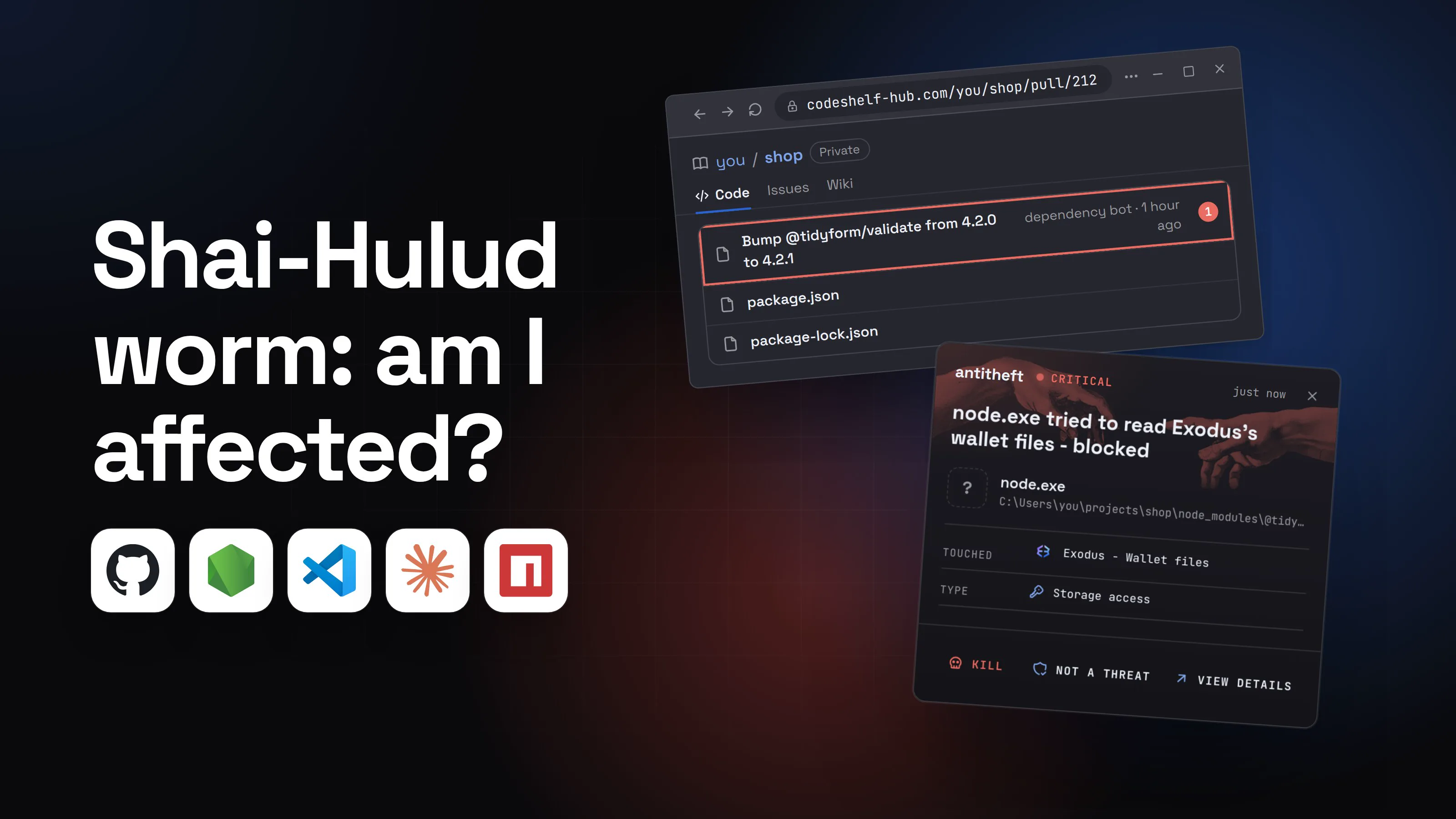
- 1A routine update arrives for a package you already useThe bad version was published from the real maintainer's hijacked account.you/shopPrivateCodeIssuesWikiBump @tidyform/validate from 4.2.0 to 4.2.1dependency bot · 1 hour ago1package.jsonpackage-lock.json
- 1A patch release, nothing to review, so you merge it
- 2You pull and install, and a hidden script runs firstOn npm 11 or older it runs before your project starts, with your user's rights. npm 12 holds it until you approve.Terminal
PS C:\Users\you>you@MacBook ~ %you@laptop:~$npm install
> @tidyform/[email protected] preinstall
> node setup.mjs1
added 3 packages, changed 1 package in 7s
- 1The install script downloads and starts the worm
- 3It collects every token on the machinenpm, GitHub and cloud keys sit in plain files like this one..npmrc
1//registry.npmjs.org/:_authToken=npm_7Kq••••••••••••1
2init-author-name=you
- 1Your publish token: enough to infect your own packages
- 4Your secrets appear in a public repository on your own accountNamed with two Dune words and a number.you/fremen-stillsuit-42PublicCodeIssuesWiki
A Mini Shai-Hulud has Appeared2
Created 2 minutes ago
- 1A repository you never created
- 2The worm's own label: search your account for it
- 5Your own package gets a release you never madeEveryone who installs it is the next victim.
tidy-dates
3.1.1 · published 1 minute ago by you1
12,400 weekly downloads
- 1Published with your stolen token
- dangerIt also reaches for your crypto walletThe 2026 payload reads wallet files for Exodus, Atomic and Ledger Live, among 134 paths.
What one install takes from you
- Your npm and GitHub tokensYour packages and repos now spread it
- Your cloud keysAWS, Google Cloud, Azure, CI secrets
- Your crypto wallet filesEmptied for good once they leave
And it keeps going through every package you maintain.
With antitheft
With antitheft, the stealer is stopped at your passwords
- Caught the moment it reaches for your passwords or wallets
- On Linux refused before the file opens, on Windows and macOS stopped right after
- Even the most advanced malware, the kind no antivirus has seen yet
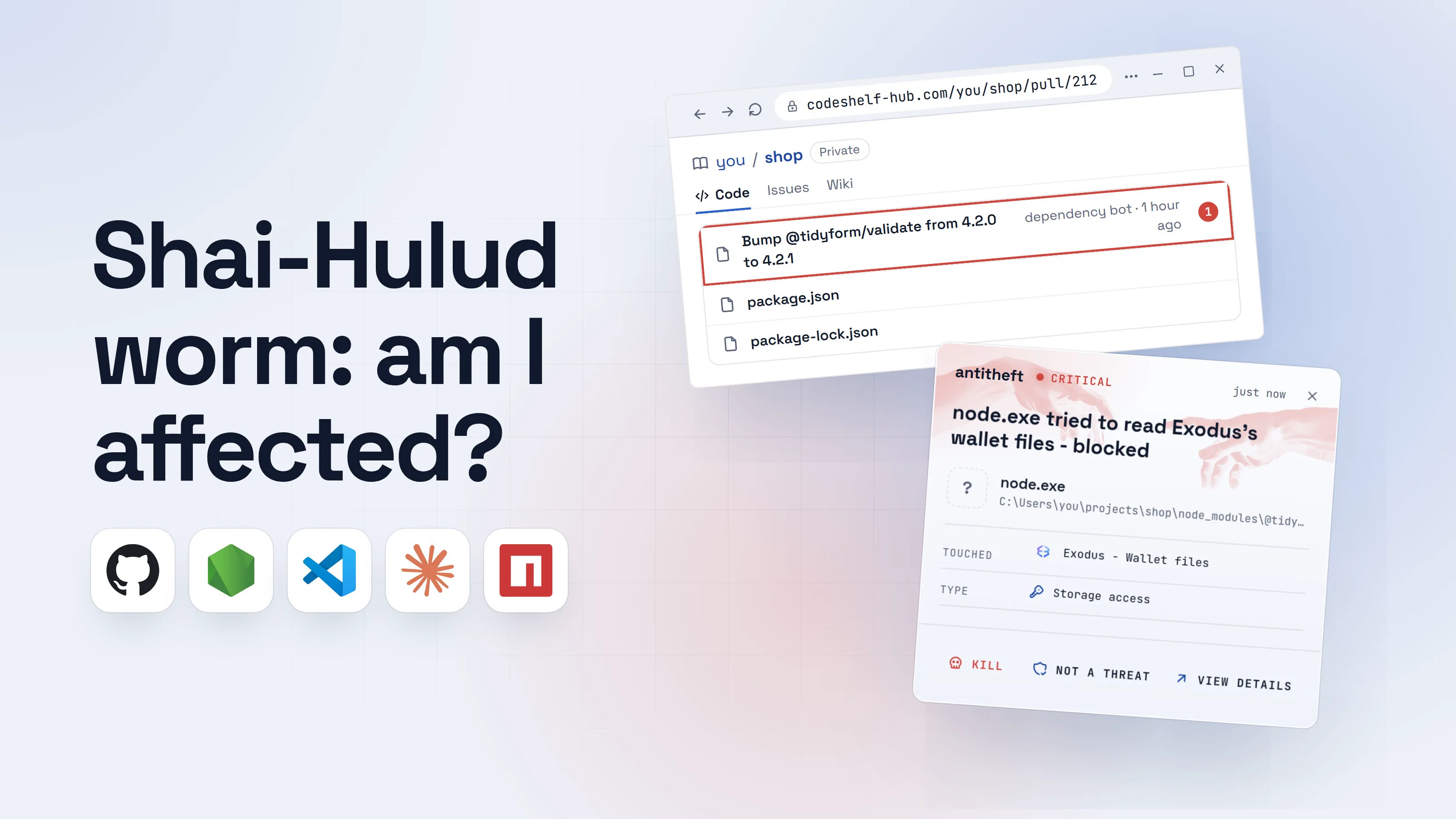
- Touched
 Exodus - Wallet files
- Type
- Storage access
- Touched
- Exodus - Wallet files
- Type
- Storage access
- Touched
- Exodus - Wallet files
- Type
- Storage access
Keep stealers out of your passwords and wallets
- Guards passwords, browser logins and wallets
- Stops malware your antivirus misses
- On Windows, macOS and Linux
To your computer, the worm is just node running a script you started with npm install. antitheft works from a simpler rule: only Exodus may open Exodus's wallet, only your browser may open your saved passwords, so a script nobody has seen before is refused. That holds even though npm itself is allowed: what an install script starts cannot open your passwords, logins, wallets or game accounts, and its attempts to start itself again (autostart entries, scheduled tasks, cron jobs, launch agents, services) are blocked.
Token theft has one moment a computer can notice: the secrets leaving. antitheft cloud watches for what a healthy computer never does, such as secrets leaving for an unknown server, and alerts you so you can rotate before the tokens are used. Some waves post to GitHub itself, which looks like normal developer traffic, so rotation stays your job either way.
Am I affected by Shai-Hulud? How to check
You are affected if a bad version was installed on a machine that held tokens, or if your GitHub account shows the worm's marks. Check both, in this order:
- Get the package list for each wave from the write-ups in the sources below (StepSecurity, Socket, Wiz). Each one lists the bad names and versions.
- Search your lockfiles for those names:
package-lock.json,yarn.lockandpnpm-lock.yamlin every project, plus CI caches.npm ls <package> --allin a project shows which version is really installed. - Search your projects for the payload files:
setup_bun.jsandbun_environment.js(2.0),router_init.js(TanStack),setup.mjsorexecution.jsinside.claude/or.vscode/(Mini Shai-Hulud). - Look for planted hooks: a
SessionStarthook in.claude/settings.jsonyou did not add, or a.vscode/tasks.jsontask that runs on folder open. - Check your GitHub account: public repositories you did not create, especially with "Shai-Hulud", "Sha1-Hulud" or the same backwards ("duluH-iahS") in the description; commits by
[email protected]with "chore: update dependencies"; new workflows such asdiscussion.yamlor an unexpectedcodeql_analysis.yml; a self-hosted runner namedSHA1HULUD. - Check npm: tokens you did not create (
npm token list) and versions of your own packages you did not publish. Do not revoke anything yet: read the next section first. - Check for a background token monitor that survives reboots (below).
For power usersThe commands, per system
- Any system, in a project:
npm ls mbt --all(swap in each name from the advisory). Your public repos:gh repo list --visibility public --limit 500, then read the descriptions. In each repo:git log --all [email protected] --oneline. - macOS and Linux:
find ~/projects \( -name setup_bun.js -o -name bun_environment.js -o -name router_init.js \) -not -path '*/.git/*', thenfind ~/projects -path '*/.claude/setup.mjs' -o -path '*/.vscode/setup.mjs' -o -path '*/.claude/execution.js', andgrep -rl --include=tasks.json setup.mjs ~/projects. - Windows PowerShell:
Get-ChildItem ~\projects -Recurse -Force -Include setup_bun.js,bun_environment.js,router_init.js,execution.js -ErrorAction SilentlyContinue, andGet-ChildItem ~\projects -Recurse -Force -Filter tasks.json | Select-String setup.mjs. - Token monitor, macOS:
ls ~/Library/LaunchAgents/com.user.gh-token-monitor.plist. Linux:systemctl --user status gh-token-monitor.serviceandls ~/.local/bin/gh-token-monitor.sh. - npm: a token described as
IfYouRevokeThisTokenItWillWipeTheComputerOfTheOwneris the worm's. - Replace
~/projectswith wherever you keep code. A hit innode_modulesis enough to treat the machine as infected.
What to do if you were hit: cleanup and rotation
Disconnect first, rotate second. The worm has wiped home folders when it lost access, and StepSecurity warns that revoking its npm token before the machine is isolated can trigger a wipe. Work through these in order:
- Disconnect the computer from the network. Stop editors and AI agents on it.
- Copy off work you cannot lose, your own source files and documents, in case the cleanup goes wrong.
- Remove what it planted: stop and delete the
gh-token-monitorservice or LaunchAgent, delete the.claude/and.vscode/hooks and payload files, and deletenode_modules. - From a clean device, revoke and replace every secret: npm tokens (including ones you did not create), GitHub tokens and SSH keys, cloud keys, CI secrets,
.envvalues and AI tool API keys. - Move your crypto if a wallet was on that machine: create a new wallet on a clean device and send everything there.
- Clean GitHub: delete the worm's public repositories, injected workflows, branches and self-hosted runners, and revert its commits in every repository.
- Clean npm: deprecate any version of your packages you did not publish and tell npm support, so your users are protected.
- Reinstall with pinned, clean versions using
npm ci --ignore-scripts, and ideally reinstall the operating system before that machine holds secrets again.
For power usersRemoving the persistence
- Linux:
systemctl --user disable --now gh-token-monitor.service, then delete~/.config/systemd/user/gh-token-monitor.serviceand~/.local/bin/gh-token-monitor.sh. - macOS:
launchctl bootout gui/$(id -u) ~/Library/LaunchAgents/com.user.gh-token-monitor.plist, then delete the file. - Repositories: look for a branch named
dependabout/github_actions/format/setup-formatter(SAP wave) and workflows usingtoJSON(secrets)you did not write. - For a company machine, image the disk before you change anything: your security team will want it.
How to protect yourself from the next Shai-Hulud wave
You cannot review every update, so make an infected version harder to install and less rewarding when it runs. The source is public now, so treat new waves as certain.
- Update to npm 12 and approve scripts deliberately. Dependency install scripts then stay off until you approve them with
npm approve-scripts, which takes away the install-time step these waves used. Approve only packages that really need a build step. On older npm, pnpm or yarn, turn install scripts off in their settings. - Wait before you install new versions. Most waves were caught within hours; a few days' delay keeps you out of almost all of them.
- Install from a reviewed lockfile with
npm ci, and read lockfile changes in dependency bot pull requests. - Use short-lived, narrow tokens and publish through trusted publishing with 2FA, never a long-lived token on your laptop.
- Install unknown code in a container or VM, as our guide on how to sandbox AI agents shows.
- Keep wallets and real logins off the machine where you install packages all day.
Our guide to npm supply chain attacks walks through each setting, and how to check if an npm package is safe covers vetting before you add one.
Questions people ask
Am I affected by Shai-Hulud if I never installed TanStack or AntV?
Possibly. Each wave republished every package the stolen tokens could reach, so the bad versions sit in many unrelated projects, often as dependencies of dependencies. Search your lockfiles for the package list in the advisory for each wave, and check your GitHub account for public repositories you did not create. Those two checks answer it for most people.
Is the Shai-Hulud worm still active?
Yes. After the first wave in September 2025 came Shai-Hulud 2.0 in November 2025, Mini Shai-Hulud from April 2026, and on August 4, 2026 a wave that started at the keyv package and reached 444 packages in under four hours, per StepSecurity. TeamPCP published the worm's source code on GitHub in May 2026, so copycat waves are expected.
Does deleting node_modules remove Shai-Hulud?
No. Deleting node_modules removes the package, not what it already did. The 2026 waves left hooks in .claude/settings.json and .vscode/tasks.json, a background token monitor that survives reboots, and pushed those files to your repositories. Your stolen tokens also stay valid until you rotate them.
Should I revoke my npm token right away?
Disconnect the computer first, then revoke from a different device. StepSecurity found Mini Shai-Hulud planting an npm token named IfYouRevokeThisTokenItWillWipeTheComputerOfTheOwner and warns not to revoke before the machine is isolated. Shai-Hulud 2.0 wiped the home folder when it could not reach GitHub or npm.
What is the best protection against the Shai-Hulud worm?
Layers, because no single setting stops it. Update to npm 12, which keeps dependency install scripts off until you approve them, wait a few days before installing new versions, install with npm ci from a reviewed lockfile, publish only through trusted publishing with 2FA, and keep long-lived tokens and wallets off the machine where you install packages. antitheft refuses a script that tries to open your crypto wallets or browser passwords, and antitheft cloud covers your npm, GitHub and cloud tokens, SSH keys and .env files by watching for them leaving for a server your machine has never talked to and alerting you. It alerts, it does not block, so short-lived tokens and fast rotation stay essential.
the short version
The Shai-Hulud worm is a self-spreading npm malware family that steals npm, GitHub and cloud tokens from whoever installs an infected package, then uses those tokens to publish infected versions of that person's own packages. To check if you are affected, search your lockfiles for the bad versions and your GitHub account for public repositories with "Shai-Hulud" in the description. If you were hit, disconnect first, then rotate every token from a clean device.
sources
- CISA: Widespread supply chain compromise impacting npm ecosystem (Shai-Hulud) (Sep 2025)
- Aikido: Shai Hulud strikes again, hitting Zapier and ENS Domains (Shai-Hulud 2.0) (Nov 2025)
- Wiz: Shai-Hulud 2.0, ongoing supply chain attack (Nov 2025)
- Wiz: Shai-Hulud 2.0 aftermath, trends, victimology and impact (Dec 2025)
- StepSecurity: A Mini Shai-Hulud has appeared (SAP mbt and @cap-js packages) (Apr 2026)
- StepSecurity: Mini Shai-Hulud is back, a self-spreading supply chain attack hits the npm ecosystem (TanStack) (May 2026)
- Datadog Security Labs: Shai-Hulud goes open source (May 2026)
- The Register: Malware crew TeamPCP open-sources its Shai-Hulud worm on GitHub (May 2026)
- Socket: Mini Shai-Hulud hits the @antv ecosystem (May 2026)
- StepSecurity: ChainDrop npm worm (keyv wave) (Aug 2026)
- OX Security: A massive Shai-Hulud campaign hits npm (keyv and cacheable) (Aug 2026)
- GitHub Changelog: npm install-time security (npm v12: dependency lifecycle scripts off unless allowed) (Jul 2026)