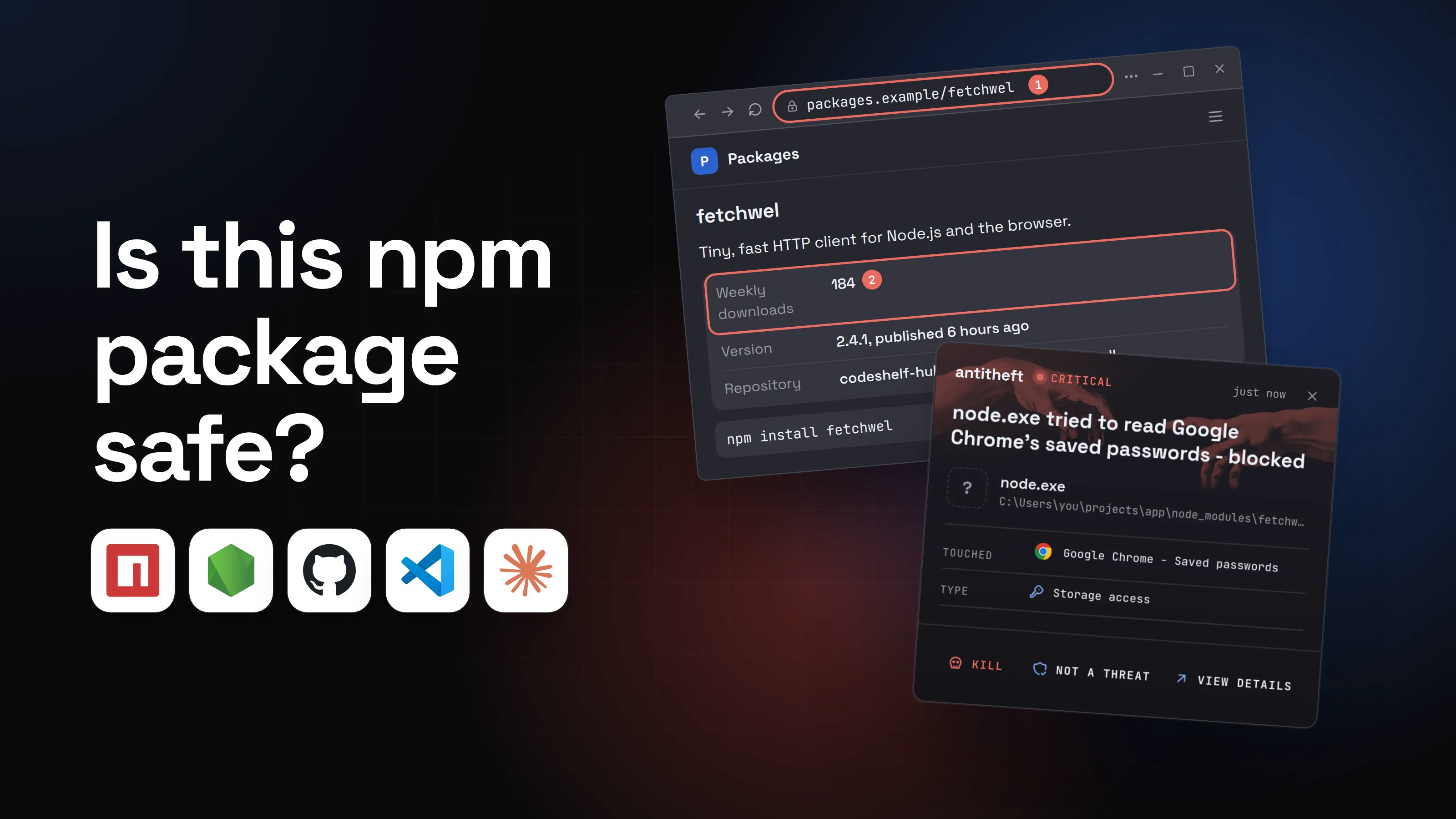
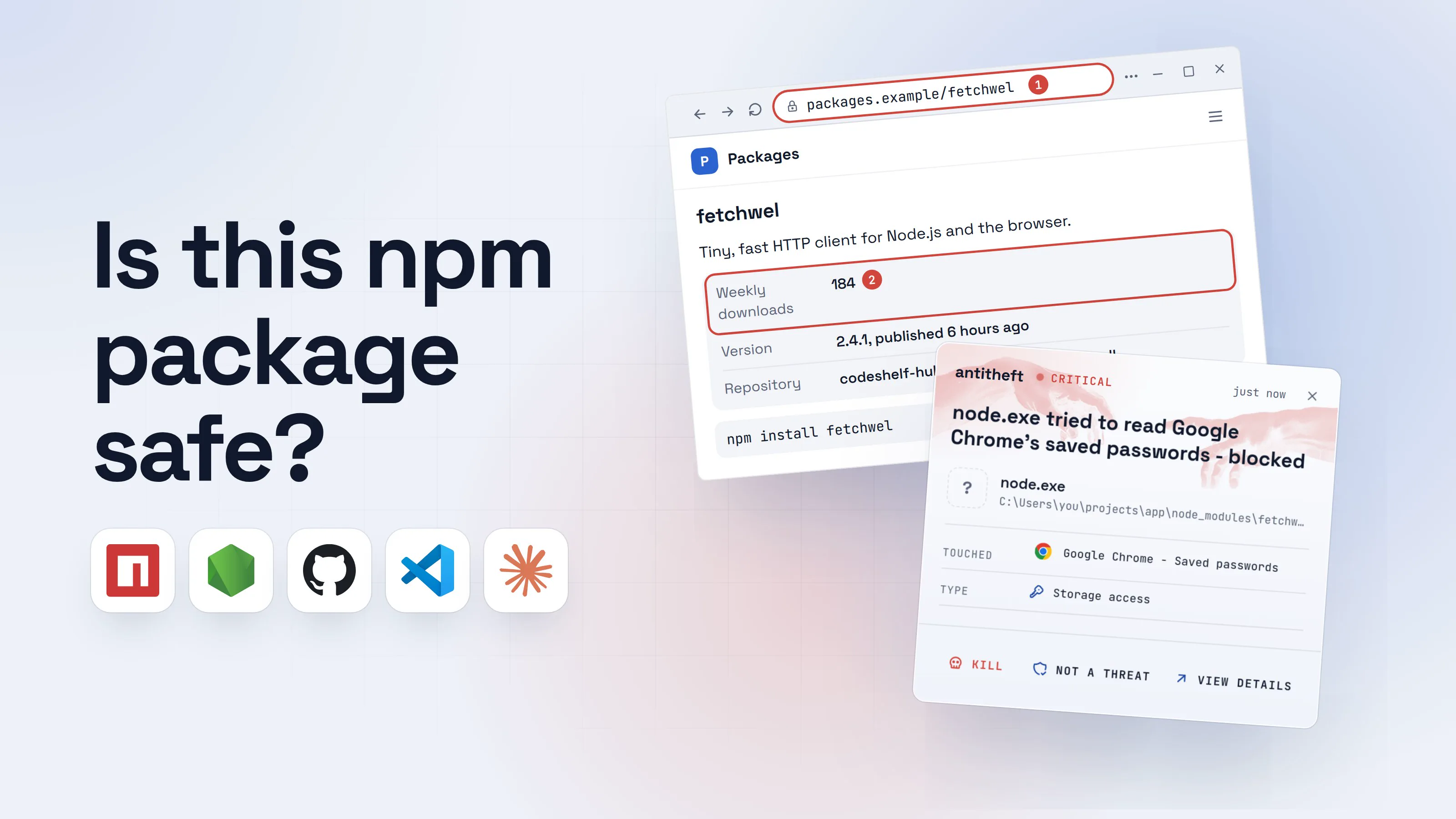
Protect against npm supply chain attacks: what to change
Protect against npm supply chain attacks: how they hide in install scripts and hijacked packages like axios, and the npm settings that shut them out.
An npm supply chain attack is malware delivered through the JavaScript package registry: an attacker gets code into a package that thousands of projects already trust, and every npm install that pulls the bad version runs it on a developer's laptop or a build server. You do nothing wrong. You update a dependency, and the dependency has changed hands for three hours.
The last twelve months made this routine. Axios, one of the most used packages in JavaScript, shipped a remote-access backdoor in March 2026. Shai-Hulud, a worm that republishes infected versions of its victims' own packages, came back three times. This guide explains how these attacks happen, which ones mattered, and the exact settings that protect you.
What is an npm supply chain attack?
It is an attack on what you install rather than on you. Instead of tricking one person, the attacker poisons one package and lets the dependency tree carry it to everyone downstream.
npm makes that easy for two reasons. A typical project pulls in hundreds of packages written by strangers, most of them dependencies of dependencies. And by long tradition, any of those packages could run a script on your computer during install, with your user's full access, before you ever import it. The payload usually goes after the things worth money: npm and GitHub tokens, cloud keys, browser passwords and crypto wallets.
For the wider picture beyond npm, from extensions to poisoned updates, see our guide to what a supply chain attack is.
How do npm supply chain attacks happen?
Five routes account for nearly every case of the last year:
- Install scripts. A
preinstall,installorpostinstallhook inpackage.jsonruns automatically when the package is installed. This is how most npm malware starts. - Hijacked maintainer accounts. Attackers phish a maintainer or infect their computer, take their npm token, and publish a poisoned version of a real, popular package. Nothing about the name looks wrong, because it is the real package.
- Worms. The Shai-Hulud family steals the victim's own npm token and uses it to publish infected versions of every package that person maintains, so one infection becomes hundreds.
- Typosquats. A look-alike name such as
plain-crypto-jsforcrypto-js, waiting for a typo, or slipped into a real package as a new dependency. - Dependency confusion. A company uses a private package name like
billing-utils; an attacker publishes the same name on the public registry with a higher version, and a careless setup installs the public one.
The big npm supply chain attacks of 2025 and 2026
Each of these was found by researchers within hours, and each still reached developers' machines.
- chalk and debug (September 8, 2025): a maintainer was phished from a fake npm support domain,
npmjs.help, and a set of core utility packages got code that swapped crypto payment addresses in the browsers of sites that bundled them. - Shai-Hulud (September 2025): the first self-spreading npm worm. CISA warned that it stole GitHub tokens and cloud keys and republished itself into other packages.
- PhantomRaven (October 2025): Koi Security found a batch of packages that looked empty to scanners, because they fetched their real payload from the attacker's server at install time.
- Shai-Hulud 2.0 (November 24, 2025): about 800 packages, including ones from Zapier, PostHog and Postman, ran the worm in
preinstall, and Wiz counted more than 25,000 GitHub repositories filled with stolen secrets. - axios (March 31, 2026): the lead maintainer was tricked into installing a fake "system update" during a staged video call. Two malicious versions added a typo-named dependency whose
postinstalldownloaded a remote-access backdoor for Windows, macOS and Linux. Axios has over 100 million weekly downloads; the bad versions stayed up for about three hours. - Mini Shai-Hulud (April 29 and May 11, 2026): SAP-related packages, then 42 TanStack packages among more than 150. The TanStack versions even carried valid provenance. A day later, the group behind it published the worm's source code for anyone to reuse.
- Red Hat (June 1, 2026): 32
@redhat-cloud-servicespackages, published through a hijacked employee GitHub account, ran a credential stealer inpreinstall.
The worm family has its own guide: Shai-Hulud, the npm worm, with how to check whether you were hit.
What one poisoned npm install looks like
From your chair, a supply chain attack looks like a normal Tuesday. Here is the composite of the cases above.
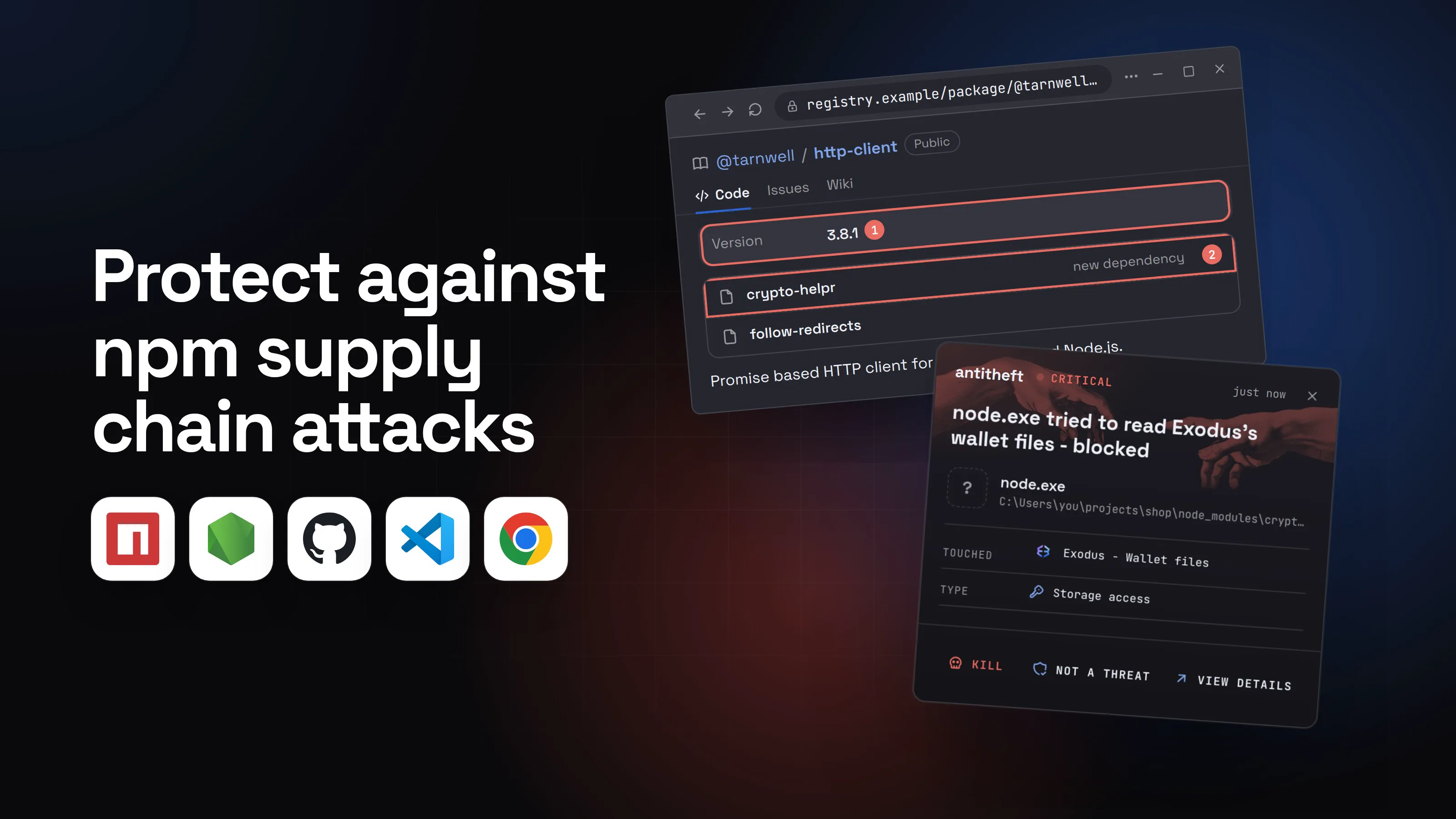
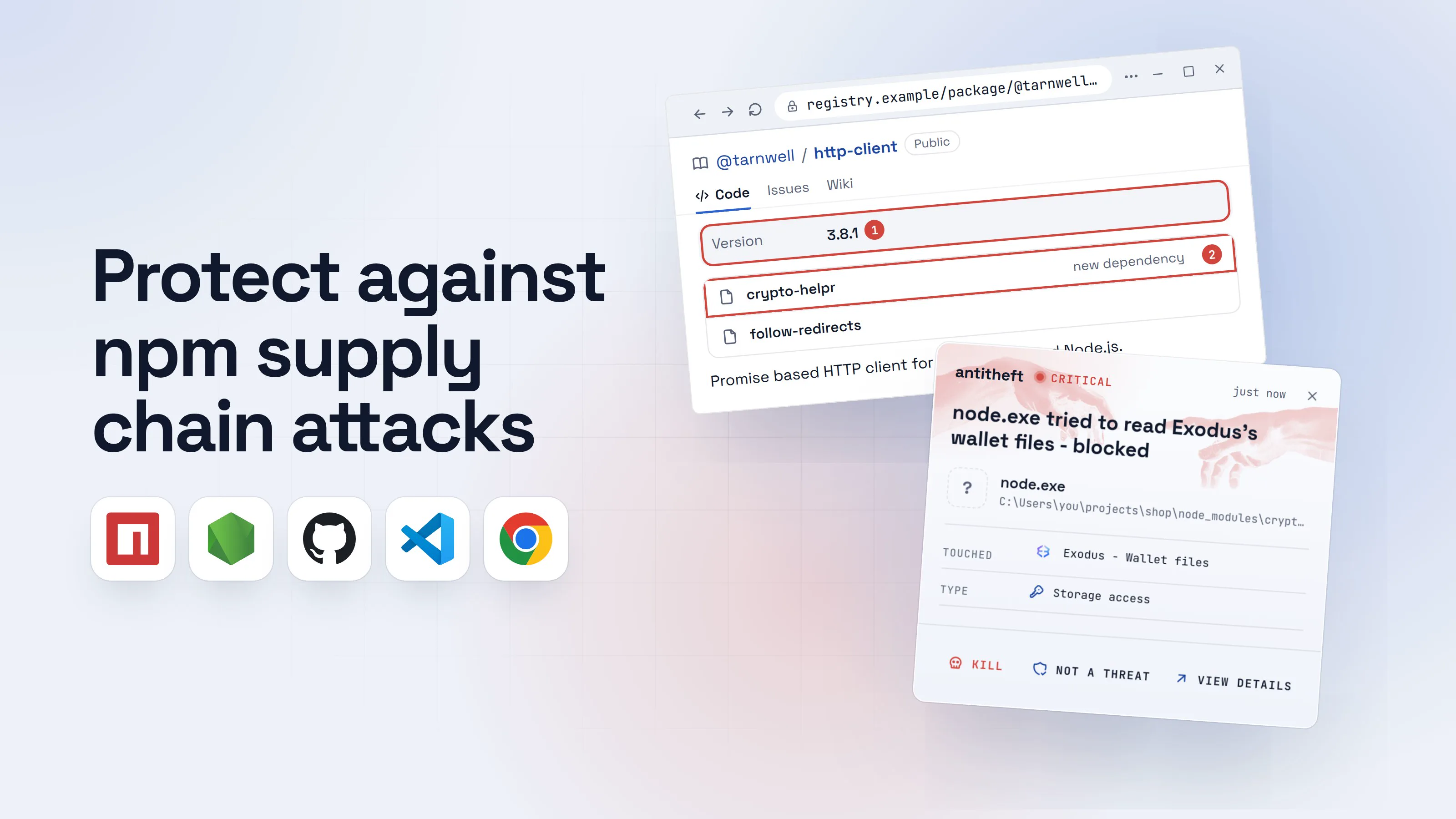
- 1A package you already use gets a new versionIt is the real package from the real maintainer's account. The account is what was stolen.@tarnwell/http-clientPublicCodeIssuesWikiVersion3.8.11crypto-helprnew dependency2follow-redirects
Promise based HTTP client for the browser and Node.js.
- 1Published 14 minutes ago, from a laptop instead of the project's usual build pipeline
- 2A look-alike name nobody on the project added
- 2You run npm install, and a script runs with itYour project still works. The script ran before the install even finished.Windows PowerShellTerminalTerminal
PS C:\Users\you>you@MacBook ~ %you@laptop:~$npm install
> [email protected] postinstall
> node setup.cjs1
added 2 packages, changed 1 package in 3s
found 0 vulnerabilities
- 1An install hook: it runs automatically, as you
- 3It copies your npm token and sends it awayWith your token, the worm can publish poisoned versions of your own packages next..npmrc
1//registry.npmjs.org/:_authToken=npm_7Hq2...1
2init-author-name=you
- 1A publish token in plain text, uploaded to the attacker's server
- dangerThen it reaches for your passwords and walletsEverything your user account can open, it can try to open.
What the install script takes from you
- Your crypto walletsExodus, Ledger Live, browser wallets: emptied for good
- Every saved browser passwordEmail, GitHub, cloud consoles, exchanges
- Your logged-in sessionsAccounts open without a password or 2FA code
In seconds, during an install you forgot about by lunch.
With antitheft
With antitheft, the stealer is stopped at your passwords
- Caught the moment it reaches for your passwords or wallets
- On Linux refused before the file opens, on Windows and macOS stopped right after
- Even the most advanced malware, the kind no antivirus has seen yet
- Touched
 Exodus - Wallet files
- Type
- Storage access
- Touched
- Exodus - Wallet files
- Type
- Storage access
- Touched
- Exodus - Wallet files
- Type
- Storage access
Keep stealers out of your passwords and wallets
- Guards passwords, browser logins and wallets
- Stops malware your antivirus misses
- On Windows, macOS and Linux
To your computer, that script is just node, started by a command you typed. antitheft works from a simpler rule: only Exodus may open Exodus's wallet, only Chrome may open Chrome's passwords. On Linux a script nobody has seen before is refused all the same; on Windows and macOS antitheft stops it the moment it touches them. On Linux, anything an install script starts is held to the stricter version of that rule, even though npm itself is allowed: it is refused your passwords, logins and wallets, and cannot add itself to the places that start with your computer (autostart entries, cron jobs, services). The package still installs, which is why the npm settings below matter.
What about your npm and GitHub tokens?
They are the main prize. Tokens in .npmrc, GitHub credentials, SSH keys, cloud keys and .env files are ordinary files your user account can read, so any code running as you can read them too. Every Shai-Hulud wave was built on stealing exactly these, then sending them to a server or a public repository.
What gives the theft away is the read: an install script opening your .npmrc or SSH key, files only a handful of your tools ever touch. antitheft's Activity view shows you which programs read them, so you know what to rotate. Short-lived tokens and fast rotation still matter.
How to protect against npm supply chain attacks
You cannot read every dependency, so make installs dull: no surprise code, no brand-new versions, no secrets lying around for a script to find.
- Update npm and keep install scripts off. npm 12 (July 8, 2026) no longer runs dependency install scripts, Git dependencies or remote tarballs unless you allow them. Check with
npm -v. On npm 11 or older, runnpm config set ignore-scripts true. - Approve the few packages that need scripts. Run
npm approve-scripts --allow-scripts-pendingto see them,npm approve-scriptsfor the ones you trust,npm deny-scriptsfor the rest, and commitpackage.json. - Wait before taking new versions.
npm config set min-release-age=3installs only versions older than three days. Most hijacked versions are found and pulled within hours, so a short wait skips them. - Commit your lockfile and install with
npm ci. It installs exactly whatpackage-lock.jsonsays and fails ifpackage.jsondisagrees. Read lockfile changes in review: a new dependency nobody added is the axios giveaway. - Check signatures and provenance.
npm audit signaturesverifies that what you installed is what the registry signed, and shows which packages carry build provenance. - Close the dependency confusion gap. Give internal packages a scope and map it to your private registry, so a public look-alike can never win.
- Install unknown projects in a container or VM. A take-home task, a random repository or a new tool belongs somewhere with no wallets, no browser profile and no long-lived keys. See how to sandbox your tools.
- Keep tokens short-lived and few. Use granular npm tokens with an expiry, never a publish token on a laptop you install packages on, and log out of registries you do not use.
Before you add something new, run through our checklist for how to check if an npm package is safe.
For power usersThe same settings in pnpm, Yarn and Bun
- pnpm: dependency build scripts run only after
pnpm approve-builds(v10 and later).minimumReleaseAgeinpnpm-workspace.yamlis in minutes, 1440 by default since v11.trustPolicy: no-downgradefails an install when a version is published with less trust than earlier ones, the shape of the axios release.blockExoticSubdepskeeps transitive dependencies off Git and tarball URLs. - Yarn: current versions skip third-party
postinstallscripts (enableScripts: false) and waitnpmMinimalAgeGate: "1w"by default. Check.yarnrc.ymldoes not turn either off. - Bun: runs lifecycle scripts only for a built-in list of popular packages plus
trustedDependenciesinpackage.json. SetminimumReleaseAge = 259200(seconds, three days) under[install]inbunfig.toml. - npm extras:
strict-allow-scripts=trueturns unapproved scripts into a hard error;min-release-age-excludeexempts your own scope;allow-git=rootkeeps Git dependencies to the ones you listed yourself. - Where the config lives: user settings go to
~/.npmrcon macOS and Linux andC:\Users\you\.npmrcon Windows; a project's.npmrcsits next to itspackage.jsonand is committed with it. - Dependency confusion:
@yourco:registry=https://npm.yourco.example/in the project.npmrcsends every@yourco/package to your registry only. - Remember the limits: none of this stops code that runs when you import the package (chalk and debug), and the May 2026 TanStack versions carried valid provenance. The release-age delay is the setting that covered both.
How npm maintainers can protect their packages
If you publish packages, your account is the attack surface for everyone downstream. Axios, chalk and debug were all hijacked through a person, not a bug.
- Publish from CI with trusted publishing. It uses short-lived OIDC credentials from GitHub Actions, GitLab or CircleCI instead of a stored token, and adds provenance automatically on GitHub and GitLab.
- Then disallow tokens. In the package settings, choose "Require two-factor authentication and disallow tokens", so a stolen laptop token cannot publish.
- Use a security key for 2FA and treat every "npm support" email as phishing until you have checked the address yourself.
- Lock down the workflow that publishes. Red Hat's packages were published by a pushed workflow file and TanStack's through hijacked CI tokens: protect branches, review workflow changes, and keep publish jobs away from untrusted pull requests.
- Prepare for the 2FA change. From August 2026, tokens that bypass 2FA lose access to sensitive account actions, and around January 2027 they stop publishing without a human 2FA approval.
What to do if you installed a compromised npm package
If a version you installed appears in one of these reports, act as if a stealer ran. Do the account steps from a different, clean device.
- Disconnect the computer and stop builds that run on it.
- Move your crypto first to a new wallet created on a clean device.
- Change important passwords and sign out of every session: email first, then GitHub, npm, cloud consoles and exchanges.
- Revoke and reissue every developer secret: npm and GitHub tokens, SSH keys, cloud keys,
.envvalues, CI secrets. - Check your accounts for what the attacker did: new GitHub repositories, keys, OAuth apps, workflow files, and package versions you did not publish.
- Pin a clean version, delete
node_modules, reinstall withnpm ci, and reinstall the system before trusting that computer with money again.
For power usersFind a bad version across your projects
- One project:
npm ls <package>shows every copy and why it is there. - All projects, macOS and Linux:
grep -rl --include=package-lock.json 'crypto-helpr' ~/projects - All projects, Windows PowerShell:
Get-ChildItem -Recurse -Filter package-lock.json ~\projects | Select-String crypto-helpr - Check CI logs for installs during the exposure window: a build server that ran the install leaked its secrets too.
Questions people ask
What is the best protection against npm supply chain attacks?
Layers, because no single setting covers every route. Keep dependency install scripts off (the default in npm 12, ignore-scripts=true on older npm), wait a few days before installing new versions with min-release-age, install from a committed lockfile with npm ci, and run unknown projects in a container or VM. On the computer itself, antitheft makes sure only the app that owns your browser passwords and wallets may open them on Linux, so a payload that slips through is refused there; on Windows and macOS it stops the payload the moment it touches them. Its Activity view also shows you which programs read your npm, GitHub and cloud tokens, SSH keys and .env files. Keep tokens short-lived and rotate them after any scare.
Does npm ignore-scripts stop malware?
It stops the most common trigger: preinstall, install and postinstall hooks that run the moment a package lands on disk. It does not stop malicious code that runs when your app imports the package, as in the September 2025 chalk and debug compromise, where the payload ran in the browsers of a site's visitors. Combine it with a release-age delay and a lockfile.
Does npm 12 block postinstall scripts by default?
Yes. npm 12, released on July 8, 2026, no longer runs dependency preinstall, install and postinstall scripts or implicit node-gyp builds unless you allow them, and it no longer resolves Git or remote tarball dependencies by default. Run npm approve-scripts --allow-scripts-pending to see which packages want scripts, approve the ones you trust and commit package.json.
Would npm audit have caught the axios or Shai-Hulud packages?
Not in time. npm audit checks your dependencies against vulnerabilities that were already reported. A freshly hijacked version has no advisory yet, and the malicious axios versions were removed within about three hours. npm audit signatures checks something else: that packages carry valid registry signatures and provenance. Useful, but in May 2026 the TanStack attackers produced valid provenance too.
Is pnpm, Yarn or Bun safer than npm?
They had safer defaults first. pnpm 10 and later run dependency build scripts only after you approve them, and pnpm 11 waits one day before installing a new version. Current Yarn skips third-party postinstall scripts and waits one week by default. Bun runs lifecycle scripts only for a built-in list of popular packages plus your trustedDependencies. npm 12 has caught up on scripts, but its release-age delay is still off until you set it.
Does antitheft stop malicious npm packages?
It does not scan or block packages. It protects what a payload reaches for on your computer. On Linux, when any program, including node running a poisoned install script, tries to open your browser passwords, logins, session cookies or crypto wallets, it is refused, because only the app that owns them may open them; on Windows and macOS antitheft stops it the moment it touches them. On Linux, whatever an install script starts is refused those even though npm itself is allowed, and cannot add itself to the places that start with your computer (autostart entries, cron jobs, services). The package still installs. Your tokens, SSH keys and .env files are a separate matter. antitheft's Activity view shows you which programs read those, so you know which tokens to rotate.
the short version
An npm supply chain attack hides malware in a package you install, usually through a hijacked maintainer account or an install script that runs the moment npm install finishes. To protect against npm supply chain attacks: keep dependency install scripts off (npm 12 does this by default), wait a few days before taking new versions with min-release-age, install from a committed lockfile with npm ci, and run unknown projects in a container. Rotate your tokens after any scare.
sources
- Aikido: npm debug and chalk packages compromised (phishing from npmjs.help) (Sep 2025)
- CISA: Widespread supply chain compromise impacting npm ecosystem (Shai-Hulud) (Sep 2025)
- The Hacker News: PhantomRaven malware found in 126 npm packages (Koi Security, remote dynamic dependencies) (Oct 2025)
- Wiz: Sha1-Hulud 2.0, the ongoing npm supply chain attack (Nov 2025)
- Datadog Security Labs: Compromised axios npm package delivers cross-platform RAT (Mar 2026)
- Endor Labs: Axios compromised, hijacked maintainer account pushes malicious npm versions (published with a stolen token, no OIDC trusted publisher) (Mar 2026)
- StepSecurity: A Mini Shai-Hulud has appeared (SAP-related npm packages) (Apr 2026)
- StepSecurity: Mini Shai-Hulud is back, a self-spreading supply chain attack hits the npm ecosystem (TanStack) (May 2026)
- Datadog Security Labs: Shai-Hulud goes open source (May 2026)
- Aikido: Red Hat npm packages compromised to spread a credential-stealing worm (Jun 2026)
- GitHub Changelog: Upcoming breaking changes for npm v12 (Jun 2026)
- GitHub Changelog: npm install-time security and GAT bypass-2FA deprecation (npm v12 generally available) (Jul 2026)
- npm Docs: config (ignore-scripts, allow-scripts, min-release-age, allow-git)
- npm Docs: Generating provenance statements (npm audit signatures)
- npm Docs: Trusted publishing for npm packages
- pnpm Docs: Dependency resolution settings (minimumReleaseAge, trustPolicy, blockExoticSubdeps)
- pnpm Docs: pnpm approve-builds
- Yarn Docs: .yarnrc.yml settings (enableScripts, npmMinimalAgeGate)
- Bun Docs: Lifecycle scripts (trustedDependencies)
- Bun Docs: bunfig.toml (install.minimumReleaseAge)