How to check if an npm package is safe before you install
How to check if an npm package is safe in 5 minutes: spot typosquats, brand-new versions, install scripts and fake provenance before npm install runs a thing.
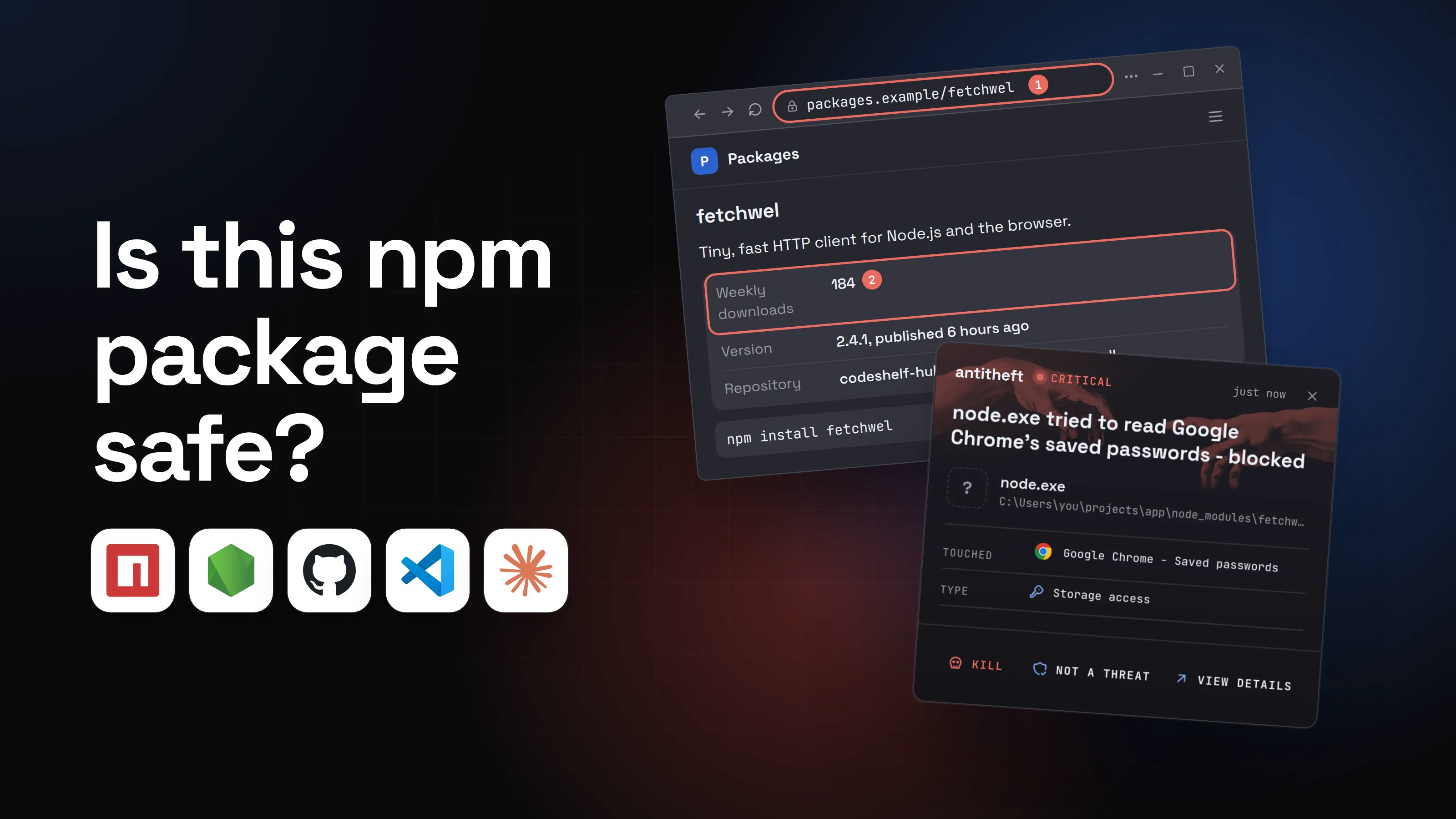
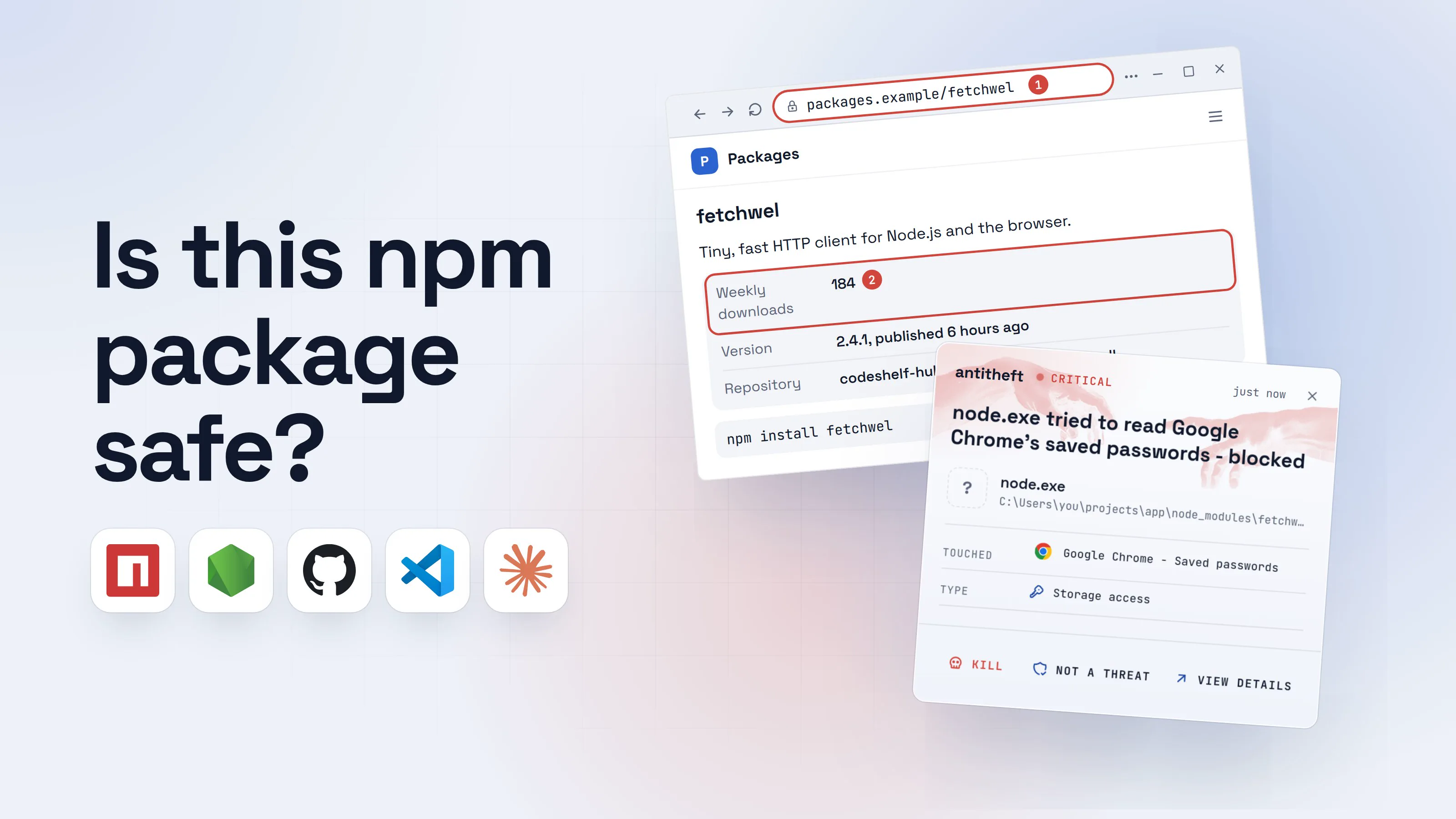
How to check if an npm package is safe comes down to two questions: is this the package you meant, and is this version the one its real maintainers published? Most bad packages fail one of those, and both can be checked in about five minutes, before npm install runs a single line of anyone's code.
It matters because install is the dangerous moment. Up to npm 11, a package could run its own script while it installed, with your permissions, and npm showed you nothing. npm 12 now asks you to approve those scripts first, and that approval is exactly where this checklist pays off. This guide gives you the checklist, the commands for each check, a walkthrough of a look-alike package doing its damage, and the tools that can do part of the work for you.
Is this npm package safe? The two ways a package goes bad
A package goes bad in one of two ways: it is a fake with a name close to a popular one (typosquatting), or it is the real package and a single new version was published by someone who took over the maintainer's account or build. The checks below catch both.
Fakes with a name that looks right. In August 2026 CloudSEK found 40 typosquats, including raectjs, axious-core, chalk-lib and typescirpt-cli. Each ran a postinstall script that went for the browser's saved logins and cookies, 26 desktop crypto wallets and Telegram sessions. Socket reported another batch in October 2025, posing as TypeScript, discord.js, ethers and nodemon, that had sat on npm for months before anyone noticed.
Real packages, poisoned versions. On March 31, 2026, two axios versions appeared from a lead maintainer's hijacked account. They added one new dependency whose install script dropped a remote-access backdoor, and they were live for under three hours. On June 17, 2026, more than 140 Mastra packages got the same treatment between 01:15 and 02:36 UTC, through a typosquatted dependency called easy-day-js.
Downloads and age protect you from the first kind and not the second, which is why the checklist has both kinds of check. For the bigger picture, see our guides to supply chain attacks and how to protect against npm supply chain attacks.
How a look-alike npm package steals your passwords
On npm 11 or older, with a package manager or setting that still runs install scripts, or once you approve the package's scripts, a typosquat does not need you to run anything after install. One letter off, one command, and the script has already run. Here is what that looks like from your side.
- 1You look up the package you need, from memoryThe page copied the real project's README, so it reads exactly right.Packages
fetchwel
Tiny, fast HTTP client for Node.js and the browser.
Weekly downloads1842Version2.4.1, published 6 hours agoRepositorycodeshelf-hub.com/fetchwell/fetchwellnpm install fetchwel- 1fetchwel, not fetchwell: one letter short
- 2The real fetchwell has millions. This one is days old
- 2You install it, and npm shows nothing unusualnpm 11 runs install scripts in the background by default, without showing their output.Windows PowerShellTerminalTerminal
PS C:\Users\you>you@MacBook ~ %you@laptop:~$npm install fetchwel
added 1 package, and audited 214 packages in 3s
found 0 vulnerabilities1
- 1Its postinstall script already ran. The audit only knows reported problems
- dangerThe install script reaches for your browser and your walletsIt runs as you, so everything you are logged in to is in reach.
What the look-alike package takes from you
- Every saved browser passwordEmail, GitHub, cloud consoles, exchanges
- Your logged-in sessionsAccounts open without a password or 2FA code
- Your crypto walletsDesktop and browser wallets, emptied for good
Gone before your first test run finishes.
With antitheft
With antitheft, the stealer is stopped at your passwords
- Caught the moment it reaches for your passwords or wallets
- On Linux refused before the file opens, on Windows and macOS stopped right after
- Even the most advanced malware, the kind no antivirus has seen yet
- Touched
 Google Chrome - Saved passwords
- Type
- Storage access
- Touched
- Google Chrome - Saved passwords
- Type
- Storage access
- Touched
- Google Chrome - Saved passwords
- Type
- Storage access
Keep stealers out of your passwords and wallets
- Guards passwords, browser logins and wallets
- Stops malware your antivirus misses
- On Windows, macOS and Linux
To your computer, that script is just node started by npm install, something you run fifty times a day. antitheft works from a different rule: only Chrome may open Chrome's passwords and only your wallet app may open your wallet. On Linux a script nobody has seen before is refused all the same; on Windows and macOS antitheft stops it the moment it touches them. On Linux, anything an install script starts is refused those even though npm itself is allowed, and cannot add itself to the places that start with your computer. The package still installs, so vet it first.
How to check if an npm package is safe: the 5-minute checklist
Run these before you add a package you have not used before, or before you accept a major update. Each one takes under a minute.
- You are on npm 12 (
npm --version) and approve install scripts one package at a time, never in bulk. - The name matches letter for letter, copied from the project's own docs or repository, including the
@scope/. - It has a history: real weekly downloads, many versions, a first release months or years ago.
- The repository link is real and the repository links back to the same npm name.
- The newest version is more than a few days old, or you install the one before it.
- It was published the usual way: the same publisher as before, and provenance if earlier versions had it.
- No new dependency you do not recognise in the latest version.
- No install scripts, or you know why it needs one.
- You read what runs at install, using
npm pack, before you run it.
Name, downloads and age (typosquatting)
Typosquats live on misspellings (raectjs), extra words (chalk-lib, axious-core) and missing scopes. Never type a package name from memory or from a chat answer: copy it from the project's own documentation. On the package page, a famous name with a few hundred weekly downloads and a first release this week is a fake. Our guide to Claude Code and supply chain attacks covers names that AI agents invent.
Who published the newest version, and when
This is the check that would have caught axios. The bad versions were published by a person whose account email had been changed to a ProtonMail address, while the real releases came from the project's build pipeline with provenance. They also added a dependency the code never used. npm view shows all of this in one line.
Install scripts
Up to npm 11, preinstall, install and postinstall run automatically during npm install. Since npm 12 (July 2026), a dependency's install scripts no longer run unless you approve them, so the approval prompt is your moment to run these checks. The attack still works on older npm, with package managers or settings that still run scripts, when you approve a bad package's scripts, or when the payload runs at import time instead.
npm's own docs say a package should almost never need one, except to compile native code. Some honest packages do use them (esbuild runs one to set up its binary), so a script is a reason to look, not proof of malware. A script in a brand-new, unknown dependency is the pattern of every attack in this guide.
Check an npm package in your terminal before installing (npm view, npm pack)
None of these commands run the package's code. npm view only reads what the registry knows about it, and npm pack with --ignore-scripts only downloads its tarball so you can read it.
- 1Ask the registry who published the newest version, and whenOne command, no install. Compare the publisher with the versions before it.Windows PowerShellTerminalTerminal
PS C:\Users\you>you@MacBook ~ %you@laptop:~$npm view fetchwell
[email protected] | MIT | deps: 1 | versions: 87
dependencies:
fetch-core-utils: ^1.0.21
published 3 hours ago by sam-k <[email protected]>2
- 1New in this version, and never used in the code
- 2Hours old, from a person, not GitHub Actions as before
- 2See whether the new dependency runs anything on installCheck every name you do not recognise, not only the package you asked for.Windows PowerShellTerminalTerminal
PS C:\Users\you>you@MacBook ~ %you@laptop:~$npm view fetch-core-utils scripts
{ postinstall: 'node setup.js' }1
PS C:\Users\you>you@MacBook ~ %you@laptop:~$npm view fetch-core-utils time.created
2026-10-02T23:59:12.004Z
- 1Runs by itself the moment you install
- 3Download it and read the script, without running itnpm pack saves the exact file npm install would unpack.Windows PowerShellTerminalTerminal
PS C:\Users\you>you@MacBook ~ %you@laptop:~$npm pack fetch-core-utils --ignore-scripts
fetch-core-utils-1.0.2.tgz
PS C:\Users\you>you@MacBook ~ %you@laptop:~$tar -xzf fetch-core-utils-1.0.2.tgz
PS C:\Users\you>you@MacBook ~ %you@laptop:~$Get-Content package\setup.js
var _0x4e1f=['\x63\x68\x69','\x6c\x64\x5f'];(function(_0x2a,...1
- 1Scrambled code in an install script: stop here
Windows PowerShellTerminalTerminalPS C:\Users\you>you@MacBook ~ %you@laptop:~$npm pack fetch-core-utils --ignore-scripts
fetch-core-utils-1.0.2.tgz
PS C:\Users\you>you@MacBook ~ %you@laptop:~$tar -xzf fetch-core-utils-1.0.2.tgz
PS C:\Users\you>you@MacBook ~ %you@laptop:~$cat package/setup.js
var _0x4e1f=['\x63\x68\x69','\x6c\x64\x5f'];(function(_0x2a,...1
- 1Scrambled code in an install script: stop here
- safeInstall the version before it, then verify signaturesDays later, check again: hijacked versions are usually pulled within hours.Windows PowerShellTerminalTerminal
PS C:\Users\you>you@MacBook ~ %you@laptop:~$npm install [email protected] --ignore-scripts1
PS C:\Users\you>you@MacBook ~ %you@laptop:~$npm audit signatures
audited 213 packages in 2s
213 packages have verified registry signatures
41 packages have verified attestations
- 1The last version from the usual pipeline, no scripts run
For power usersThe commands, and what each one tells you
npm view <name>: latest version, dependencies, maintainers and thepublished ... ago by <name> <email>line. A trusted-publishing release readsby GitHub Actions <[email protected]>.npm view <name> time --json: the publish date of every version. A long gap followed by a release this morning deserves a look.npm view <name> maintainersandnpm view <name> repository.url: who can publish, and where the code is supposed to live.npm view <name>@<version> dependencies: compare two versions to spot a dependency that just appeared.npm view <name> dist.attestations: present when that version has provenance.npm pack <name> --ignore-scripts: saves<name>-<version>.tgzto the current folder.tar -xzfunpacks it on Windows 10 and later, macOS and Linux; readpackage/package.jsonfirst, then every file its scripts name.npm install --ignore-scripts: installs without running any lifecycle script. Some packages with native code then neednpm rebuild <name>once you trust them.- npm 12: dependency install scripts and implicit node-gyp builds wait for approval.
npm approve-scripts --allow-scripts-pendingreviews the pending ones; the allowlist lands inpackage.json, so commit it and review changes to it like code. Git and remote URL dependencies are off by default (--allow-git,--allow-remote). - Read in a plain text editor, not one that runs project tasks, and never with
node.
Does provenance mean an npm package is safe? (npm audit signatures)
No. Provenance proves where a version was built, not that the build was honest. On npmjs.com it shows as a green check next to the version, with details of the source commit and the build workflow. npm audit signatures, run after an install, checks that every package matches the registry's signature and verifies the provenance of those that have it.
That is worth having, because it catches tampering and a missing badge stands out. The poisoned axios versions had none, while the real release just before them did. But in May 2026 attackers published 84 malicious TanStack versions through TanStack's own trusted-publishing pipeline, and StepSecurity confirmed they carried valid provenance. A package that loses its provenance is a warning; one that has it still needs the other checks.
Tools that check npm packages for you (Socket and others)
Tools can run the boring part of the checklist on every install, including the dependencies of your dependencies, which no one checks by hand. Some options:
- Socket shows a report per package on socket.dev (install scripts, network and shell access, obfuscated code). Its free Socket Firewall wraps your installs (
sfw npm install ...) and blocks packages confirmed as malware. - Aikido Safe Chain wraps npm, npx, yarn and pnpm and stops an install when a package is known malware.
- Open Source Insights (deps.dev), run by Google, shows a package's versions, dependents, dependency graph and known vulnerabilities.
All of them work from what is already known or detected. A version published an hour ago may not be judged yet, which is why waiting a few days still matters. Recent npm 11 releases can enforce that for you with min-release-age (in days), and CISA's axios alert recommends ignore-scripts=true with min-release-age=7 in .npmrc.
What to do if you already installed a bad package
If a package you installed turns out to be a typosquat or a poisoned version, act as if a stealer ran. Do the account steps from a different, clean device.
- Disconnect the computer and stop your editors and AI agents on it.
- Move your crypto first. Create a new wallet on a clean device and send everything there.
- Change your important passwords, email first, then GitHub, cloud consoles and exchanges, and sign out of every session so stolen cookies stop working.
- Rotate every developer secret: npm and GitHub tokens, SSH keys, cloud keys and
.envvalues. Check GitHub and npm for new tokens, keys and releases you did not make. - Remove the package, delete
node_modulesand your lockfile changes, and reinstall a known-good version. - Reinstall the system before you trust that computer with anything important again. The axios dropper deleted itself and left its backdoor outside
node_modules, where removing the package does not reach.
For worm-style attacks that spread through your own packages, see the Shai-Hulud npm worm, and for Python, malicious PyPI packages.
Questions people ask
Is it safe to install packages from npm?
Most packages are fine, but up to npm 11 any package could run its own code on your computer the moment you installed it (npm 12 asks you to approve dependency install scripts first), and both fake look-alike packages and hijacked versions of real ones turn up every month. In March 2026 even axios, one of the most used libraries on npm, shipped two poisoned versions for about three hours. Check the name, the publisher and the install scripts first, and keep wallets and real logins off the machine you develop on.
How do I see if an npm package runs a script on install?
Run npm view <name> scripts before installing. Anything under preinstall, install or postinstall runs automatically during npm install on npm 11 and older; npm 12 holds it until you approve it with npm approve-scripts, so run this check before you approve. Do the same for any dependency you do not recognise, because the axios and Mastra attacks in 2026 hid the script in a new dependency, not in the package you asked for. To install without running any of them, use npm install --ignore-scripts.
Does npm audit catch malicious packages?
Only after someone has found and reported them. npm audit checks your packages against known advisories, so a look-alike or a hijacked version published this morning shows "found 0 vulnerabilities" while its install script has already run. npm audit signatures is a different check: it proves your packages came from the registry untouched and shows which have provenance, not whether the code is honest.
Does a provenance badge mean an npm package is safe?
No. Provenance proves which repository and build pipeline published a version. In May 2026 attackers published 84 malicious TanStack versions through TanStack's own pipeline, and StepSecurity confirmed they carried valid provenance. A package that suddenly loses its provenance is a strong warning sign; a package that has it is still worth the other checks.
What is npm typosquatting?
Typosquatting is publishing a package under a name one typo away from a popular one, such as raectjs for react or axious-core for axios, so people who mistype or misremember the name install the attacker's package. CloudSEK found 40 of them in August 2026 stealing browser logins and crypto wallets. Copy package names from the project's own documentation instead of typing them from memory.
What is the best protection when installing npm packages?
Layers. Update to npm 12 and approve install scripts one package at a time, check new packages with the steps in this guide, skip versions younger than a few days with min-release-age, turn off install scripts where you can, and add a tool such as Socket Firewall or Aikido Safe Chain that refuses known malware. antitheft covers the moment that costs you money: when a package's script reaches for your browser passwords, sessions or crypto wallets, it is refused on Linux and stopped the moment it touches them on Windows and macOS. For npm and GitHub tokens, SSH keys and .env files, antitheft's Activity view shows you which programs read them, so you know what to rotate after any scare.
the short version
To check if an npm package is safe, spend five minutes before npm install: compare the name letter by letter with the project's own docs, check its downloads and age, see who published the newest version and when, run npm view <name> scripts for install scripts, and read anything that runs at install with npm pack. Skip versions younger than a few days. A valid provenance badge is good news, not proof.
sources
- CloudSEK: BRIDGEHEAD, an npm typosquatting campaign that crosses from WSL into Windows to plant a crypto-wallet stealer (Aug 2026)
- Socket: 10 npm typosquatted packages deploy multi-stage credential harvester (Oct 2025)
- StepSecurity: axios compromised on npm, malicious versions drop remote access trojan (Mar 2026)
- CISA: Supply chain compromise impacts Axios Node Package Manager (Apr 2026)
- Socket: 140+ Mastra npm packages compromised in coordinated supply chain attack (Jun 2026)
- StepSecurity: Mini Shai-Hulud is back, a self-spreading supply chain attack hits the npm ecosystem (valid SLSA provenance on TanStack versions) (May 2026)
- TanStack: Postmortem, TanStack npm supply-chain compromise (May 2026)
- GitHub Changelog: npm install-time security (npm v12 generally available, dependency lifecycle scripts need approval) (Jul 2026)
- npm Docs: npm view
- npm Docs: npm pack
- npm Docs: npm audit (audit signatures)
- npm Docs: Viewing package provenance
- npm Docs: scripts (lifecycle scripts that run on install)
- npm Docs: config (ignore-scripts, min-release-age)
- Socket Docs: Socket Firewall Free
- Aikido: Safe Chain
- Open Source Insights (deps.dev) FAQ