How to store a seed phrase safely: not in a note or photo
How to store a seed phrase safely: why notes, photos and the cloud fail, where to keep it, metal backups, who must never see it and what to do if it leaked.
How to store a seed phrase safely is mostly a question of where it must never be. Your seed phrase (also called a recovery phrase or secret recovery phrase) is 12 or 24 words that are the whole wallet. Whoever holds them can move everything, from any device, without your password and without your hardware wallet.
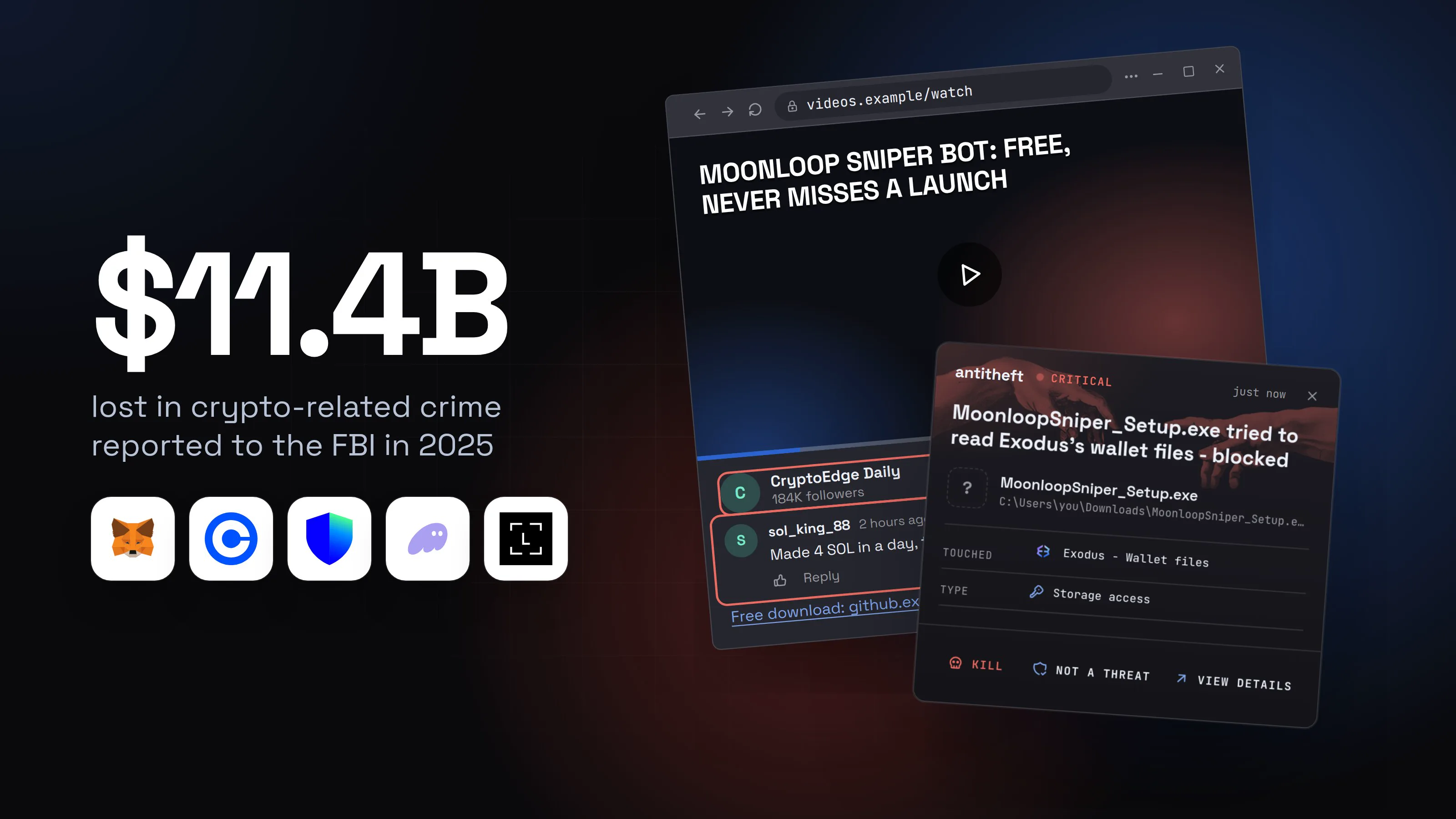
Chainalysis counted 158,000 personal wallet compromises in 2025, hitting at least 80,000 people, and $713 million stolen from individuals.
Source: Chainalysis, Dec 2025
This guide answers what people search: whether a note, a photo or the cloud is safe, where to keep the words, whether a metal backup is worth it, who must never see it, what a stealer does with a text file or screenshot, and what to do if the phrase leaked.
How to store a seed phrase safely, step by step
The safe habit is six moves: write it once on paper, check it, hide it, delete every digital copy, refuse every request for it, and only ever type it into your own wallet to restore. Here is what you would see at each step.
- 1Write the words on paper, straight from the setup screenOnce, in order, with a pen. Nothing you can paste, photograph or save.Coinlace: Back up your walletI wrote it down
- 1The only copy that no program can read
- 2The first place a thief looks
- 2Check what you wroteA typo you find now costs nothing. One you find in two years can cost everything.Confirm your phrase
Enter the words the wallet asks for, reading them from your paper.
Word 4Word 4Word 9Word 9Then close the window. Nothing was typed in full.1
- 1Spot checks, never the whole phrase on a keyboard
- 3Hide the paper, or stamp it into metalOffline, in a place only you can reach, with a second copy somewhere else.Where the words livePaper or metal in a home safe or bank box1A second copy in a different placeA photo, a note, a mail to yourself2
- 1Fire, flood or theft of one place will not end it
- 2A copy that any program you run can read
- 4Search your computer and delete every digital copySearch for the words you used in file names, then empty the trash.File Explorer
Open File Explorer, then search:⊞ Win+E
seedseed phrase.txtDocuments1Deletewallet backup.pngPicturesDelete- 1A stealer reads this in a second
Spotlight SearchOpen Spotlight:⌘ Cmd+Space
seedseed words.txtDesktop1Deletewallet backup.pngPicturesDelete- 1A stealer reads this in a second
FilesSearch in Files:Ctrl+F
seedseed-phrase.txtDocuments1Deletewallet-backup.pngPicturesDelete- 1A stealer reads this in a second
- 5Someone writes that your wallet needs a security checkA support chat, an email, a call or a letter. The story changes, the request does not.Coinlace SupportNot verifiedWe detected a failed login on your wallet. To keep your funds safe, verify your recovery phrase now.114:02Is this official?14:03coinlace-help.example/syncCoinlace-helpSecurity CenterVerify your wallet in 2 minutesWrite a message
- 1No real support team ever asks for the words
- 6The link opens a page that asks you to type all the wordsThe page looks like your wallet. Anything typed here goes to a thief.
Sync your wallet
Enter your 12-word Secret Recovery Phrase to continue.
Enter your 12 words2Verify- 1Not the wallet's own site
- 2Typing them here hands over the whole wallet
- safeYou close it, and the words only ever go into your own walletThe one time you type the full phrase is when you restore your own wallet on a device you trust.Your wallet, today
- 1Nothing for a stealer to find
- 2Ledger, Trezor and MetaMask all say it
Is it safe to keep a seed phrase in a note, a photo or the cloud?
No: a seed phrase in a note, photo, screenshot, email or cloud drive is a readable copy that any program running as you, and anyone who gets into that account, can use. Wallet makers say the same. Trezor's guidance is "Do not keep digital copies of your wallet backup", and it lists screenshots, photographs, emails and a Dropbox backup.
| Where | Who can read it | Verdict |
|---|---|---|
| Notes app, text file, document | any program on the computer, any stealer that finds the file | no |
| Photo or screenshot | the same, plus every device and cloud account it syncs to | no |
| Email to yourself, chat "saved messages" | whoever gets into that account, and the provider | no |
| Cloud drive or photo library | whoever gets into that account | no |
| Password manager | whoever gets the master password or the unlocked device | better than a note, still a digital copy |
| Paper or metal, offline, hidden | only someone who finds the place | yes |
A cloud copy is only as safe as the account around it, and accounts are stolen every day: see session cookie theft and what is an infostealer?. The password manager row is our own judgement, not a wallet maker's rule: the rule they give is no digital copy at all.
What does a stealer do with a screenshot or a text file?
A stealer copies any file that looks like a seed phrase and sends it to the attacker, so a text file or screenshot is a ready-made key. This is how personal wallet theft works: the phrase leaves quietly, and the wallet is emptied when the thief chooses.
What the research says stealers do:
- They search for the phrase itself. Iru's analysis of MonetaStealer, a Mac stealer (January 2026), shows it searching Documents, Desktop and Downloads for text that matches seed or mnemonic wording, and for any run of 12 to 24 lowercase words, so renaming the file does not hide it.
- They copy small text files wholesale. Fortinet (September 2024) described Emansrepo copying text files under 0.2 MB from Desktop, Documents and Downloads.
- They watch the screen and the clipboard. SentinelOne and Picus (2025) describe Katz Stealer taking wallet files and backed-up seed phrases, plus screenshots and clipboard contents. A phrase you copy and paste is on the clipboard.
- They read pictures. BleepingComputer (September 2024) reported an Android malware, SpyAgent, that runs text recognition on stolen images to find recovery phrases.
For power usersWhy renaming the file does not help
- A stealer does not need the file to be called
seed.txt. It can match the words inside the file, and a phrase is a recognisable shape: a dozen or two short lowercase words in a row. - A photo is read the same way once it is copied: text recognition turns the picture back into words.
- Hardware wallets keep the key in the device, but the written backup is the same phrase. Whatever you do to the paper, a photo of it is as good as the original.
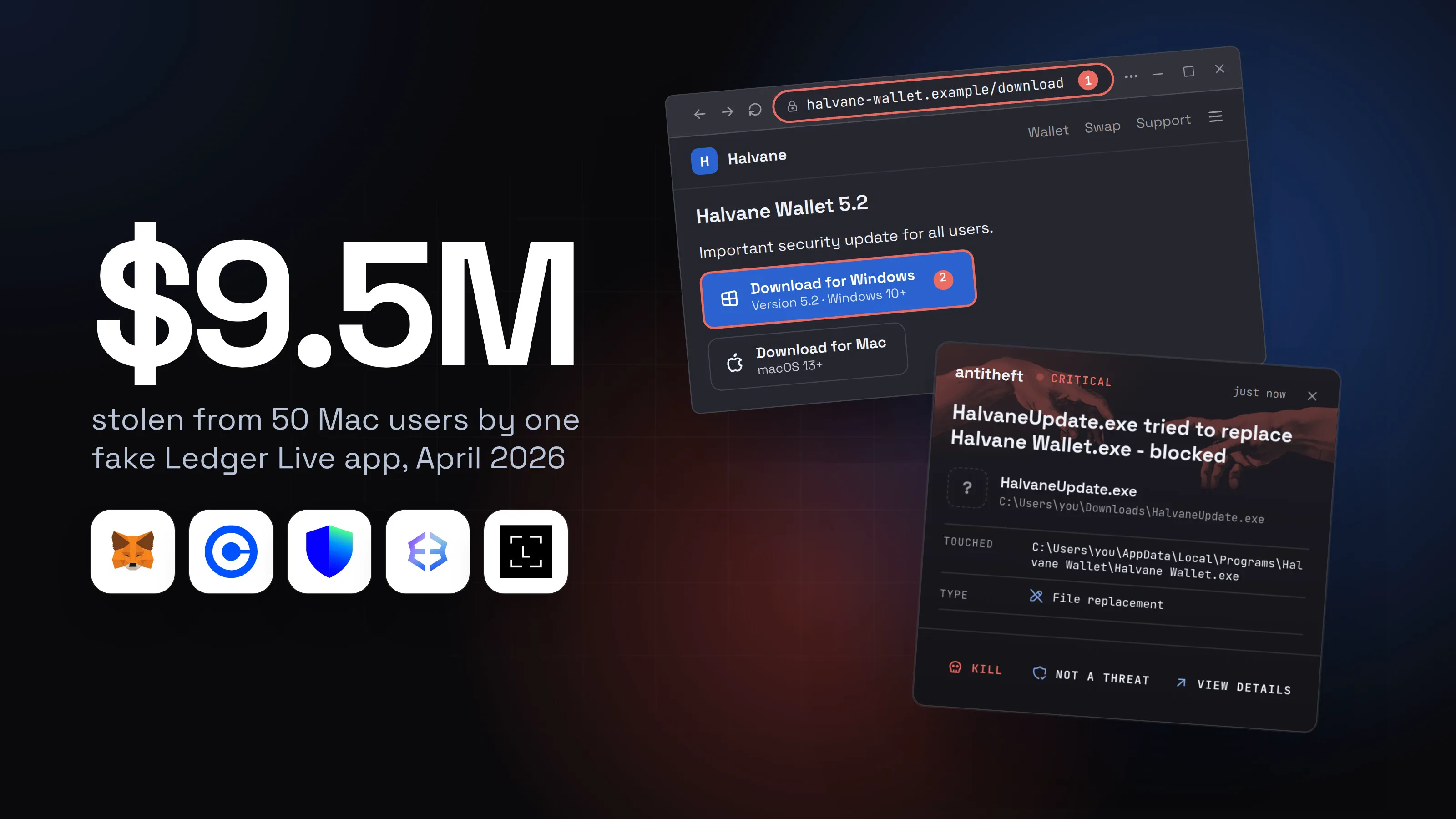
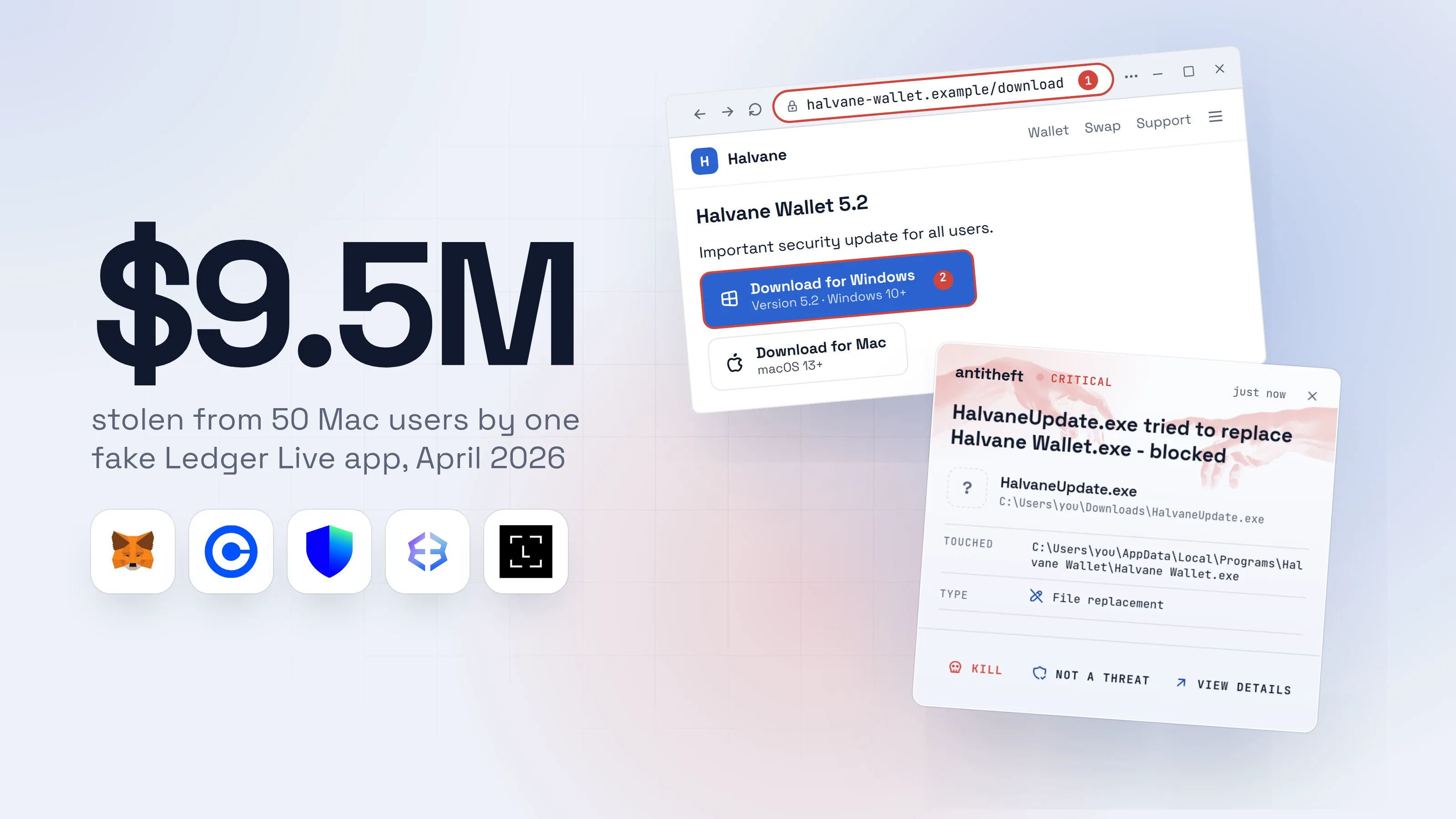
- Moonlock (May 2025) described Mac malware that swaps in a fake Ledger Live and shows a "critical error" asking for the 24 words. The real device never asks for them on a computer screen.
Where should I keep my seed phrase?
Keep it on paper or metal, offline, in a place only you can reach, with a second copy in a different place. The aim is that no program, no account and no passing visitor can read it, and no single fire or burglary can destroy every copy.
- Write it once, with a pen, from the wallet's own setup screen. Not from a copied file.
- Check it with the wallet's confirmation step, which asks for a few words, not all of them.
- Hide the paper in a home safe, a locked drawer or a bank safe deposit box. Hidden beats clever: do not label it "seed phrase".
- Make a second copy and keep it somewhere else. Trezor also describes multi-share backups, where the phrase is split across separate shares kept in different places, if your wallet supports it.
- Tell nobody where it is. The fewer people know, the fewer can be pressured, tricked or robbed.
- Use a hardware wallet for real money, so the phrase is created and entered on the device and is never typed on the computer. Ledger puts it this way: "You should never enter your 24 words anywhere other than directly into your device."
For power usersPassphrase: an extra word that protects a stolen phrase
- Trezor describes the passphrase as an optional advanced feature that creates a separate wallet from the same backup. A thief with only the 12 or 24 words cannot open it.
- The cost is severe: Trezor says passphrases "cannot be changed, removed, or recovered", and a lost passphrase means lost funds.
- It is for experienced users. If you use one, it needs its own written backup, kept apart from the phrase.
Is a metal seed phrase backup worth it?
A metal backup is worth it if you hold meaningful money, because it survives fire, water and time where paper does not. It is not safer against theft: metal that spells your words is as readable as paper to whoever finds it, so it needs the same hiding place.
Trezor says metal backup tools are designed to protect a backup from fire, water, pressure and corrosion. That is the real gain: paper burns, fades and rots in a damp cellar.
What metal does not fix:
- It does not stop a thief who finds it. Hide it as you would paper.
- It does not forgive a photo. Never photograph the stamped plate, and do not stamp it on a computer you do not trust.
- It does not replace a second copy. One plate in one place is still one place.
If you hold only a small amount, paper in a safe place is a fine start. Upgrade when the amount makes the cost trivial.
Who should never see my seed phrase?
Nobody should ever see it: not support, not an exchange, not a friend, not "the wallet team". Every wallet maker says it will never ask, so anyone who asks is stealing from you, however official the story looks.
- Ledger: "Never share the 24 words of your recovery phrase with anyone under any circumstances. Even with Ledger or what you would think is coming from Ledger." Ledger also says it will never contact you by text message or phone call, and does not send letters asking you to scan a code and enter the words.
- Trezor: "No Trezor employee will ever ask you to tell them your wallet backup, even if you're speaking with one of our customer support agents."
- MetaMask: "We will never ask you to provide your SRP", and its support team cannot recover it for you.
The requests come as a support chat, an email about a "failed login", a pop-up in the wallet app, a call from "the security team", a letter with a code to scan, or a stranger offering to "sync" or "recover" your wallet. The same script runs in tech support scams and in fake wallet apps: see fake crypto wallet apps.
Typing the phrase into a website, even a convincing one, hands it to the attacker. The antitheft app cannot stop that, because you give the words away yourself. Close the page.
What the antitheft app does and does not do for a seed phrase
The antitheft app guards your wallet files: on Linux a stealer that lands on your computer is refused them before the file opens, and on Windows and macOS it is stopped the moment it touches them. It does not protect a phrase you saved as an ordinary note, and it cannot protect one you typed into a fake site. Plainly:
- It does: guard your desktop and browser-extension wallet files: other programs are refused them on Linux, and stopped the moment they touch them on Windows and macOS. A new, unknown stealer included.
- It does not: protect a seed phrase saved as an ordinary note, text file or photo. Those are not wallet files, so a program running as you can still read them.
- It does not: stop you typing the phrase into a fake site, giving it to a fake support agent, signing a request from a drainer, or pasting a swapped address. That is up to you, which is why the habits above come first.
That makes antitheft one layer, not a replacement for keeping the words off the computer. For the wider picture see what is a crypto drainer and how to protect a crypto wallet from malware.
What to do if my seed phrase leaked
If your seed phrase was ever in a note, a photo, a website or a chat with a stranger, treat the wallet as stolen: move everything to a new wallet with a new phrase, made on a clean device, and never use the old one again. A phrase cannot be changed, so a leaked phrase is leaked for good.
- Use a clean device. If the computer might be infected, do this from another computer or phone you trust, not the one that held the phrase.
- Create a new wallet with a new phrase. Write the new words on paper, as above. MetaMask adds that you should not connect the same Google or Apple account to the new wallet, because those accounts may be compromised too.
- Move your funds, fast. Send everything you can from the old wallet to the new one. The thief can empty the old wallet at any moment, so do not wait.
- Stop using the old wallet. Do not reuse the old phrase, even for an empty wallet or a small amount.
- Clean the computer. Reinstall the system, then change your passwords from the clean device. Passwords stolen: what to do has the order.
- Report it to your local authorities and, in the US, to the FBI's IC3. MetaMask says plainly that transactions cannot be reversed and missing funds cannot be restored.
For power usersSweeper scripts: do not send gas to a wallet the thief watches
- MetaMask warns that if you think a sweeper script is running on the compromised account, you should not send in any more ETH or other tokens to pay for gas.
- The reason is that the script sweeps whatever arrives. Funding the old wallet so you can move tokens out can hand the new funds to the thief.
- If a sweeper may be running, ask the wallet's own support for the sweeper guidance before you send anything.
Do not pay anyone who offers to recover what was taken. The FBI's 2025 report counts 10,516 recovery scam complaints with $1.4 billion in losses, and notes the losses may include money from the earlier scam that led to the contact.
Source: FBI Internet Crime Complaint Center, Apr 2026
The seed phrase habit checklist
If you keep a wallet, run through this list today. It takes ten minutes, and it is the cheapest protection you will ever buy.
- The phrase is on paper or metal, written by hand from the wallet's setup screen
- A second copy exists in a different place
- No note, text file, photo, screenshot, email or cloud copy exists (search by name, empty the trash)
- I never copy and paste the phrase
- I never type it into a website, app or chat, whoever asks
- Real money sits in a hardware wallet
- If the phrase was ever exposed, I moved my funds to a new wallet from a clean device
Questions people ask
Is it safe to keep my seed phrase in a notes app or a text file?
No. A note or text file is an ordinary file that any program running as you can read, and password stealers search the Desktop, Documents and Downloads folders for files that look like a seed phrase. Trezor's rule is no digital copies at all, and that includes screenshots, photographs, emails and cloud drives. Write the words on paper or metal instead.
Is it safe to take a photo or screenshot of my seed phrase?
No. A photo or screenshot is a readable copy of the key to your whole wallet, it usually syncs to a cloud account and other devices, and malware has been found that scans saved images for recovery phrases with text recognition. If you already took one, delete it everywhere, empty the trash, and move your funds to a new wallet.
Is it safe to store my seed phrase in the cloud or in a password manager?
The wallet makers say no digital copies, and name cloud storage such as Dropbox in that rule. A cloud copy is only as safe as the account holding it, and stolen session cookies and phished passwords open accounts every day. A password manager is better than a plain note, but it is still a digital copy of the one secret that controls everything, so paper or metal is the safer home.
Where is the best place to keep a seed phrase?
On paper or metal, written once straight from the wallet's setup screen, kept offline in a place only you can reach, such as a home safe or a bank safe deposit box. Trezor suggests metal backup tools for fire, water and corrosion, and splitting the backup into separate shares in different places. Keep a second copy somewhere else, so one fire or one burglary cannot end it.
Will a wallet company's support team ever ask for my seed phrase?
Never. Ledger says never share the 24 words with anyone, even with Ledger or what you think is Ledger. MetaMask says it will never ask for your Secret Recovery Phrase, and Trezor says no employee will ask, even a customer support agent. Anyone who asks, on a chat, a call, an email or a letter, is stealing from you.
My seed phrase was in a note, photo or fake site. What do I do?
Treat it as stolen. From a clean device, create a new wallet with a new phrase written on paper, move everything you can into it, and stop using the old wallet for good. Then clean or reinstall the computer, and change your passwords. Crypto transactions cannot be reversed, so speed matters, and anyone who offers to recover stolen funds for a fee is running a second scam.
Does antitheft protect my seed phrase?
Only part of it. The antitheft app guards your wallet files: on Linux only your wallet app may open them, and on Windows and macOS a stealer that touches them is stopped. It cannot protect a phrase you saved as an ordinary note or photo, or one you typed into a fake site or gave to a fake support agent. For those, the habits in this guide are the protection.
the short version
To store a seed phrase safely, write it once on paper or metal straight from the wallet's setup screen, keep it offline in a place only you can reach, and never keep a digital copy: no note, text file, photo, screenshot, email or cloud drive. Nobody will ever need to see it, and no support agent will ever ask for it. If it was ever in a note, a photo or a website, move your funds to a new wallet from a clean device.
sources
- Chainalysis: 2025 Crypto Theft Reaches $3.4 Billion (personal wallet compromises) (Dec 2025)
- FBI Internet Crime Complaint Center: 2025 IC3 Annual Report (recovery scams) (Apr 2026)
- Iru: Analyzing the MonetaStealer macOS threat (Jan 2026)
- Fortinet: Emansrepo stealer, multi-vector attack chains (Sep 2024)
- SentinelOne: Katz Stealer, a powerful MaaS on the prowl for credentials and crypto assets (Jul 2025)
- Picus Security: Understanding Katz Stealer malware and its credential theft capabilities (Jun 2025)
- BleepingComputer: SpyAgent Android malware steals your crypto recovery phrases from images (Sep 2024)
- Moonlock: Anti-Ledger malware, the battle for Ledger Live seed phrases (May 2025)
- Trezor: Best practices for securing your wallet backup (Jan 2025)
- Trezor Learn: Passphrases and hidden wallets
- Ledger: Phishing campaigns status (recovery phrase guidance)
- MetaMask Support: What is a Secret Recovery Phrase and how to keep your crypto wallet secure
- MetaMask Support: I've been hacked or scammed, unauthorized transactions on my account
- Microsoft Support: Find and open File Explorer
- Apple Support: Search with Spotlight on Mac