Fake crypto wallet app: how to spot it and what to do
A fake crypto wallet app comes from a lookalike site, a poisoned installer or a swapped copy of your real wallet. How to check yours and what to do.
A fake crypto wallet app does not need to be clever. It needs to look like the one you trust for the few seconds it takes to ask for your 24 words.
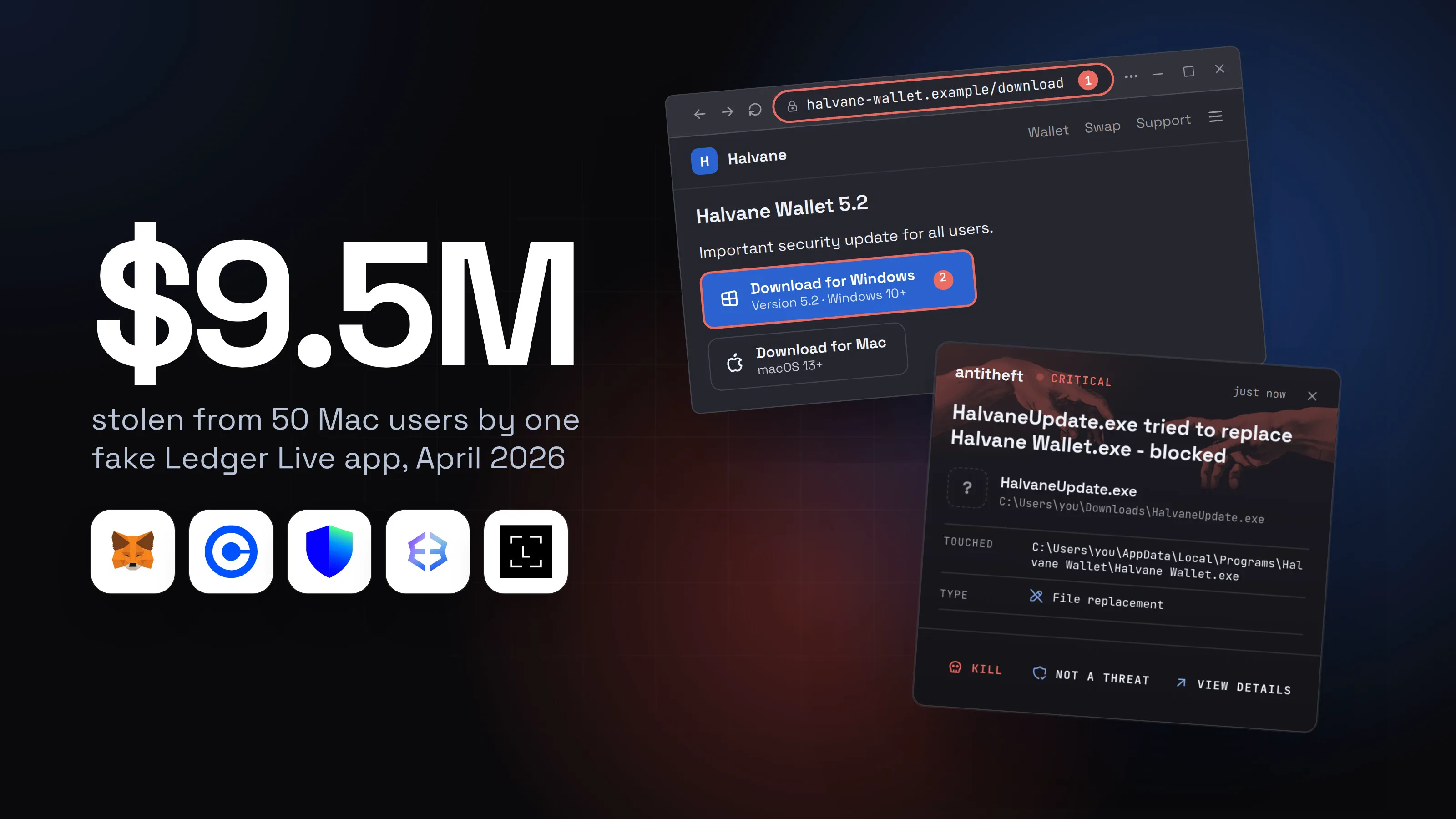
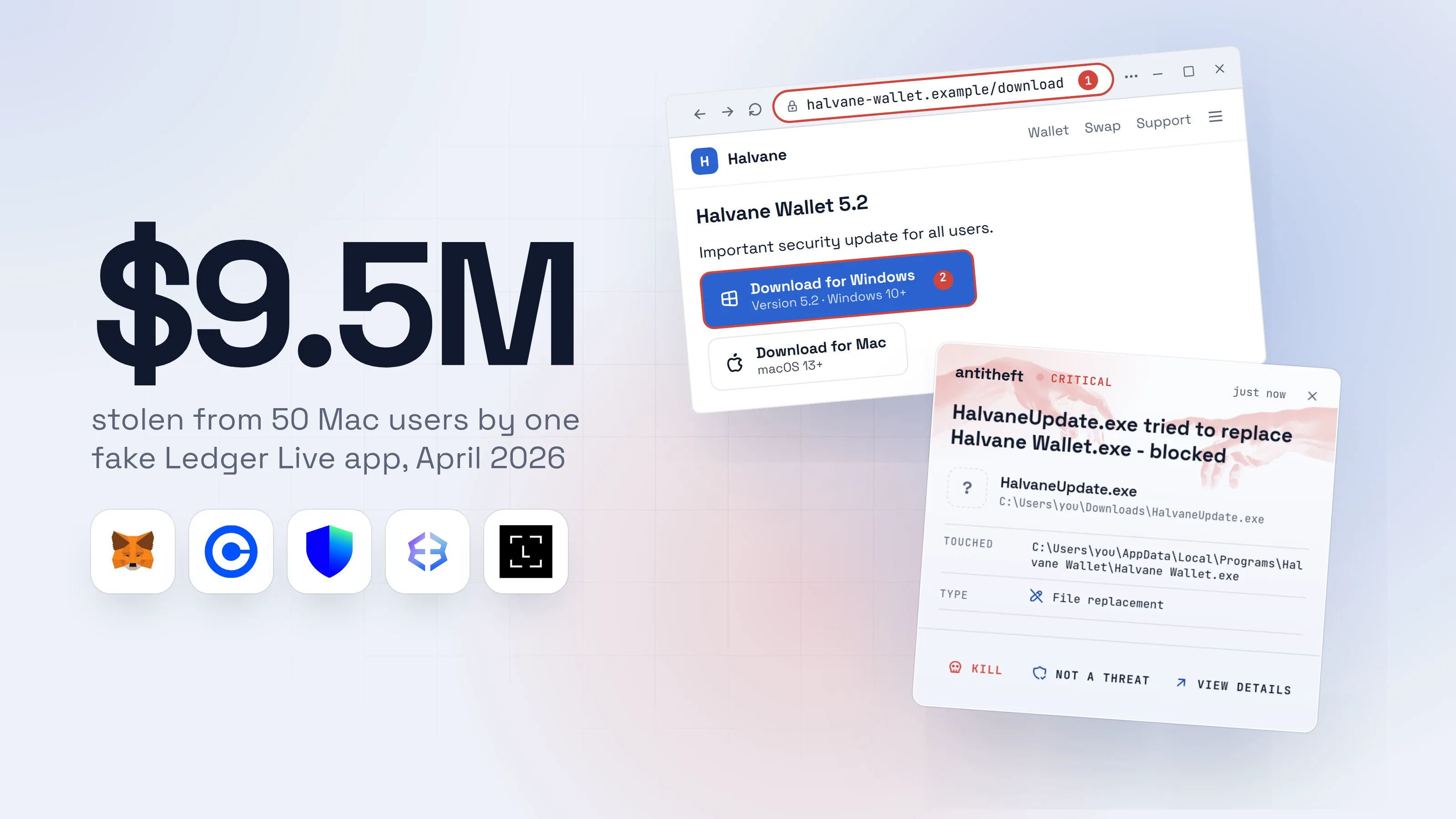
In April 2026, one fake Ledger Live app on the Mac App Store drained about $9.5 million from 50 people. Ledger has no Mac app in that store. The listing looked normal, the app asked for the recovery phrase, and the coins were gone.
This guide shows how people end up with a fake or tampered wallet, how to check that yours is the real one, and what to do if you typed your seed phrase into a fake. It covers wallet apps on your computer. Browser extensions and phone apps have their own risks and their own guides.
Source: BleepingComputer, from ZachXBT's on-chain tracing, Apr 2026
How do people end up with a fake crypto wallet app?
People end up with a fake wallet app by three routes: they download it from a copy of the real site, they run an installer that carries a hidden payload, or malware already on their computer replaces the real app. Each one ends the same way: an app that looks right and works for the attacker.
1. A lookalike site or ad. You search for the wallet, click the top result and land on a perfect copy of its download page. The full story of how that works is in fake ads for real apps. Wallet makers know it: Trezor's own download guide warns of phishing sites that appear in search results.
2. A real wallet with something extra. In a campaign Huntress described in September 2026, the installer carried a genuine, working Exodus wallet with three files altered. The altered files kept the wallet from ever showing a window, while a hidden remote-access program took browser passwords and cookies. The victims did not come from a lookalike site: the lure was a fake PDF or a fake "software update" in a ZIP file.
3. A swapped copy of the app you already have. Malware on your computer closes your wallet app, removes it and puts a modified copy in the same place. Moonlock documented this on Macs in May 2025: the copy shows a made-up "critical error" and asks for your 24 words. In July 2026, Kaspersky described a Windows toolkit that goes after the Ledger and Trezor desktop apps and shows a hard-coded recovery phrase page inside them. It had hit hundreds of victims in more than 25 countries.
The article below follows route 3, because it is the one that fools even careful people: the app is the one they already trusted.
What does a swapped wallet app look like, step by step?
A swapped wallet app looks exactly like yours until the moment it asks for your recovery phrase. Here is how the swap unfolds. The wallet name, the site and the file names are made up; the method is the one security researchers documented.
- 1You download a "Halvane Wallet" update from a copy of the siteYou searched for it, the top result looked right, and the page was an exact copy.HalvaneWalletSwapSupport
Halvane Wallet 5.2
Important security update for all users.
Download for WindowsVersion 5.2 · Windows 10+2Download for MacmacOS 13+- 1Not the maker's own address
- 2A real update comes through the app itself, not a page you found
- 2The installer asks for permission to make changesThis is the moment it removes your real wallet. Read what your computer says.User Account Control
Do you want to allow this app from an unknown publisher to make changes to your device?
HalvaneUpdate.exePublisher: Unknown1File origin: Hard drive on this computerShow more detailsYesNo- 1The real wallet's installer is signed by the company that makes it
Halvane Update wants to make changes.
Enter your password to allow this.
User NameyouPassword••••••••1CancelOK- 1Not an update: this password lets it delete your real wallet app
Authentication requiredCancelAuthenticate- 1This lets it remove your real wallet app and put its own in the same place
- 3You open your wallet as usual, and it asks for your wordsSame name, same icon, same colours. Only this pop-up is new.Halvane WalletRestore wallet
- 1No real wallet asks for your recovery phrase in a pop-up
- dangerThe words go to the attacker and your wallet is emptiedAnyone who has your 24 words owns every coin, and nothing can lock them out.
What the fake wallet takes from you
- Your recovery phraseThe 24 words that are the wallet itself
- Every coin in the walletMoved out in minutes, with no way to undo it
- Your saved passwordsExchange, email and banking logins
- Your logged-in sessionsAccounts opened without a password or code
The app looked right the whole time. That is how it works.
With antitheft
With antitheft, your real wallet stays your real wallet
- Caught the moment something other than the wallet tries to replace it
- The swapped copy is never trusted with the wallet's files
- Even a swap by malware nobody has seen before
- Touched
- C:\Users\you\AppData\Local\Programs\Halvane Wallet\Halvane Wallet.exe
- Type
- File replacement
- Touched
- /Applications/Halvane Wallet.app
- Type
- File replacement
- Touched
- /home/you/Applications/Halvane Wallet.AppImage
- Type
- File replacement
Keep stealers out of your passwords and wallets
- Guards passwords, browser logins and wallets
- Stops malware your antivirus misses
- On Windows, macOS and Linux
This is the line the antitheft app draws, and it is worth being exact about. When anything other than the wallet itself swaps an installed wallet app, antitheft does not trust the new copy with the wallet's files. Any program that is not the wallet is refused those files on Linux, and stopped the moment it touches them on Windows and macOS. It does not stop you from typing your recovery phrase into a fake site or into a brand-new fake wallet you chose to install. For those the check below is your protection.
How can I check that my crypto wallet app is the real one?
You can check that a wallet app is real by confirming where it came from, who signed it and whether it asks for something no real wallet asks for. Run these checks on any wallet you have not used before, and again on one you installed a long time ago.
- Check where it came from. The only safe source is the maker's own website, reached by typing the address or from a bookmark you made on a clean day. Not a search ad, not a link in a message, not a "support" chat. If you cannot remember where you got your wallet, treat it as unchecked.
- Check the store listing, if it came from a store. Open the store link from the wallet maker's own site, then compare the developer name with the company on that site. A wallet that has no app for your system in a store, as with Ledger on the Mac App Store, should not be there at all.
- Look at the publisher when the installer opens. On Windows, "Unknown" for a wallet made by a known company is a stop sign. On a Mac, any wallet installer that asks you to drag something into Terminal or to type your Mac password is one too.
- Never type your recovery phrase into a computer or phone. A wallet app does not ask for it on launch, to "restore access" or to "verify" anything. A hardware wallet shows it only on the device. If anything asks, close it.
- Check addresses on the device's own screen. On a hardware wallet, show the receiving address on the device and compare it with the app. Malware can change what your computer shows, but not what the device shows.
For power usersVerify the installer itself
Some makers publish a signature so you can prove the installer is theirs. Trezor does: on its download page click More, download the installer, the signing key and the signature file into one folder. On Linux and macOS run gpg --import on the key, then gpg --verify on the signature file. On Windows install gpg4win, open Kleopatra, use File > Import for the key and File > Decrypt/Verify for the installer. You want to read "Good signature from 'SatoshiLabs 2021 Signing Key'". On Windows, right-click any installer, choose Properties and open the Digital Signatures tab: the signer should be the wallet's maker, and no tab means the file is unsigned. On a Mac, codesign -dv --verbose=4 /Applications/<wallet>.app prints who signed the app and spctl --assess --type execute -v /Applications/<wallet>.app says whether Gatekeeper accepts it.
What are the warning signs of a tampered wallet app?
A tampered wallet app gives itself away by asking for something new, behaving oddly or arriving by the wrong road. Any one of these is enough to stop and check.
- A pop-up asks for your recovery phrase. "Critical error", "suspicious activity", "verify your wallet" and "restore access" are the usual wordings.
- You were asked for your computer password to open or update a wallet that has never asked before.
- An "update" came from a web page or a file, not from inside the wallet itself.
- The installer says Unknown publisher, or no signature at all, for a wallet made by a real company.
- The wallet installed but nothing opens. In the Exodus case, Huntress found a wallet rigged never to show a window, with the hidden program doing the real work. "It did nothing" is a result, not a reassurance.
- The file was named like a document. A PDF that is really a script, or a ZIP of "software updates", has nothing to do with a wallet you wanted.
If the wallet installed but never opened, or if a program is running that you did not start, the harm may be a hidden remote-control program, not only a fake wallet. If so, follow the steps below at once.
What should I do if I typed my seed phrase into a fake wallet?
If you typed your recovery phrase into a fake wallet app or site, assume everyone behind it holds your coins, and move them to a new wallet immediately. Do it from a different device, such as a phone or a computer you trust, and do it before anything else.
- Stop using the wallet and the computer for anything involving money.
- Create a new wallet with a new recovery phrase, on a clean device. For a hardware wallet, a new device is safest. The old seed is dead for good: the attacker has it, even if you never use that wallet again.
- Move the funds, biggest first. Do it fast. Type or scan the destination address from the new wallet itself, never copy it from the infected computer, because a clipboard swap can change it.
- Report it at once. Tell any exchange the funds went to and report to the FBI's IC3 or your country's cybercrime service. Exchanges sometimes freeze deposits when asked quickly: in the April 2026 case, KuCoin froze suspected accounts.
- Treat the computer as compromised. Change your email, exchange and banking passwords from another device, sign out of every session, then wipe and reinstall before you log back in. Passwords stolen: what to do has the order for the accounts.
- Ignore anyone who offers to get the money back for a fee. They find victims through the same reports.
Most people will not get the coins back. Blockchain transfers cannot be reversed, and the only real chance is speed. For what the stealer probably took besides the wallet, read what is an infostealer.
How to protect a crypto wallet from fake apps
You protect a crypto wallet from fake apps by controlling where it comes from, how it updates and what it can reach. Make these your habits.
- Bookmark the maker's site once and download only from there. Never again from a search.
- Update from inside the wallet. If a page, a message or a file says you must install an update, close it and open the wallet itself.
- Keep the recovery phrase offline, written down, never in a photo, a note, a cloud drive or a pop-up.
- Use a hardware wallet for anything you cannot afford to lose, and confirm every address on its screen.
- Keep a small amount in a computer wallet, and the rest where a fake app cannot reach.
- Install nothing you got as a "cracked" version. That road is covered in cracked software and game cheats.
Why a lock on your wallet beats spotting every fake
Every fake wallet is new, every lookalike address is fresh and the swapped copy is rebuilt again and again. Even careful people open the wrong file once.
antitheft does not try to recognise the fake. It protects what the fake is after. On Linux only the app that owns your wallet may open its files, and only your browser its passwords and session cookies; on Windows and macOS any other program is stopped the moment it touches them. A copy that replaces an installed wallet app is not trusted with the wallet. That holds for malware nobody has seen yet.
Habit still covers what a lock cannot: a recovery phrase you type yourself, an approval you sign and an app you chose to install from the wrong place. For a fake that installed and never opened, your wallet files stay guarded: any program other than your wallet that reaches for them is refused on Linux and stopped the moment it touches them on Windows and macOS. On Linux, antitheft's Activity view also lists what is set to start with your computer and marks entries that changed for a look. For the full picture, see how to protect a crypto wallet from malware and seed phrase safety.
Questions people ask
How can I tell if my crypto wallet app is fake?
Check where it came from, not how it looks. The real app comes from the wallet maker's own website, typed by you or opened from a bookmark, never from an ad or a search result. A fake one often asks for your 24-word recovery phrase in a pop-up, shows an Unknown publisher when you install it, or never opens at all.
Can malware replace my real wallet app with a fake one?
Yes. Some stealers close your wallet app, delete it and put a modified copy in the same place. The copy looks the same, then shows a "critical error" or "suspicious activity" message and asks for your recovery phrase. Kaspersky described one such toolkit in July 2026 and Moonlock documented a Mac version in May 2025.
Is the App Store safe for downloading a crypto wallet?
It is safer than a random site but not safe enough to skip the check. In April 2026 a fake Ledger Live app on the Mac App Store took about $9.5 million from 50 people before Apple removed it. Ledger's Mac app is offered on its website, and its App Store listing is for iPhone only. Open store links from the wallet maker's own site and compare the developer name.
What happens if I typed my seed phrase into a fake wallet?
Whoever holds your seed phrase controls every coin in that wallet, and nothing can lock them out. Move your funds to a new wallet with a new recovery phrase, created on a clean device, as fast as you can. Do not wait to see if anything happens first.
Can I get my crypto back from a fake wallet scam?
Rarely. Blockchain transfers cannot be reversed. Speed gives you the only real chance: report to the exchange that received the funds and to the FBI's IC3 (or your country's cybercrime service) right away. Anyone who promises to recover the money for a fee is the next scam.
Does a hardware wallet protect me from a fake wallet app?
It protects the keys, not you from being tricked. A hardware wallet signs on the device and shows the real address on its own screen, which a fake app cannot change. But if a pop-up persuades you to type your recovery words into a computer, the hardware wallet is bypassed. Ledger's CTO put the rule plainly: if any app is asking for your 24 words, assume something is wrong.
How do I know I downloaded the real Ledger, Trezor or Exodus app?
Download only from the maker's own website, reached by typing the address or from a bookmark. Trezor publishes a signing key and a signature file so you can verify the installer before you run it. On Windows, the installer's Properties window has a Digital Signatures tab that should name the company that makes the wallet.
the short version
A fake crypto wallet app reaches you three ways: a lookalike site or ad that offers a poisoned installer, a real wallet with a hidden payload added, or malware on your computer that swaps your real wallet app for a modified copy. Get wallet apps only from the maker's own site, and never type your recovery phrase into anything but the device you set it up on. If you already did, move your funds to a new wallet right now, from a clean device.
sources
- BleepingComputer: Fake Ledger Live app on Apple's App Store stole $9.5M in crypto (Apr 2026)
- AppleInsider: Bogus crypto wallet on App Store steals $9.5M (Apr 2026)
- Kaspersky: a new malicious framework targeting cryptocurrency users (OkoBot, SeedHunter) (Jul 2026)
- The Hacker News: OkoBot malware framework injects seed phrase phishing into Ledger and Trezor apps (Jul 2026)
- Huntress: The crypto wallet that never opened, tampered Exodus installer hides a modular RAT (Sep 2026)
- Moonlock Lab: Anti-Ledger malware, the battle for Ledger Live seed phrases (method only, no figures used) (May 2025)
- Trezor: Download and verify Trezor Suite
- Trezor: What is a Trusted Display?
- ESET: How do I check an installation package for a digital signature (Windows)
- FBI Internet Crime Complaint Center (IC3): report internet crime