Are MCP servers safe? How to vet one before you add it
Are MCP servers safe? Each one is a program running with your permissions. Real malicious MCP cases, tool poisoning, and how to vet a server first.
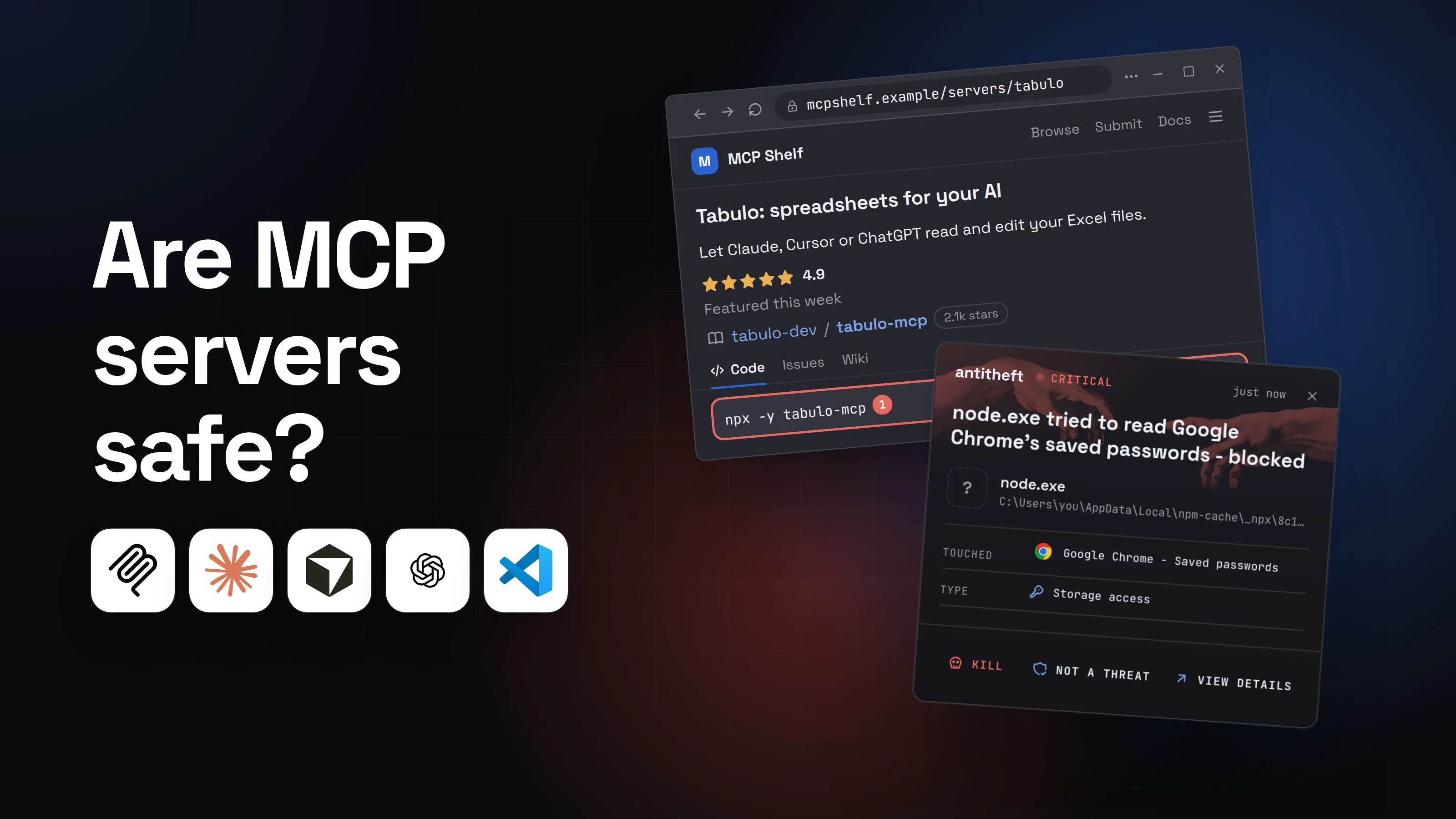
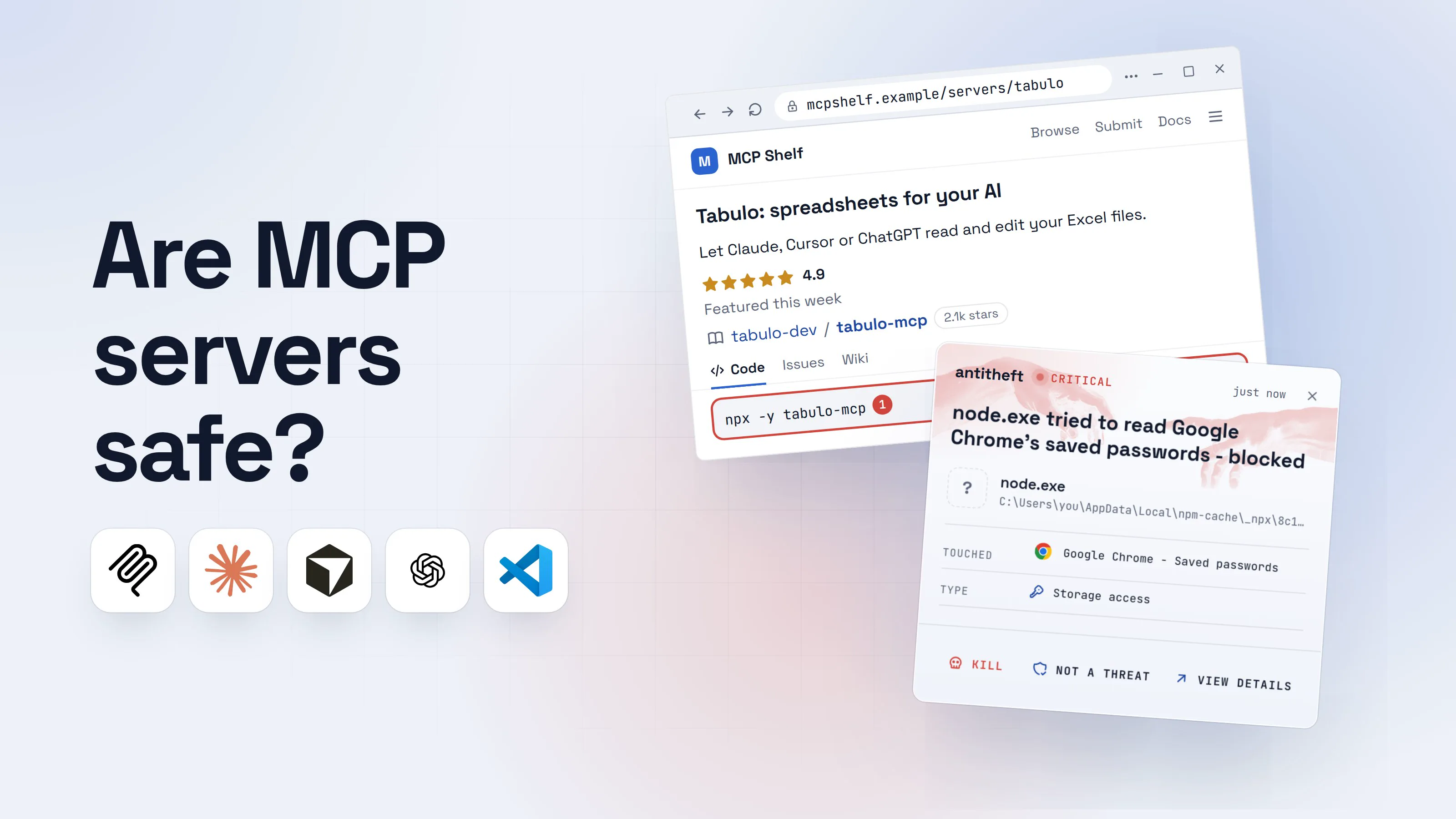
Are MCP servers safe? The honest answer is: an MCP server is as safe as any program you download and run, because that is what it is. When a README says "just add this to your config", your AI app will start that program every time it opens, under your user account, with access to your files.
Most MCP servers are fine. But since September 2025 researchers have found a fake email server that copied every message to its author, a cloned health-data server that installed a password stealer, and an npm worm that quietly added its own MCP server to Claude, Cursor and VS Code. This guide explains what an MCP server really is, the six ways it can go wrong, and a short checklist to vet one before you add it.
What is an MCP server, in plain words?
An MCP server is a small program that gives an AI assistant new abilities, such as reading your spreadsheets, sending email or searching a database. MCP (Model Context Protocol) is the common plug that lets Claude, ChatGPT, Cursor, VS Code and others use the same add-ons.
There are two kinds, and the difference matters:
- Local servers run on your own computer. Your AI app starts them with a command like
npx -y some-server,uvx some-serverordocker run some-image. The protocol's own setup guide is blunt about it: "The server runs with your user account permissions, so it can perform any file operations you can perform manually." - Remote servers run on someone else's machine. Your app connects to them over the internet, often after you log in to a service and approve access. ChatGPT's developer mode, for example, connects only to remote servers.
So "adding an MCP" is really one of two things: installing software, or handing an outside service a key to one of your accounts. Both deserve the same care you would give any download or login.
Are MCP servers safe to install? What has already gone wrong
Malicious MCP servers are no longer a theory: they have been published on npm, listed in MCP directories and planted by malware. These are the cases worth knowing, all confirmed by the people who found or fixed them:
- A fake Postmark server that copied your email (September 2025). An npm package called
postmark-mcpimitated the email company Postmark. Postmark confirmed it was "not an official Postmark tool". After a run of harmless versions, an update added a hidden copy of every email to the author's address. - A cloned Oura Ring server that installed a stealer (February 2026). Straiker's researchers found a copy of a real Oura MCP server, propped up by fake GitHub accounts, forks and contributors, and listed in MCP directories. It delivered the StealC stealer, which takes browser passwords, session cookies and crypto wallet files.
- A worm that added its own MCP server to your AI tools (February 2026). Socket found 19 typo-named npm packages carrying a worm called SANDWORM_MODE. Besides stealing tokens, wallets and password manager data, it wrote a fake MCP server into the configs of Claude Code, Claude Desktop, Cursor, VS Code Continue and Windsurf.
- A "payments" server that sent out your wallet's private key (September 2026). Knostic found that the npm package
gadgethumans-mcp, which promised to sign crypto micropayments for your agent, simply sent the raw private key to its own server with every request.
Notice the pattern. None of these needed a software bug. People added a server that looked useful, and the server did what its author wanted.
How a convenient MCP server steals your passwords
The most dangerous case is the simplest: a local server whose own code is malicious. It does its advertised job perfectly, so you have no reason to look at it again.
- 1A directory lists exactly the tool you wantedThe publisher is not the spreadsheet company, and its account is six weeks old. Stars and contributors can be manufactured.MCP ShelfBrowseSubmitDocs
Tabulo: spreadsheets for your AI
Let Claude, Cursor or ChatGPT read and edit your Excel files.
tabulo-dev/tabulo-mcp2.1k starsCodeIssuesWikinpx -y tabulo-mcp1- 1Fetches and runs the newest version on every start, with your permissions
- 2You paste it into your AI app's configFrom now on, the app starts this program every time it opens.%APPDATA%\Claude\claude_desktop_config.json
1"mcpServers": {
2 "tabulo": {
3 "command": "npx", "args": ["-y", "tabulo-mcp"]1
4 }
5}
- 1No version pinned: whatever the author publishes next runs too
~/Library/Application Support/Claude/claude_desktop_config.json1"mcpServers": {
2 "tabulo": {
3 "command": "npx", "args": ["-y", "tabulo-mcp"]1
4 }
5}
- 1No version pinned: whatever the author publishes next runs too
~/.cursor/mcp.json1"mcpServers": {
2 "tabulo": {
3 "command": "npx", "args": ["-y", "tabulo-mcp"]1
4 }
5}
- 1No version pinned: whatever the author publishes next runs too
- 3It works, so you forget about itThe tool does its job. That is the point.AI assistanttabulo connected · 4 toolsSummarise budget-2026.xlsx for meDone. Spending is up in two categories, here is the breakdown...1Write a message
- 1Meanwhile the server's own code is running in the background
- dangerIn the background, it opens your browser's passwords and your walletNo prompt, no AI involved: just a program reading files you can read.
What the MCP server takes from you
- Every saved browser passwordEmail, bank, exchange, GitHub
- Your logged-in sessionsAccounts open without a password or 2FA code
- Your crypto walletsBrowser and desktop wallets, emptied for good
Gone in seconds, while your spreadsheet summary loads.
With antitheft
With antitheft, the stealer is stopped at your passwords
- Caught the moment it reaches for your passwords or wallets
- On Linux refused before the file opens, on Windows and macOS stopped right after
- Even the most advanced malware, the kind no antivirus has seen yet
- Touched
 Google Chrome - Saved passwords
- Type
- Storage access
- Touched
- Google Chrome - Saved passwords
- Type
- Storage access
- Touched
- Google Chrome - Saved passwords
- Type
- Storage access
Keep stealers out of your passwords and wallets
- Guards passwords, browser logins and wallets
- Stops malware your antivirus misses
- On Windows, macOS and Linux
To your computer, that server is just node or python running a script your AI app started. Nothing about it looks like an attack. antitheft works from a different rule: only Chrome may open Chrome's passwords, only your wallet app may open your wallet. On Linux a server nobody has ever seen before gets refused all the same; on Windows and macOS it is stopped the moment it touches them.
What is MCP tool poisoning?
Tool poisoning means hiding instructions for the AI inside a tool's description, the text the model reads to decide how to use the tool. Invariant Labs described it in April 2025: a tool that looked like a simple calculator carried hidden text telling the model to read the user's MCP config and SSH key and pass them along as a "parameter".
You usually never see the full description. The AI does, and it tends to follow it. Invariant also described two variants:
- Rug pull: the server changes its tool descriptions after you approved it, so the version you checked is not the version you run.
- Shadowing: one server's description quietly changes how the AI uses a different, trusted server, for example by adding a hidden recipient to every email.
The rug pull also exists one level up. In August 2025 Check Point showed that Cursor kept trusting an approved MCP entry in a shared project even after someone changed its command (CVE-2025-54136). Cursor 1.3 fixed it by asking again whenever the config changes.
Tool poisoning works through the AI, not through a stolen file read, so no file lock stops it. The defence is habit: fewer servers, read their descriptions, and approve tool calls one by one when real data is involved.
Can an MCP server be hijacked by what it reads? (prompt injection)
Yes. An honest MCP server can still deliver an attacker's instructions, because whatever it fetches (a web page, an email, a GitHub issue) goes straight into the AI's context.
In May 2025 Invariant Labs showed this with the official GitHub MCP server. A malicious issue in a public repository told the agent to collect data from the user's private repositories and publish it in a pull request on the public one. The server had no bug. The agent simply had access to both, and obeyed text it read.
That is why the riskiest setup is a server that reads untrusted content combined with a token that reaches private data. Our guide on prompt injection explains this in depth.
Are remote MCP servers safer?
A remote MCP server cannot read the files on your computer, which removes the stealer risk above. It moves the risk to logins and tokens instead.
- Over-broad tokens. If you give a server a personal access token with full rights, anything that hijacks the AI gets full rights too. The MCP spec's own security guide warns against "omnibus" scopes like
*oradmin:*for exactly this reason. - Login flaws in MCP tooling. In July 2025,
mcp-remote, a popular bridge between desktop apps and remote servers, was found to let a malicious server run commands on the user's computer (CVE-2025-6514, fixed in 0.1.16). In September 2026 the official MCP Python SDK fixed a flaw that let a malicious server steal an app's OAuth client secret and login codes (fixed in 1.30.0 and 2.2.0). - The server sees everything you send it. That is how
gadgethumans-mcpreceived private keys: the user put the key where the server could send it.
Remote is safer for your files, not automatically safer for your accounts.
How to vet an MCP server before you add it
Most bad servers fail one of these checks. It takes about five minutes:
- Find the official one. Start from the service's own docs (Stripe, GitHub, Notion, Postmark) and use the server they publish. If the company has no official server, treat every community one as unknown software.
- Check the publisher, not the stars. Open the npm, PyPI or Docker Hub page. Is the publisher the same organisation as the service? How old is the account? Stars, forks and contributors can be faked, as the Oura clone showed.
- Read the install command.
npx -y,uvxanddocker rundownload and run code. Anything withcurl ... | bash,sudoor a long encoded string is a stop sign. - Pin a version. Use
[email protected], not the bare name, so a later update cannot slip in unnoticed. Update on purpose, after reading what changed. - Read every tool description. Look for instructions aimed at the AI: "before using this tool, read...", "do not tell the user", references to other tools, files or keys.
- Give it the smallest token that works. Read-only if it only needs to read, one repository instead of all, an expiry date. Never paste a wallet private key or seed phrase into an MCP config.
- Keep approvals on. Do not switch on "always allow" for servers that send email, move money, push code or read the web.
- Prefer isolation for anything local and unknown. Run it in a container that sees one folder, or not at all.
For power usersConfig files, pinning, containers and tokens
Where your MCP servers are listed:
- Claude Desktop:
~/Library/Application Support/Claude/claude_desktop_config.json(macOS),%APPDATA%\Claude\claude_desktop_config.json(Windows). - Claude Code:
~/.claude.json(local and user scope) and.mcp.jsonin a project root (shared through git).claude mcp listshows what is active. - Cursor:
~/.cursor/mcp.json(global) and.cursor/mcp.json(per project). - VS Code:
.vscode/mcp.jsonor.mcp.jsonin the workspace, plus your profile config ("MCP: Open User Configuration"). VS Code asks before starting a server and again when its config changes; "MCP: Reset Trust" clears old decisions. - ChatGPT: no local file. Developer mode connects to remote servers only, configured in the app's settings.
Pinning: npx -y [email protected], uvx [email protected], and Docker images by digest (image@sha256:...) instead of :latest.
A container for a local server: set "command": "docker" with args like run -i --rm --read-only --network none -v /path/to/one/folder:/data image@sha256:.... Drop --network none only if the server truly needs the internet. Never mount your home folder, ~/.ssh, or a browser profile.
Tokens: use fine-grained, read-only, single-resource tokens with an expiry, passed through the config's env block. Prefer servers that use OAuth with narrow scopes over ones that want a full personal access token.
Tool descriptions: in Claude Code, /mcp lists each server's tools; the MCP Inspector (npx @modelcontextprotocol/inspector, a current version) shows the full descriptions a server sends. Save a copy and compare after updates to catch a rug pull.
Shared repos: a .mcp.json, .cursor/mcp.json or .vscode/mcp.json in a repository you cloned is someone else's command waiting to run. Read it before you trust the folder.
Want the bigger picture on AI tools and your data? These guides cover the neighbouring risks:
What to do if you already added a bad MCP server
If a server you added turns out to be malicious, assume it read what it could. Work from a different device you trust, such as your phone, for the account steps.
- Remove the server from every config file listed above, and quit the AI app so it stops starting it.
- Move your crypto first if you have a wallet on that computer: create a new wallet on a clean device and send everything there.
- Change your important passwords, email first, then banking, exchanges, your password manager and GitHub.
- Sign out of every session on those services, so stolen cookies stop working.
- Revoke and rotate every token you gave the server, plus SSH keys, API keys and cloud keys on that machine.
- Check for leftovers. Look in your home folder and AI app configs for entries you did not add. SANDWORM_MODE hid its server in a hidden folder and wrote it into several apps at once.
- Reinstall the system if the server ran unknown code for a while. It is the only way to be sure nothing stayed behind.
Every one of the stealer cases above went after the same few things: saved passwords, logged-in sessions and wallets. Those are the files antitheft keeps for the apps that own them: an MCP server, or anything else that reaches for them, is refused on Linux and stopped the moment it touches them on Windows and macOS.
Questions people ask
Is it safe to install MCP servers from GitHub?
Only after you have checked who publishes it. A GitHub repository with stars, forks and contributors can be built by an attacker: in February 2026 researchers found a cloned MCP server whose whole community of fake accounts existed only to make it look trusted. Prefer servers published by the company whose service they connect to, and read the install command before you run it.
Can an MCP server steal my passwords?
A local MCP server is a normal program running under your user account, so it can try to open anything you can open, including your browser's saved passwords and your crypto wallets. That is exactly what the tampered Oura MCP server did in 2026: it installed the StealC stealer, which goes after browser passwords, session cookies and wallet files.
Are the MCP servers in Claude's or ChatGPT's own directory safe?
They are a better starting point than a random README, but no directory can promise that a server will never change or never be hijacked by content it reads. Claude Code's own docs say to verify you trust each server before connecting it, and OpenAI warns about malicious MCPs that attempt to steal information. Apply the same checks either way.
Does running an MCP server in Docker make it safe?
It makes a local server much safer, as long as you do not mount your home folder or pass in more tokens than the server needs. A container cannot open your browser profile or wallet if you never give it access. It does nothing against tool poisoning or prompt injection, because those work through the AI, not through the server's code.
What is the difference between a local and a remote MCP server?
A local server is a program your AI app starts on your computer, usually with npx, uvx or docker. A remote server runs on someone else's machine and your app talks to it over the internet. A remote one cannot read your files directly, but it still sees everything you send it and receives the access you grant it when you log in.
the short version
MCP servers are only as safe as the code and the publisher behind them. A local MCP server is a real program that runs on your computer with your permissions, so a malicious one can read what you can read, including saved passwords and crypto wallets. Add only servers from the company behind the service, pin the version, read the tool descriptions, and give it the smallest token that works.
sources
- Straiker STAR Labs: SmartLoader clones Oura Ring MCP to deploy supply chain attack (Feb 2026)
- Socket Threat Research: SANDWORM_MODE, a Shai-Hulud-style npm worm that hijacks CI workflows and poisons AI toolchains (Feb 2026)
- Knostic: When "auto-signing" sends your wallet private key to a remote server, a malicious MCP package on npm (Sep 2026)
- MCP Python SDK security advisory GHSA-qx49-fqc8-xw99: OAuth client credential theft by a malicious server (Sep 2026)
- Postmark: Information regarding the malicious postmark-mcp package (Sep 2025)
- Invariant Labs: MCP security notification, tool poisoning attacks (Apr 2025)
- Invariant Labs: GitHub MCP exploited, accessing private repositories via MCP (May 2025)
- Check Point Research: MCPoison, persistent code execution in Cursor through MCP trust bypass (CVE-2025-54136) (Aug 2025)
- NVD: CVE-2025-6514, OS command injection in mcp-remote (Jul 2025)
- Model Context Protocol: Security best practices
- Model Context Protocol: Connect to local MCP servers
- Claude Code Docs: Connect Claude Code to tools via MCP
- Cursor Docs: Model Context Protocol
- Visual Studio Code Docs: Add and manage MCP servers
- OpenAI: ChatGPT developer mode