Fake AI app malware: is that AI tool safe to download?
Fake AI app malware hides in fake ChatGPT installers and free AI video generators. Spot the giveaways, get AI apps safely, and know what to do if you ran one.
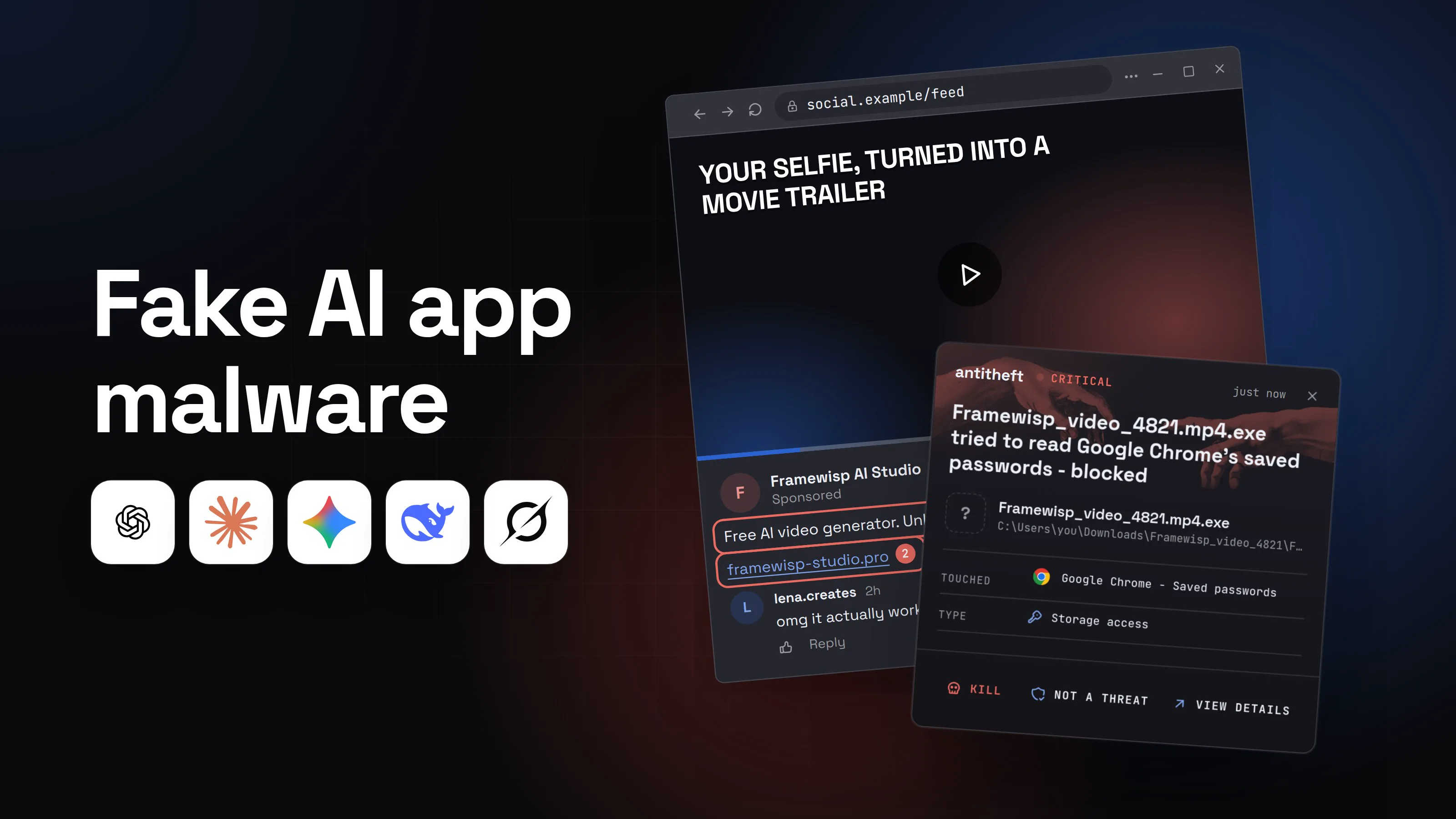
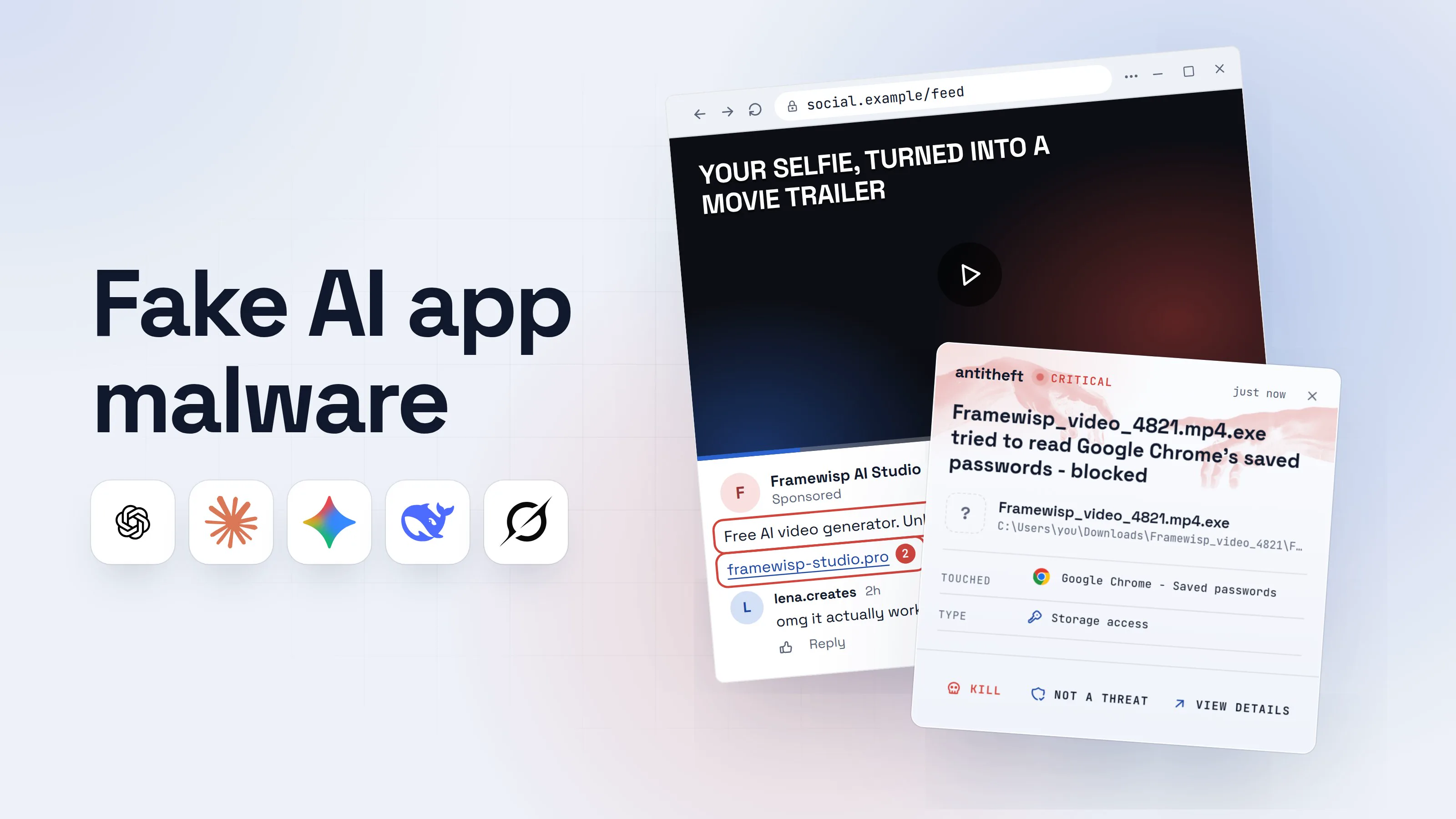
Fake AI app malware rides on the fact that everyone wants to try the new AI tool this week. A post shows a selfie turned into a movie trailer. An ad offers ChatGPT as a desktop app, or a free version of a paid video generator. A tutorial links to "the installer" in its description. The name and the logo are right. The download is a stealer.
It is a big business. From January to early May 2026, Kaspersky detected more than 92,000 attacks of malware and unwanted programs disguised as AI services. Fake ChatGPT apps made up 49% of them, and fake Claude and Gemini apps 18% each.
This guide walks through one fake AI video generator from the ad to the theft, shows the giveaways, and gives you a safe way to get any AI app. Technical details are in boxes you can skip.
How does a fake AI app infect your computer?
A fake AI app infects you when you run a file that a lookalike AI site hands you, usually an installer or a "finished video" that is really a program. Here is the version aimed at creators: a free AI video generator. The tool and its address are made up; the method is not.
- 1A post shows off an amazing free AI video toolAds and posts like this run on Facebook, Instagram, TikTok and YouTube.Your selfie, turned into a movie trailer0:15Framewisp AI StudioSponsoredFollow
Free AI video generator. Unlimited, no watermark, no sign-up.1
framewisp-studio.pro2lena.creates2homg it actually works, made 5 alreadyReply- 1Paid AI video is expensive to run. Free and unlimited is the bait
- 2Not the tool's own site: an extra word and an odd ending
- 2The site really seems to make your videoYou upload a photo, pick a style, and watch a progress bar.Framewisp AICreateGalleryPricing
Turn any photo into a video
beach_photo.jpgUploaded · 2.1 MBStyleCinematic trailerGenerating your video...100%- 1Looks like a real AI tool. The address is the one thing it cannot fake
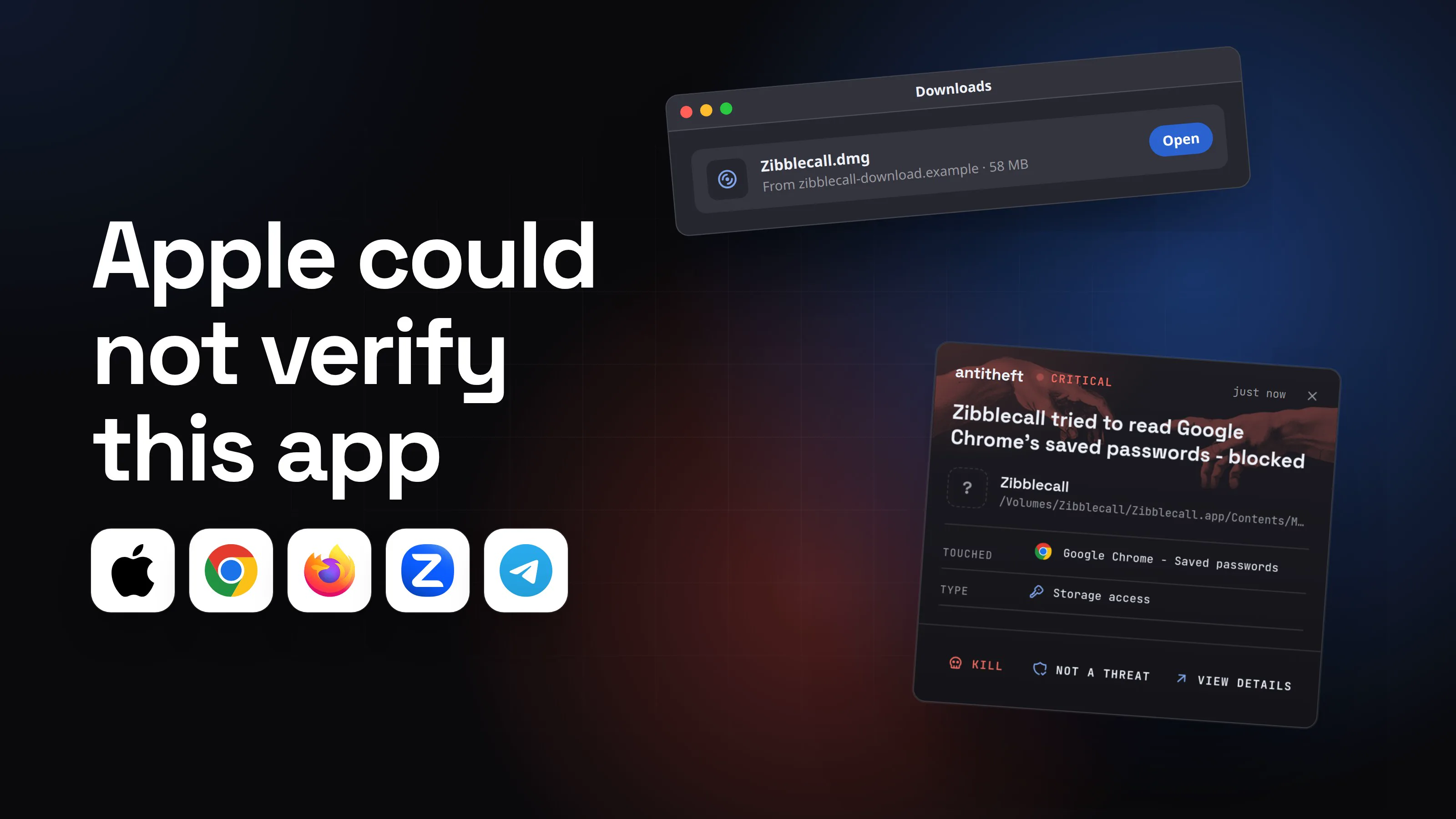
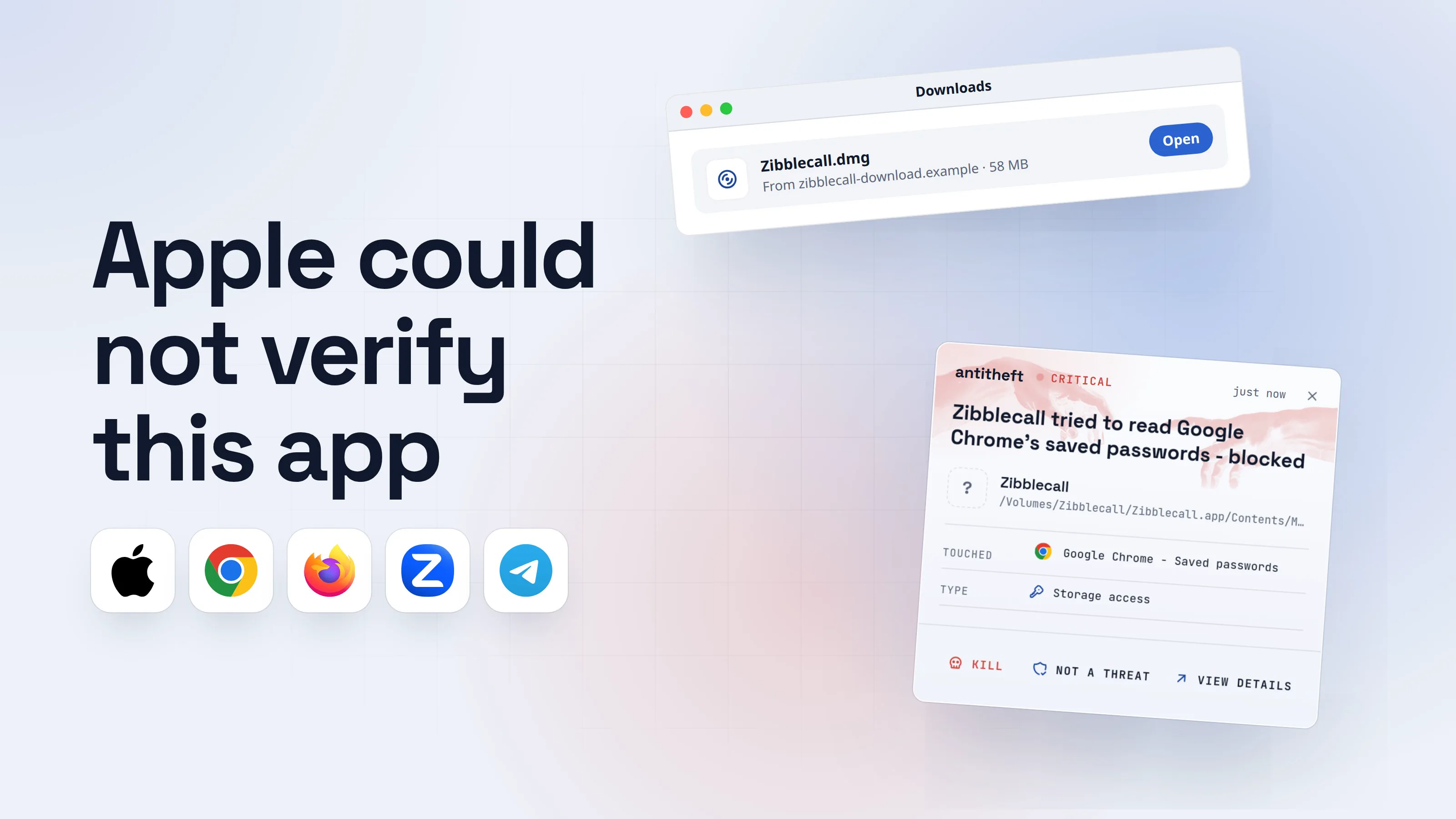
- 3"Your video is ready": you download itThis is the moment to stop. Look at what you are being given.Framewisp AICreateGalleryPricing
Your video is ready!
Your cinematic trailer0:12Download your videoFramewisp_video_4821.zip · 31 MB1Archive passwordfw20262- 1A video comes as a video, never as a zip
- 2A password on a free file stops scanners from looking inside
Framewisp AICreateGalleryPricingYour video is ready!
Your cinematic trailer0:12Download for MacFramewisp_Player.dmg · 34 MB1Our HD player is needed to open your video on macOS.
- 1A .dmg is an app, not a video. Your Mac already plays videos
- 4You open what looks like the videoIt has a video's name, and on Windows even a video's icon.Framewisp_video_4821Framewisp_video_4821.mp4Application · 18.4 MB1readme.txtText Document · 1 KB
- 1Type: Application. A real video says MP4 file. The .exe is hidden at the end of the name
Framewisp PlayerFFramewisp PlayerTerminal1Drag the player into Terminal to play your video in full quality.
- 1A video never needs Terminal. Dragging this in runs a program
- dangerIt copies your passwords, accounts and walletsMaybe a video plays, maybe nothing happens. Either way, it is already done.
What the fake AI app takes from you
- Every saved passwordEmail, bank, exchange, socials
- Your logged-in accountsYouTube, TikTok, Instagram, ChatGPT, opened without a 2FA code
- Your crypto walletsEmptied, with no way to undo it
- Cards saved in your browserUsed or sold within days
Taken in seconds, while you wait for a video.
With antitheft
With antitheft, the stealer is stopped at your passwords
- Caught the moment it reaches for your passwords or wallets
- On Linux refused before the file opens, on Windows and macOS stopped right after
- Even the most advanced malware, the kind no antivirus has seen yet
- Touched
 Google Chrome - Saved passwords
- Type
- Storage access
- Touched
- Google Chrome - Saved passwords
- Type
- Storage access
Keep stealers out of your passwords and wallets
- Guards passwords, browser logins and wallets
- Stops malware your antivirus misses
- On Windows, macOS and Linux
This is how real campaigns work. In May 2025, Mandiant (Google) described fake AI video generator sites, advertised on Facebook and LinkedIn, that showed a loading bar "mimicking an AI model hard at work", then a Download button for a zip holding a program named like an .mp4 video. In November 2025, Bitdefender found Facebook ads for "Sora 2" sending Windows users a zip of programs and Mac users to a Terminal command that installed a stealer.
Is this AI app safe to download? The giveaways
An AI app is safe to download when it comes from the company that makes it, through its own website or an official app store. Everything else deserves suspicion. These checks catch almost every fake:
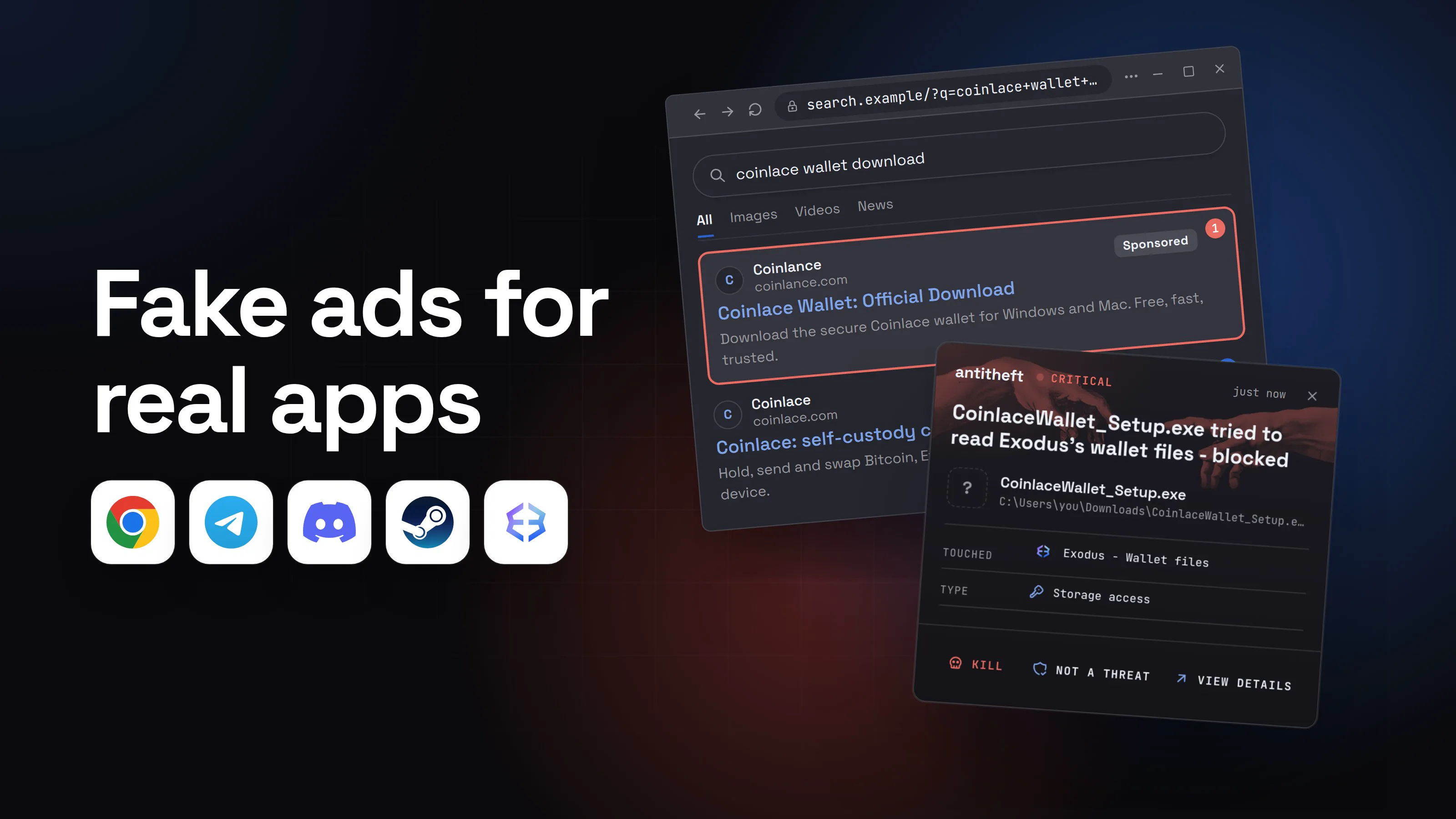
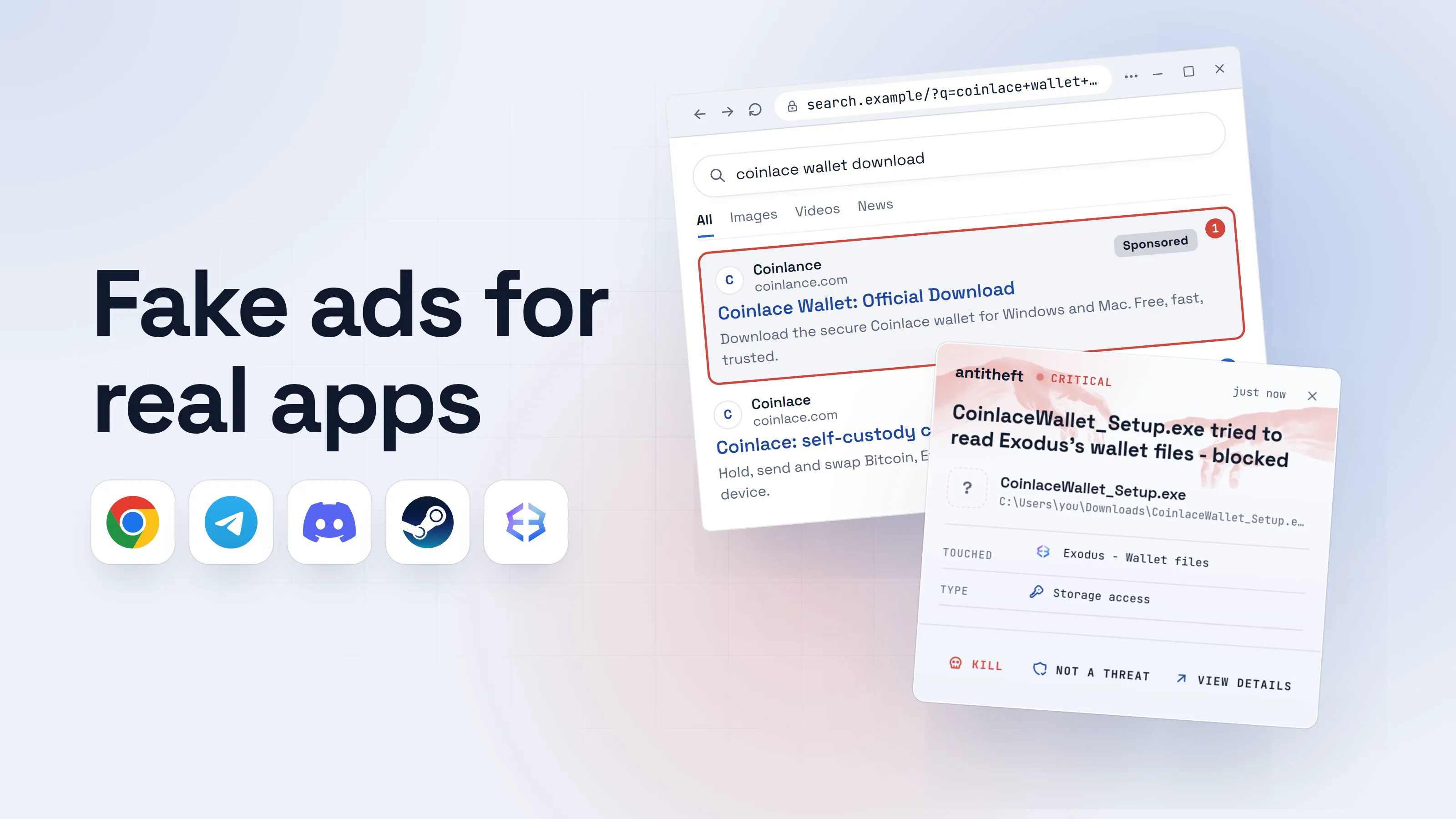
- The address. The real tool lives on its own domain. Fakes add a word (studio, app, download, pro), a hyphen or an odd ending (.app, .pro, .top). In May 2026, a fake ChatGPT download site sat on openew[.]app.
- A download where none should be. Most AI video and image tools run in your browser. If a site makes your video and then hands you a program to "get" it, close it.
- The file type. A video ends in .mp4 or .mov, an image in .png or .jpg. A "video" that is a zip, an .exe, an .msi, a .scr or a .dmg is a program.
- A password on the archive. Free files with a password ("Archive password: 2026") are hiding from scanners. Nobody password-protects a free video.
- Instructions to get around your computer. "Turn off your antivirus", "right-click and Open anyway", "drag this into Terminal" or "paste this command" all mean the file needs your protection out of the way.
- An app that does not exist. Kaspersky found sites in March 2025 offering a Windows "client" for DeepSeek and Grok that neither company made. If you cannot find the app on the maker's own site, it is not real.
For power usersShow file extensions, and why ".mp4.exe" works
Windows hides known extensions by default, so video.mp4.exe shows up as video.mp4. Turn that off: File Explorer, View, Show, File name extensions (Windows 11), or the File name extensions box on the View tab (Windows 10). Mandiant's samples went further: the name padded .mp4 and .exe apart with invisible Unicode characters (Braille pattern blanks), so even with extensions shown, the .exe was pushed out of sight. The Type column in Details view still says Application. On a Mac, Finder, Settings, Advanced, Show all filename extensions, and Get Info (Cmd+I) shows the real kind: an app or disk image is never a movie.
Which fake AI apps are going around right now?
Every AI tool with a buzz gets copied, usually within days of its launch. The ones security researchers documented in the last year include:
- Fake ChatGPT desktop app. In May 2026, Malwarebytes found a copy of OpenAI's download page offering Chat_GPT.exe for Windows and ChatGpt.dmg for Mac. The Mac version was a stealer that went after saved passwords, browser cookies, Telegram, the Keychain and crypto wallets, and tried to swap real wallet apps for the attacker's copies.
- Fake Sora 2. In November 2025, Bitdefender tracked Facebook ads for Sora 2 aimed at content creators, leading to a lookalike site that installed a Mac stealer or a Windows zip of malware.
- Fake Claude. In April 2026, Malwarebytes described a fake Claude site whose installer ran the real app while a remote-control program started in the background. In May 2026, Trend Micro reported Google ads for "Claude Code install" leading to fake install pages that collected browser data and wallet data.
- Fake AI trading agents. In September 2026, HP Wolf Security reported tradingclaw[.]pro, a site posing as an AI crypto trading bot and promoted through search poisoning and paid ads. Its zip swapped the victim's browser wallet for a fake one that sent the wallet password to the attackers.
- Fake AI tools on Mac. Microsoft reported in February 2026 that Atomic Stealer, one of the most common Mac stealers, was spreading through fake AI tool installers.
Notice the pattern: the brand changes every month, the trick does not. The searched-for version, where the fake sits in a Sponsored search result for the app, has its own guide: fake ads for real apps.
Are AI browser extensions safe?
An AI browser extension is only as safe as its publisher, and fake ones sit right next to the real ones in the store. In February 2026, LayerX found 30 Chrome extensions posing as Claude, ChatGPT, Gemini and Grok assistants, installed by over 260,000 users. Several carried the Chrome Web Store's "Featured" badge. They sent the pages people read, and in some cases their Gmail messages, to the operators.
An extension works inside your browser with whatever permissions you give it, so the defence here is a habit: install only the extension the AI company itself links to from its website, check the publisher name, and remove the ones you no longer use. What you paste into AI chats, and extensions that read them, are covered in is ChatGPT safe.
How to get AI apps safely
The safe way to get any AI app takes a minute and works for every brand, including the ones that launch next month:
- Start from the company's own website. Type chatgpt.com, claude.ai, gemini.google.com or the tool's address yourself, or use a bookmark. Follow its own Download link, never one from an ad, a post or a video description.
- Use the web version when you can. ChatGPT, Claude, Gemini and most AI video and image tools work in your browser. A web page needs no download, so there is nothing to fake.
- Use the official app store for apps. Microsoft Store, Mac App Store, App Store or Google Play. Open the listing from the maker's own site when it links one.
- Check the publisher. In the store, the developer name should be the company (OpenAI, Anthropic, Google). On Windows, an installer's publisher should be that company, never "Unknown publisher".
- Skip "free" versions of paid tools. Free unlimited access to a paid AI model, a "pro unlocked" build or a "leaked" app is the bait itself.
- Download only files that match what you asked for. A video is a video. If what arrives is a zip, an installer or a password, delete it.
What to do if you already ran a fake AI app
If you opened a file from a fake AI site or a "your video is ready" download, act as if a stealer ran. Do the following from a different, clean device, such as your phone:
- Disconnect the computer from the internet.
- Move your crypto first. Create a new wallet with a new seed phrase on a clean device and send your funds there.
- Change your email password, then banking, exchanges, your password manager, your social and creator accounts, and your AI accounts.
- Sign out of every session in each account's security settings. This kills stolen logins, even ones protected by two-factor.
- Turn on two-factor authentication wherever it was off, and check your social accounts for posts, ads or admins you did not add.
- Rotate any API keys you kept on that computer for AI services.
- Reinstall the computer before you log back into anything on it.
Our guide to what an infostealer is explains what was most likely taken and why the order matters.
Why a lock on your passwords beats spotting every fake
Every month brings a new AI tool and a new copy of it. You can learn the giveaways and still miss one on a busy day, especially when the fake runs the real app in front of you.
antitheft does not try to recognise the fake. It protects what the fake is after: your passwords, browser logins, session cookies and wallets. When a "video" from a fake AI site reaches for your Chrome passwords or your wallet, it is refused on Linux before the file opens, and stopped the moment it touches them on Windows and macOS, even if nobody has seen that stealer before.
For the rest of this series, start with is AI safe to use.
Questions people ask
Is there a real ChatGPT app for Windows and Mac?
Yes. OpenAI makes official ChatGPT apps for Windows, macOS, iPhone and Android, and links to all of them from its own websites (openai.com and chatgpt.com). Get it from there or from your system's app store. A ChatGPT "desktop app" offered by an ad, a video description or any other website is the fake one.
Is it safe to download DeepSeek, Sora, Claude or Gemini?
The real apps from the maker's own site or an official app store are what you want. The danger is the copies: sites that borrow the name and offer a download the maker never published. In March 2025 Kaspersky found sites copying DeepSeek and Grok that offered a Windows "client" that did not exist and installed a backdoor instead. If you are not sure an app exists, use the web version.
Do I need to download anything to use an AI video or image generator?
Almost never. The well-known AI video and image tools run in your browser or in an official phone app. A site that makes your video and then hands it to you as a zip file or a program is the clearest sign of a fake: a real video downloads as a video.
My antivirus did not flag the file. Does that mean it is safe?
No. Fake AI apps are rebuilt and repacked all the time, often inside a password-protected archive that scanners cannot open, or wrapped around a genuine signed program. A clean scan only means nobody has flagged that exact copy yet. Judge the file by where it came from.
Can a fake AI app steal my ChatGPT or Claude account?
Yes. The stealers behind fake AI apps copy your browser's logged-in sessions, and those include your AI accounts along with your email and socials. Whoever holds that session can open your account and read your chat history without your password. Sign out of every session and change the password if you ran a suspicious file.
the short version
Fake AI app malware is a stealer dressed up as a popular AI tool: a "ChatGPT desktop app", a free AI video generator, a DeepSeek or Claude installer. You find it through an ad, a social post or a tutorial, and the download empties your saved passwords, logged-in accounts and crypto wallets. Get AI apps only from the maker's own site or an official app store, use the web version when you can, and treat any "video" that arrives as a zip or a program as malware.
sources
- Malwarebytes: Fake ChatGPT download site infects Windows and Mac users with malware (May 2026)
- Kaspersky: more than 92,000 malware attacks disguised as AI services (press release) (May 2026)
- HP Wolf Security Threat Insights Report, September 2026 (fake AI trading agent delivering Needle Stealer) (Sep 2026)
- Bitdefender: ClickFix malware chain expands, fake TradingView and Sora 2 ads on Meta now target macOS users (Nov 2025)
- Malwarebytes: Fake Claude site installs malware that gives attackers access to your computer (Apr 2026)
- Trend Micro: InstallFix and Claude Code, how fake install pages lead to real compromise (May 2026)
- Microsoft Security: Infostealers without borders, macOS, Python stealers and platform abuse (Feb 2026)
- LayerX: AiFrame, fake AI assistant extensions targeting 260,000 Chrome users via injected iframes (Feb 2026)
- Google Cloud / Mandiant: Text-to-malware, how cybercriminals weaponize fake AI-themed websites (UNC6032) (May 2025)
- Kaspersky: Trojans masquerading as DeepSeek and Grok clients (Mar 2025)
- Claude: download the desktop and mobile apps (official)