Is it safe to save passwords in your browser? Honest answer
Is it safe to save passwords in your browser? Encrypted, yes, but a stealer running as you can reach them. Browser vs password manager, and how to switch.
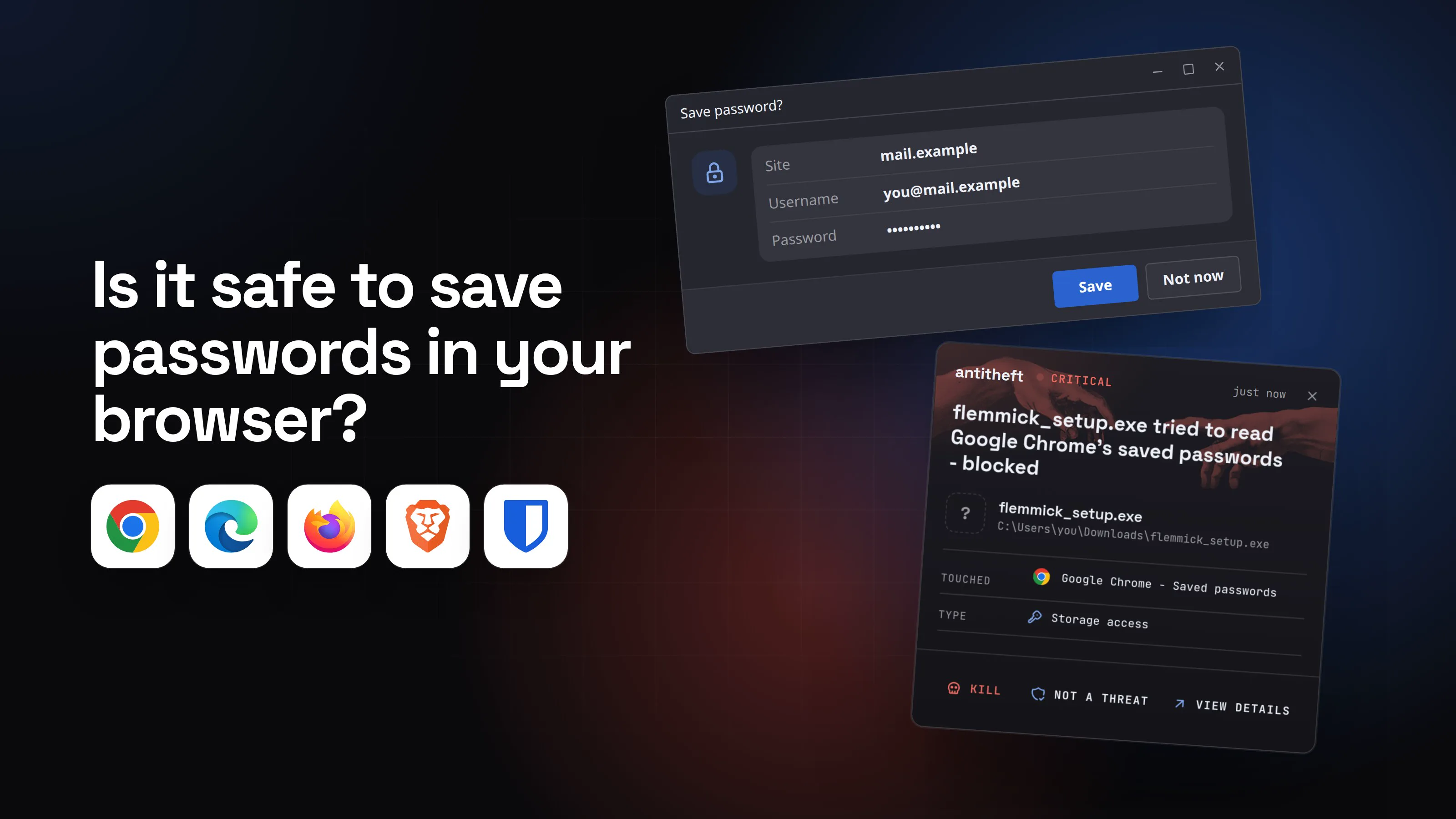
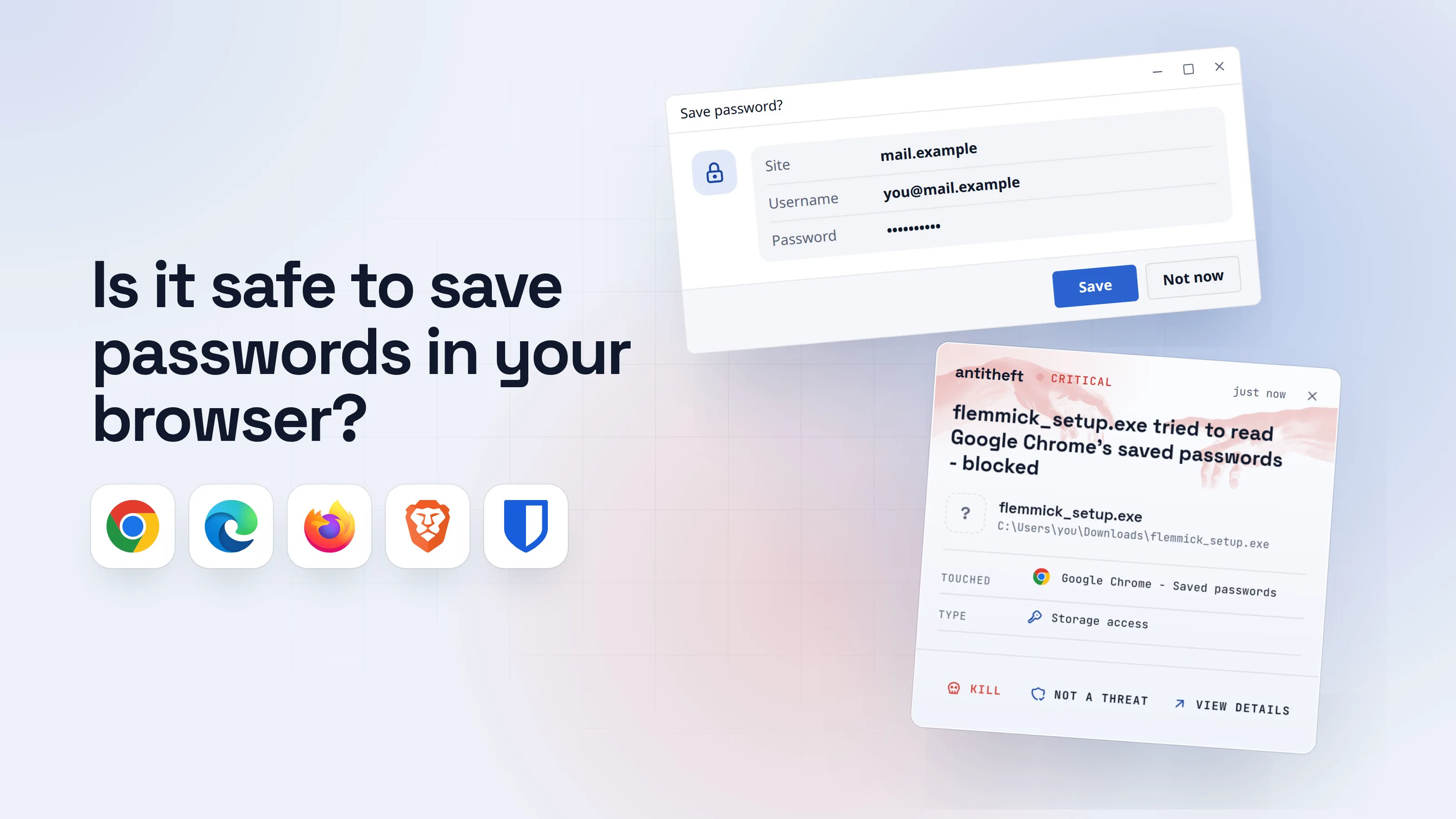
Is it safe to save passwords in your browser? Against most everyday risks, yes. The passwords are encrypted, the browser fills them in for you, and CISA itself lists built-in browser managers as a free way to stop reusing passwords. Against a stealer that is already running on your computer, no: the browser has to be able to read its own passwords, and a program running as you can usually ask the same questions the browser does.
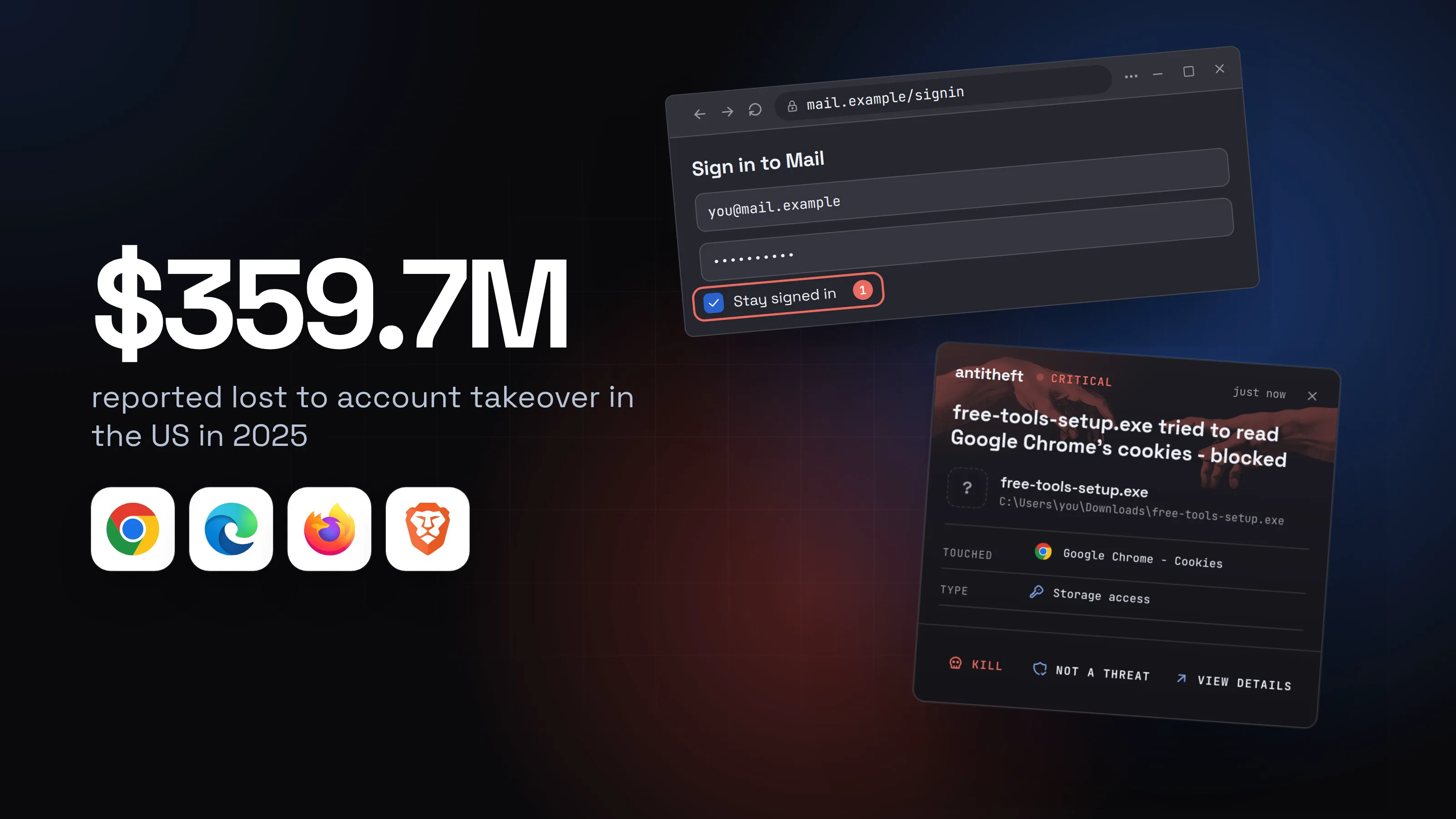
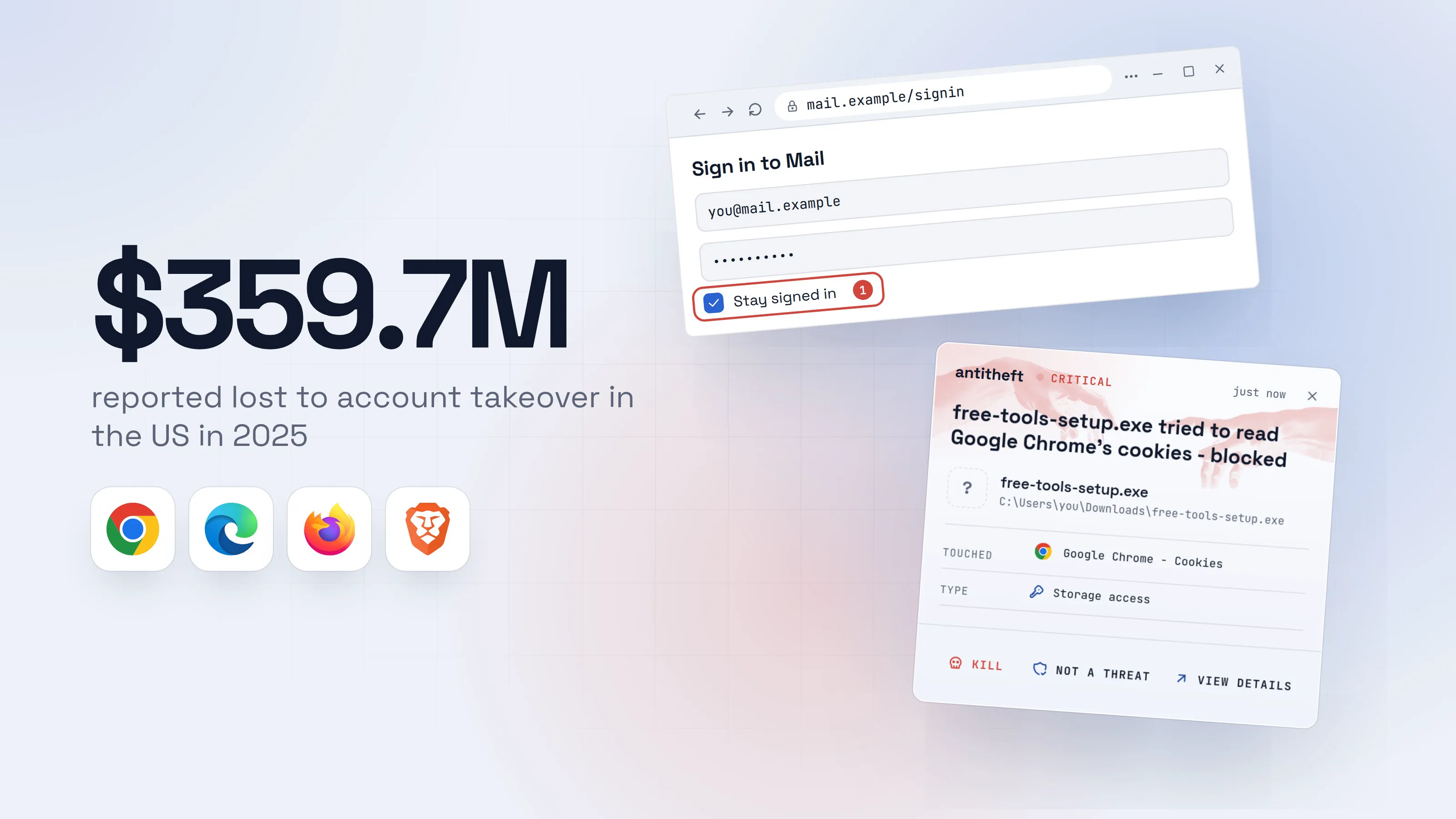
That difference matters because logins are where money goes. The FBI's 2025 report counts about 4,700 account takeover complaints and $359.7 million in reported losses. The FBI's own write-up of that category describes scammers posing as a bank's support, so it is about tricked logins, not stealers. Stolen files are the other road to the same place.
Source: FBI IC3, 2025 Internet Crime Report, Apr 2026
This guide is a fair comparison of the browser and a password manager, built only on vendor documents and published research: what the encryption protects and against whom, what a stealer running as you can reach, what changed in recent browser versions, what to use, and how to move.
What does the browser's encryption actually protect?
Browser encryption protects saved passwords from people and programs that are not you. It does not protect them from a program that is you, because the key has to be reachable every time you sign in.
Where the key lives depends on the system:
- Windows (Chrome, Edge). Google's Chrome team explains that Chrome uses Windows' Data Protection API (DPAPI). It protects data from other users and from someone with the disk, but, in their words, not from malicious tools or scripts that run code as the logged-in user. That is what stealers are.
- macOS. Google described its newer Windows protection as similar to how the Keychain operates on macOS, so the Mac's Keychain is the comparison Google itself reaches for.
- Linux. Chromium's own documentation lists five places for the key: GNOME's libsecret, three versions of KDE's KWallet, or plain text. Chromium picks automatically and falls back to plain text if the others are not available. In plain text mode, the documentation says plainly, passwords are not encrypted.
- Firefox. Passwords sit in
logins.jsonand the key inkey4.dbinside your profile. Mozilla states that without a Primary Password, anyone who copies both files can read your saved logins. Setting a Primary Password encrypts the key with it. - Sync. With Google's standard encryption the keys are stored in your Google Account, where Google can use them. Google's optional on-device encryption keeps the key with you instead.
What can a stealer running as me reach?
A stealer running as you can reach whatever your own programs can, and that includes the browser's password files and the keys that open them. Nothing special has to be broken: it uses your permissions.
Here is the ordinary version, from your side of the screen.
- 1You let the browser save a loginConvenient, and for most days perfectly reasonable.Save password?SaveNot now
- 2Months later, you run something you should not haveA cracked app, a fake update, a command a web page told you to paste. See how a stealer gets in.Flemmick Tools Setup1F
Installing Flemmick Tools
Copying files...64%- 1A program from a download you trusted too fast, now running as you
- dangerIt opens the browser's saved passwordsIt does not break the encryption. It asks the way your browser does, with your permissions.
What it takes from your browser
- Every saved loginEmail, bank, shops, socials
- Your email accountThe door to every reset link
- Reused passwordsOne stolen password opens every account that shares it
Read in seconds, while you keep working.
With antitheft
With antitheft, the stealer is stopped at the browser's passwords
- Caught the moment it reaches for your passwords or wallets
- On Linux refused before the file opens, on Windows and macOS stopped right after
- Even the most advanced malware, the kind no antivirus has seen yet
- Touched
 Google Chrome - Saved passwords
- Type
- Storage access
- Touched
- Google Chrome - Saved passwords
- Type
- Storage access
- Touched
- Google Chrome - Saved passwords
- Type
- Storage access
Keep stealers out of your passwords and wallets
- Guards passwords, browser logins and wallets
- Stops malware your antivirus misses
- On Windows, macOS and Linux
That is the gap antitheft closes for the browser: on Linux its app refuses every program except the browser itself the right to open the browser's saved passwords and logins, so a stealer nobody has seen before still gets nothing from that store. On Windows and macOS it stops such a program the moment it touches them. It guards password managers the same way: the files of 1Password, Bitwarden, Keeper, NordPass, Proton Pass and Enpass, and the settings of KeePass and KeePassXC. A KeePass database file itself is yours to place, so its master password is what protects it. And no app stops a password you type into a phishing page. How stealers get in is in what is an infostealer.
What changed in recent browser versions?
Browsers have made stealing harder since 2024, and stealers have adapted each time. These are the changes worth knowing, in order.
- Chrome 127, July 2024: App-Bound Encryption on Windows. A Windows service checks which app asks for the key, so another program running as you should be refused. It started with cookies, and Google said it would expand to passwords, payment data and other tokens. Elcomsoft's January 2026 review still describes cookies as the protected data, so do not assume your passwords are covered.
- By October 2024: workarounds. Elastic Security Labs documented Stealc, Vidar, Lumma and others getting past it, by reading Chrome's memory or by asking Chrome's own helper service to decrypt. Their conclusion: it is "not a panacea", but it pushed attackers toward noisier methods that defenders can spot.
- December 2025 to March 2026: VoidStealer. A stealer rented as a service attaches to Chrome as a debugger and reads the key from memory at the moment it is in plain form. CSO Online credits Gen researcher Vojtěch Krejsa with the finding. It takes passwords and cookies, without admin rights or code injection.
- Chrome 146, April 2026: Device Bound Session Credentials on Windows. This ties a logged-in session to the device's own security chip, so a stolen session cookie quickly stops working. It covers cookies, not saved passwords, sites must add support, and macOS comes later.
- Edge 148, May 2026: passwords no longer loaded at startup. A researcher showed Edge held every saved password in plain text in memory for the whole session. Microsoft first called this by design, then announced a change to decrypt only when needed, in builds 148 and newer.
For power usersThe pattern behind the list
Each defence tries to tell the browser apart from other programs running as the same user: a service that checks the caller, a key kept in memory only briefly, a key bound to hardware. Each one is a hurdle for malware that can run code in the browser's process or attach a debugger to it. That is why Google describes the goal as raising cost and noise. A rule outside the browser that decides who may open the password store is a different kind of defence, which is the idea behind what antitheft does.
Is a password manager safer than the browser?
A dedicated password manager is safer than a browser mainly because its vault is locked behind a master password you type, not because its encryption is stronger on a computer that already runs a stealer. Bitwarden's documentation is a good example of the model: the vault is encrypted with AES-256, the key is derived from your master password, and everything is encrypted on your device before it syncs, so the company cannot read it.
| Browser (Chrome, Edge, Firefox) | Dedicated manager (Bitwarden as the example) | |
|---|---|---|
| What opens the passwords | Your computer account, plus Firefox's optional Primary Password | A master password you type |
| Who can read synced passwords | Google can by default, unless you set on-device encryption | Only you ("zero knowledge") |
| Locking | Firefox asks for the Primary Password once per session | Lock or log out after a timeout |
| On the stealer target lists | Torg Grabber lists 25 Chromium browsers and 8 Firefox variants | The same stealer lists 103 password managers and two-factor tools |
Read the last row twice. Managers are targets too: BleepingComputer's March 2026 report on Torg Grabber says its list of 850 browser extensions includes LastPass, 1Password, Bitwarden, KeePass, NordPass and Dashlane. What it copies from a locked vault is encrypted, and your master password decides how hard that is to crack. If the vault is unlocked while a stealer runs, that protection is gone. Bitwarden's own page warns that its "Never" timeout stores the key unencrypted on the device.
A manager has one more real advantage: it fills a login only where the saved address matches. Bitwarden's default is base domain matching, so a lookalike page on another domain gets no suggestion, and the missing fill is your warning. Autofill on page load is off by default in Bitwarden, because compromised or untrusted pages could take advantage of it.
What should I use? A recommendation for ordinary people and for power users
The best password store is the one you will actually use for every account, with a different password on each. Reusing passwords is the larger risk, and a stolen password only opens one door if it is unique.
For most people: use a password manager, keep the browser's saving switched off.
- Pick a reputable manager and give it a long master password you have never used elsewhere. A few random words work.
- Turn on two-factor authentication for the manager and for your email.
- Set a short lock timeout, and avoid "Never".
- Keep your browser and system updated, and keep antivirus on. It catches known malware, and the new, unknown program is the gap that remains.
If you would rather stay with the browser, that is a defensible choice, and CISA says so. Then do these things: update the browser (Edge 148 or newer), keep your computer account password strong, never save card details or one-off secrets there, and turn on two-factor authentication on the accounts that matter. Consider Google's on-device encryption only if you understand it cannot be removed once set up.
For power usersFor power users
Use a manager with a long master password, a hardware security key on the accounts that support it, and passkeys wherever a site offers them: a passkey leaves no password to steal. Check Bitwarden's vault timeout action: Lock keeps vault data on the device so it can unlock offline, Log out removes it. On Linux, confirm Chromium is using libsecret or KWallet and not the plain text fallback (--password-store=basic). Set a Firefox Primary Password. Run risky downloads and installers under a separate user account or a VM, so "running as you" is not your daily account. And do not treat "encrypted" as the same word as "safe from a process on the same machine".
How do I move passwords from my browser to a password manager?
Moving takes about ten minutes, and the one risky moment is the exported file, which is not encrypted. Do it on a computer you trust is clean. If you suspect it is not, do it from another device and read what to do if your passwords were stolen first.
- Pick the manager and finish its setup: master password, two-factor authentication, and the recovery option it offers.
- Export from Chrome. Open
chrome://password-manager/settings, find Export Passwords and click Download file. Your computer may ask for its password. You get a CSV file. - Import into the manager. In Bitwarden's web app that is Tools > Import: choose the Vault, the File format for Chrome, Choose File, then Import. Other managers have an equivalent import page.
- Delete the CSV file right away, and empty the trash. Bitwarden's guidance is to delete it so you are protected if your computer is compromised.
- Remove the passwords from Chrome. Open More > Passwords and autofill > Google Password Manager, select each entry under Passwords and choose Delete.
- Switch off saving. In the same place open Settings and turn off Offer to save passwords and passkeys.
- Replace the passwords that matter most (email, bank, exchange) with new ones the manager generates. Anything that was in the browser for years has had more time to leak.
Edge and Firefox have the same export, delete and save-offer switches in their own password settings. The menu names differ, so open the password page in each browser and look for those three actions.
What if my browser passwords were already stolen?
If a stealer may have run, treat every saved password as known to someone else and change them from a different, clean device. Start with email, then banking, exchanges and the password manager itself.
- Disconnect the suspect computer and use your phone or another device.
- Change passwords in order: email, banks and exchanges, the manager's master password, then the rest.
- Sign out of every session on every important account, so stolen login cookies stop working. See session cookie theft.
- Turn on two-factor authentication wherever it was off.
- Clean or reinstall the computer before you sign back in on it.
The full list is in passwords stolen: what to do.
Where does this leave you?
Use a password manager, treat the browser's built-in one as a decent fallback, and remember the honest limit of both: a program running as you is the threat they handle worst. Browser makers are making that harder, one version at a time, and stealers keep adapting. For the browser's own store, antitheft refuses everything except the browser on Linux, and stops anything else that touches it on Windows and macOS. For the rest of your habits, the list above is the answer.
Questions people ask
Is Chrome's password manager safe?
It is safe against most everyday risks: it generates and fills passwords, and CISA lists built-in browser managers as a free option. Its weak spot is a program running as you. Google's own engineers wrote that Windows' encryption does not protect against malware that runs as the logged-in user, and stealers have kept finding ways around the extra protection Chrome added in 2024.
Can Google see the passwords I save in Chrome?
By default, yes in principle. Google's help page says the keys for standard encryption are stored in your Google Account, where Google can use them. On-device encryption is optional and keeps the key with you, so only you can read your passwords, but Google warns it cannot be removed once set up and that losing all your recovery options means losing the passwords.
Are passwords safer in Firefox, Edge or Safari than in Chrome?
No browser changes the basic limit: the passwords have to be readable by the browser, which runs as you. Firefox lets you set a Primary Password, and Mozilla says that without one anyone who copies two files from your profile can read your saved logins. Edge loaded every saved password into memory at startup until a fix announced in May 2026. Pick on features, then add a manager if you want a separate lock.
Is a password manager like Bitwarden or 1Password safer than the browser?
Usually, mainly because the vault is locked behind a master password you type and can lock again after a timeout. It is not magic: stealers list password managers among their targets, and an unlocked vault on an infected computer is exposed. A long master password plus a short lock timeout is what makes it stronger.
Should I turn off password autofill in my browser?
If you keep saving passwords in the browser, Malwarebytes advises turning off autofill for them and using two-factor authentication. The simpler fix for most people is to move to a password manager that fills only when the saved address matches the page.
What is the best way to protect browser passwords from malware?
Do not run what a stealer arrives as (cracked software, fake updates, commands pasted from a web page), keep the browser and system updated, and use two-factor authentication. antitheft adds a local lock: on Linux its app refuses every program except the browser the right to open the browser's saved passwords and logins, even a stealer nobody has seen before, and on Windows and macOS it stops such a program the moment it touches them.
the short version
Saving passwords in your browser is safe enough against a stranger who picks up your computer, and weak against a program that runs as you, which is exactly what a stealer is. A dedicated password manager is safer mainly because its vault sits behind a master password and locks itself. Either beats reusing one password everywhere. If you stay with the browser, keep it updated and never run cracked or "fix it" downloads.
sources
- FBI Internet Crime Complaint Center: 2025 IC3 Annual Report (account takeover) (Apr 2026)
- Google Security Blog: Improving the security of Chrome cookies on Windows (App-Bound Encryption, Chrome 127) (Jul 2024)
- BleepingComputer: Google Chrome adds app-bound encryption to block infostealer malware (Jul 2024)
- Elastic Security Labs: Katz and Mouse Game, MaaS infostealers adapt to patched Chrome defenses (Oct 2024)
- CSO Online: Chrome ABE bypass discovered, new VoidStealer malware steals passwords and cookies (Mar 2026)
- Kaspersky: How VoidStealer bypasses Chrome's protections to hijack sessions and steal data (May 2026)
- Elcomsoft: Browser forensics in 2026, app-bound encryption and live triage (Jan 2026)
- Google: Protecting cookies with Device Bound Session Credentials (Chrome 146) (Apr 2026)
- SecurityWeek: Google rolls out cookie theft protections in Chrome (Apr 2026)
- BleepingComputer: Microsoft backpedals, Edge to stop loading passwords into memory (May 2026)
- Malwarebytes: Microsoft says Edge's plaintext password behavior is by design (May 2026)
- BleepingComputer: New Torg Grabber infostealer targets 728 crypto wallets (Mar 2026)
- Chromium docs: Linux password storage
- Mozilla Support: Use a Primary Password to protect stored logins and passwords
- Google Account Help: On-device encryption for Google Password Manager
- Google Chrome Help: Manage your passwords
- Bitwarden Help: What encryption is used?
- Bitwarden Help: Vault timeout
- Bitwarden Help: URI match detection
- Bitwarden Help: Import from Chrome, Edge and Chromium browsers
- CISA Secure Our World: Use strong passwords