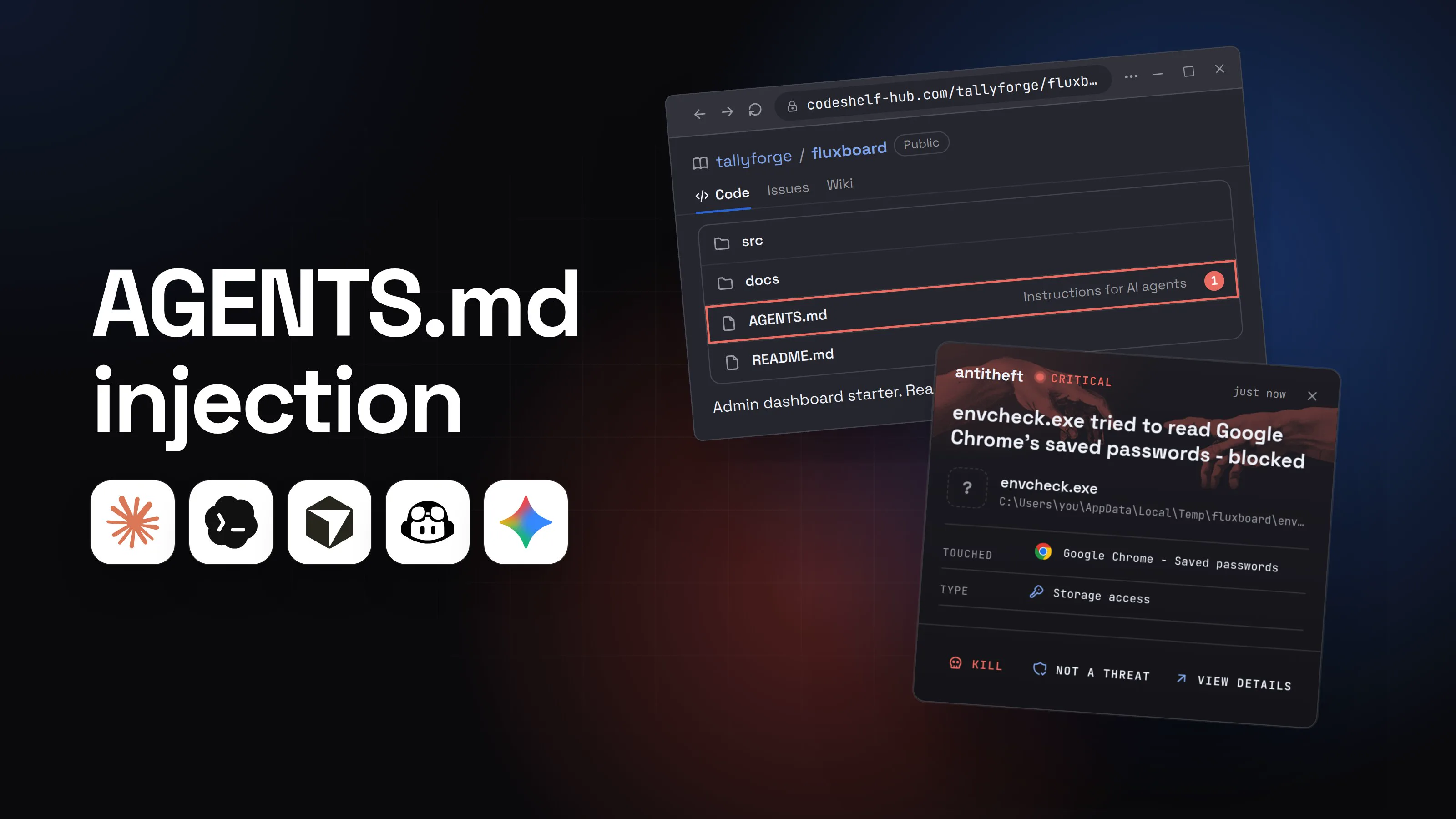
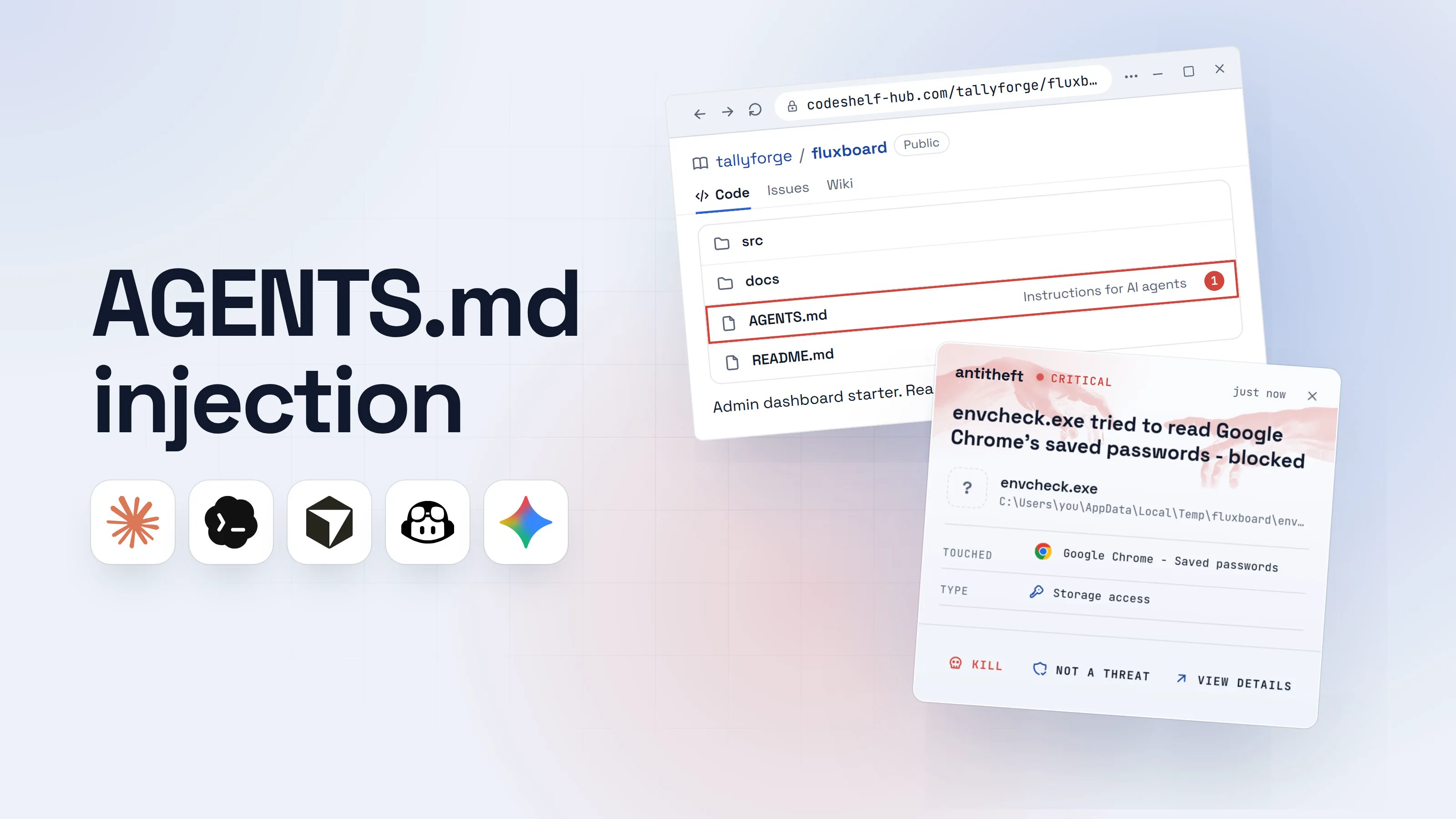
Fake job interview malware: the coding test that robs you
A recruiter offers a dream remote job, then sends a repo to run as a test. Here is how fake job interview malware empties wallets, and how to run a task safely.
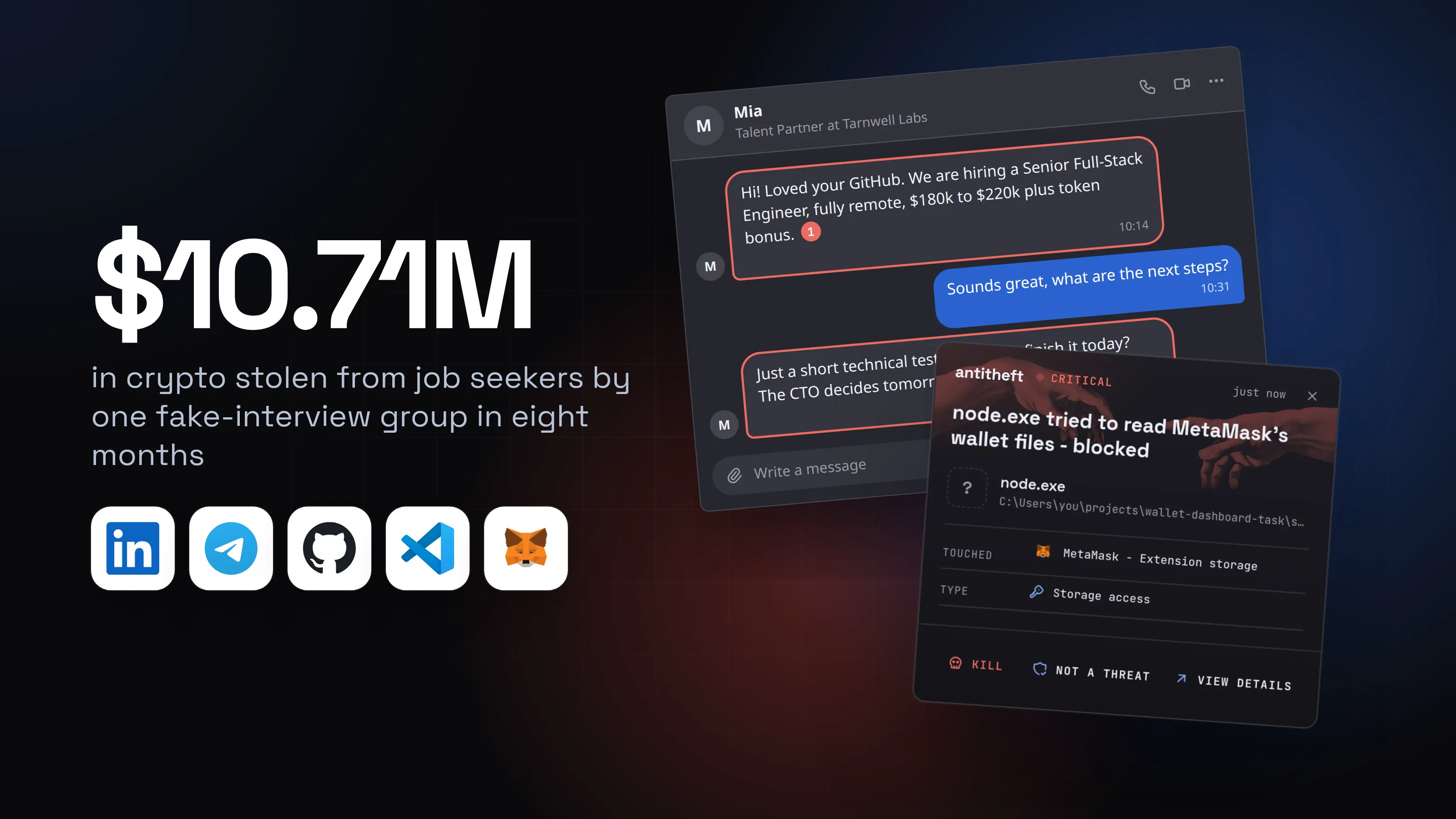
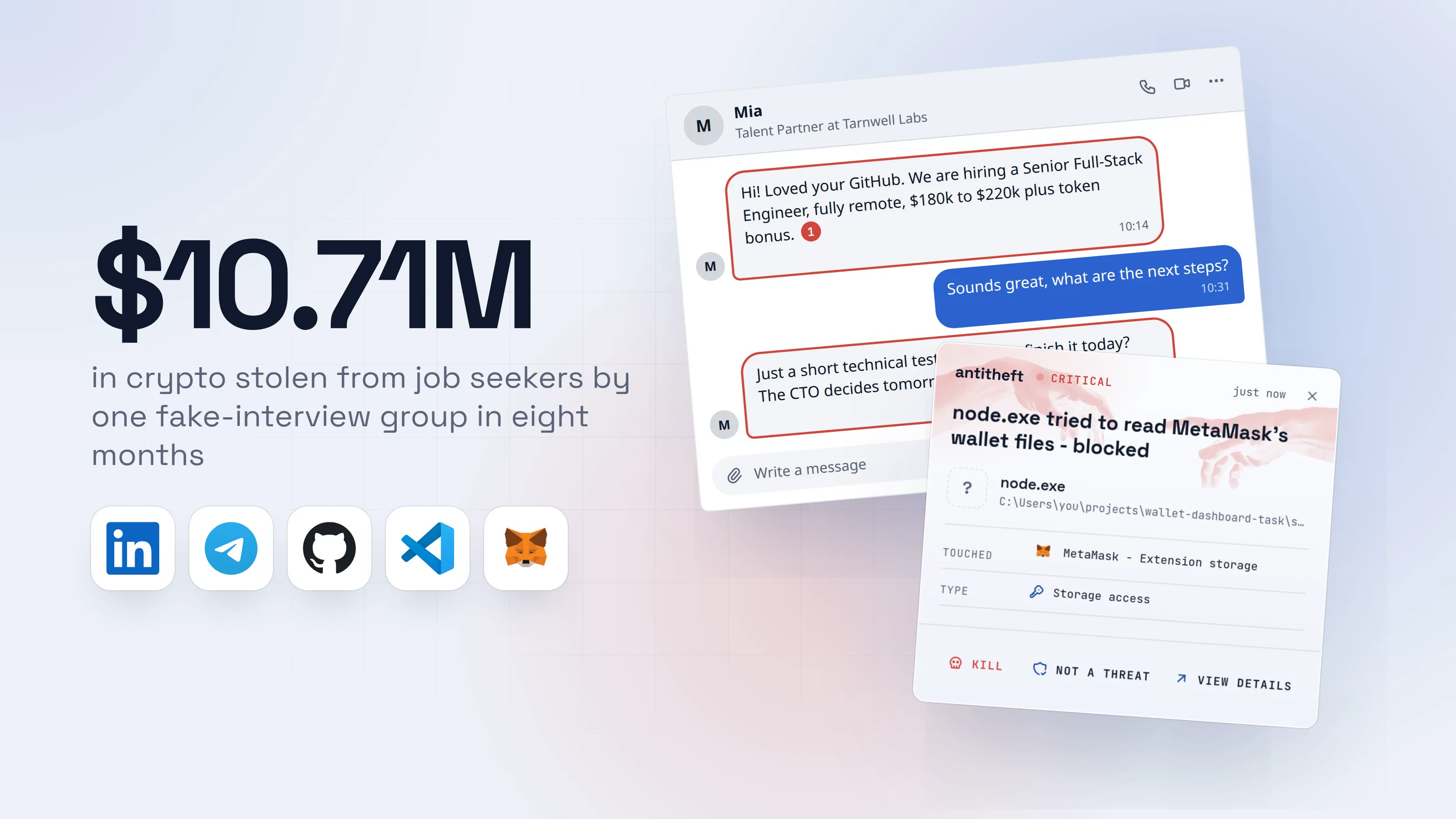
Fake job interview malware is one of the most effective tricks aimed at developers and crypto workers right now. A friendly recruiter messages you on LinkedIn, Telegram or a freelance site. The job is remote, well paid and exactly your stack. The last step before an offer is a short coding test: clone this repository and run npm install && npm start.
That command runs code the "company" wrote, on your computer, with your permissions. In September 2026, police and intelligence agencies from Japan, the United States, Australia and Germany published a joint warning about one group running this scheme.
Source: Japan NPA, FBI and partners, joint advisory, Sep 2026
The agencies name the group WaterPlum, also known as Contagious Interview. Its targets are web designers, engineers and people who work in crypto, blockchain and Web3. This guide shows what the trap looks like, how to run a take-home task without betting your savings on it, and what to do if you already ran one.
How a fake job interview turns into malware
Nothing about the test looks dangerous. The repository is a normal-looking web app, often a crypto dashboard or an AI demo, with a README and a task. The harmful part hides in a place most people never open before running a project.
- 1A recruiter offers you a dream remote jobThe company looks real: a website, a LinkedIn page, a team photo.MiaTalent Partner at Tarnwell LabsHi! Loved your GitHub. We are hiring a Senior Full-Stack Engineer, fully remote, $180k to $220k plus token bonus.110:14Sounds great, what are the next steps?10:31Just a short technical test. Could you finish it today? The CTO decides tomorrow morning.210:32Write a message
- 1A cold message with pay well above the market
- 2Urgency, so you run it before you think
- 2The test is a repository to clone and runReading the code is optional. Running it is the step they care about.tarnwell-labs/wallet-dashboard-taskPublicCodeIssuesWikiscriptsadd setup helpersrcbalance chartpackage.jsonupdate dependencies
Take-home task: wallet dashboard
Fix the bug in the balance chart and send us a screenshot. Time limit: 60 minutes.
npm install && npm start1Questions? Message Mia on Telegram.
- 1This runs the company's code on your own computer, not just the part you will edit
- 3Install runs a hidden setup script firstThe app starts and looks normal. That is the point.Windows PowerShellTerminalTerminal
PS C:\Users\you>you@MacBook ~ %you@laptop:~$npm install
> [email protected] postinstall
> node scripts/setup.js1
added 312 packages in 9s
PS C:\Users\you>you@MacBook ~ %you@laptop:~$npm start
Dashboard running at hxxp://localhost:3000
- 1Runs automatically on install and quietly downloads the stealer
- dangerThe stealer reaches for your passwords and walletsBefore you have even found the bug you were asked to fix.
What the fake test takes from you
- Every saved browser passwordEmail, exchange, GitHub, cloud consoles
- Your logged-in sessionsAccounts open without a password or 2FA code
- Your crypto walletsBrowser and desktop wallets, emptied for good
- Your password manager vaultEvery other account in one file
Taken in seconds, while the dashboard loads.
With antitheft
With antitheft, the stealer is stopped at your passwords
- Caught the moment it reaches for your passwords or wallets
- On Linux refused before the file opens, on Windows and macOS stopped right after
- Even the most advanced malware, the kind no antivirus has seen yet
- Touched
 MetaMask - Extension storage
- Type
- Storage access
- Touched
- MetaMask - Extension storage
- Type
- Storage access
- Touched
- MetaMask - Extension storage
- Type
- Storage access
Keep stealers out of your passwords and wallets
- Guards passwords, browser logins and wallets
- Stops malware your antivirus misses
- On Windows, macOS and Linux
The agencies describe exactly this: job seekers told to download and run files "to complete a coding assignment", using npm packages that carry stealing malware. Microsoft describes the same pattern, plus a variant where simply opening the project in VS Code and clicking "trust" runs the attacker's task file.
For power usersWhere the code hides in a repository
package.jsonscripts:preinstall,install,postinstallandpreparerun onnpm installwithout you typing anything else.start,devandtestrun on the commands the README tells you to type..vscode/tasks.json: a task with"runOn": "folderOpen"starts when you open the folder and grant trust. The advisory names a malware family, StoatWaffle, that uses exactly this.- Dependencies: the advisory says the group publishes malicious npm packages, so the payload can sit in a small package the project depends on, not in the repository itself, so also check unfamiliar names in
dependencies. - Long single lines, base64 blobs,
eval,Function(, or code that fetches a URL and runs what comes back. The advisory specifically flagscurl,base64,-enc,mshta,iwrandhiddenin commands and scripts.
Red flags in a recruiter's message
Each of these alone can be innocent. Two or three together should stop you before you run anything.
- The offer finds you. A cold message with a salary well above the market, for a role that fits you perfectly.
- Crypto, AI or NFT company. The advisory says this group often poses as companies in exactly these fields, and has also used recruiting services.
- Everything is today. "Finish it in an hour", "the CTO decides tomorrow". Real hiring is rarely that rushed.
- The test must run on your machine. A real coding exercise rarely needs a full install of someone else's app.
- The call keeps breaking. Agencies saw interviewers turn their video off after a few minutes, blame the network, and ask you to turn yours off too.
- Your camera or microphone "does not work" on their meeting site, and they send a fix to install or a command to paste.
- The conversation moves to Telegram or another chat app soon after the first message.
Not sure about a company? Look it up yourself instead of using the links they send: find its real site, its real careers page, and someone who works there on a channel you found on your own.
The "video interview app" version
Some fake interviews skip the coding test. On the call, the interviewer says their meeting software needs an update, or that your camera is not working, and sends you a download or a command to "fix" it. The agencies list this too: files run "to troubleshoot an error in the online video conferencing platform".
Real interviews use the meeting tools everyone already has, in the browser or from the official app store. Nobody needs you to install a special app from a link in a chat, and no meeting tool is fixed by pasting a command. If that happens, say you will rejoin from your phone, and end the call.
The same trick runs on fake CAPTCHA pages and fake updates. The guide on what an infostealer is shows the other ways these stealers get onto a computer.
How to run a take-home test safely
You can do take-home tasks without trusting a stranger with your real computer. The joint advisory gives the same core advice: only run unknown code inside a sandbox or virtual machine, and check it for unreadable sections first.
- Read before you run. Open
package.jsonon the website or in a plain text editor and read thescriptssection. Look for a.vscodefolder and open its files too. - Do not open it in VS Code as trusted. When VS Code asks "Do you trust the authors of the files in this folder?", choose No. Restricted Mode stops tasks from starting on their own.
- Use a throwaway virtual machine. A fresh VM with no browser logins, no wallets and no keys in it. Delete it when the interview is over.
- Or at least a container without your files. A container that sees only the project folder, never your home folder, SSH keys or cloud credentials.
- Install without running scripts. Use
npm install --ignore-scriptsso install hooks do not run, then decide what you actually need to start. On npm 12 (July 2026 and later) dependencies' install scripts stay off unless you approve them withnpm approve-scripts, so do not approve a stranger's. That does not cover the project's ownstartordevscript, which runs the moment you follow the README. - Never on the computer that holds your money. Keep wallets, exchange logins and real work accounts off the machine you test on.
For power usersA quick isolated setup
- Disposable container with only the task folder:
docker run --rm -it -v "$PWD":/app -w /app node:22 bash, thennpm install --ignore-scriptsinside it. No-v ~/.ssh, no--network host, no environment variables with tokens. - List what will run on install:
npm pkg get scripts, and look for an install script in each dependency withgrep -l '"postinstall"' node_modules/*/package.jsonafter an--ignore-scriptsinstall. - Python tasks: read
setup.py,pyproject.tomlbuild hooks and anything inrequirements.txtthat points to a git URL or a private index beforepip install. - A VM beats a container for code you have reason to doubt: it does not share your kernel, and a snapshot gets you back to clean in seconds.
What to do if you already ran it
If you ran a recruiter's test or "meeting fix" and you are not sure what it did, act as if a stealer ran. The advisory says the same: even after malware is removed, assume your wallet data has already left. Work from a different device you trust, such as your phone.
- Disconnect the computer from the internet.
- Move your crypto first. Create a new wallet on a separate, clean device and send everything there. Write the new seed phrase on paper, offline.
- Change your important passwords: email first, then exchanges, password manager, GitHub and cloud accounts.
- Sign out of every session on those services, so stolen cookies stop working.
- Rotate your developer secrets. Replace SSH keys, API tokens and cloud keys, and check your Git and cloud accounts for keys or apps you did not add.
- Reinstall the operating system before you use that computer for anything important again.
- Tell your employer if the computer ever touched work accounts. The advisory warns that stolen developer logins are used to get into the companies those developers work for.
For power usersChecks worth doing while you rotate
Look for new startup items: scheduled tasks and the Run registry keys on Windows, LaunchAgents on macOS, systemd user units and crontab on Linux. Check your shell profile files for lines you did not add. Review GitHub for new SSH or deploy keys, personal access tokens and authorised OAuth apps. Revoke npm and PyPI tokens too, so your own packages cannot be used to spread the same malware.
Why your passwords and wallets need their own lock
Antivirus looks for programs it already knows. Fake interview malware is rebuilt and repackaged constantly, and to your computer it is just node or python running a script you started yourself. Nothing about that looks like an attack.
There is a simpler rule. Your browser's saved passwords should only be opened by your browser. Your MetaMask or Exodus wallet should only be opened by that wallet. When a script from a take-home test reaches for them, the answer should be no.
That is what antitheft does. Only the app that owns your passwords, browser logins, wallets and game accounts may open them, so even a stealer nobody has seen before, started from a project folder you trusted, walks away with nothing.
Questions people ask
Are take-home coding tests always a scam?
No. Plenty of real companies send take-home tasks. The difference is what they ask you to run and how they behave. A real employer can explain the task on a call, does not mind you reading the code first, and does not care whether you run it in a virtual machine. Be careful when a stranger with a dream offer insists the test is done today, on your own computer, with npm install and npm start.
Is it safe just to clone a repository?
Cloning only copies files, so on its own it runs nothing. The danger starts when you install dependencies, start the project, or open the folder in an editor and click "trust". Read package.json and any .vscode folder before you do any of those.
Does running the test in Docker make it safe?
It makes it much safer, as long as you do not mount your home folder or pass in your SSH keys and tokens. A container still shares your computer's kernel, so a throwaway virtual machine with nothing personal on it is the stronger choice for code from someone you do not know.
I use a Mac. Am I safe from this?
No. These tests are Node.js projects and Python scripts, and those run the same way on Windows, macOS and Linux. The stealer behind them goes after the same things on every system: browser passwords, logged-in sessions and crypto wallets.
What should I do if I already ran a recruiter's test?
Disconnect the computer, then from a different, clean device move your crypto to a brand new wallet, change your important passwords and sign out of every session. Rotate SSH keys, API tokens and cloud keys as well. The full list is in the section on what to do if you already ran it.
the short version
Fake job interview malware arrives as a "technical test": a recruiter with a great remote offer sends you a repository to run, or an app to install for the video call. Running it starts a stealer that takes your browser passwords, logged-in sessions and crypto wallets. Never run a stranger's code on your real computer: read package.json first, and use a throwaway virtual machine.
sources
- GitHub Changelog: npm install-time security (npm v12 generally available, dependency lifecycle scripts off unless allowed) (Jul 2026)
- NPA, NCO, FBI, DC3, ASD's ACSC, BND and BfV: North Korean "WaterPlum" (Contagious Interview) cyber actor group targeting IT professionals (joint advisory, PDF) (Sep 2026)
- Japan National Police Agency: the same joint advisory on its own site (PDF) (Sep 2026)
- Microsoft Threat Intelligence: Contagious Interview, malware delivered through fake developer job interviews (Mar 2026)
- npm Docs: scripts (install lifecycle scripts and --ignore-scripts)
- Visual Studio Code Docs: Workspace Trust and Restricted Mode